How to Stream Content with the YouTube TV App on Android
Open the YouTube app.. Sign in to YouTube TV.. Tap the Live tab.
Steps
1
Open the YouTube app.
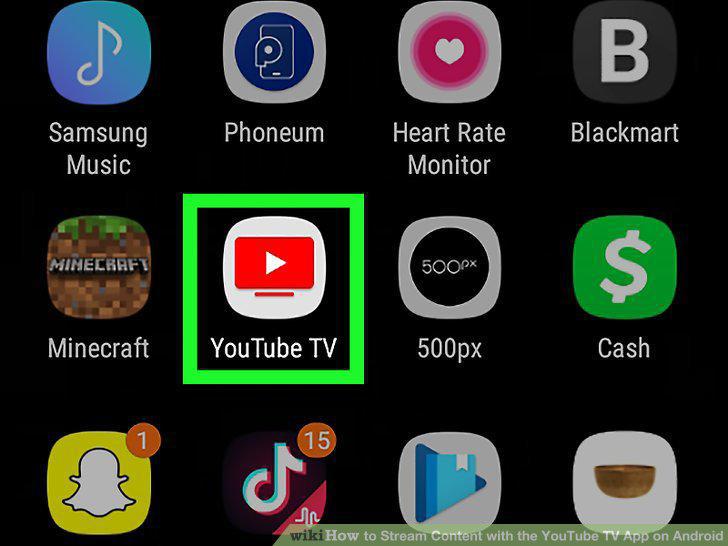
Open the YouTube app.
2
Sign in to YouTube TV.
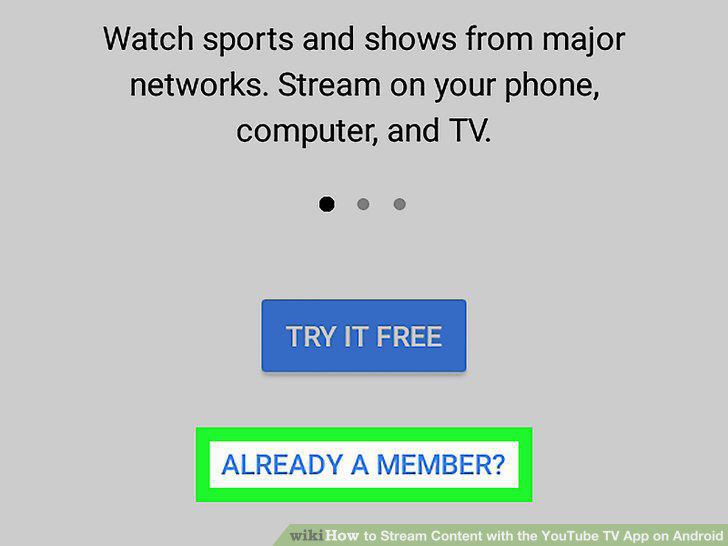
Sign in to YouTube TV.
3
Tap the Live tab.
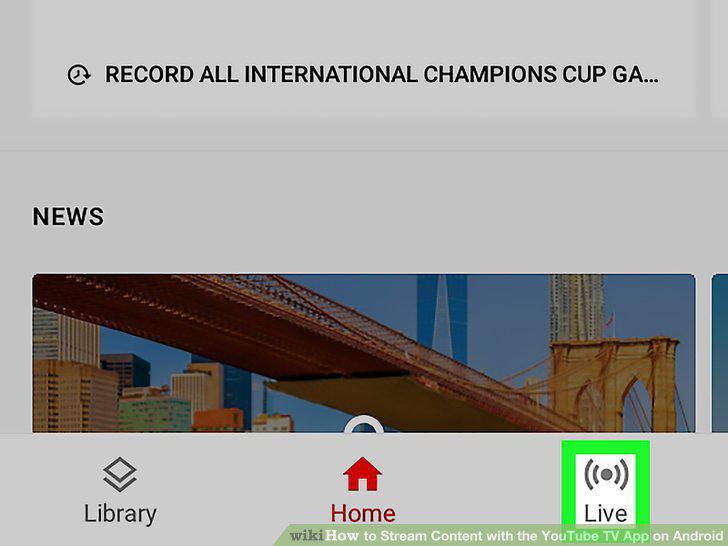
Tap the Live tab.
4
Swipe up and down to browse channels.
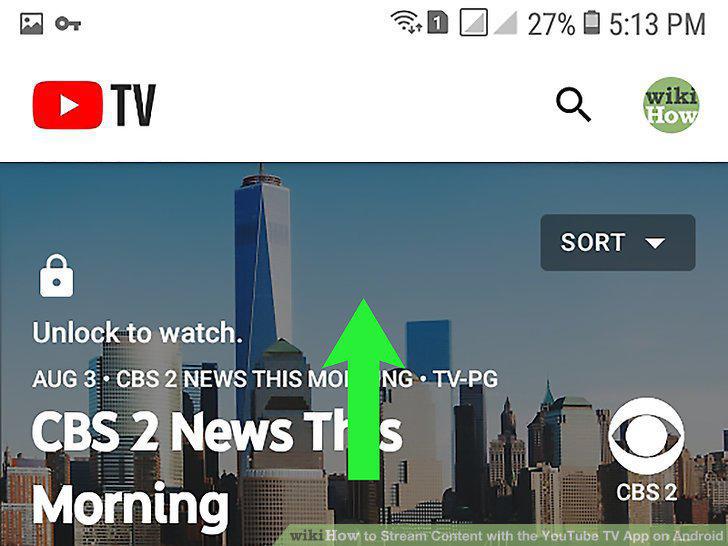
Swipe up and down to browse channels.
5
Tap a channel preview to watch the channel.
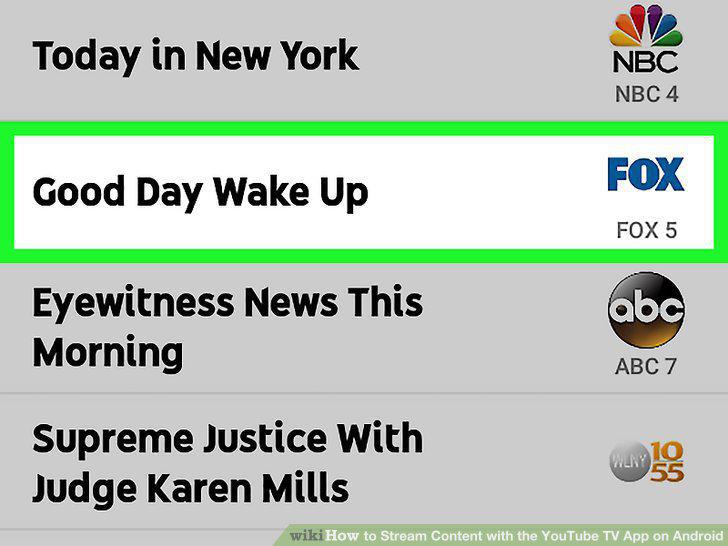
Tap a channel preview to watch the channel.
6
Open the YouTube app.
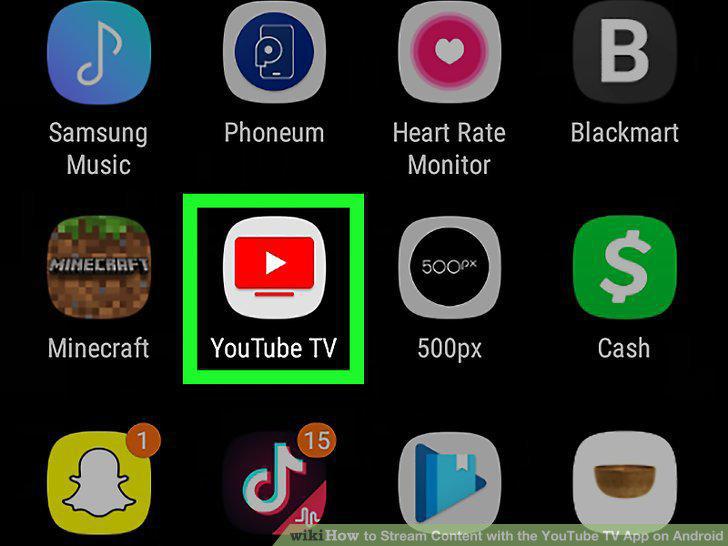
Open the YouTube app.
7
Tap .
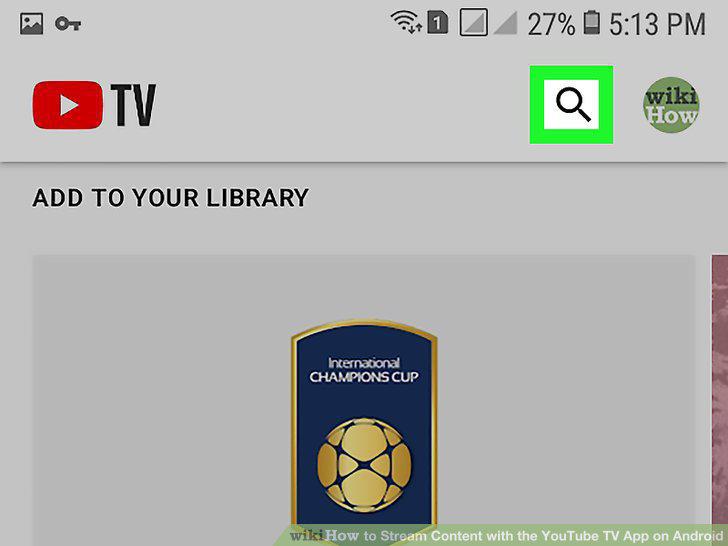
Tap .
8
Browse TV shows.
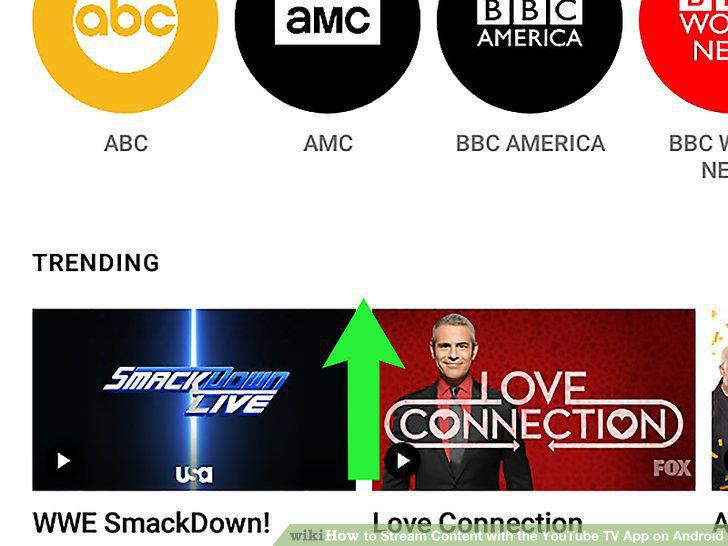
Browse TV shows.
9
Tap a show's thumbnail image.
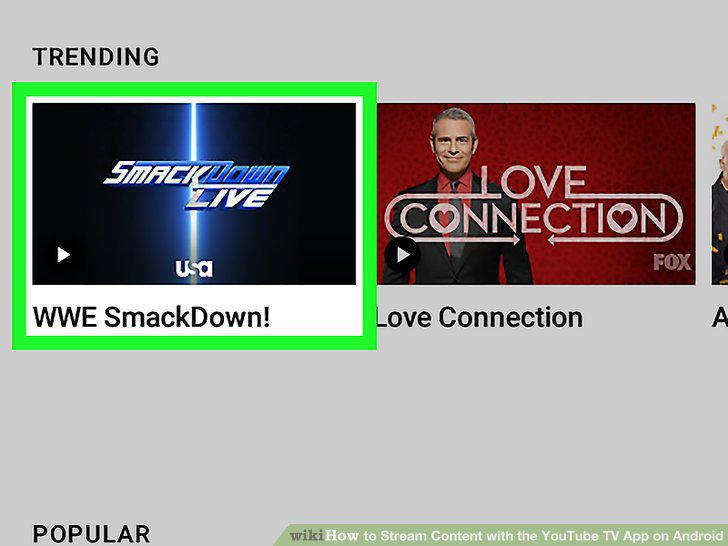
Tap a show's thumbnail image.
10
Tap Recent or Episodes.
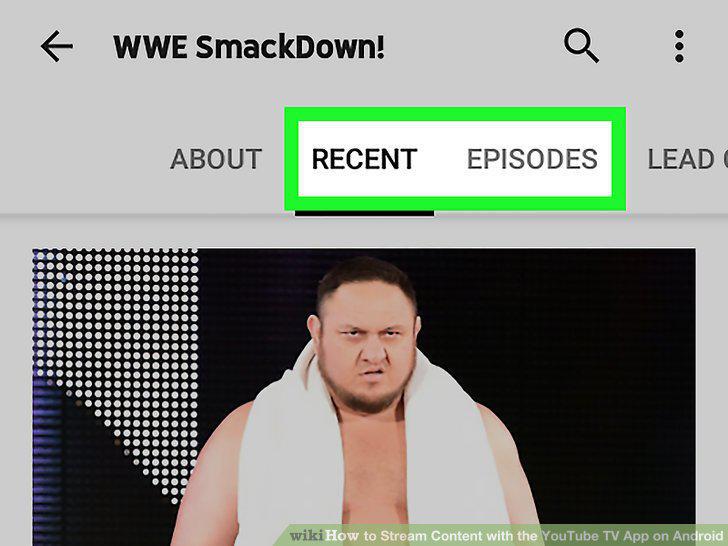
Tap Recent or Episodes.
11
Tap an episode to play it.

Tap an episode to play it.
Comments (0)
No comments yet. Be the first to share your thoughts!