How to Ban Someone from a Discord Chat on a PC or Mac
Navigate to https://www.discordapp.com.. Select the server that hosts the channel.. Select a channel.
Steps
1
Navigate to https://www.discordapp.com.
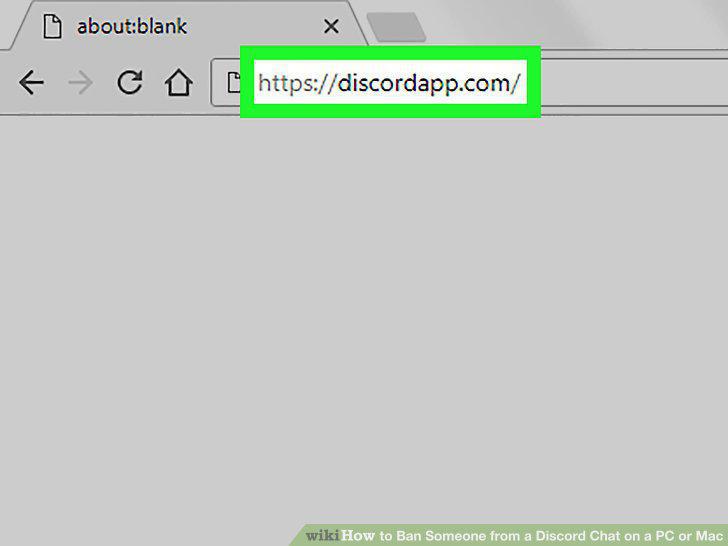
Navigate to https://www.discordapp.com.
2
Select the server that hosts the channel.
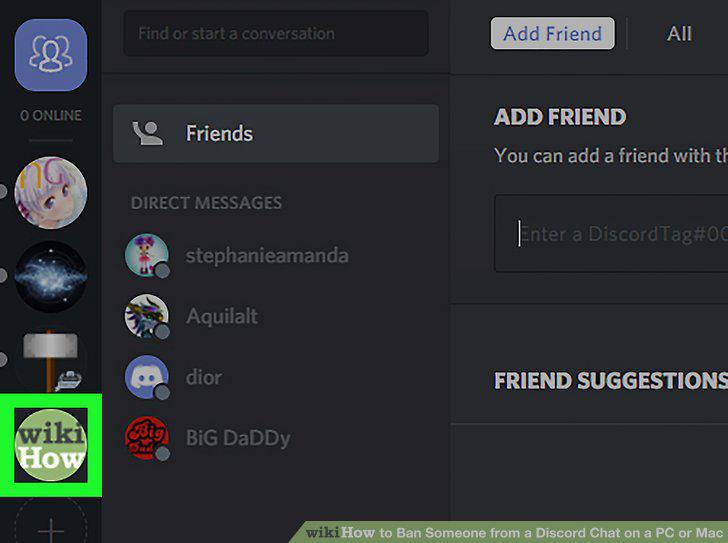
Select the server that hosts the channel.
3
Select a channel.
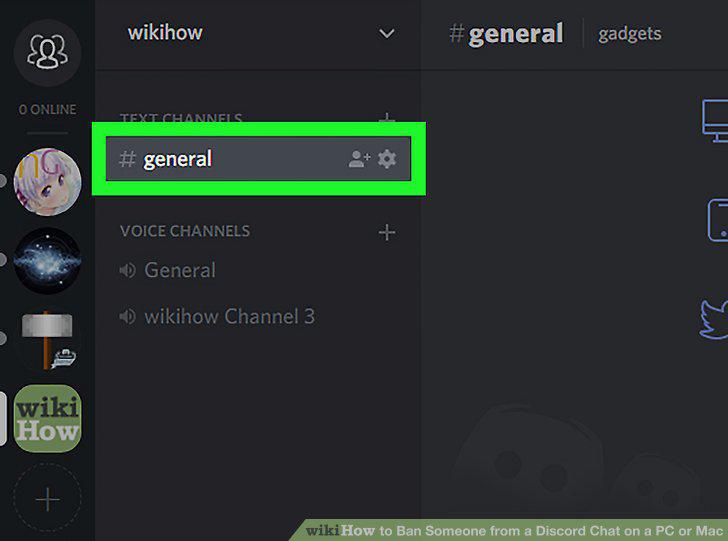
Select a channel.
4
Click the user you want to ban.
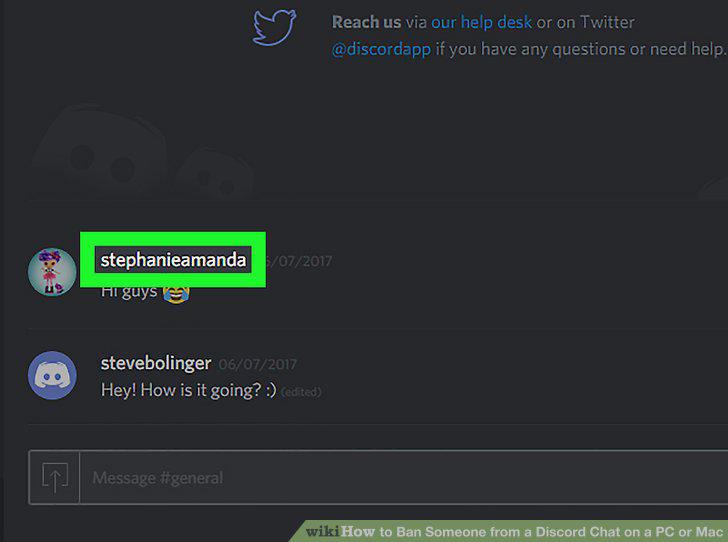
Click the user you want to ban.
5
Click Ban (username).
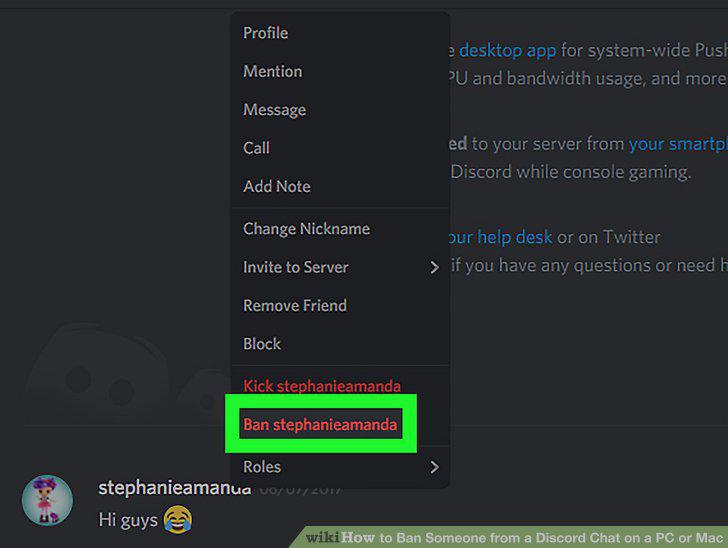
Click Ban (username).
6
Click Ban to confirm.
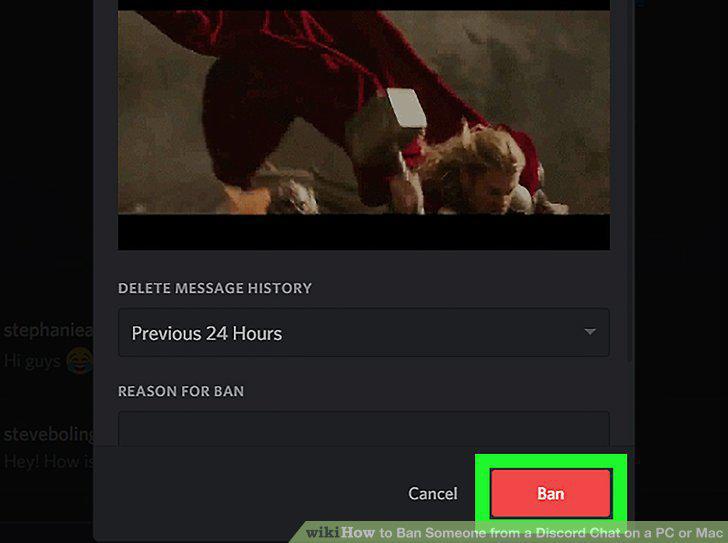
Click Ban to confirm.
7
Navigate to https://www.discordapp.com.
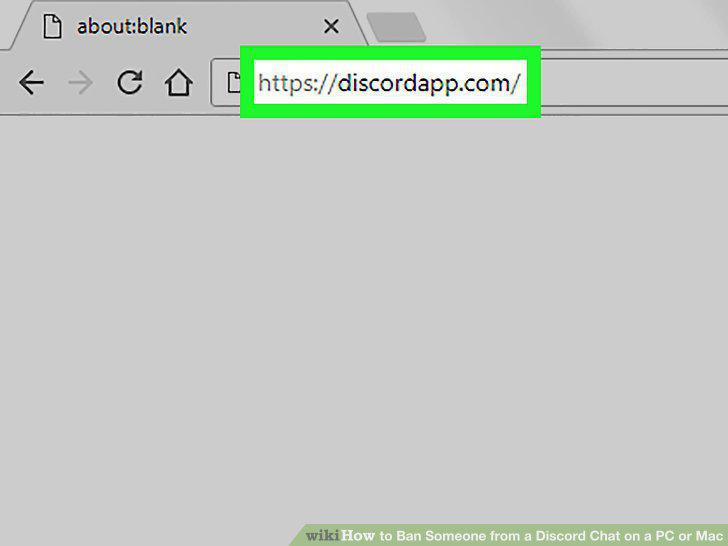
Navigate to https://www.discordapp.com.
8
Select the group message.
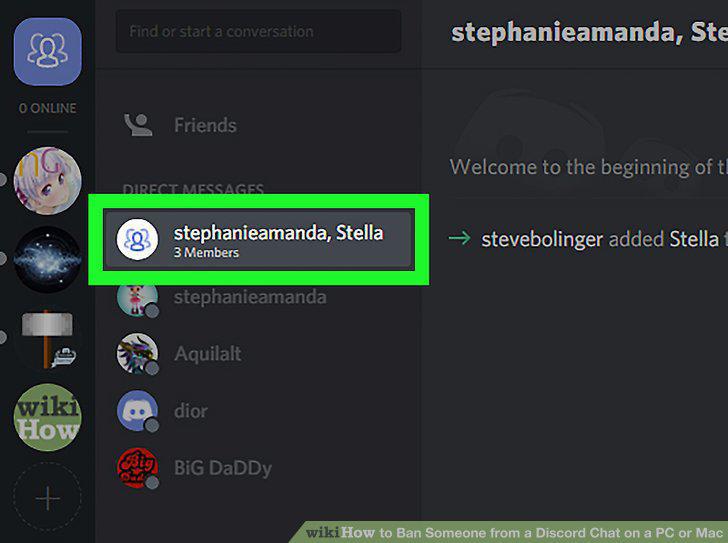
Select the group message.
9
Click the members icon.
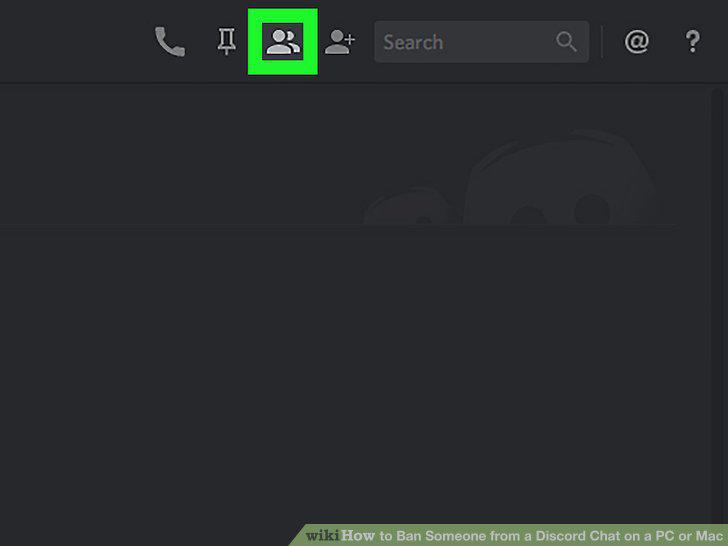
Click the members icon.
10
Click the person you want to remove.
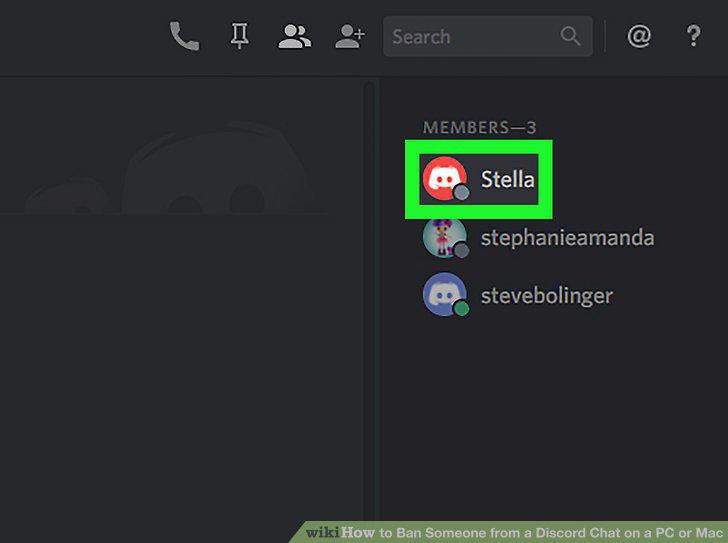
Click the person you want to remove.
11
Click Remove from Group.
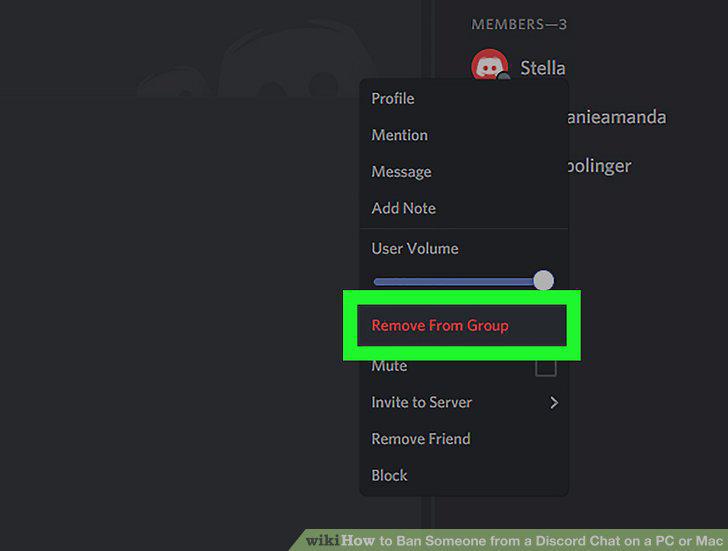
Click Remove from Group.
Comments (0)
No comments yet. Be the first to share your thoughts!