How to See if Someone Read Your Text on iPhone or iPad
Make sure the person you're texting is also using iMessages.. Turn on read receipts.. Connect to the internet.
Steps
1
Make sure the person you're texting is also using iMessages.
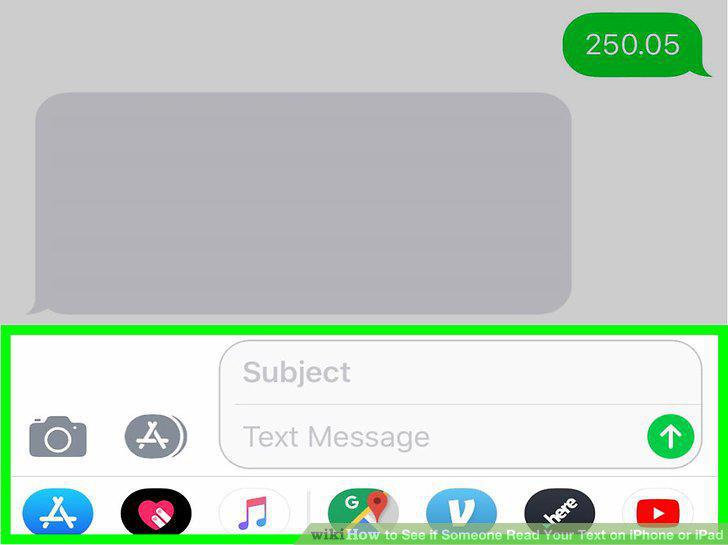
Make sure the person you're texting is also using iMessages.
2
Turn on read receipts.
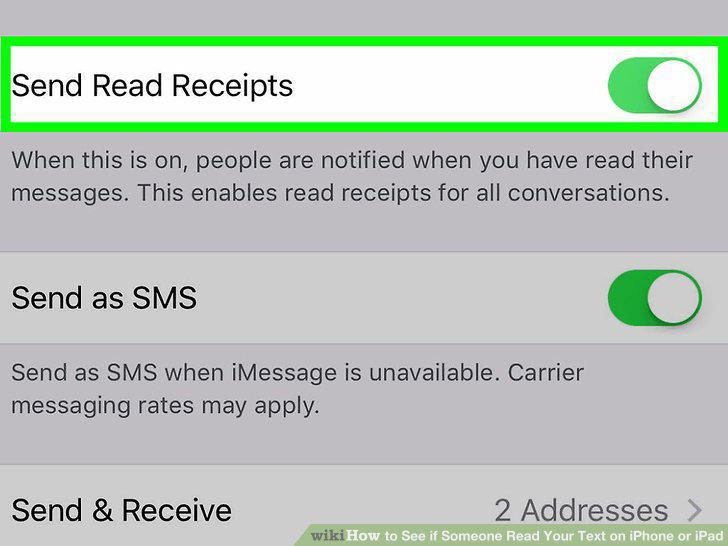
Turn on read receipts.
3
Connect to the internet.
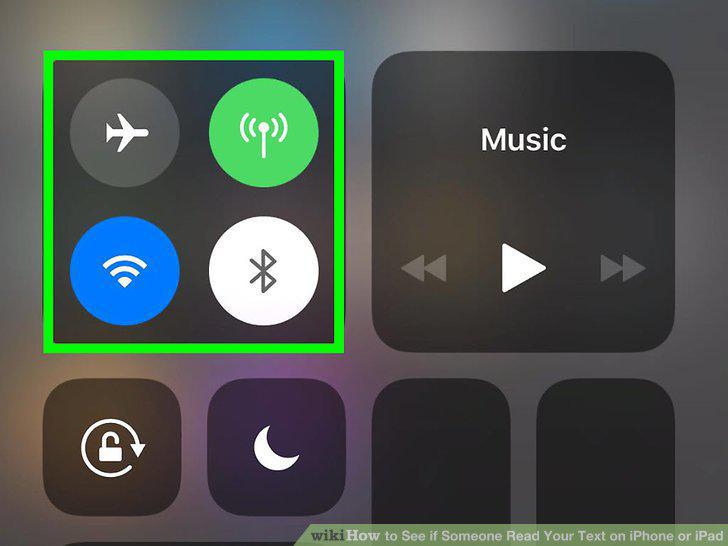
Connect to the internet.
4
Open Messages.
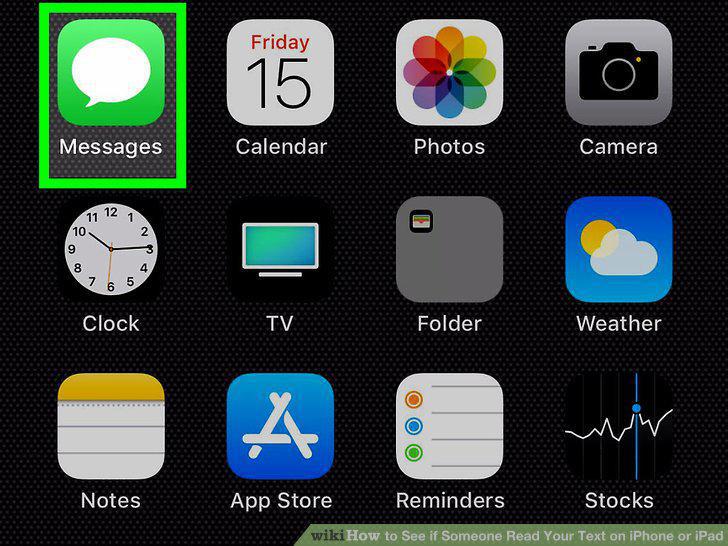
Open Messages.
5
Write or reply to a message.
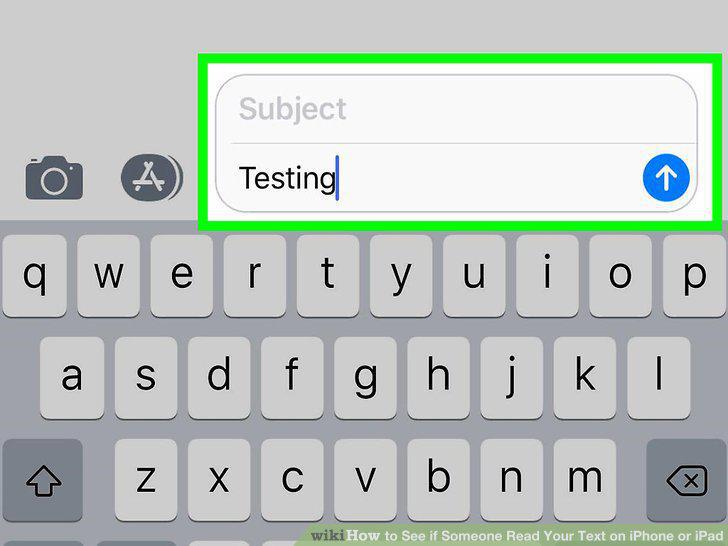
Write or reply to a message.
6
Send the message.
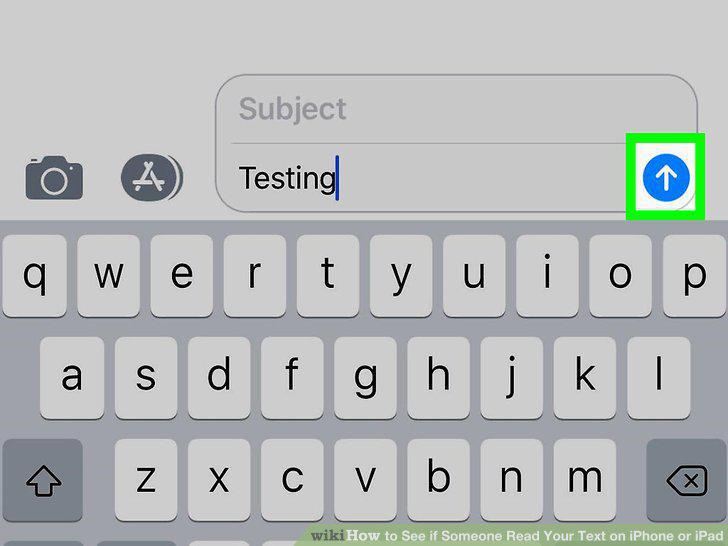
Send the message.
7
Wait for a read receipt.
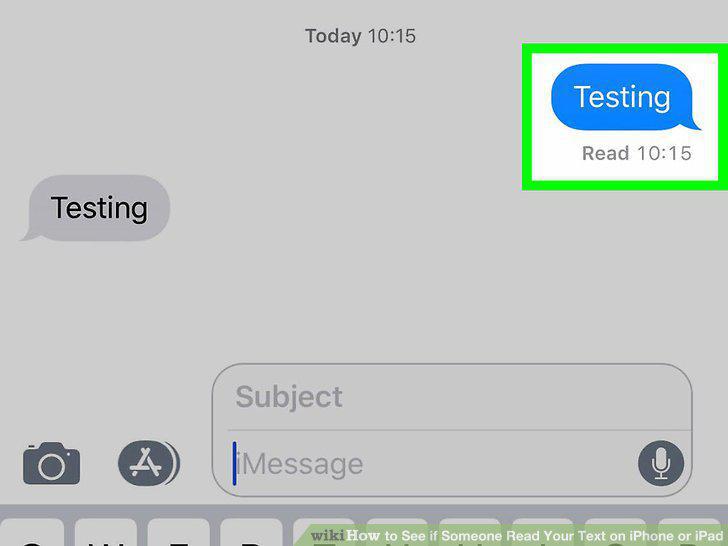
Wait for a read receipt.
8
Open WhatsApp on your iPhone or iPad.
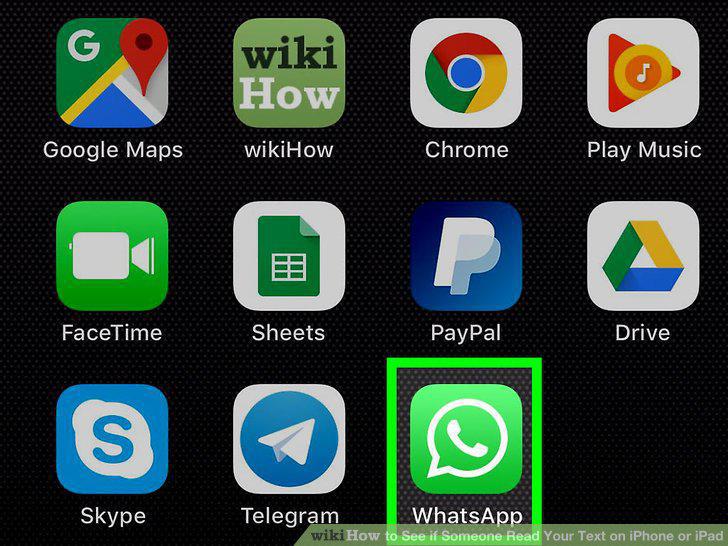
Open WhatsApp on your iPhone or iPad.
9
Create or reply to an existing message.
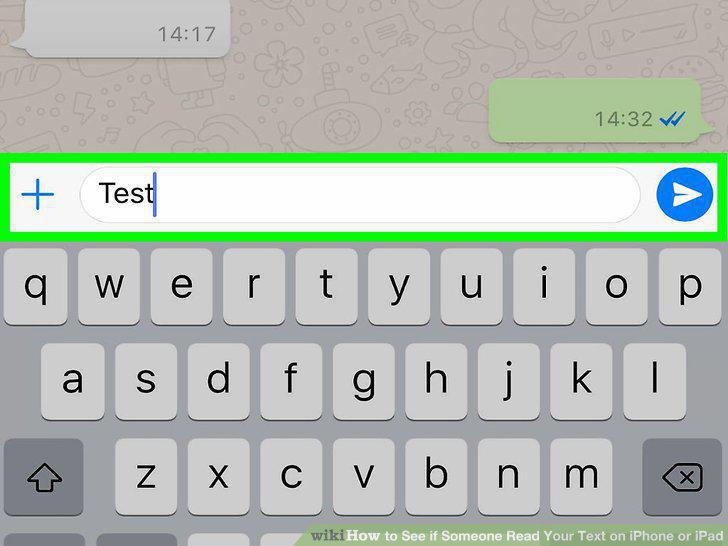
Create or reply to an existing message.
10
Tap the Send button.
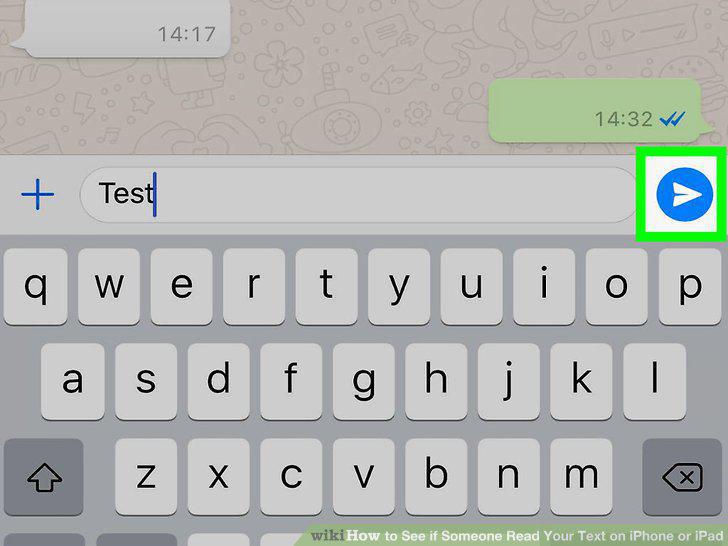
Tap the Send button.
11
Look at the check marks at the bottom-right corner of the sent message.
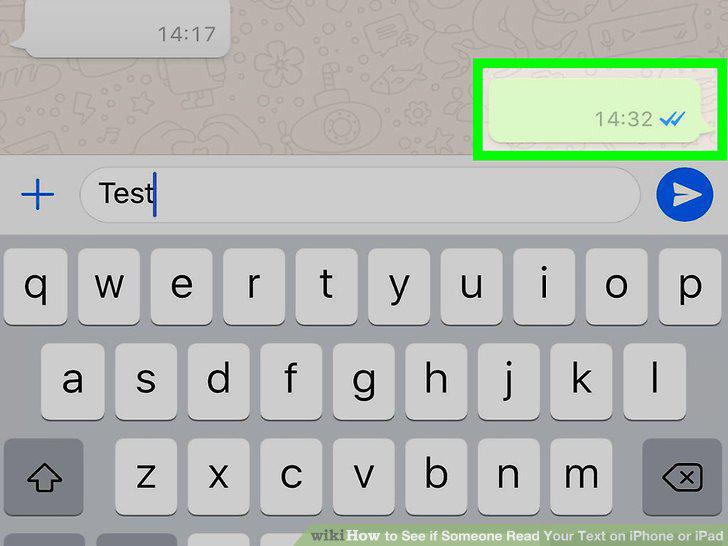
Look at the check marks at the bottom-right corner of the sent message.
12
Open Facebook Messenger on your iPhone or iPad.
Open Facebook Messenger on your iPhone or iPad.
13
Tap the person you want to message.
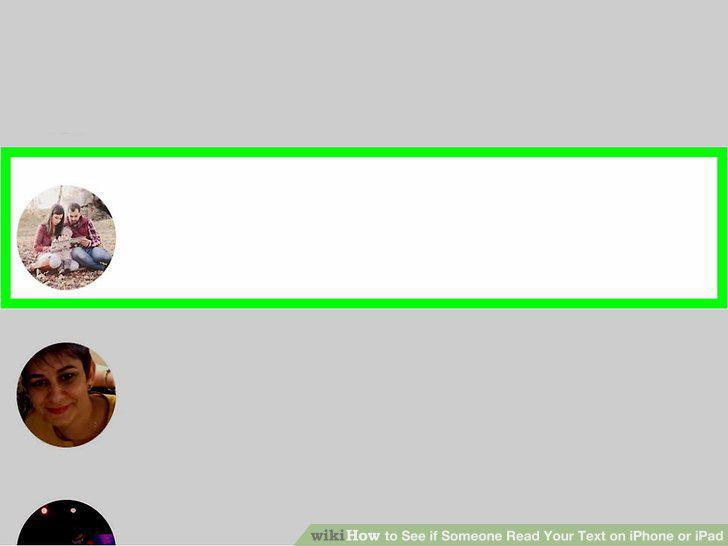
Tap the person you want to message.
14
Type your message and tap the Send button.
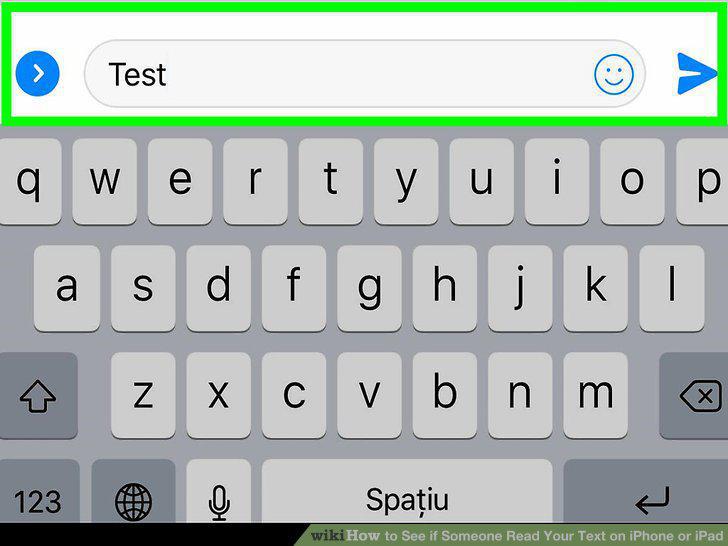
Type your message and tap the Send button.
15
Check the message status.
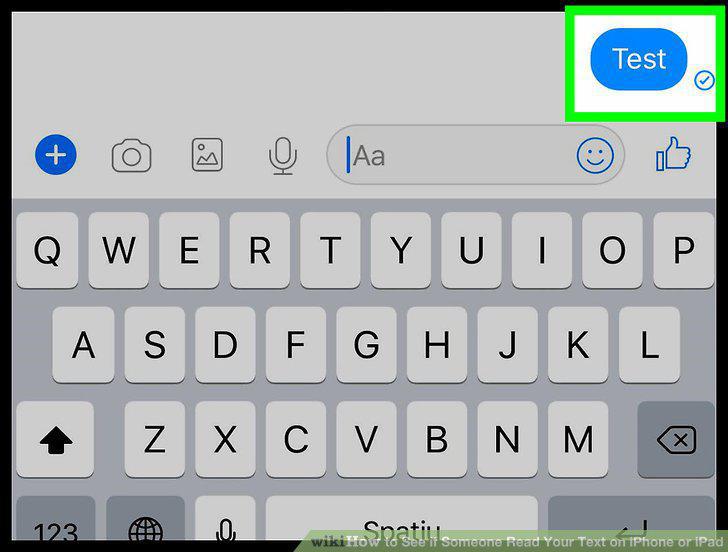
Check the message status.
Comments (0)
No comments yet. Be the first to share your thoughts!