How to Remove HTML Tags in Excel
Open your project in Excel.. Press Ctrl+H.. Type one of the HTML tags you want to delete into the "Find what" field.
Steps
1
Open your project in Excel.
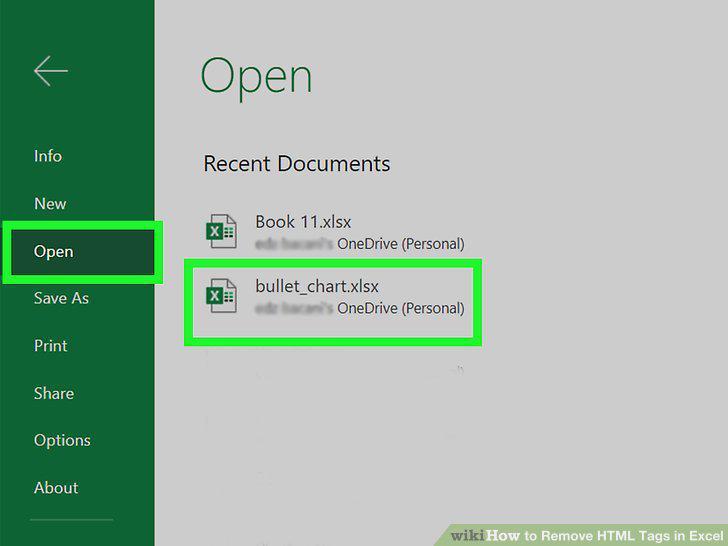
Open your project in Excel.
2
Press Ctrl+H.
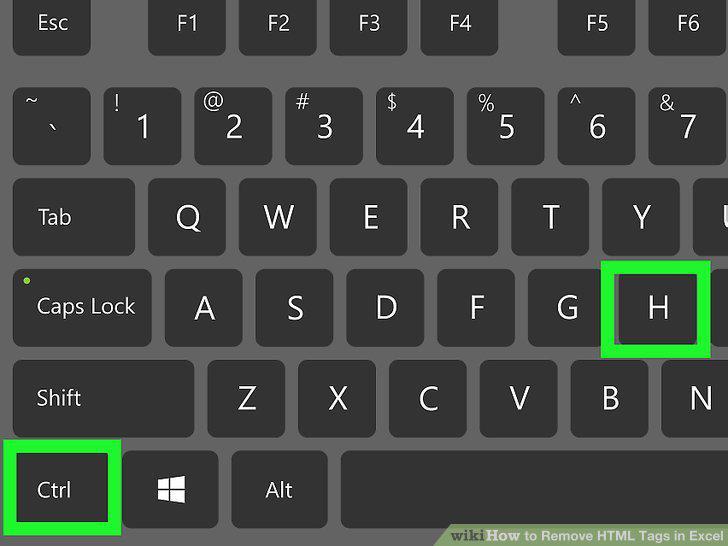
Press Ctrl+H.
3
Type one of the HTML tags you want to delete into the "Find what" field.
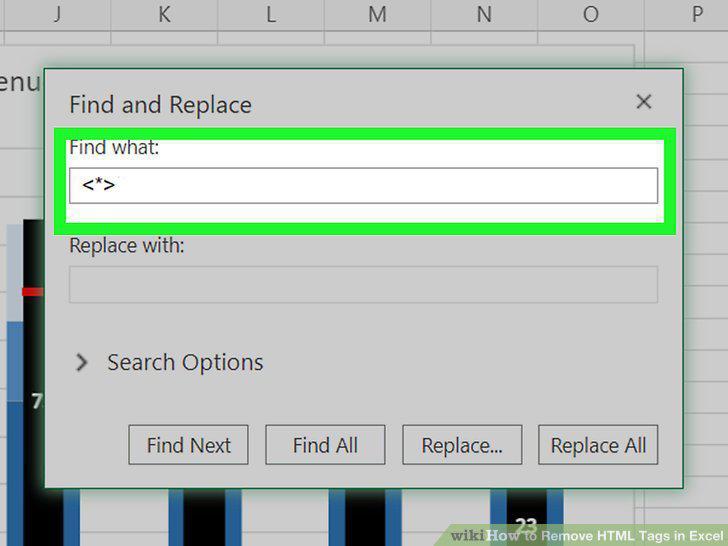
Type one of the HTML tags you want to delete into the "Find what" field.
4
Leave the "Replace with" field blank.
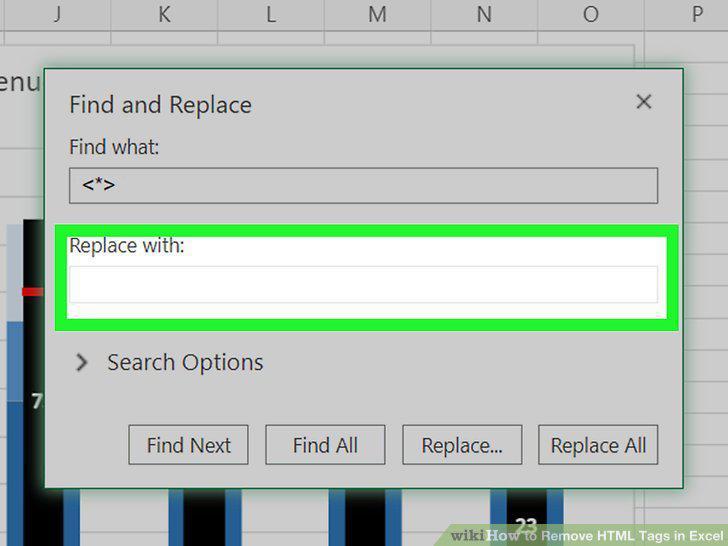
Leave the "Replace with" field blank.
5
Click Replace All.
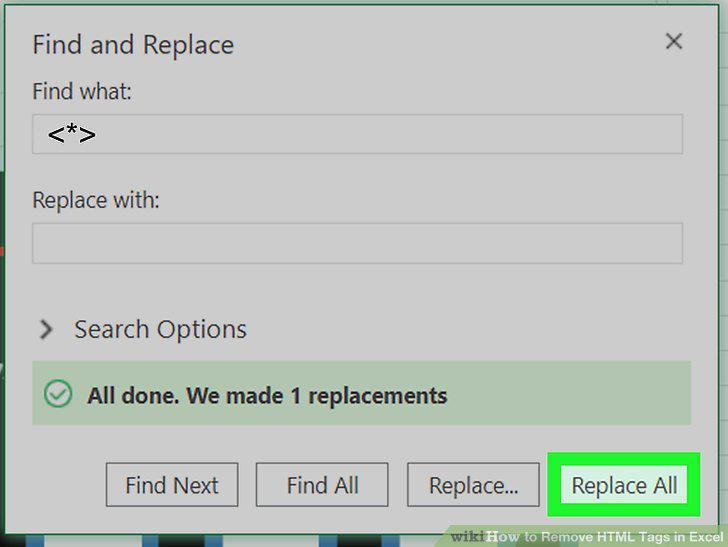
Click Replace All.
Comments (0)
No comments yet. Be the first to share your thoughts!