How to Measure Room Temperature
Choose a digital thermometer for the most accurate reading.. Use a glass thermometer to get an approximate temperature.. Select a bimetallic thermometer for an easy to read option.
Steps
1
Choose a digital thermometer for the most accurate reading.
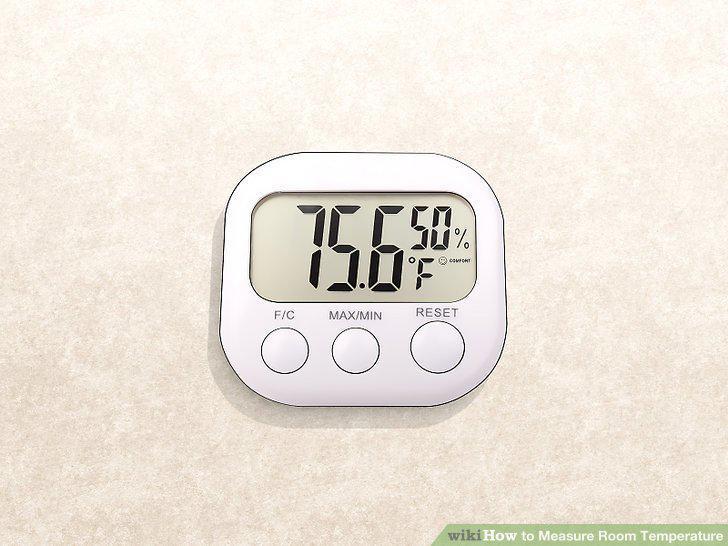
Choose a digital thermometer for the most accurate reading.
2
Use a glass thermometer to get an approximate temperature.
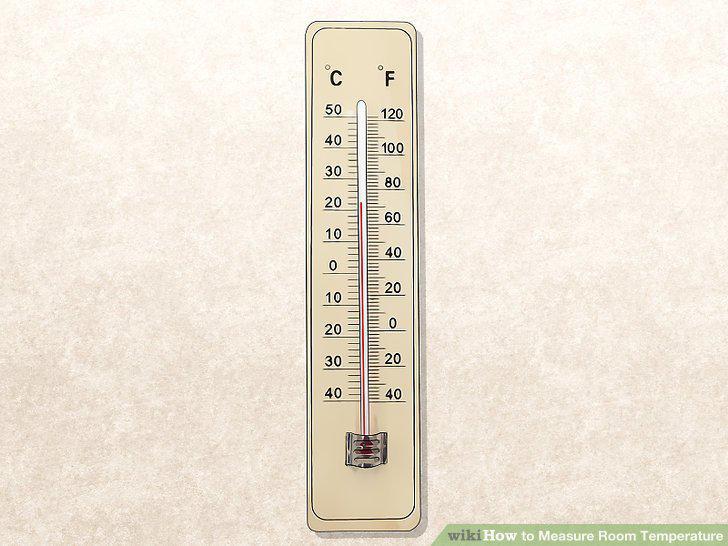
Use a glass thermometer to get an approximate temperature.
3
Select a bimetallic thermometer for an easy to read option.
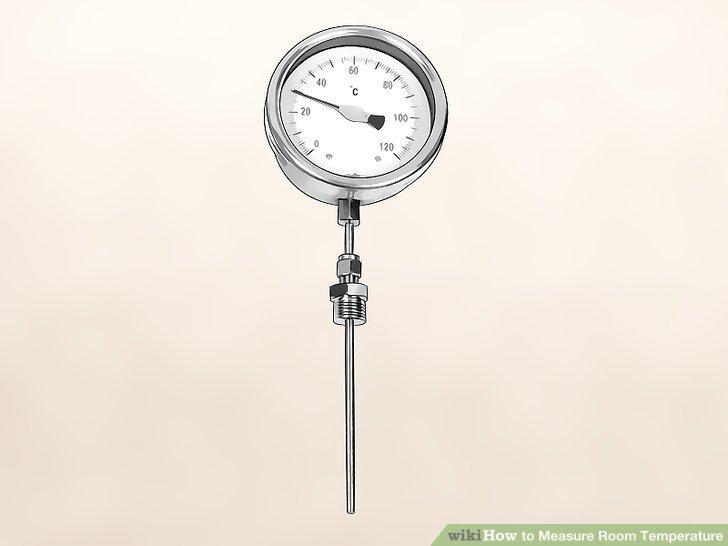
Select a bimetallic thermometer for an easy to read option.
4
Place the thermometer in the center of the room.
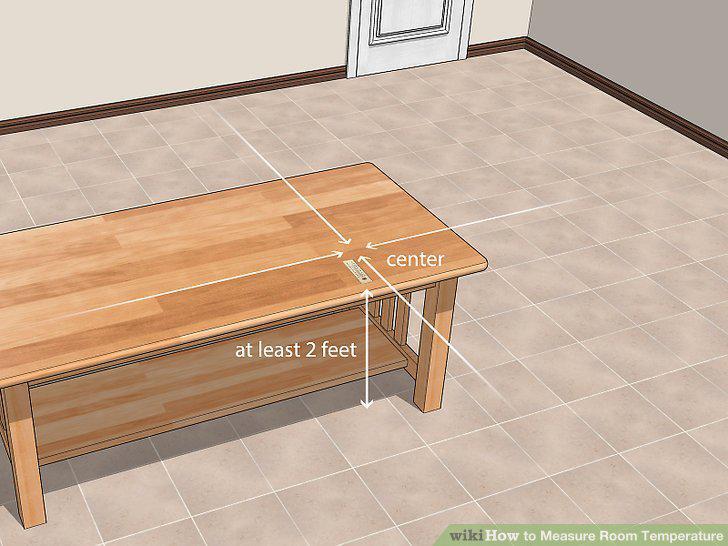
Place the thermometer in the center of the room.
5
Wait 5 minutes for the thermometer to adjust to the room.
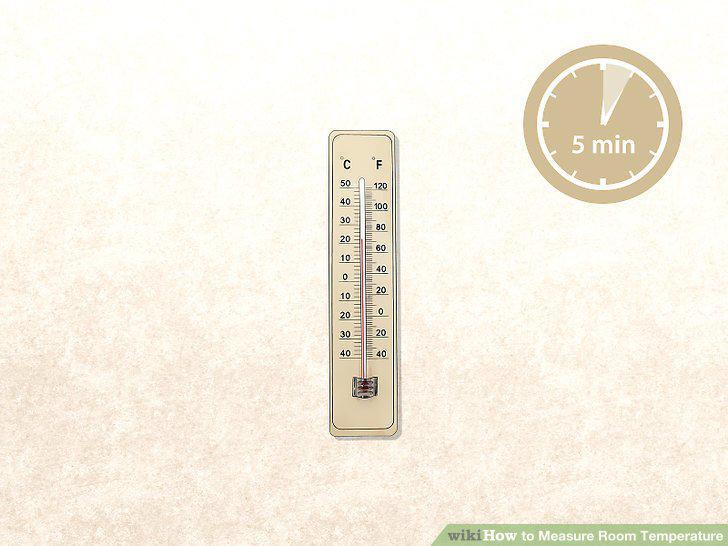
Wait 5 minutes for the thermometer to adjust to the room.
6
Check the temperature on the thermometer.
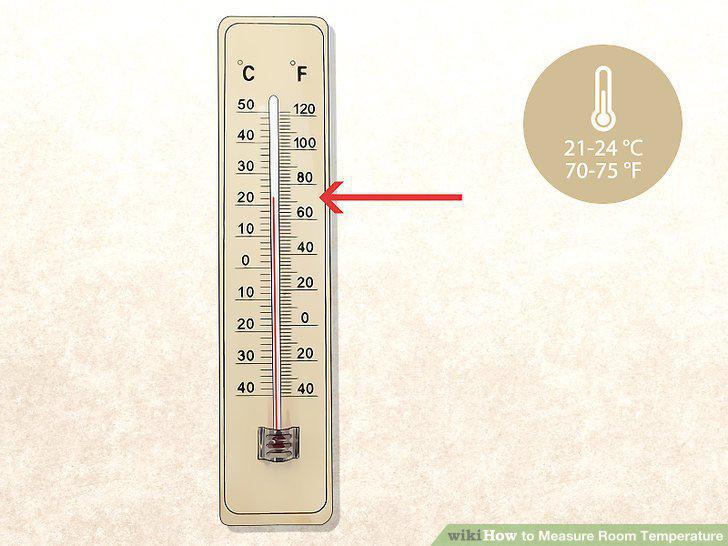
Check the temperature on the thermometer.
7
Download a thermometer application to your smartphone.
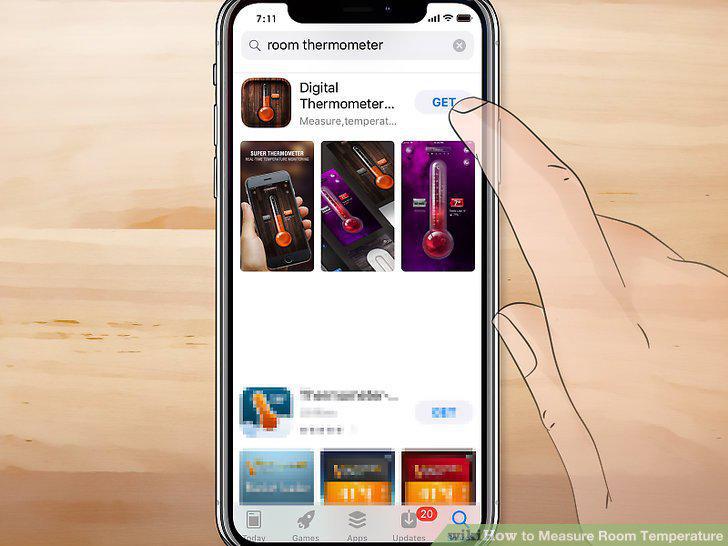
Download a thermometer application to your smartphone.
8
Open the application.
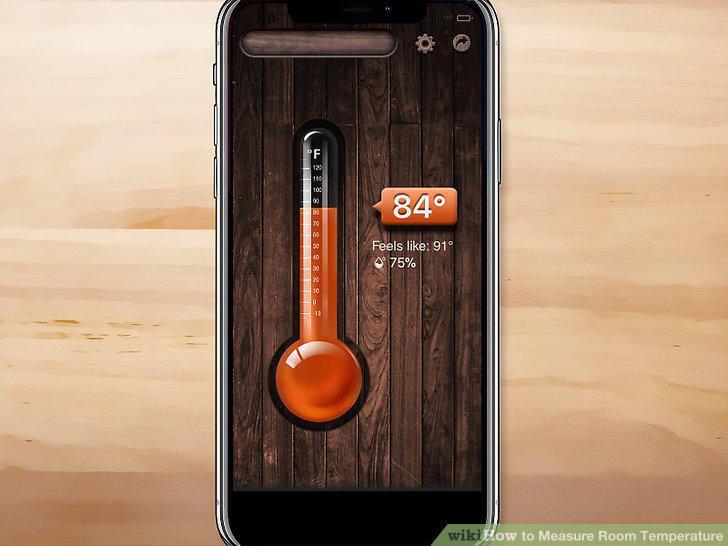
Open the application.
9
Select the ambient temperature reading to measure room temperature.
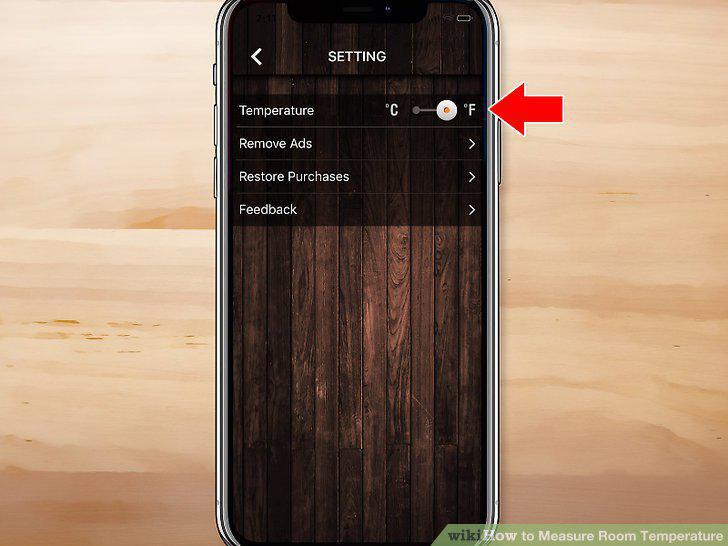
Select the ambient temperature reading to measure room temperature.
Comments (0)
No comments yet. Be the first to share your thoughts!