How to Email to a Cell Phone
Open the Email2SMS website.. Scroll down to the "Search the list" section.. Click the "Country" drop-down box.
Steps
1
Open the Email2SMS website.
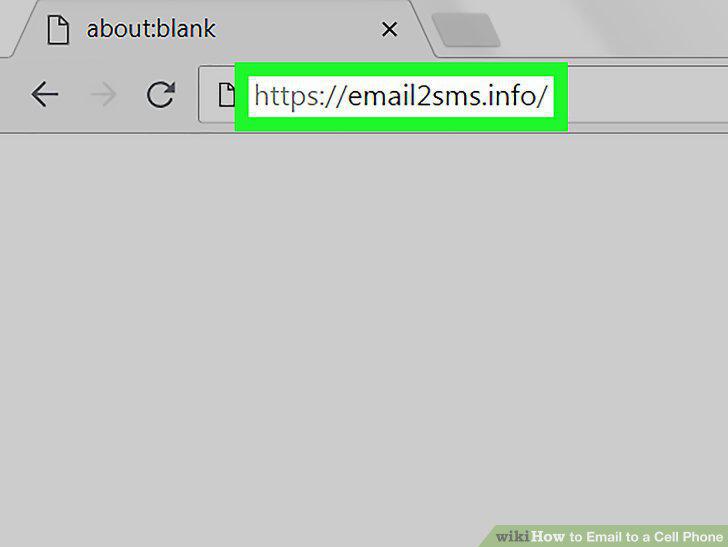
Open the Email2SMS website.
2
Scroll down to the "Search the list" section.
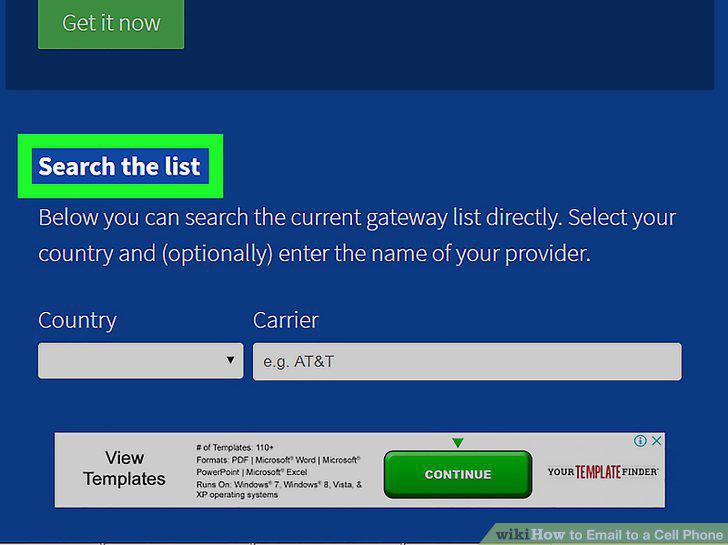
Scroll down to the "Search the list" section.
3
Click the "Country" drop-down box.
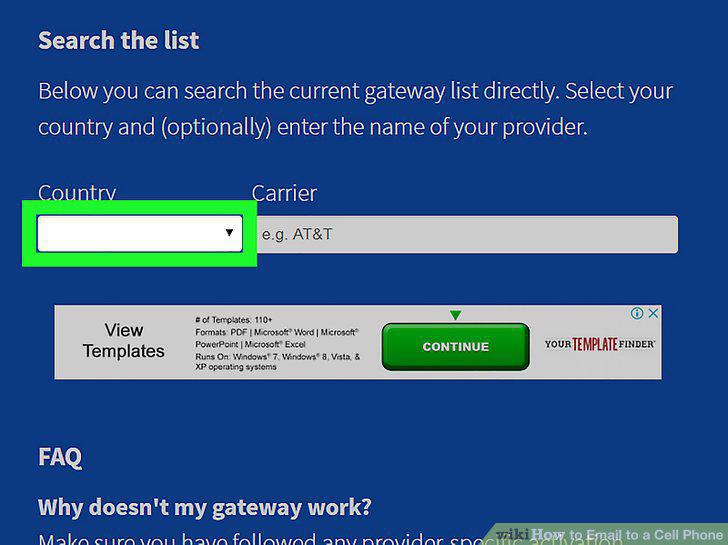
Click the "Country" drop-down box.
4
Select your country.
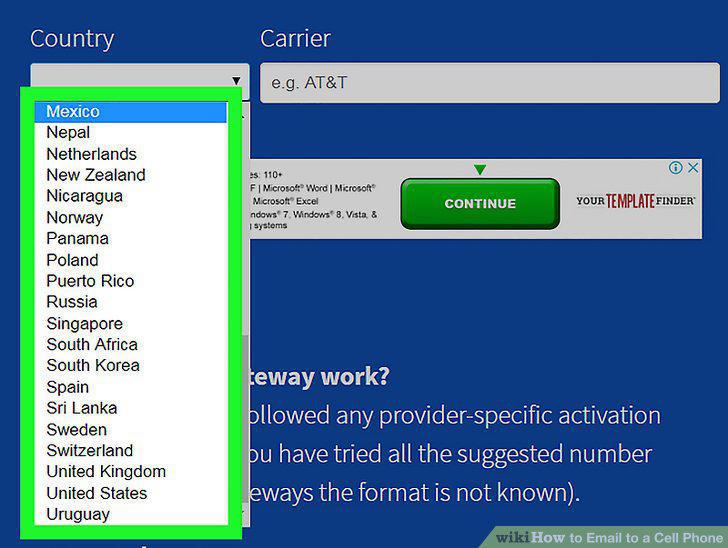
Select your country.
5
Click the "Carrier" text box.
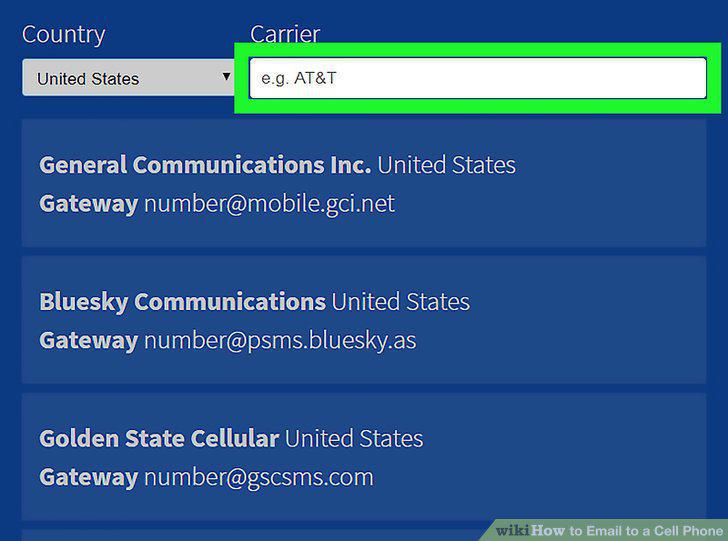
Click the "Carrier" text box.
6
Enter a carrier name.
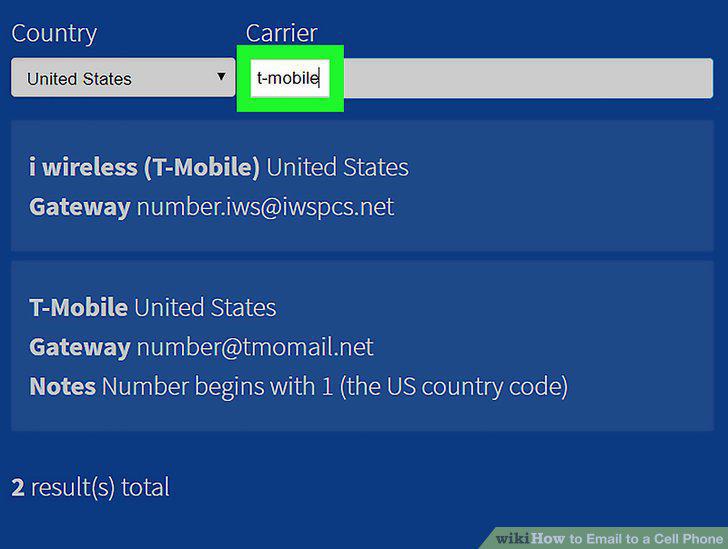
Enter a carrier name.
7
Review the "Gateway" result.
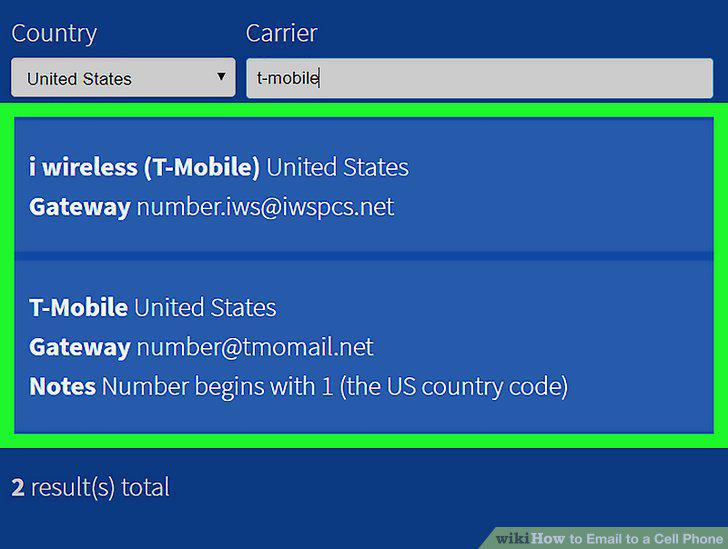
Review the "Gateway" result.
8
Open your email program or website.
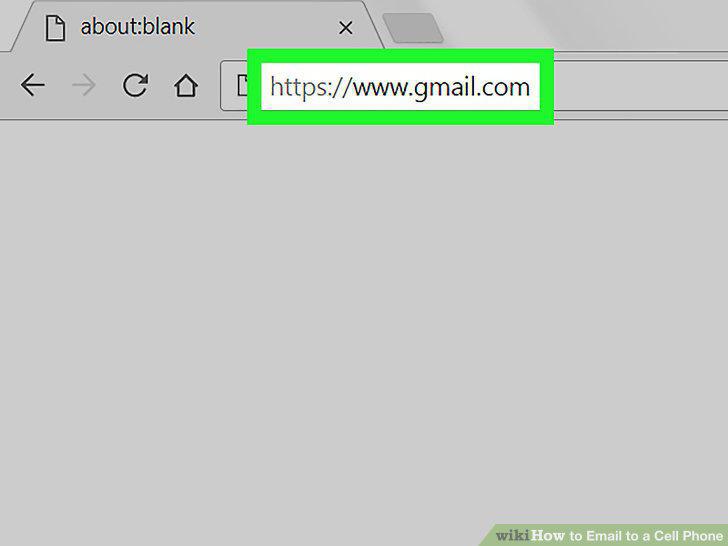
Open your email program or website.
9
Open a new email message.
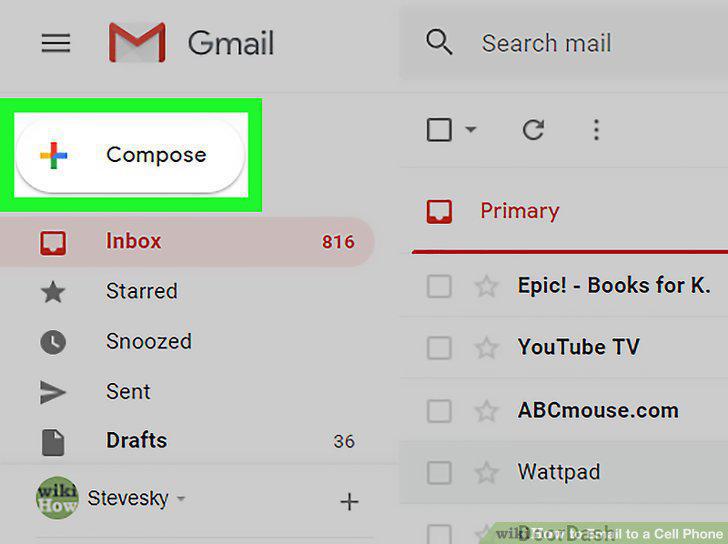
Open a new email message.
10
Address the recipient in the "To:" field.
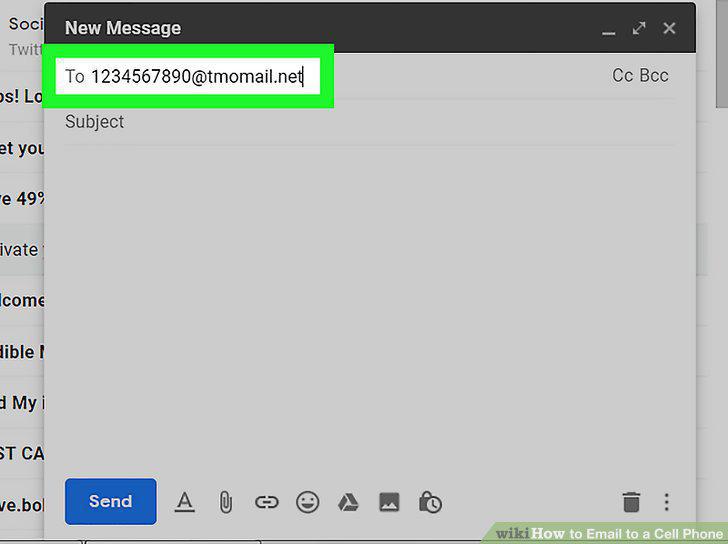
Address the recipient in the "To:" field.
11
Enter your message.
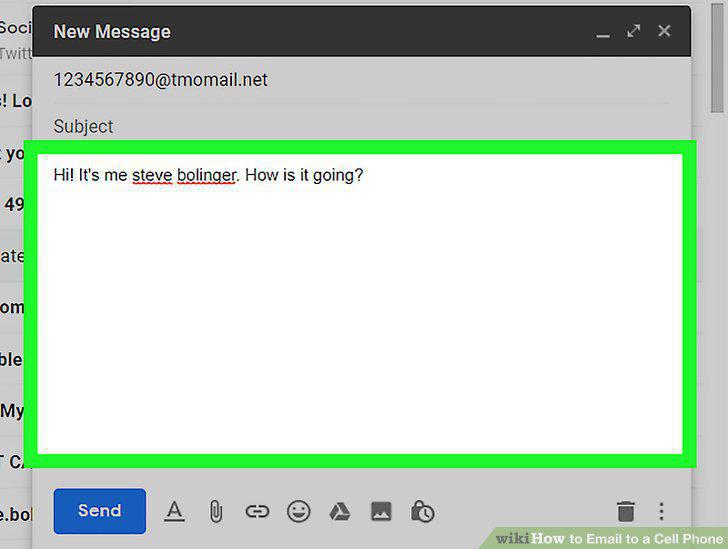
Enter your message.
12
Send the message.
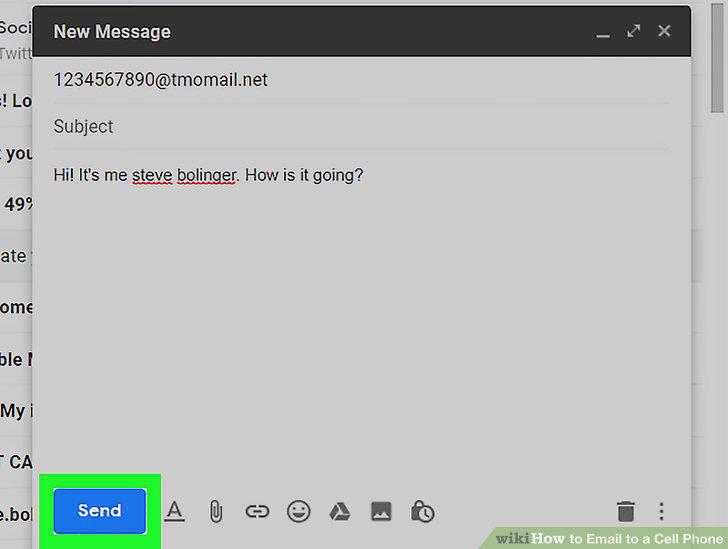
Send the message.
Comments (0)
No comments yet. Be the first to share your thoughts!