How to Use Bluetooth Headphones on Samsung Galaxy
Swipe down from the top of the home screen.. Tap and hold the Bluetooth icon.. Slide the switch to On .
Steps
1
Swipe down from the top of the home screen.
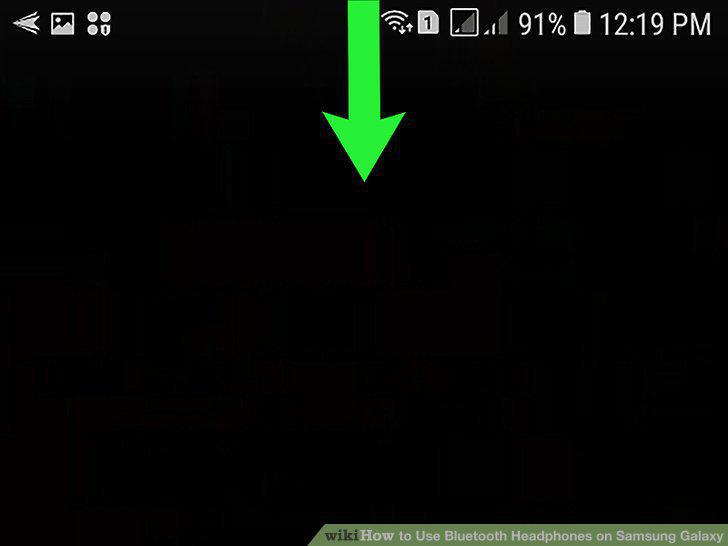
Swipe down from the top of the home screen.
2
Tap and hold the Bluetooth icon.
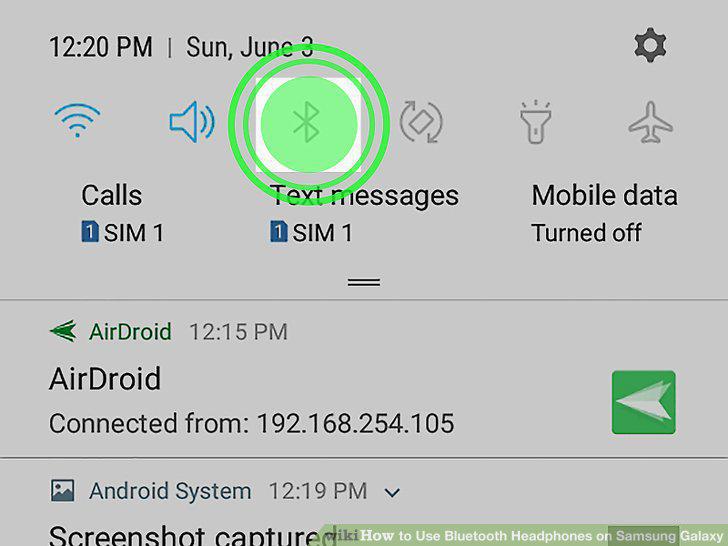
Tap and hold the Bluetooth icon.
3
Slide the switch to On .
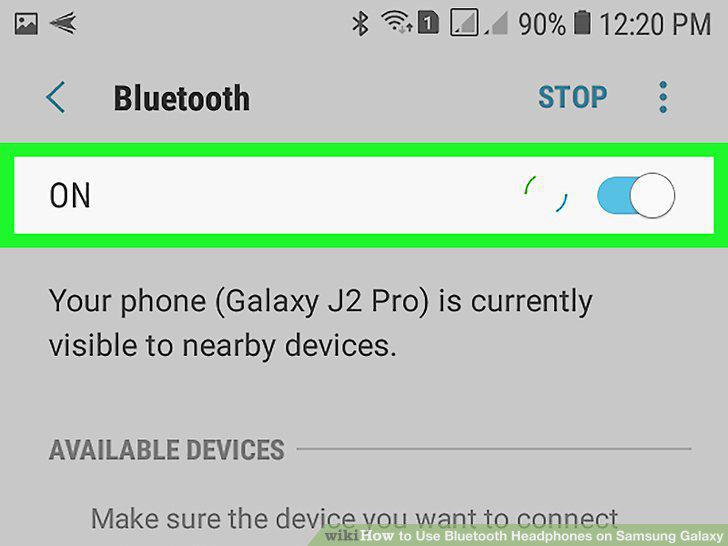
Slide the switch to On .
4
Put your Bluetooth headphones into discovery or pairing mode.
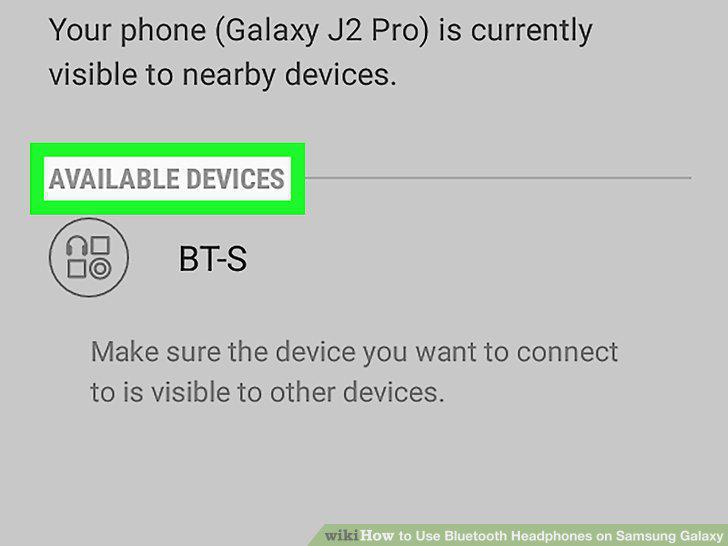
Put your Bluetooth headphones into discovery or pairing mode.
5
Tap the headphones when they appear.
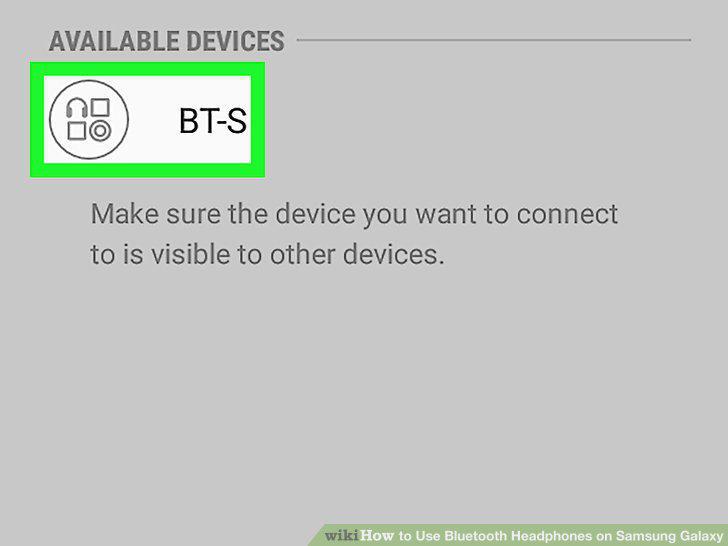
Tap the headphones when they appear.
6
Enter the pairing code.
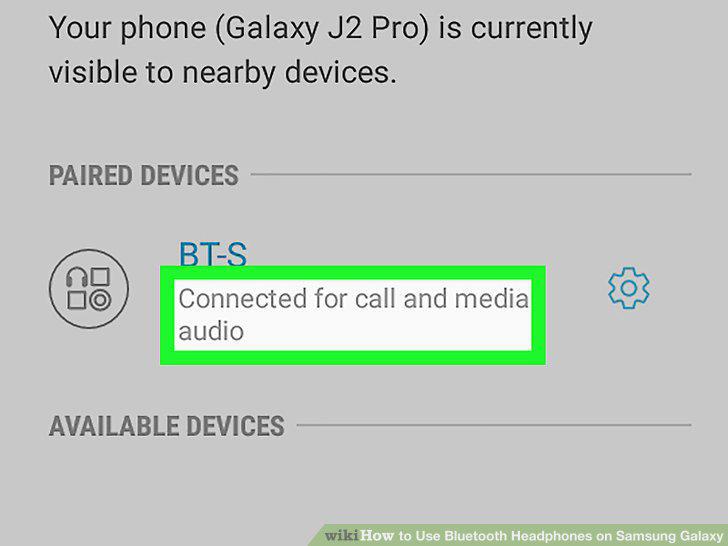
Enter the pairing code.
Comments (0)
No comments yet. Be the first to share your thoughts!