How to Delete Contacts on Telegram on PC or Mac
Open the Telegram desktop app on your computer.. Click the three horizontal lines icon.. Click Contacts.
Steps
1
Open the Telegram desktop app on your computer.
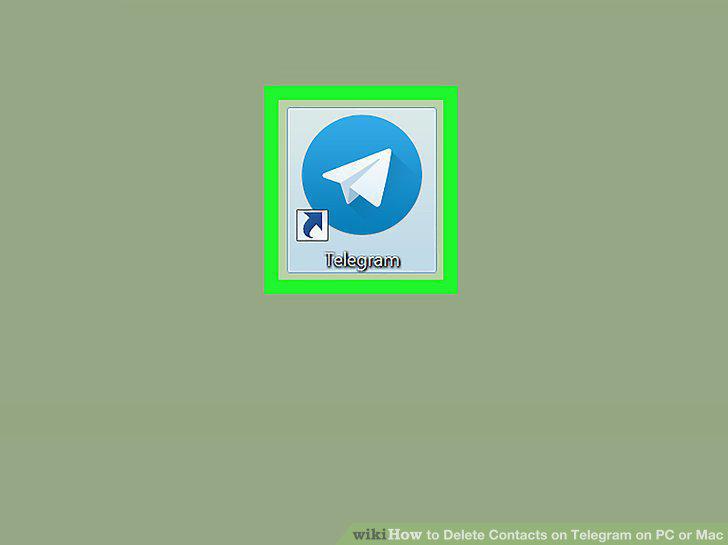
Open the Telegram desktop app on your computer.
2
Click the three horizontal lines icon.
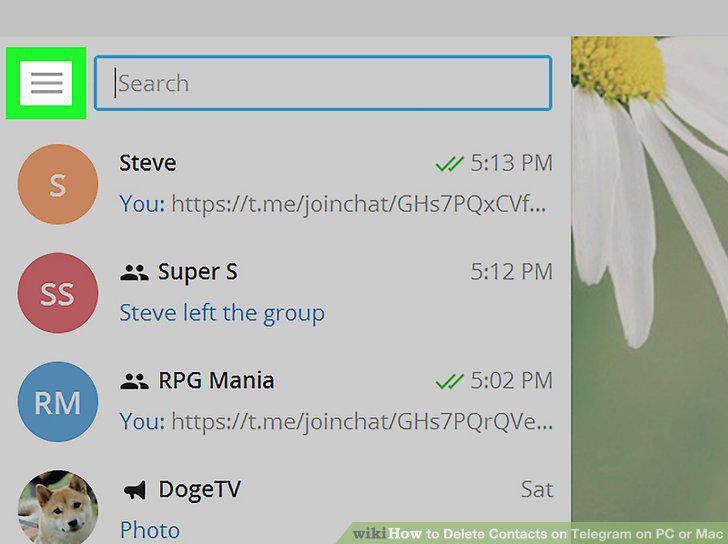
Click the three horizontal lines icon.
3
Click Contacts.
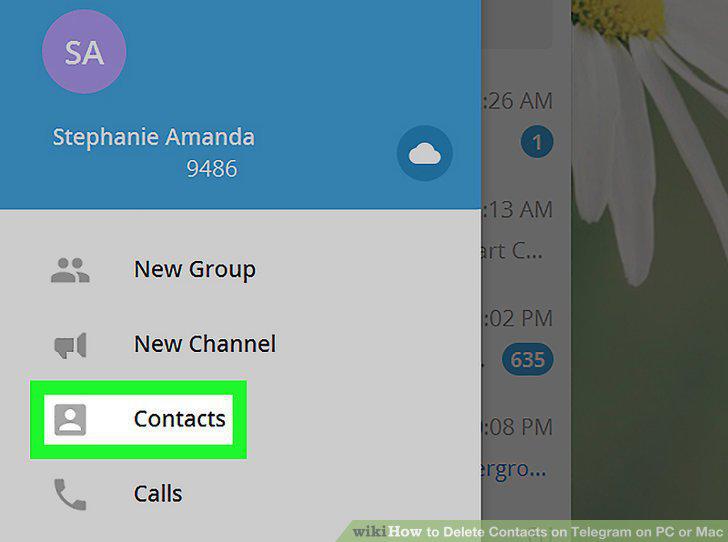
Click Contacts.
4
Click the contact you want to delete.
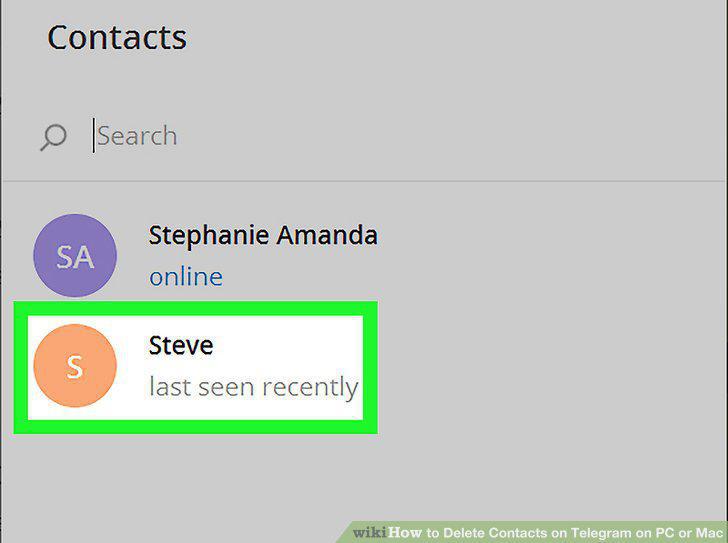
Click the contact you want to delete.
5
Click the three vertical dots icon.
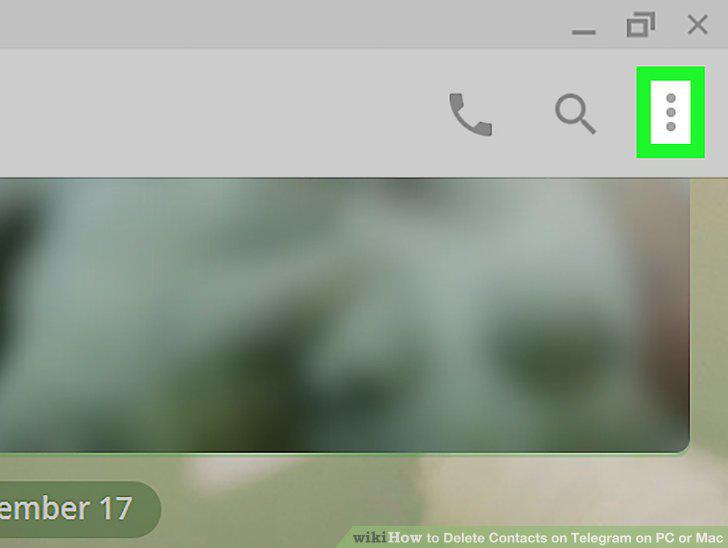
Click the three vertical dots icon.
6
Click View profile on the menu.
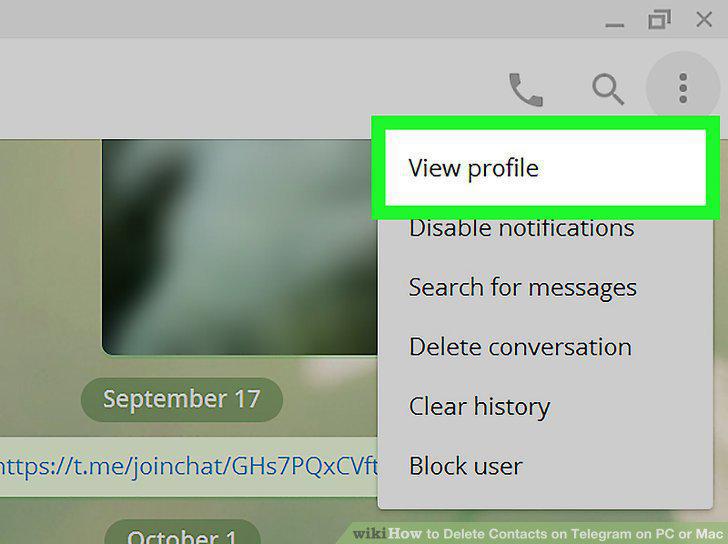
Click View profile on the menu.
7
Click DELETE.
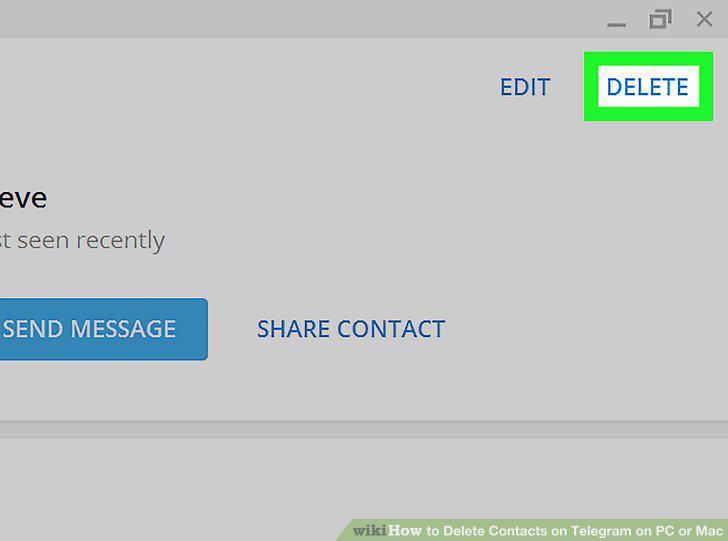
Click DELETE.
8
Click DELETE in the pop-up window.
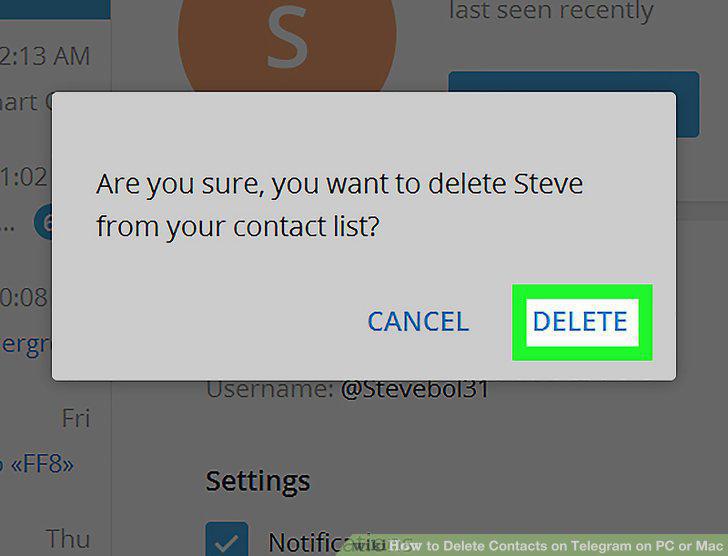
Click DELETE in the pop-up window.
Comments (0)
No comments yet. Be the first to share your thoughts!