How to Do Bullet Points in Excel
Open your project in Excel.. Select a blank cell where you want to insert a bullet point.. Click Insert.
Steps
1
Open your project in Excel.
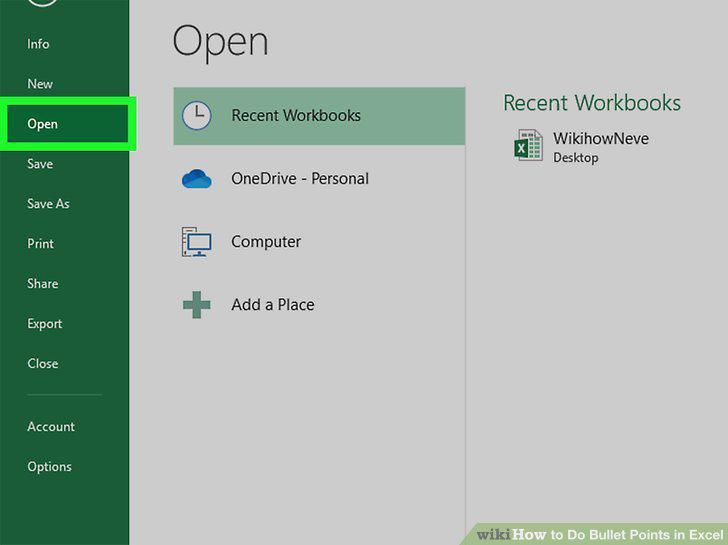
Open your project in Excel.
2
Select a blank cell where you want to insert a bullet point.
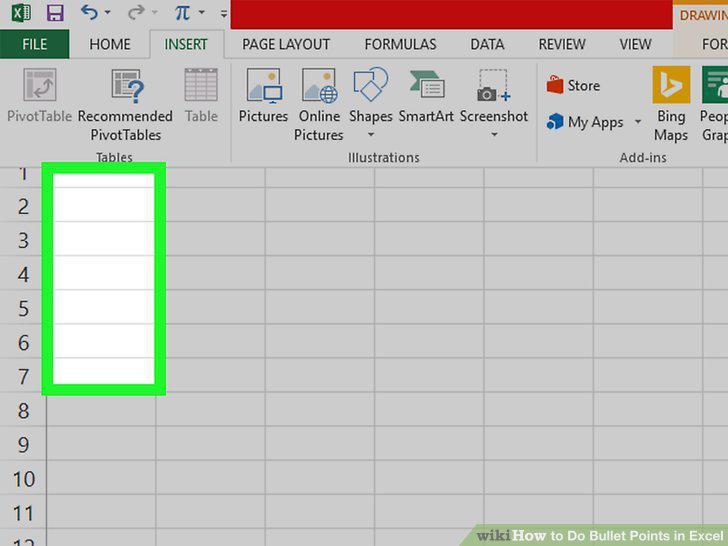
Select a blank cell where you want to insert a bullet point.
3
Click Insert.
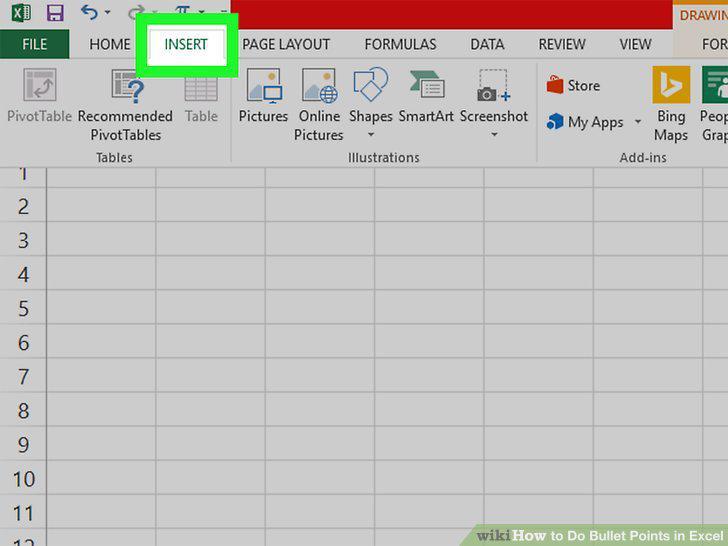
Click Insert.
4
Click Symbol.
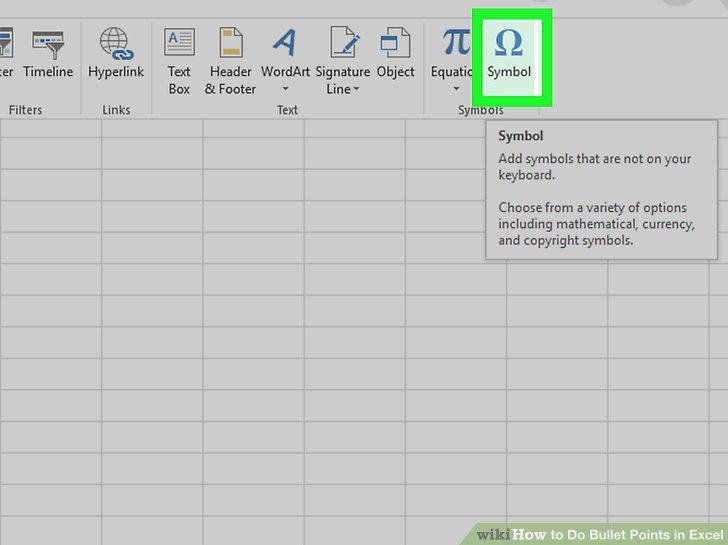
Click Symbol.
5
Enter 2022 in the "Character Code" box.
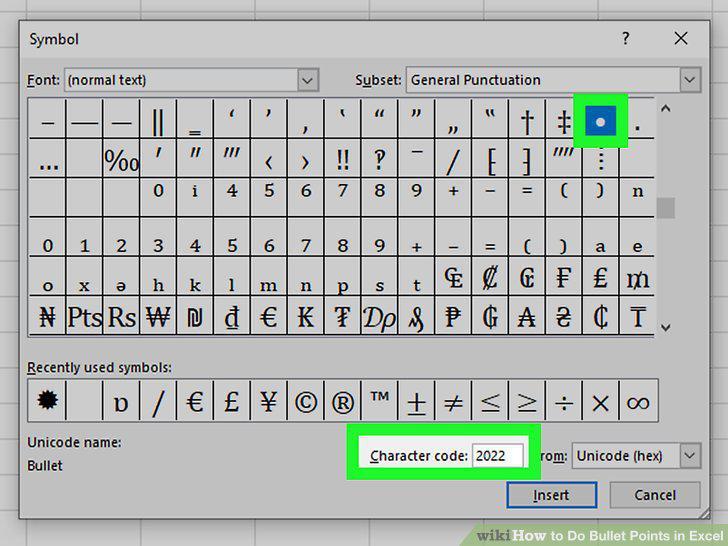
Enter 2022 in the "Character Code" box.
6
Click Insert.
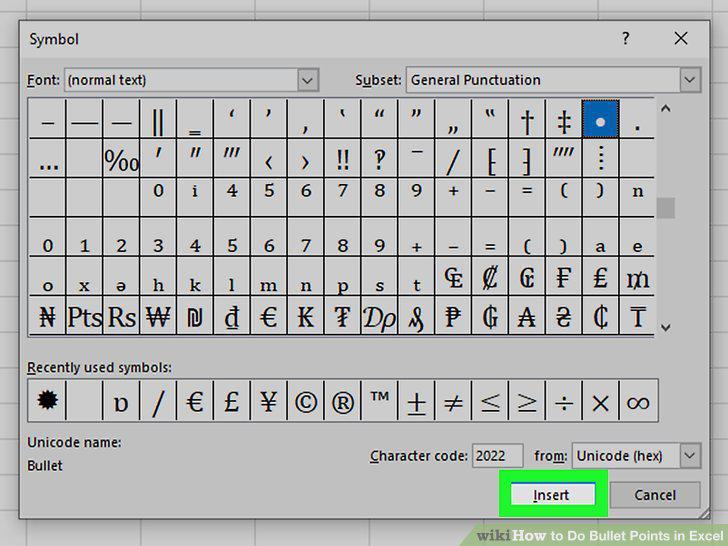
Click Insert.
7
Click Close.
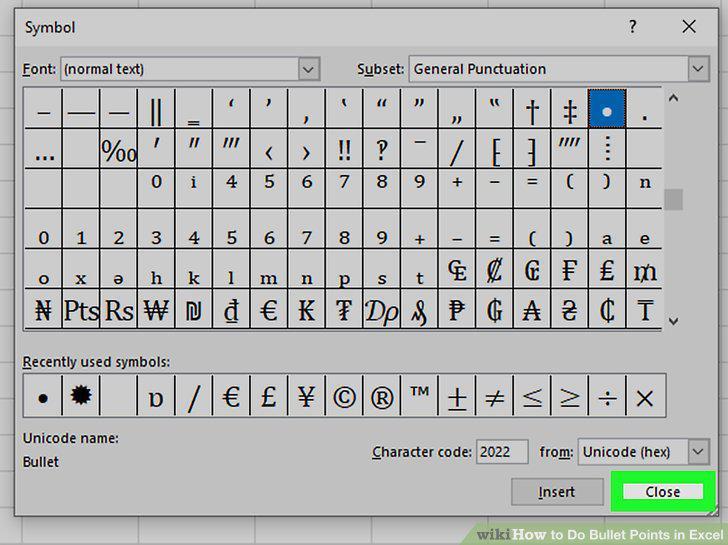
Click Close.
Comments (0)
No comments yet. Be the first to share your thoughts!