How to Check Your Windows Product Key
Open PowerShell as an administrator.. Enter the following code:. Note your product key.
Steps
1
Open PowerShell as an administrator.
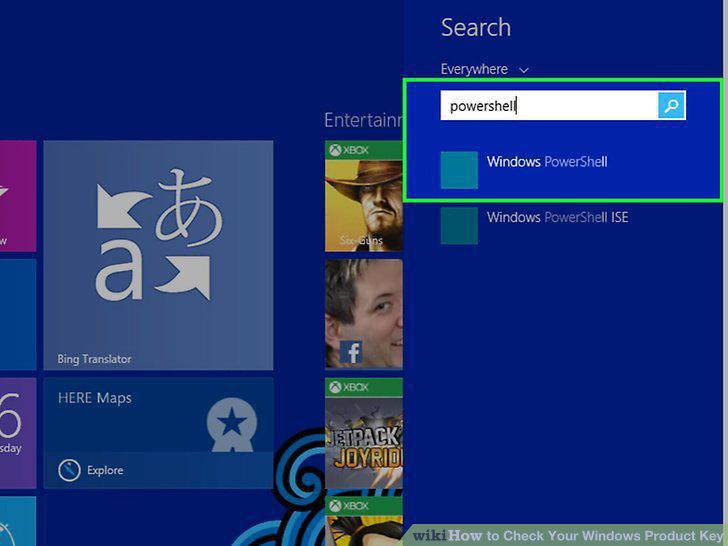
Open PowerShell as an administrator.
2
Enter the following code:
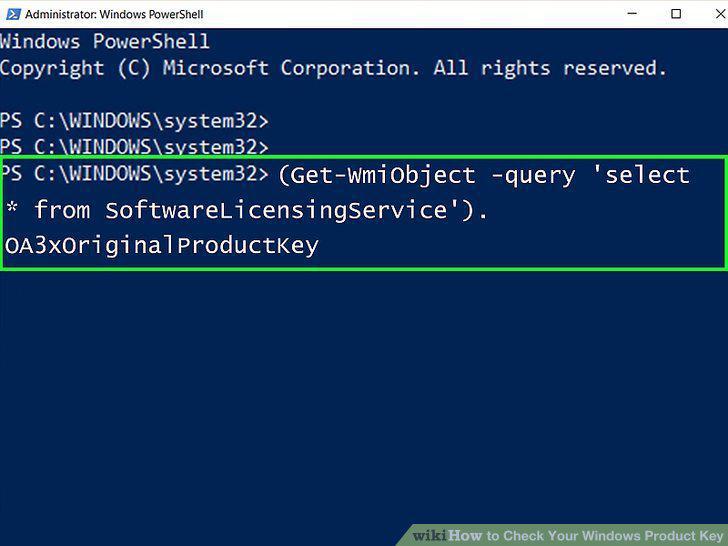
Enter the following code:
3
Note your product key.
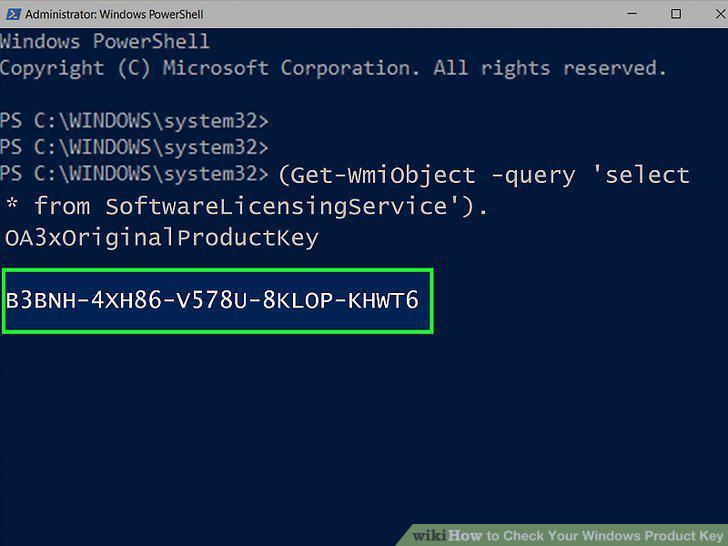
Note your product key.
4
Open the ProduKey website.
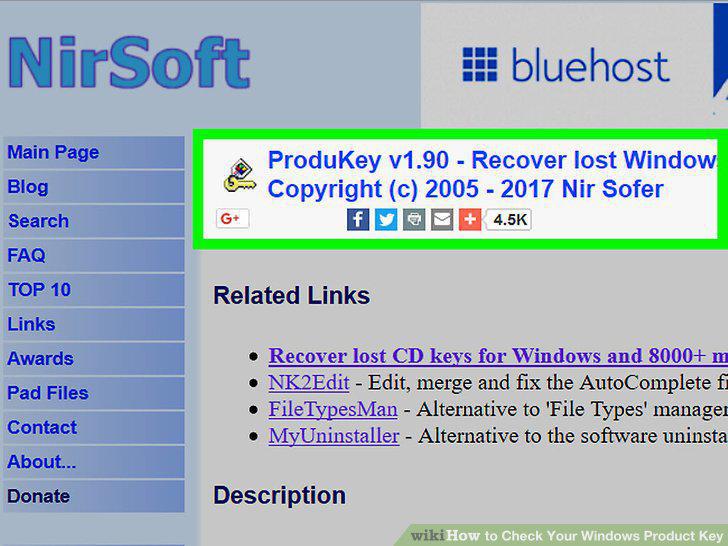
Open the ProduKey website.
5
Scroll down and click Download ProduKey (In Zip file).
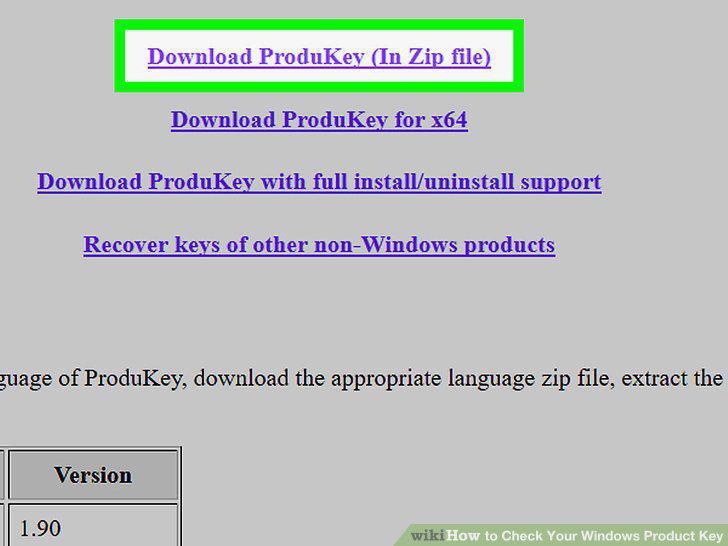
Scroll down and click Download ProduKey (In Zip file).
6
Open the ProduKey folder.
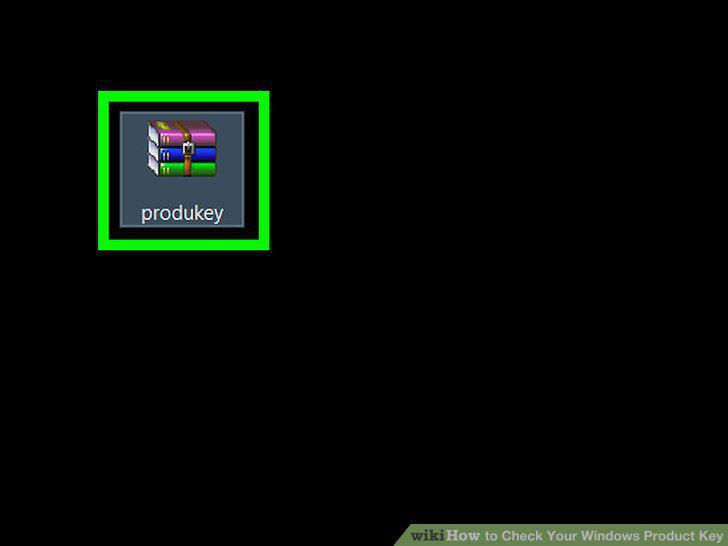
Open the ProduKey folder.
7
Click Extract all.
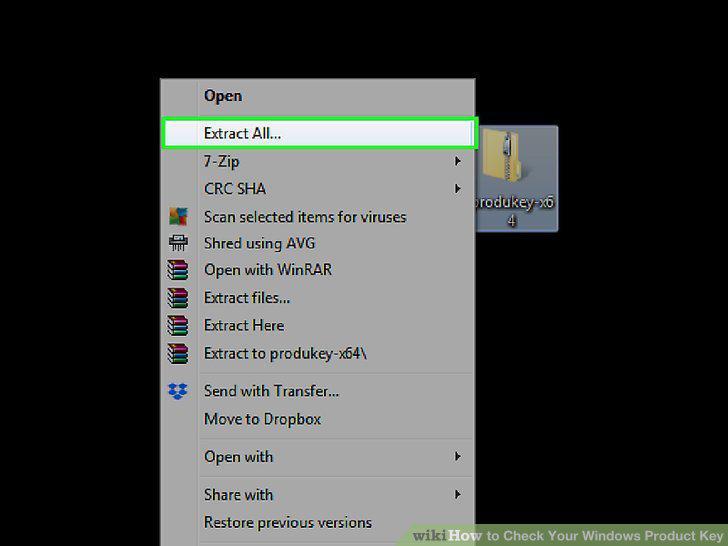
Click Extract all.
8
Click Extract after you've picked an extract location.
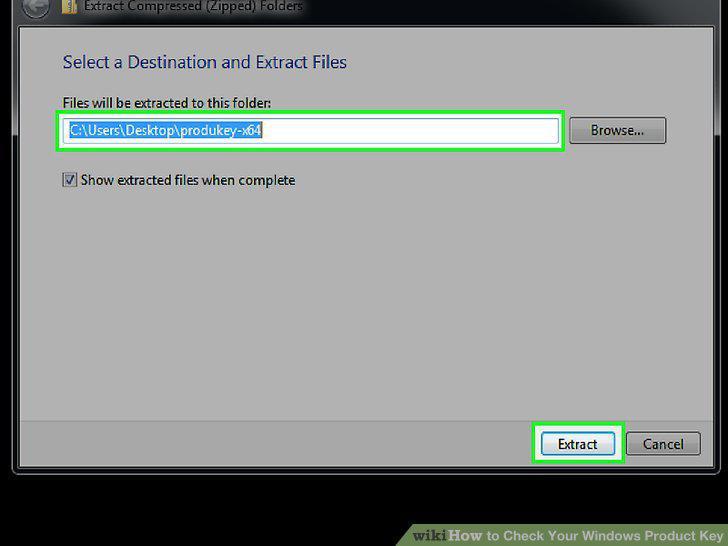
Click Extract after you've picked an extract location.
9
Double-click the ProduKey application.
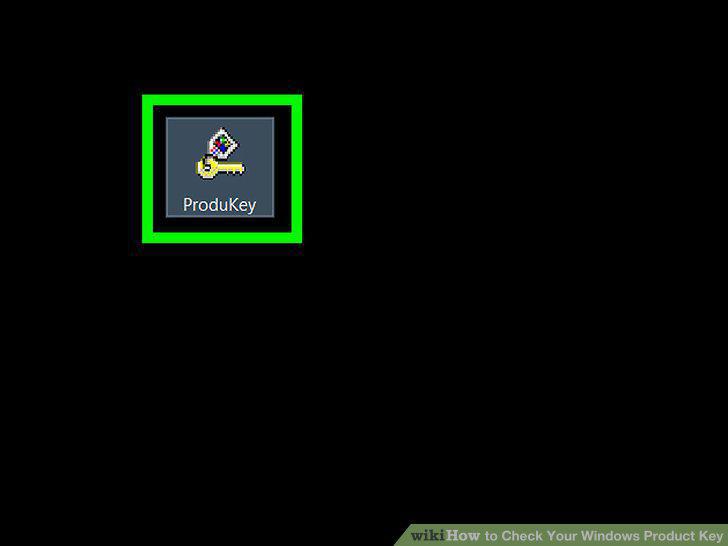
Double-click the ProduKey application.
Comments (0)
No comments yet. Be the first to share your thoughts!