How to Delete a Site on Wix on PC or Mac
Open Wix in your internet browser.. Click your username in the upper-right corner of your screen.. Click View Profile on the drop-down menu.
Steps
1
Open Wix in your internet browser.
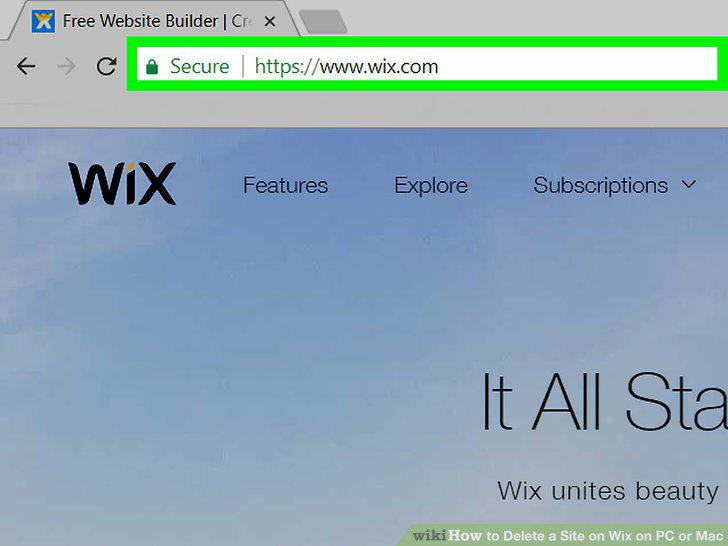
Open Wix in your internet browser.
2
Click your username in the upper-right corner of your screen.
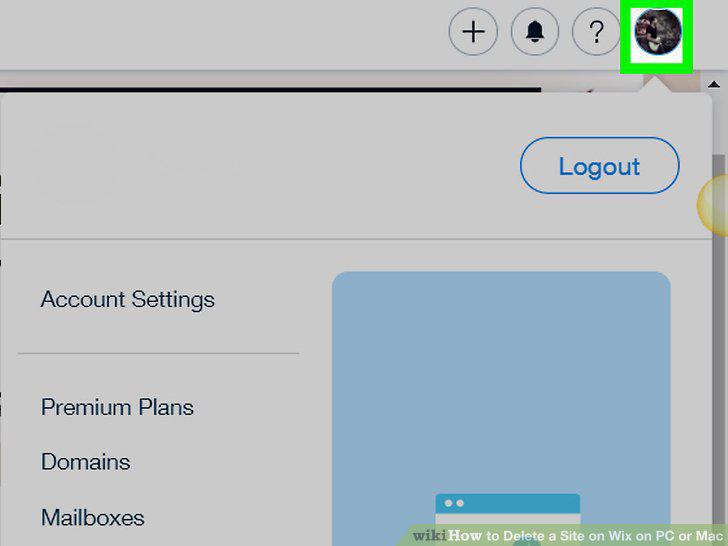
Click your username in the upper-right corner of your screen.
3
Click View Profile on the drop-down menu.
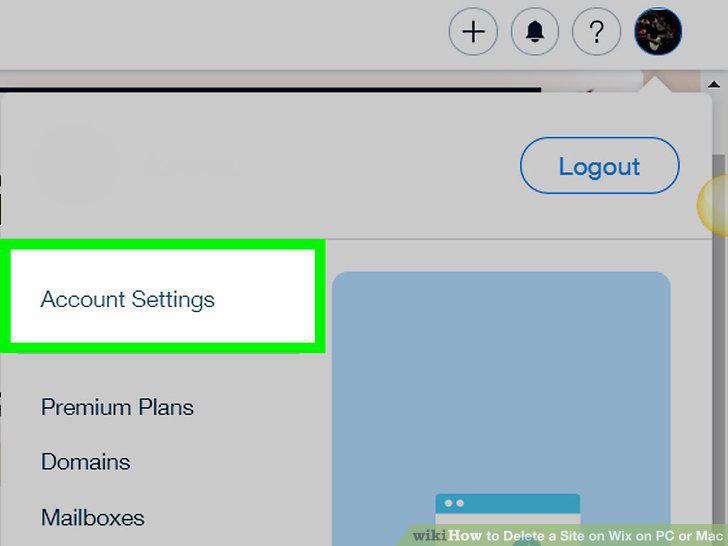
Click View Profile on the drop-down menu.
4
Click the My Sites button.
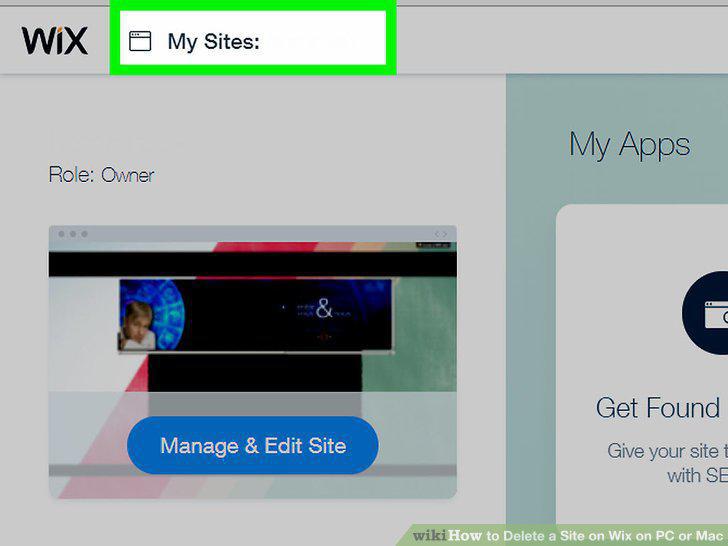
Click the My Sites button.
5
Select the website you want to delete.
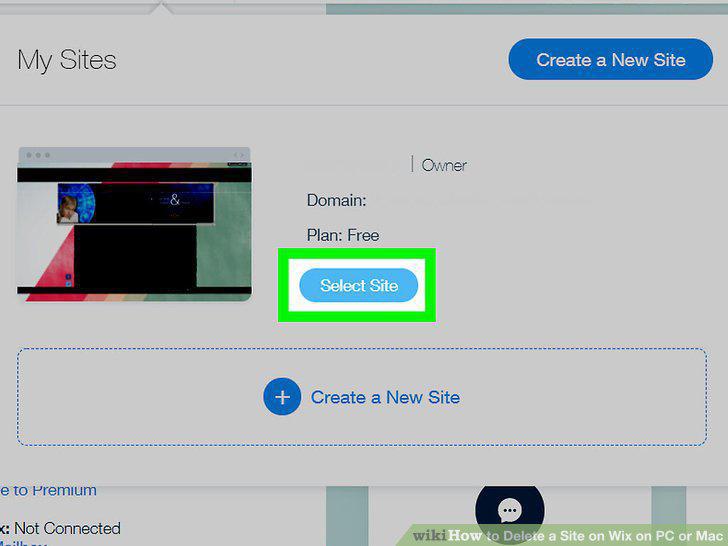
Select the website you want to delete.
6
Click the blue Manage Site button.
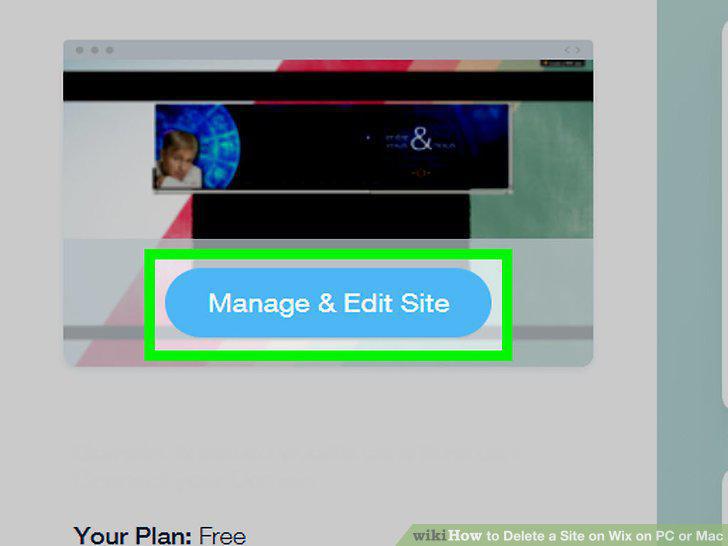
Click the blue Manage Site button.
7
Click the Delete Site icon under the Site Actions heading.
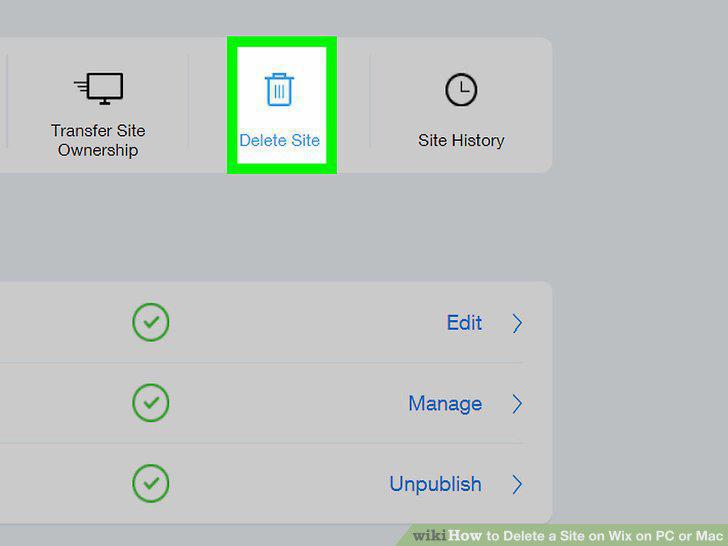
Click the Delete Site icon under the Site Actions heading.
8
Click the red Delete button in the confirmation window.
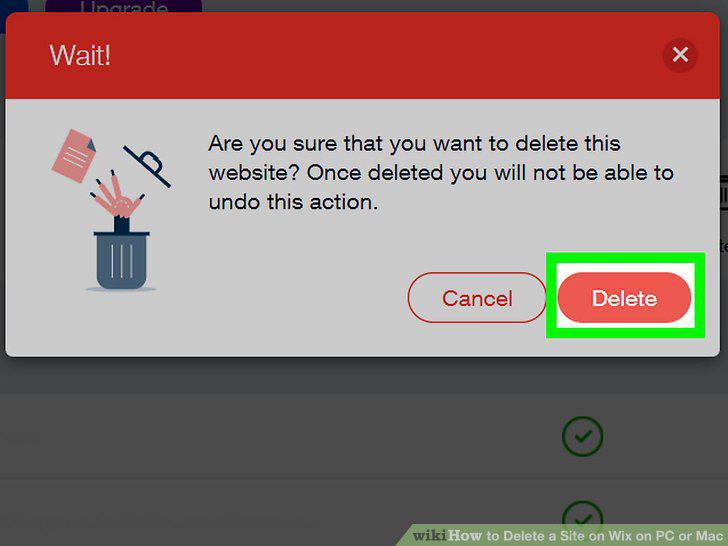
Click the red Delete button in the confirmation window.
Comments (0)
No comments yet. Be the first to share your thoughts!