How to Access the Notification Center on an iPhone
Turn on your display.. Unlock your phone.. Swipe down from the top of the screen.
Steps
1
Turn on your display.
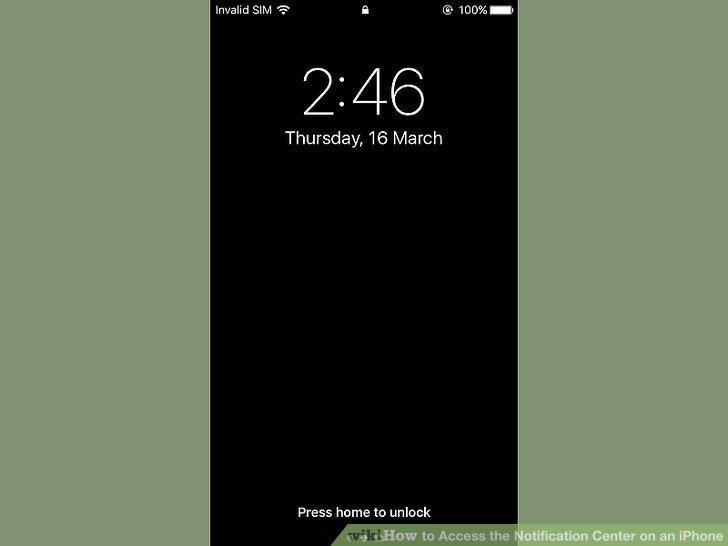
Turn on your display.
2
Unlock your phone.
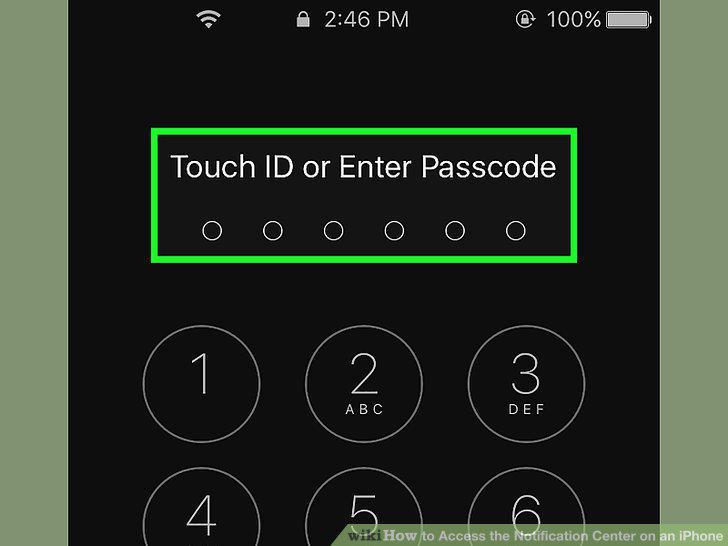
Unlock your phone.
3
Swipe down from the top of the screen.
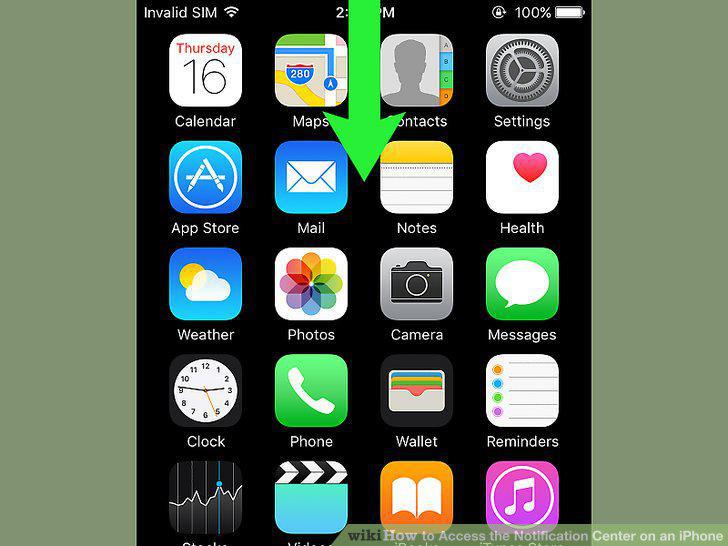
Swipe down from the top of the screen.
4
View notifications from the last week.
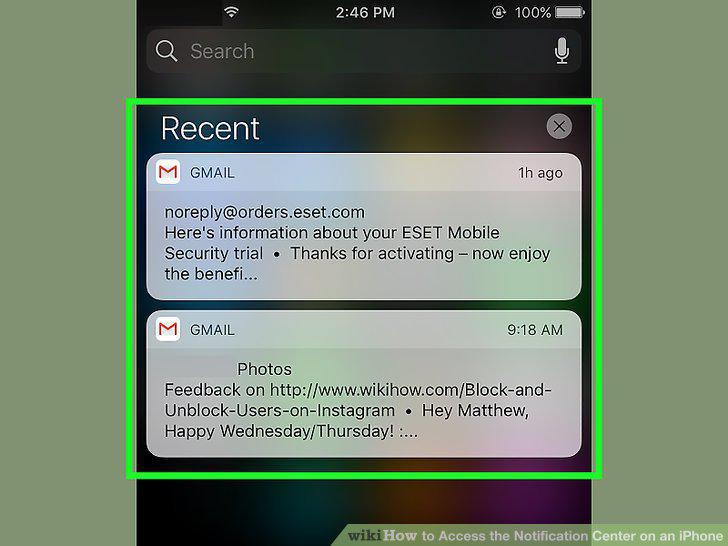
View notifications from the last week.
5
Swipe right on the "Recents" screen.
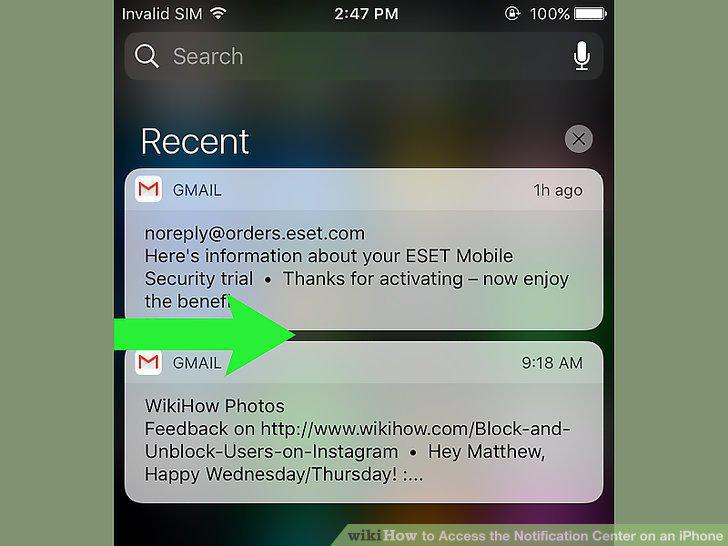
Swipe right on the "Recents" screen.
6
Open your iPhone's Settings.
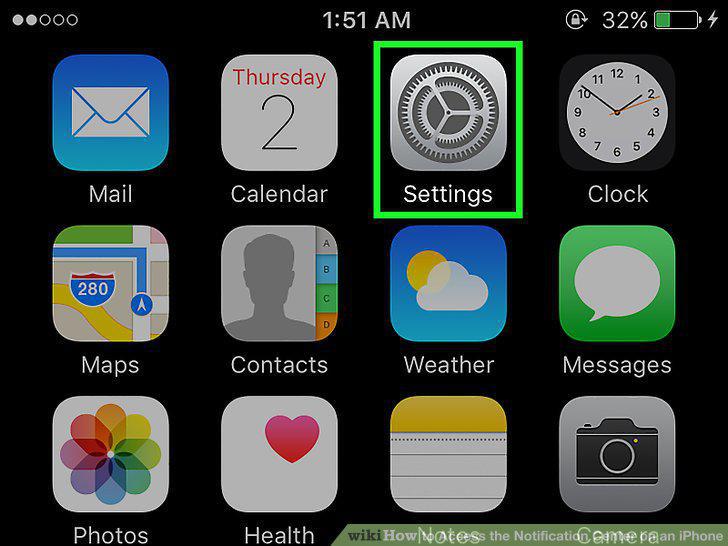
Open your iPhone's Settings.
7
Tap Notifications.
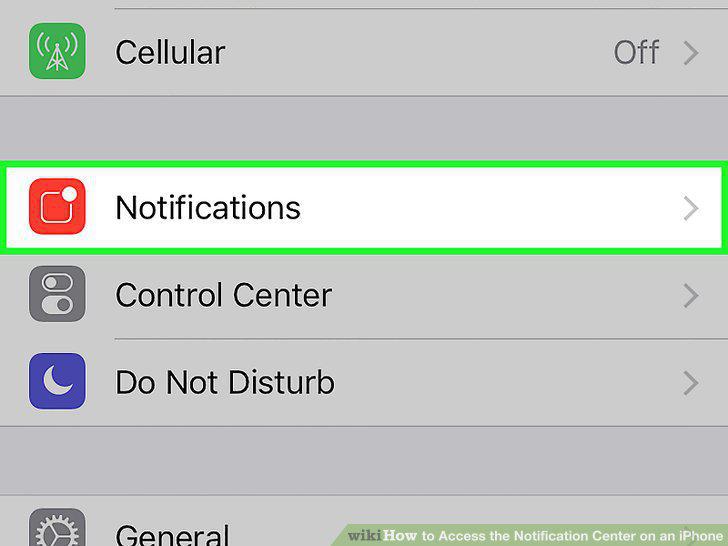
Tap Notifications.
8
Tap an app.
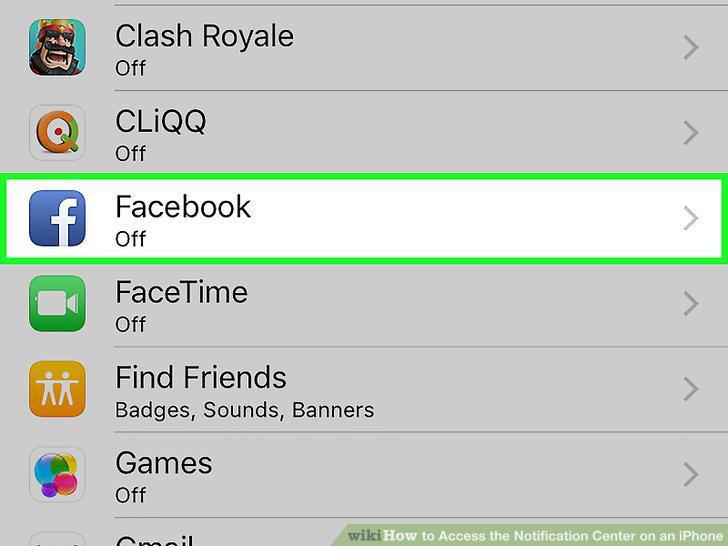
Tap an app.
9
Slide the button next to "Allow Notifications" to the "On" position.
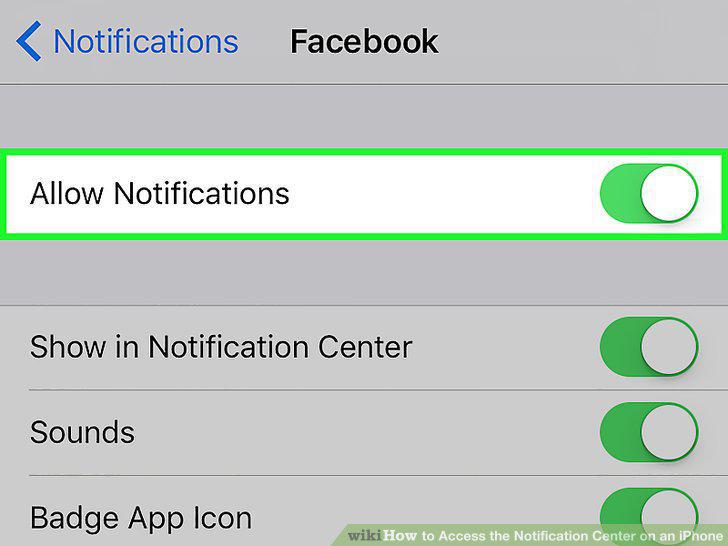
Slide the button next to "Allow Notifications" to the "On" position.
10
Slide the button next to "Show in Notification Center" to the "On" position.
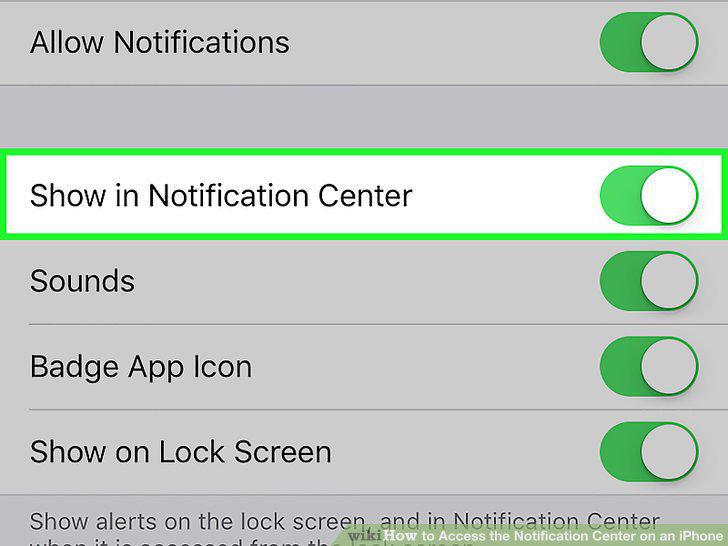
Slide the button next to "Show in Notification Center" to the "On" position.
11
Tap an alert style.
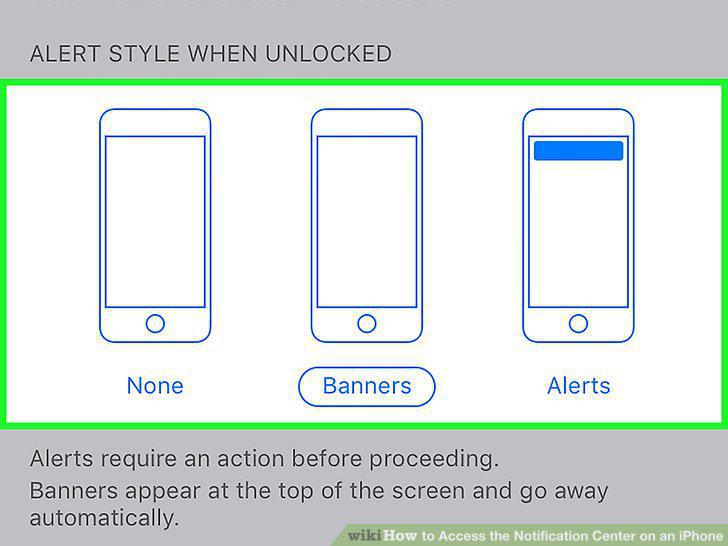
Tap an alert style.
Comments (0)
No comments yet. Be the first to share your thoughts!