How to Cancel a Sling TV Subscription
Go to https://www.sling.com/signin/account in a web browser.. Enter your login information and click SIGN IN.. Click Cancel Subscription.
Steps
1
Go to https://www.sling.com/signin/account in a web browser.
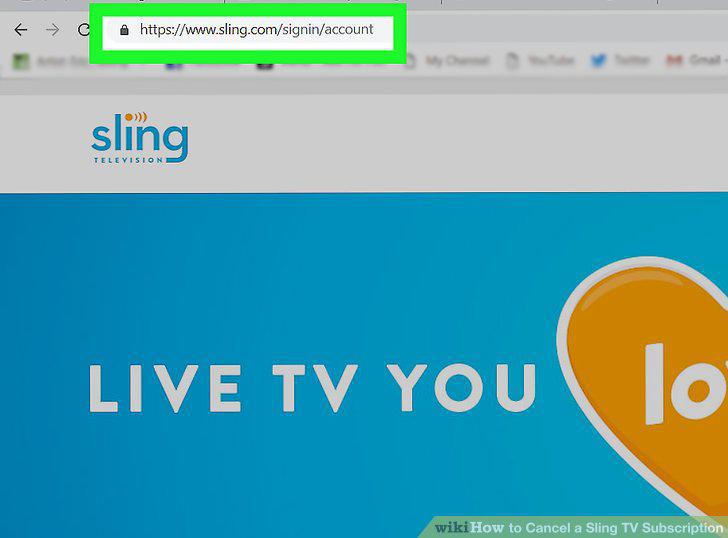
Go to https://www.sling.com/signin/account in a web browser.
2
Enter your login information and click SIGN IN.
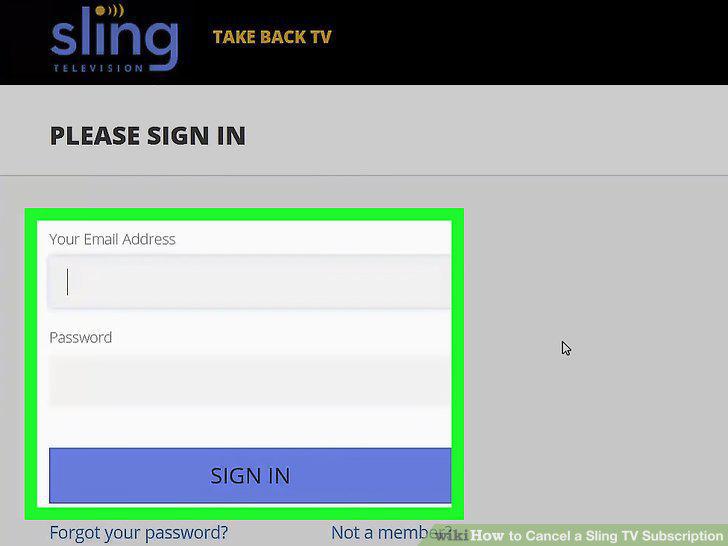
Enter your login information and click SIGN IN.
3
Click Cancel Subscription.
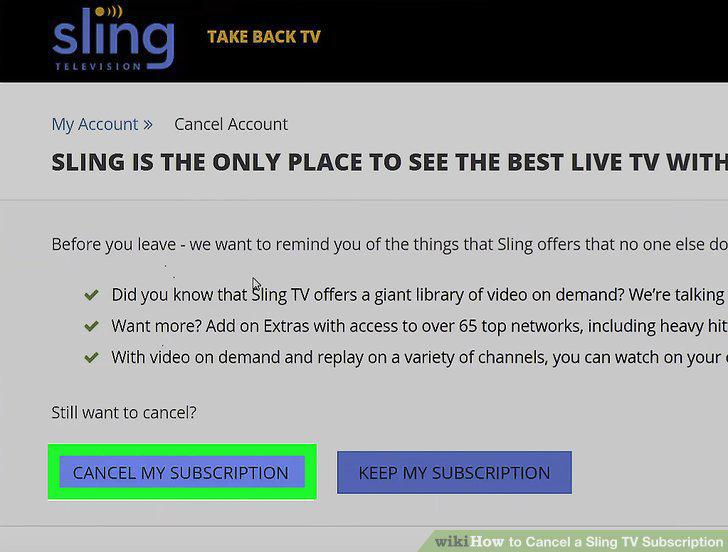
Click Cancel Subscription.
4
Click CANCEL SUBSCRIPTION.
Click CANCEL SUBSCRIPTION.
5
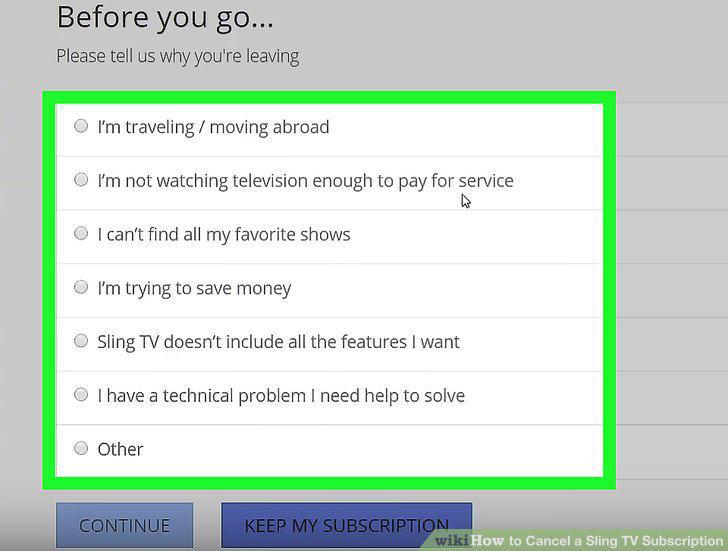
Select the reason you're canceling.
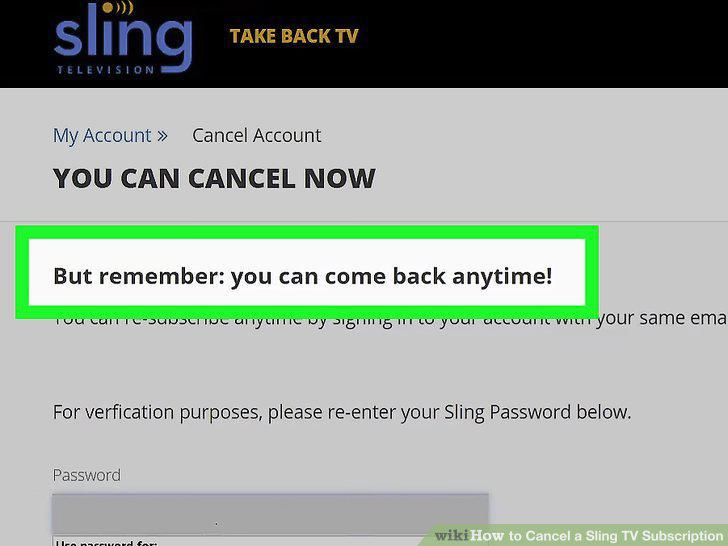
Select the reason you're canceling.
6
Select how likely you are to return.
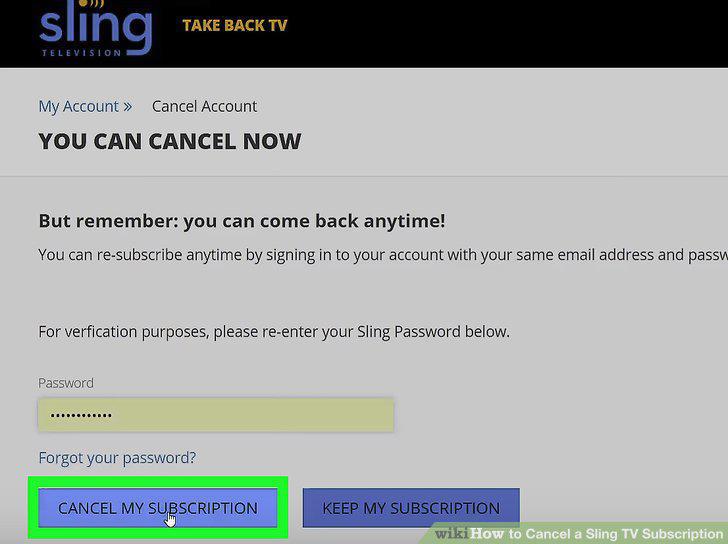
Select how likely you are to return.
7
Click CONFIRM MY CANCELLATION.
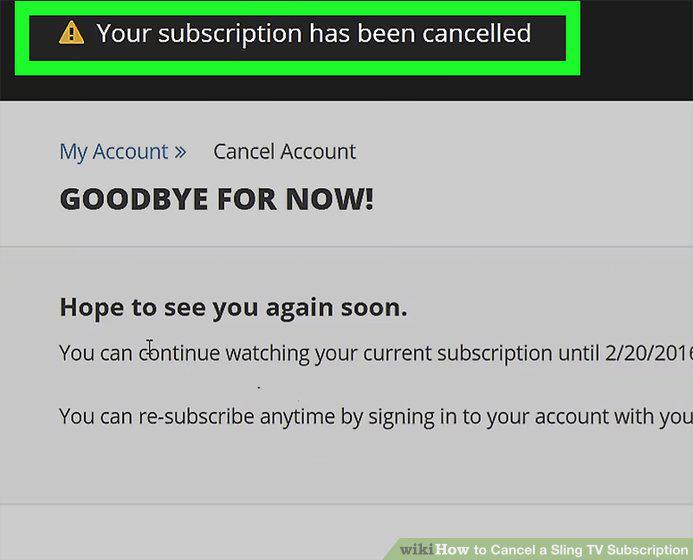
Click CONFIRM MY CANCELLATION.
Comments (0)
No comments yet. Be the first to share your thoughts!