Steps
1
Open Uber.
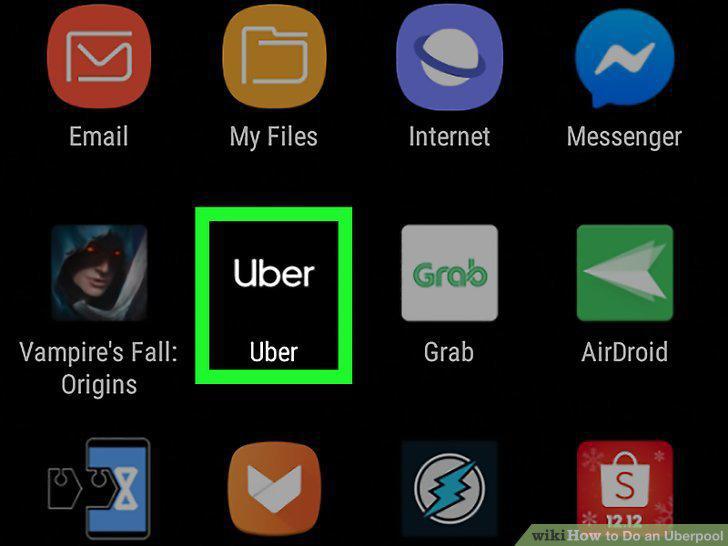
Open Uber.
2
Enter a destination.
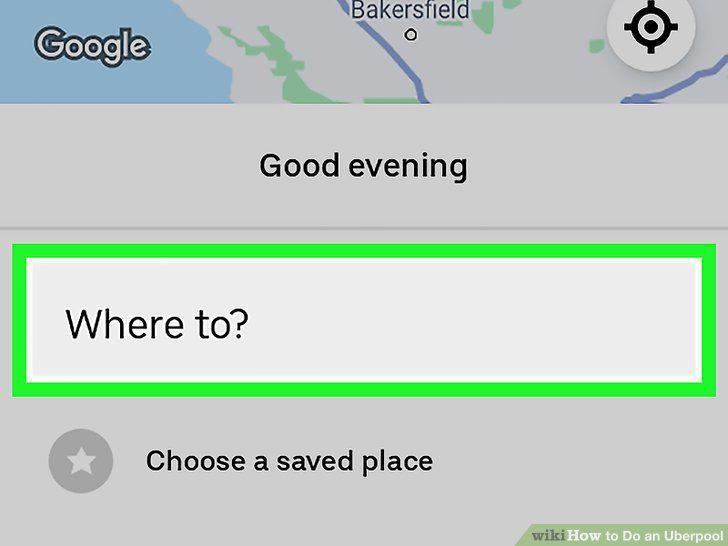
Enter a destination.
3
Tap to select Pool.
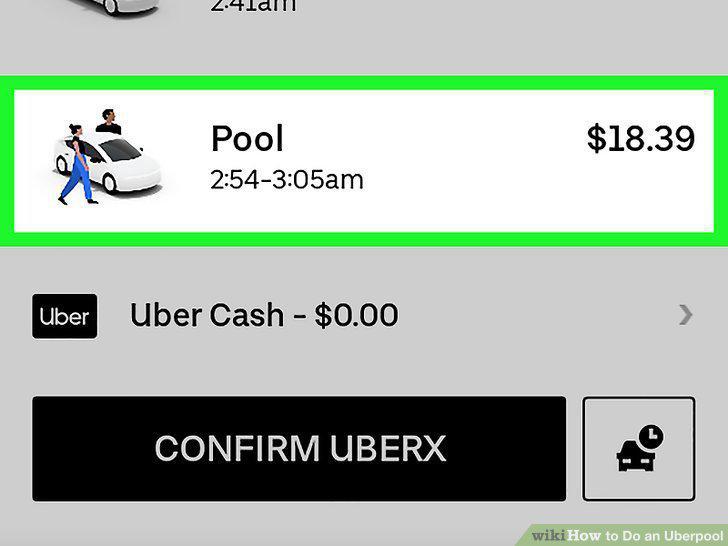
Tap to select Pool.
4
Tap Confirm Pool.
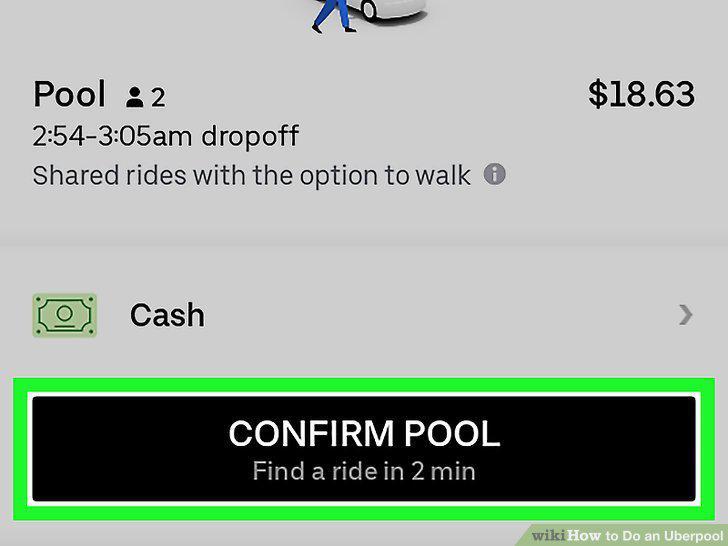
Tap Confirm Pool.
5
Tap to select how many seats you need.
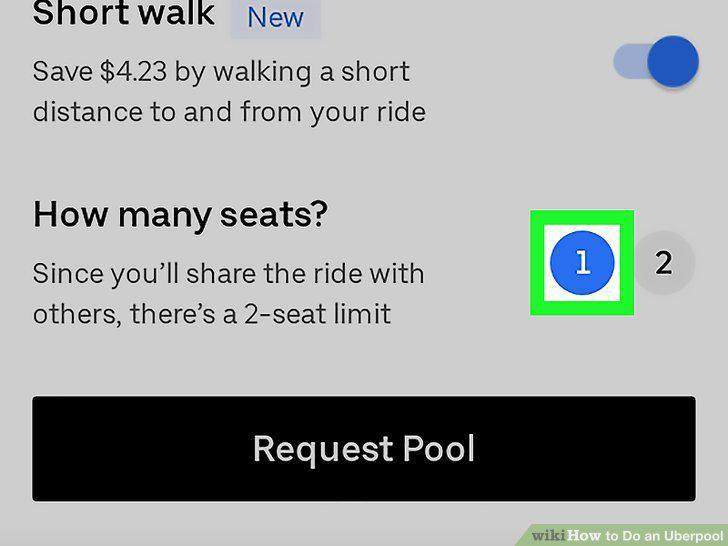
Tap to select how many seats you need.
6
Tap Confirm Pool.
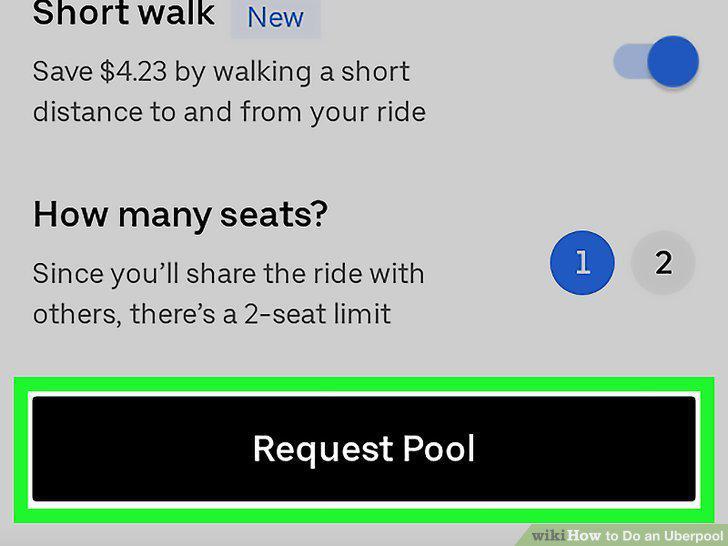
Tap Confirm Pool.
7
Go to https://www.uber.com/ and log in.
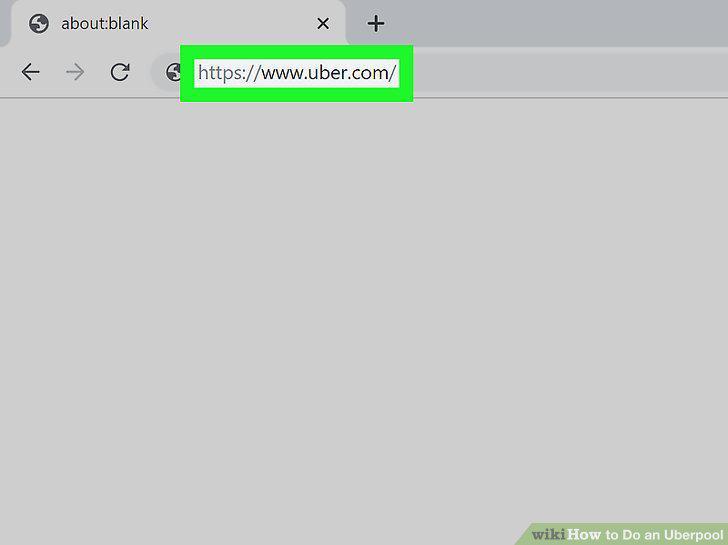
Go to https://www.uber.com/ and log in.
8
Enter your pick-up and destination locations.
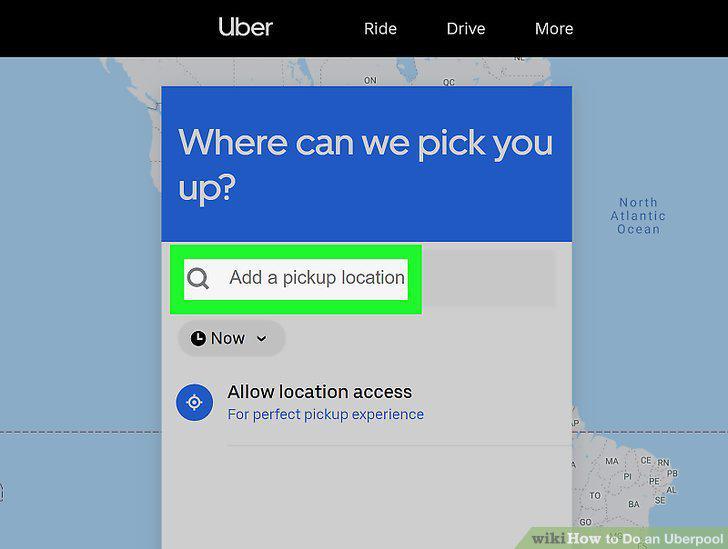
Enter your pick-up and destination locations.
9
Click to select Pool.
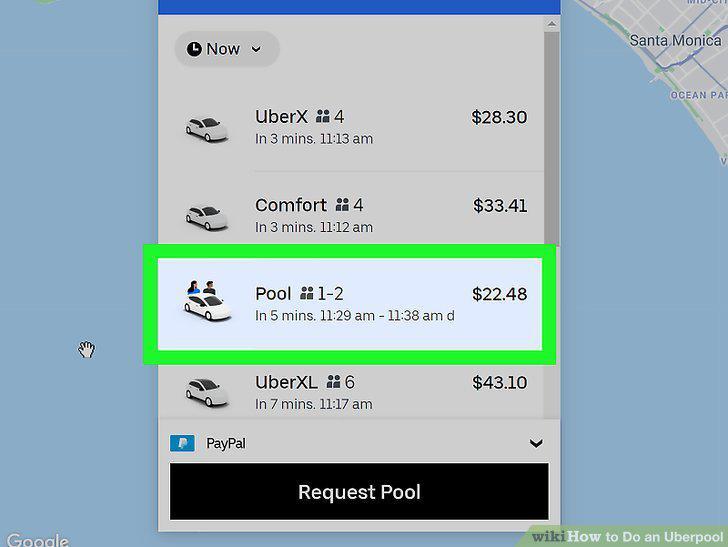
Click to select Pool.
10
Click Confirm Pool.
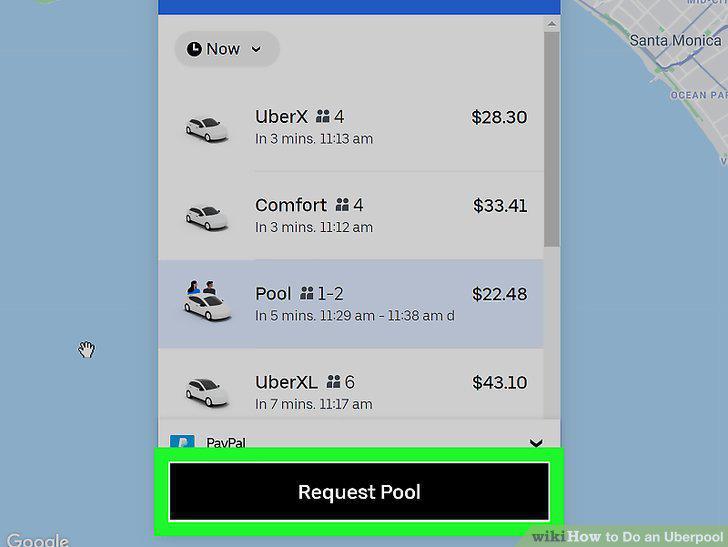
Click Confirm Pool.
11
Click to select how many seats you need (2 or 1).
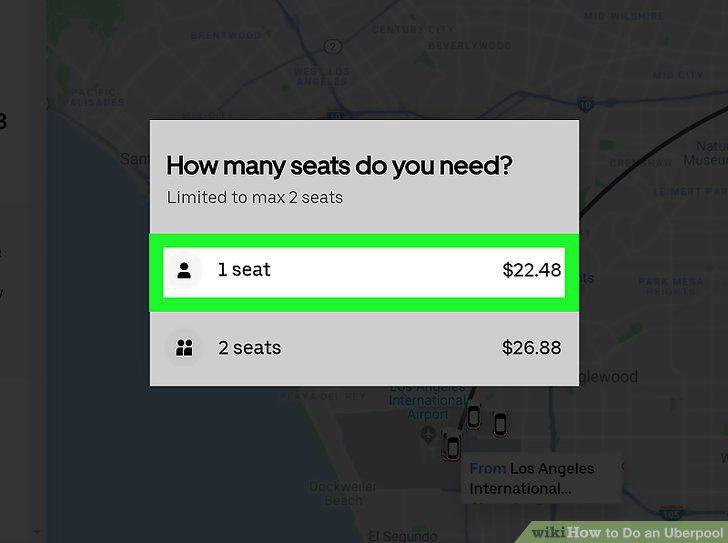
Click to select how many seats you need (2 or 1).
Comments (0)
No comments yet. Be the first to share your thoughts!