Steps
1
Open the App Store.
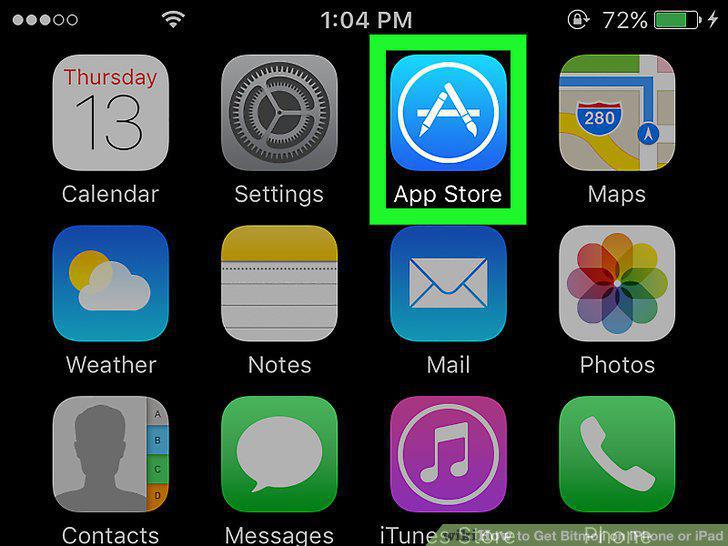
Open the App Store.
2
Tap Search.
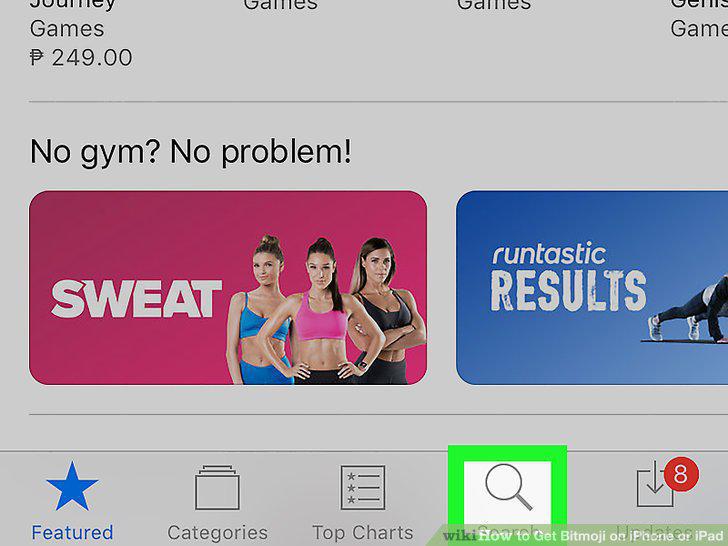
Tap Search.
3
Type Bitmoji.
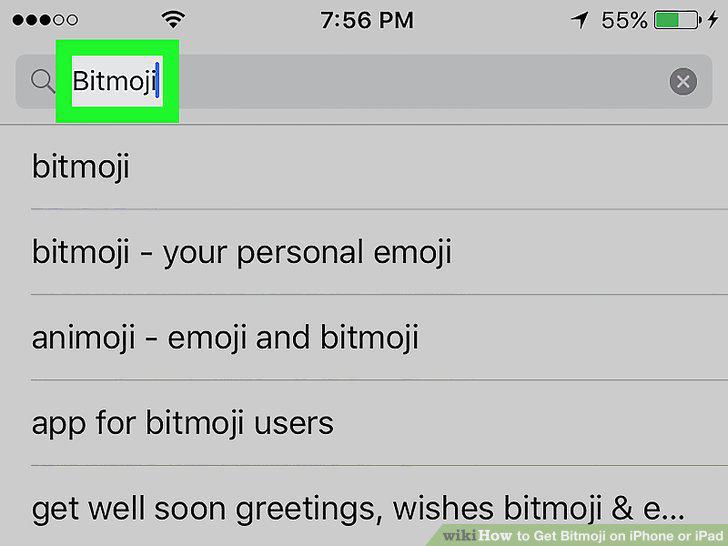
Type Bitmoji.
4
Select Bitmoji – Your Personal Emoji from the search results.
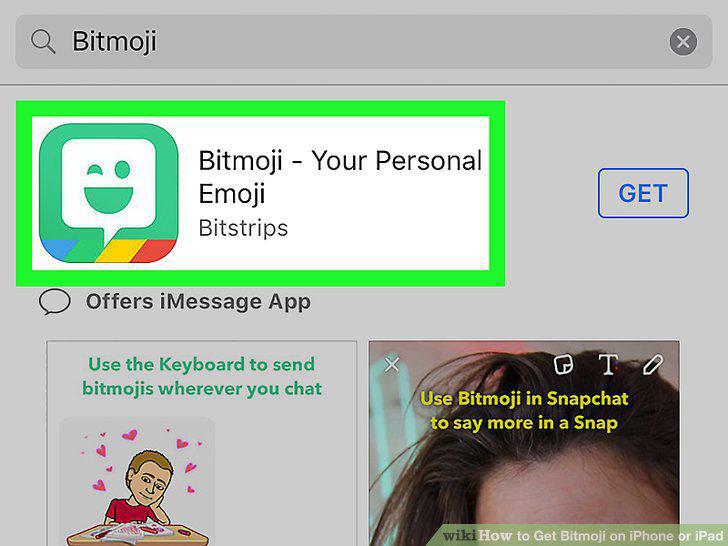
Select Bitmoji – Your Personal Emoji from the search results.
5
Tap Get.
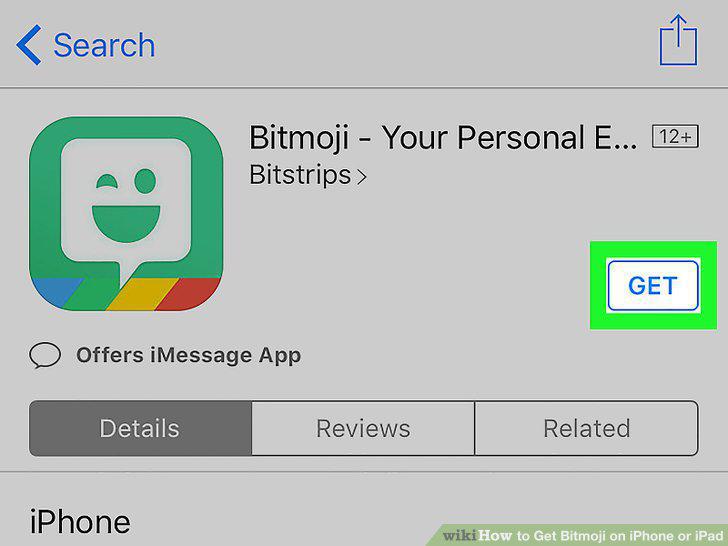
Tap Get.
6
Tap Install.
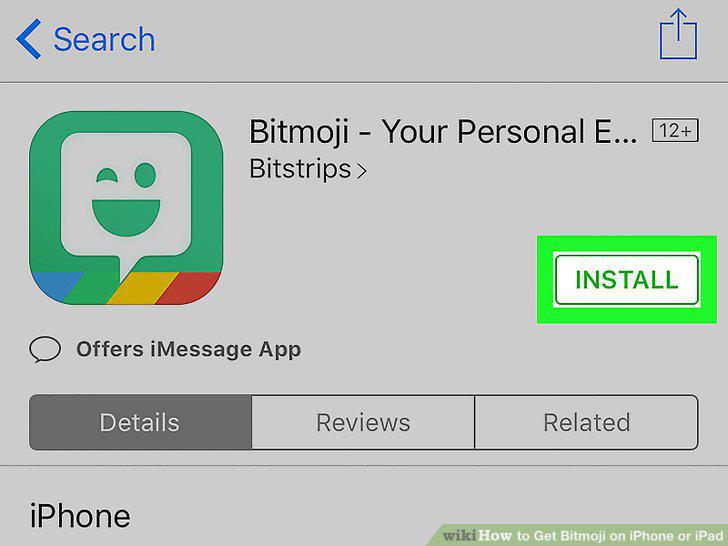
Tap Install.
Comments (0)
No comments yet. Be the first to share your thoughts!