How to Download Emails from Gmail on PC or Mac
Open Gmail in your internet browser.. Click the email you want to download.. Click the tiny icon on the top-right.
Steps
1
Open Gmail in your internet browser.
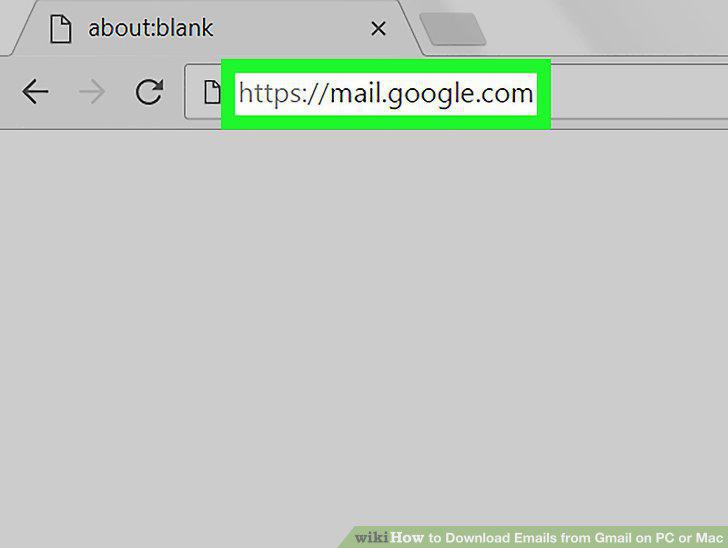
Open Gmail in your internet browser.
2
Click the email you want to download.
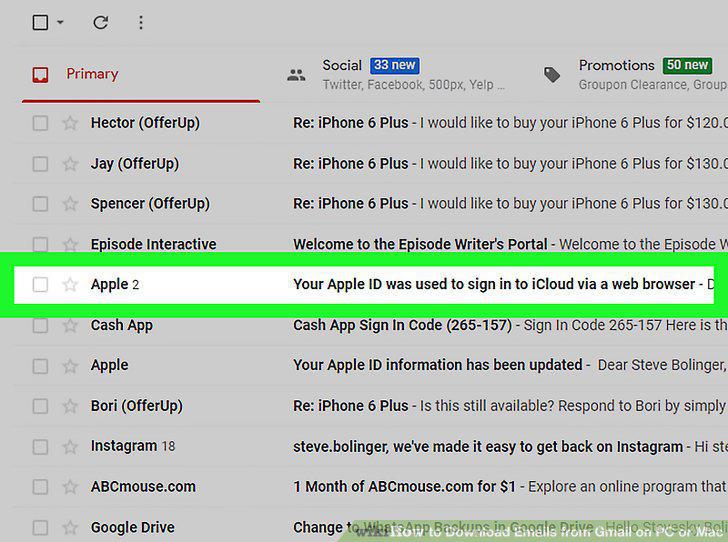
Click the email you want to download.
3
Click the tiny icon on the top-right.
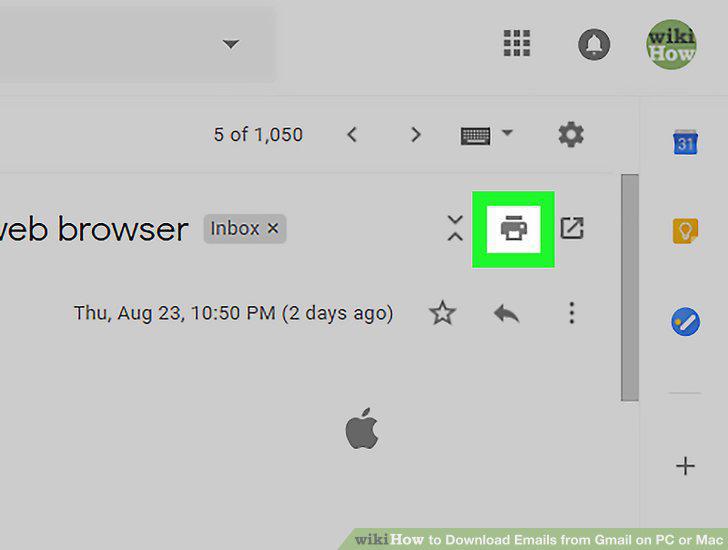
Click the tiny icon on the top-right.
4
Click the Change button next to "Destination" in the Print window.
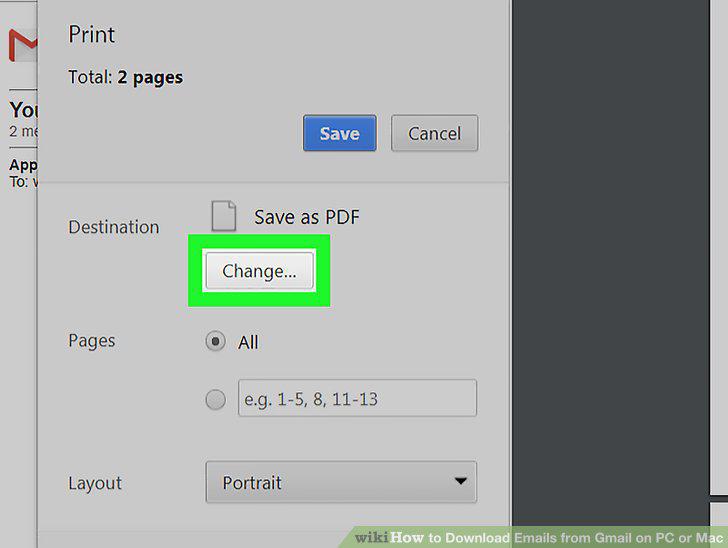
Click the Change button next to "Destination" in the Print window.
5
Select Save as PDF.
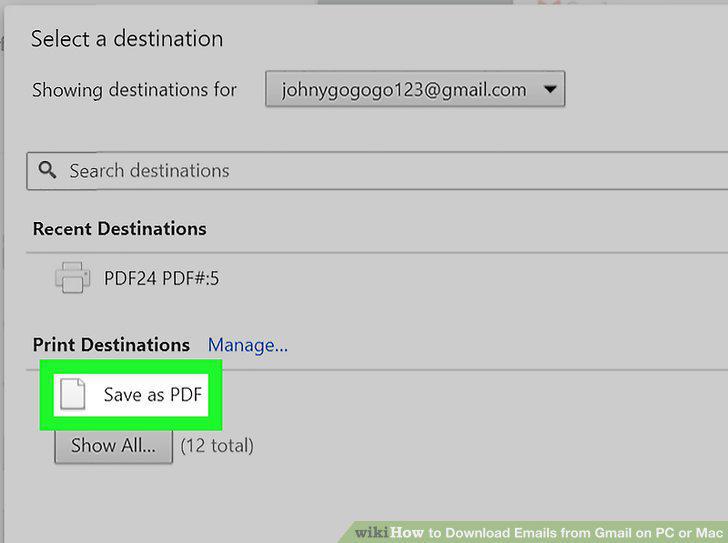
Select Save as PDF.
6
Click the blue Save button.
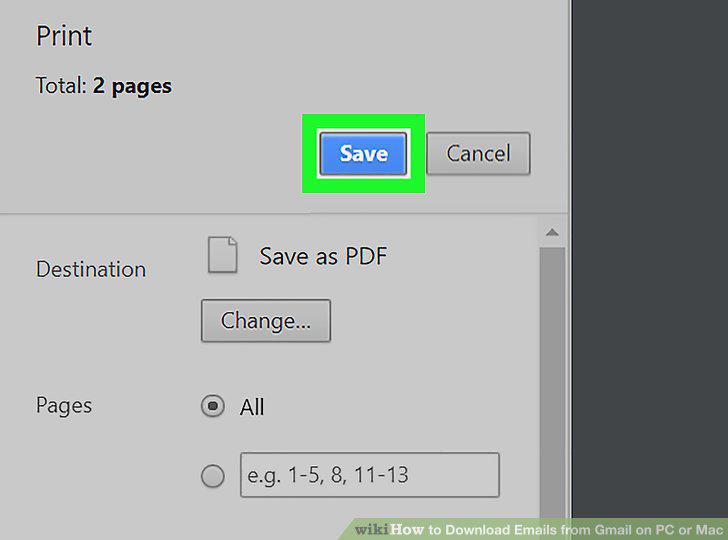
Click the blue Save button.
7
Select a saving location for the email.
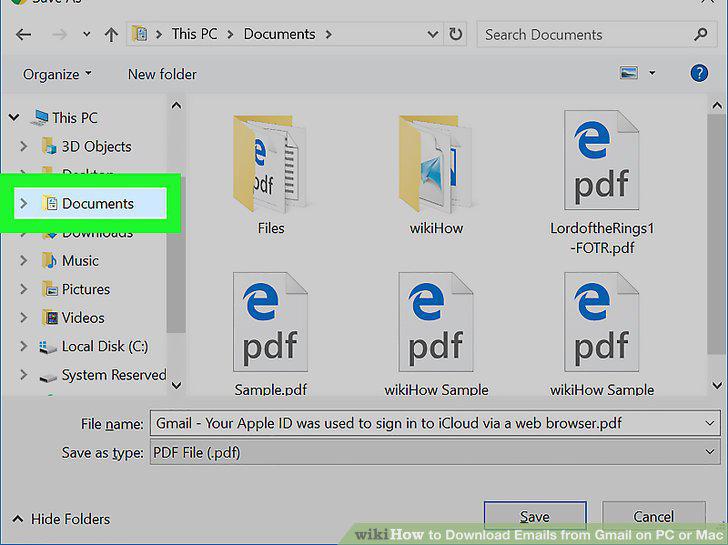
Select a saving location for the email.
8
Click the Save button.
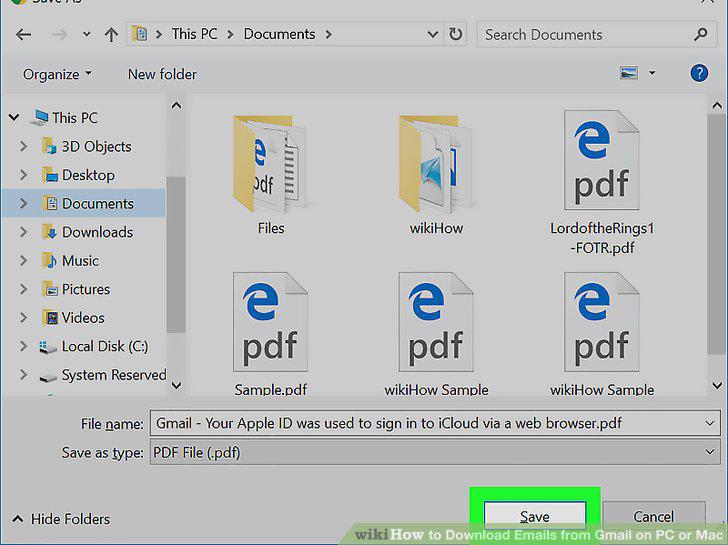
Click the Save button.
Comments (0)
No comments yet. Be the first to share your thoughts!