How to Connect USB to iPad
Check your USB device's documentation to ensure compatibility with the iPad.. Acquire a Lightning to USB female adapter.. Insert the Lightning end of the adapter into the iPad.
Steps
1
Check your USB device's documentation to ensure compatibility with the iPad.
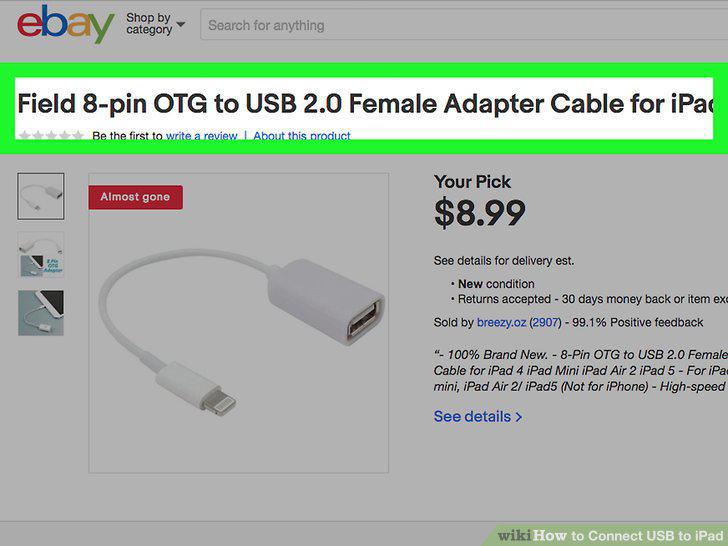
Check your USB device's documentation to ensure compatibility with the iPad.
2
Acquire a Lightning to USB female adapter.
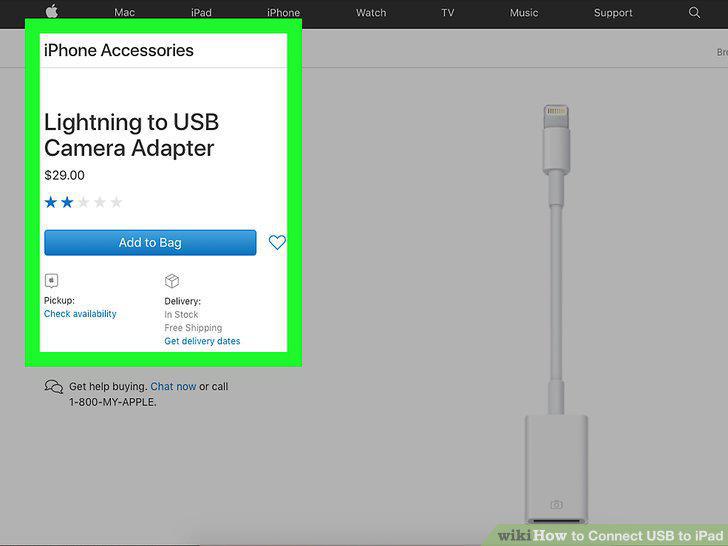
Acquire a Lightning to USB female adapter.
3
Insert the Lightning end of the adapter into the iPad.
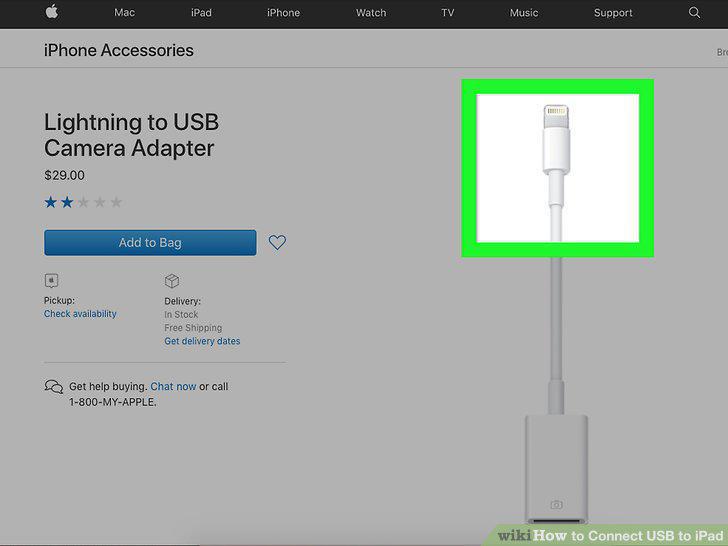
Insert the Lightning end of the adapter into the iPad.
4
Connect your USB device to the USB port of the adapter.
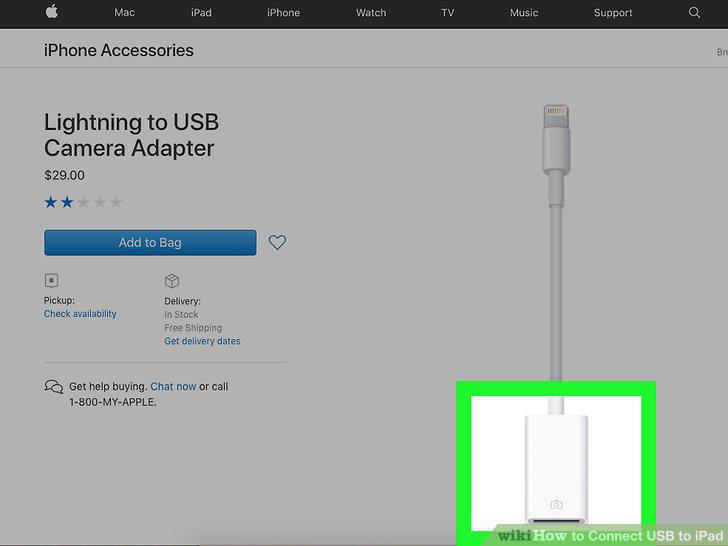
Connect your USB device to the USB port of the adapter.
5
Power on your device.
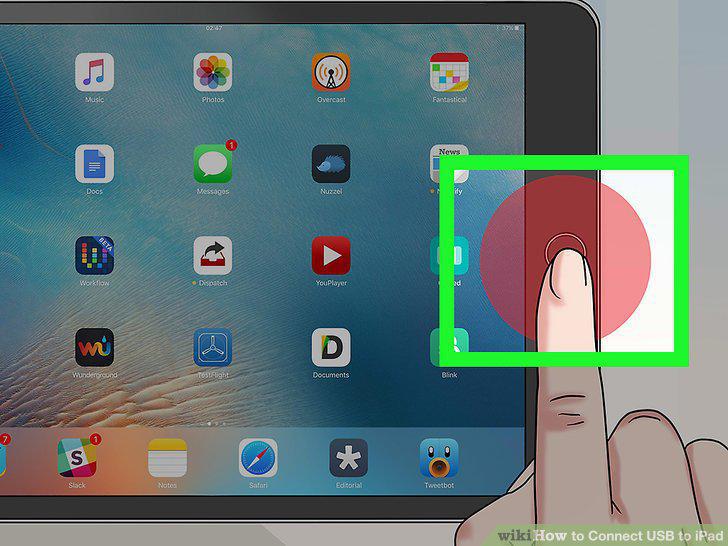
Power on your device.
Comments (0)
No comments yet. Be the first to share your thoughts!