How to Remove the Emergency Call Button on Android
Remove your Android's PIN or Pattern lock.. Open the Play Store .. Search for a lock screen app.
Steps
1
Remove your Android's PIN or Pattern lock.
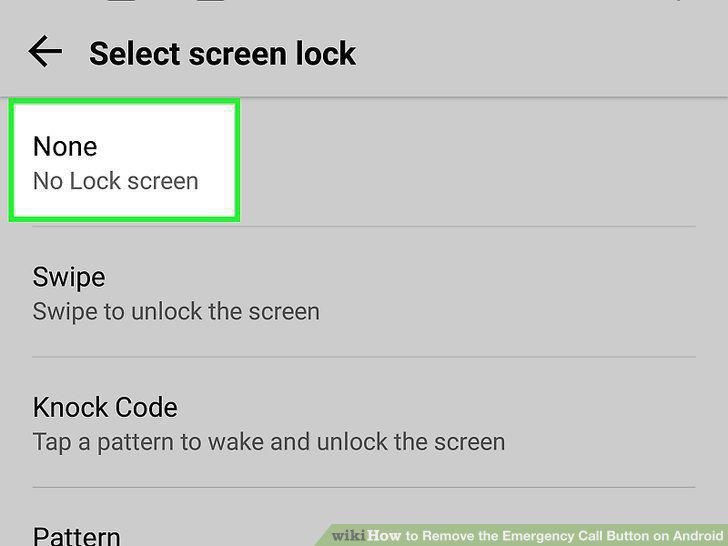
Remove your Android's PIN or Pattern lock.
2
Open the Play Store .
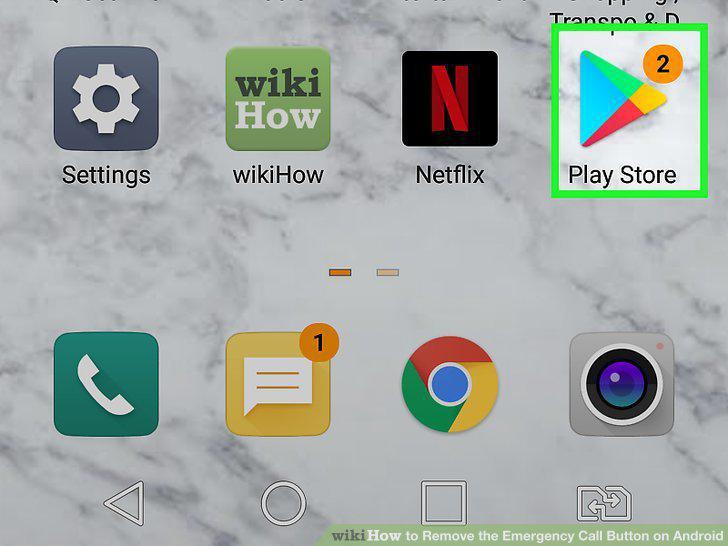
Open the Play Store .
3
Search for a lock screen app.
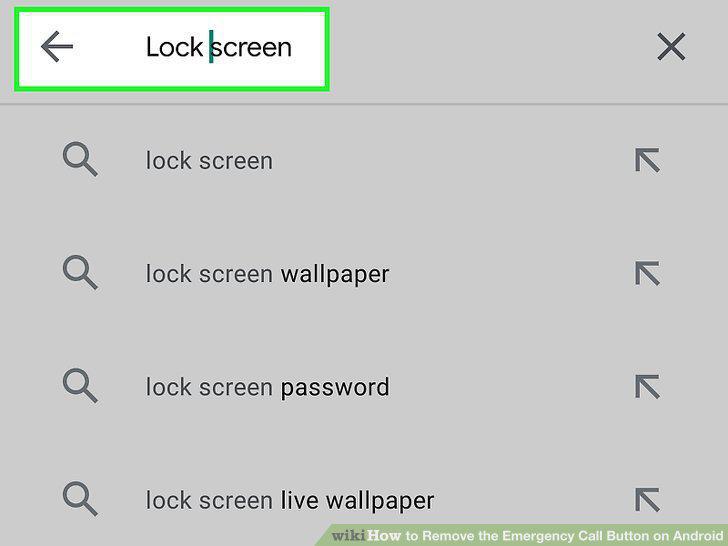
Search for a lock screen app.
4
Select a lock screen app.
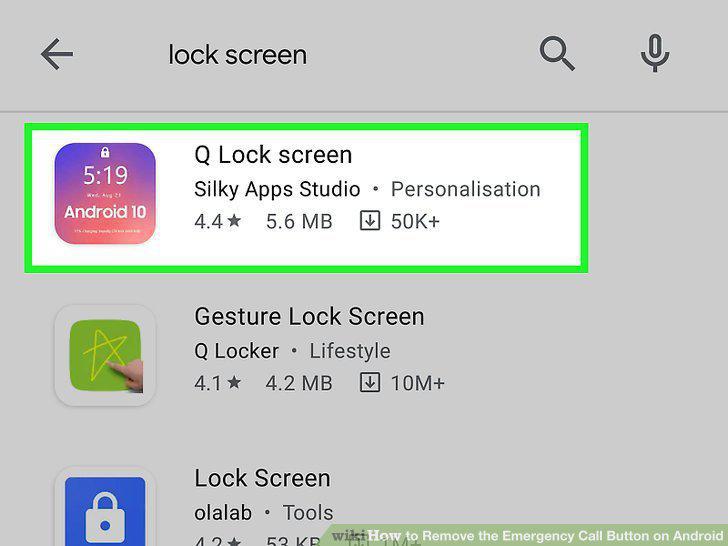
Select a lock screen app.
5
Tap Install.
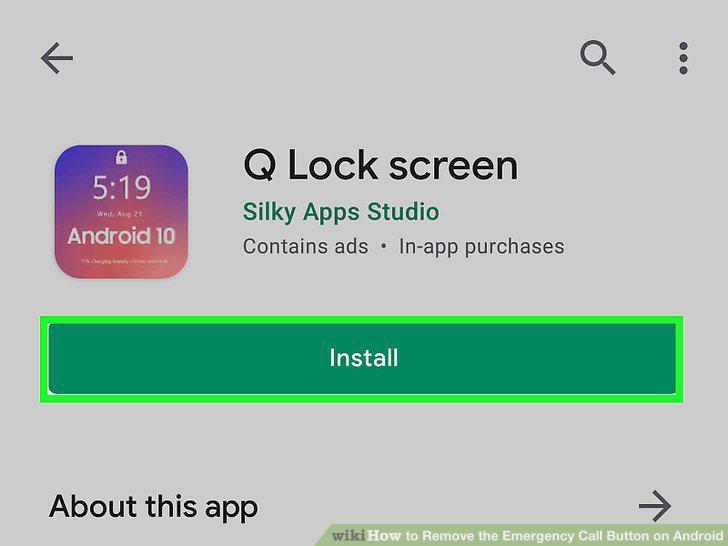
Tap Install.
6
Tap Open.
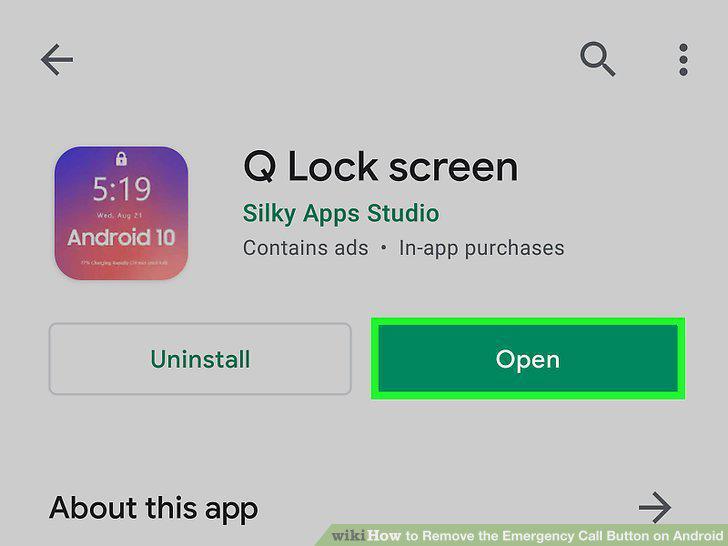
Tap Open.
7
Follow the on-screen instructions to set up the lock screen.
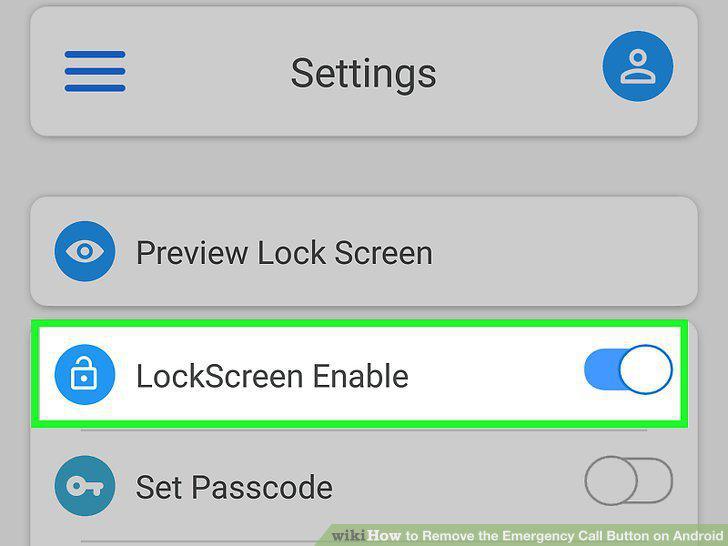
Follow the on-screen instructions to set up the lock screen.
8
Set up a security type in the lock screen app.
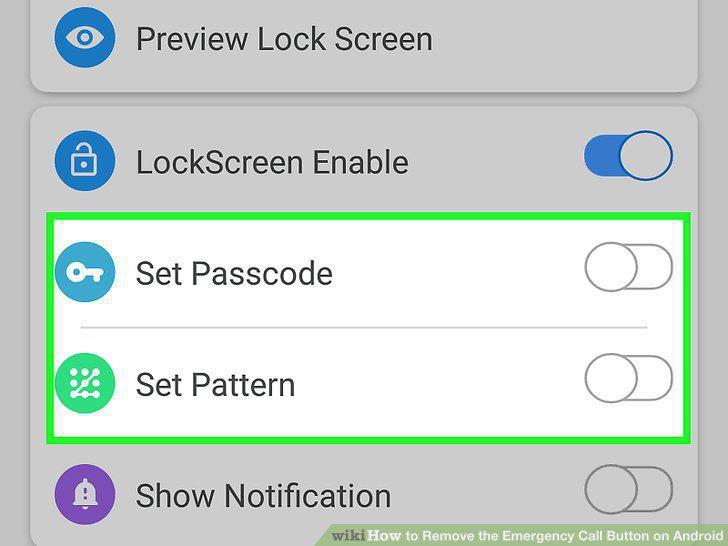
Set up a security type in the lock screen app.
9
Lock your Android's screen.
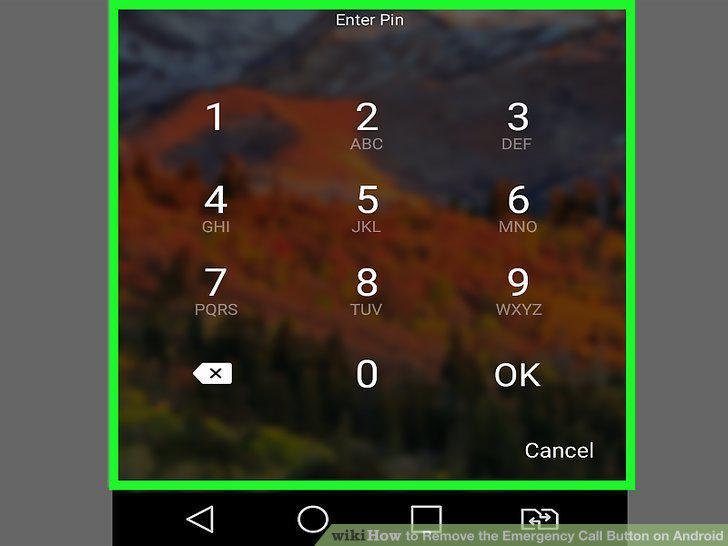
Lock your Android's screen.
Comments (0)
No comments yet. Be the first to share your thoughts!