How to Connect Two AirPods to One iPhone or iPad
Connect one set of AirPods to your iPhone or iPad.. Open Settings .. Tap Bluetooth.
Steps
1
Connect one set of AirPods to your iPhone or iPad.
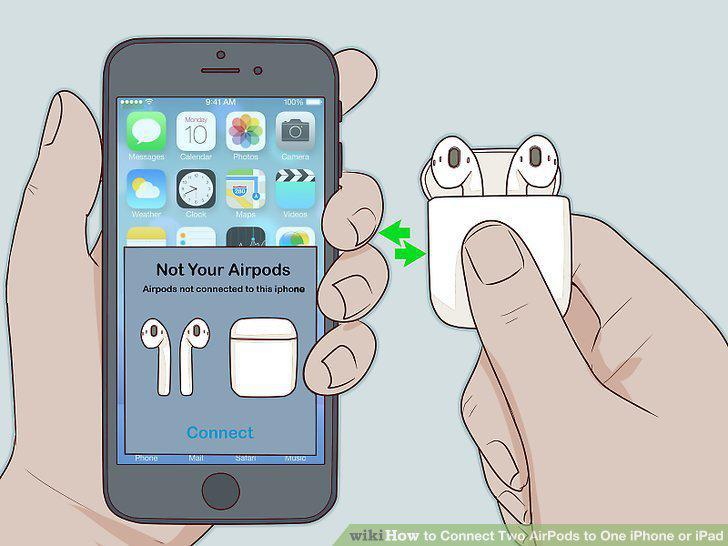
Connect one set of AirPods to your iPhone or iPad.
2
Open Settings .
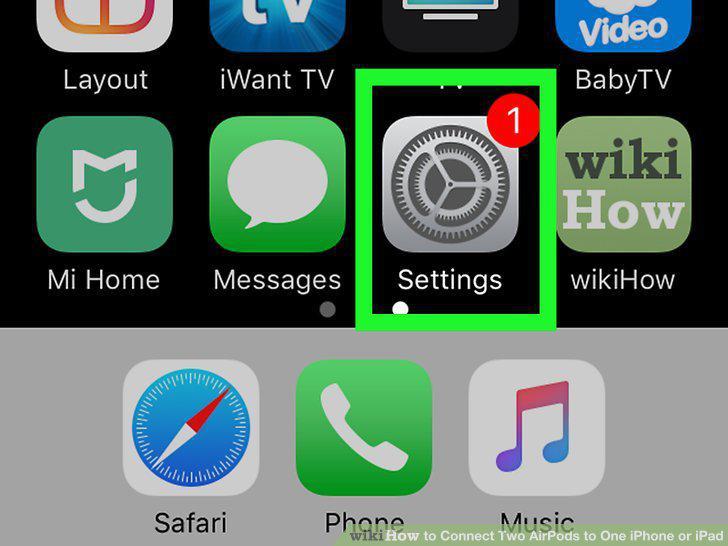
Open Settings .
3
Tap Bluetooth.
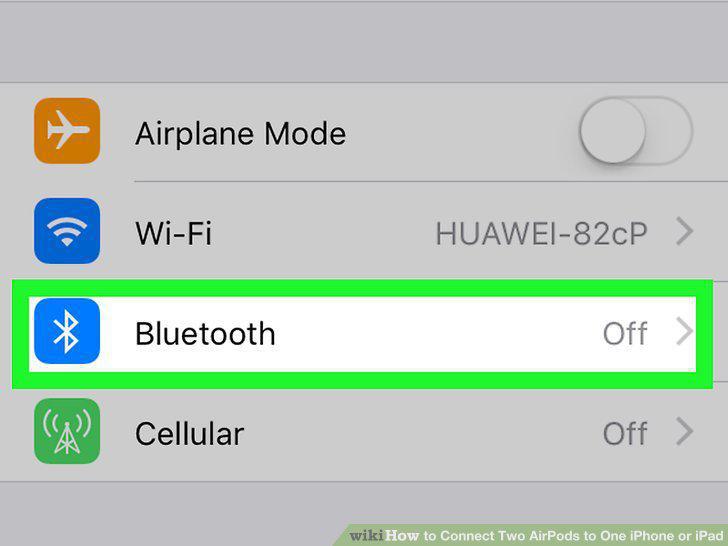
Tap Bluetooth.
4
Pair the second set of AirPods to your iPhone or iPad.
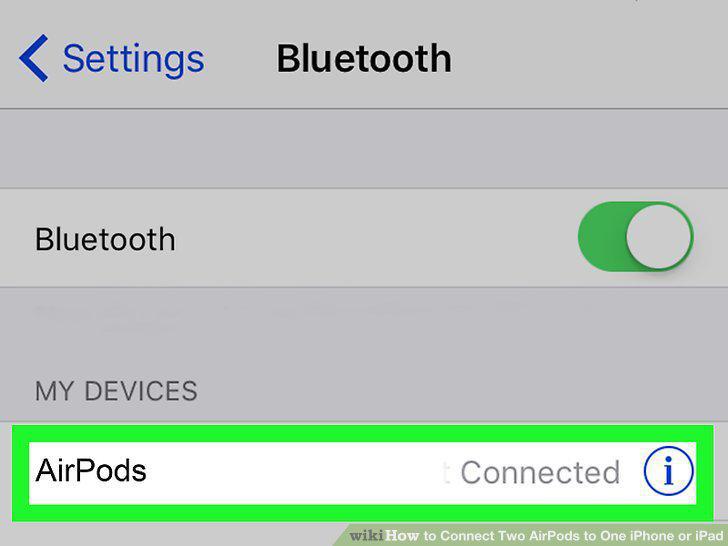
Pair the second set of AirPods to your iPhone or iPad.
Comments (0)
No comments yet. Be the first to share your thoughts!