How to Disable Protected View in Excel on PC or Mac
Open an Excel file on your computer.. Click the File tab on the menu bar.. Click Options on the navigation menu.
Steps
1
Open an Excel file on your computer.
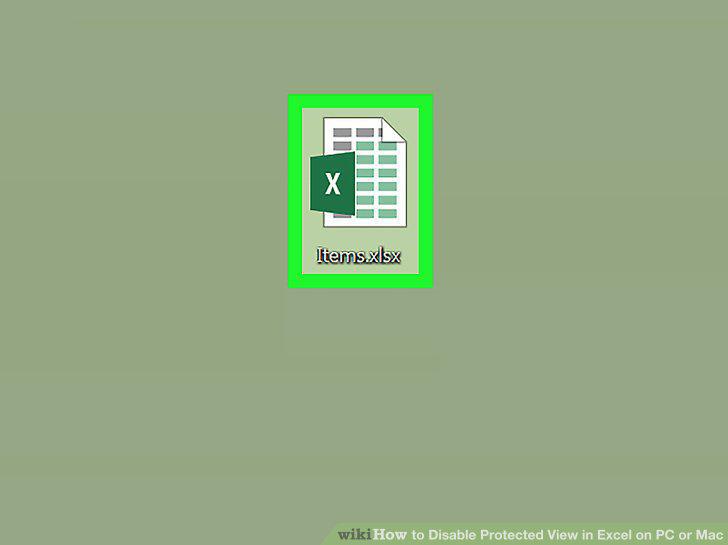
Open an Excel file on your computer.
2
Click the File tab on the menu bar.
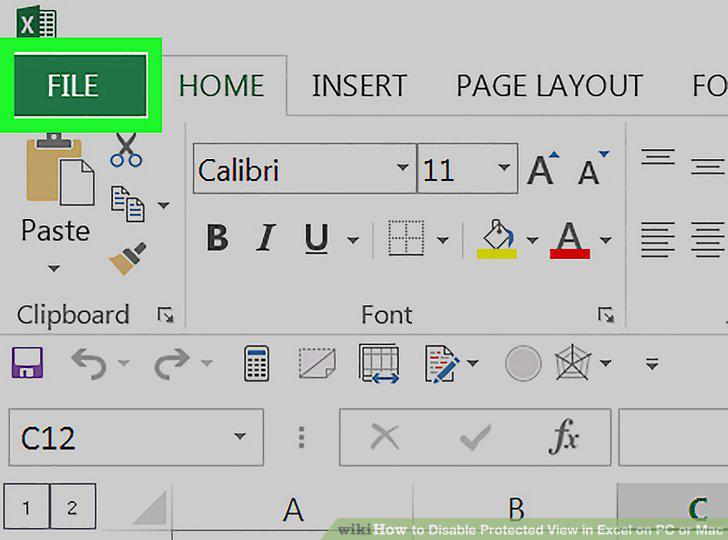
Click the File tab on the menu bar.
3
Click Options on the navigation menu.
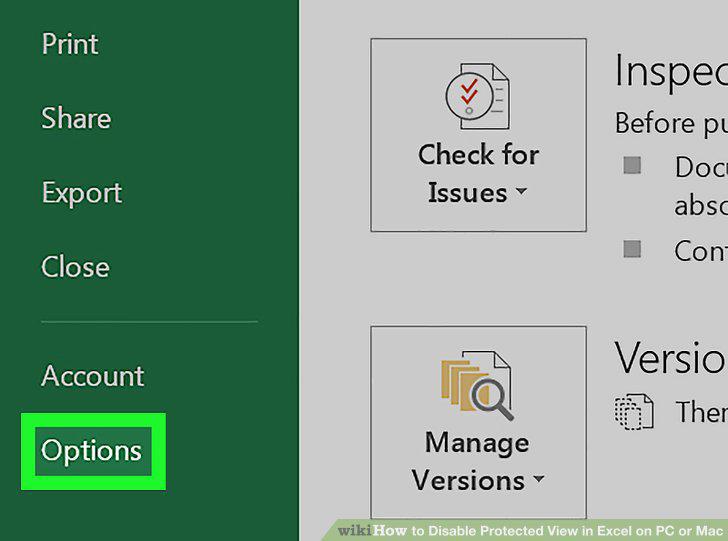
Click Options on the navigation menu.
4
Click the Trust Center tab.
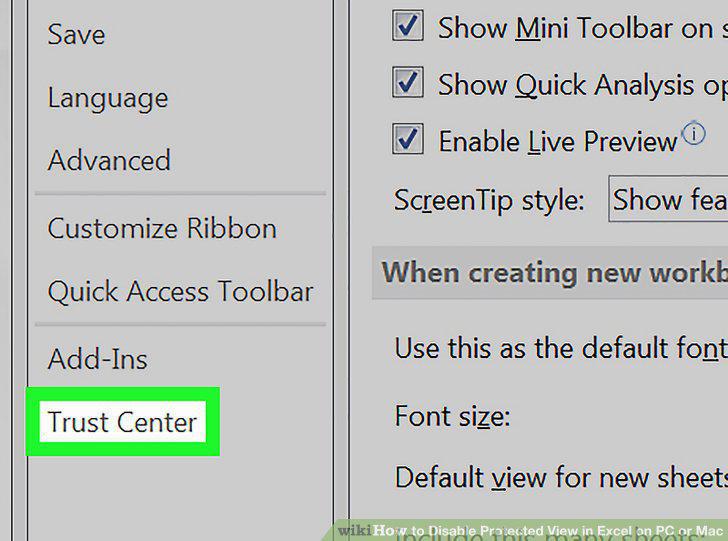
Click the Trust Center tab.
5
Click the Trust Center Settings button.
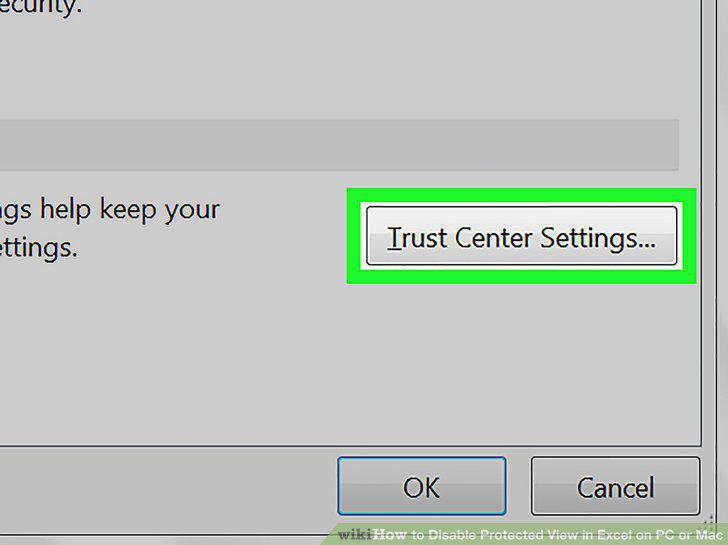
Click the Trust Center Settings button.
6
Click the Protected View tab.
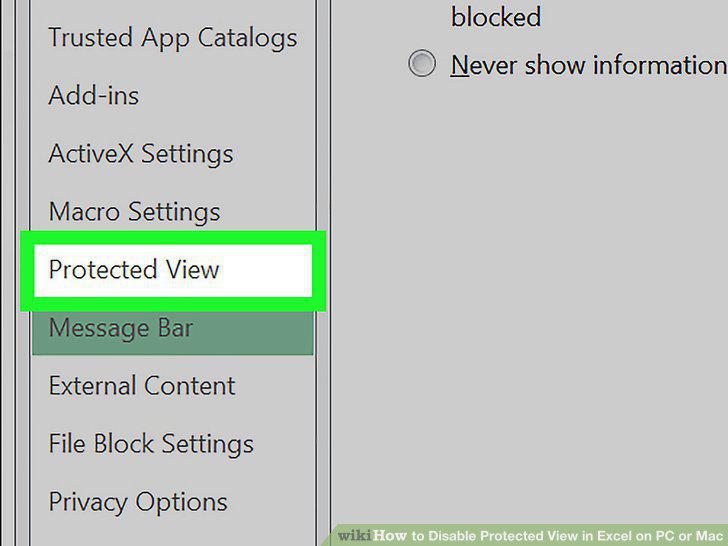
Click the Protected View tab.
7
Uncheck all the options on the Protected View menu.
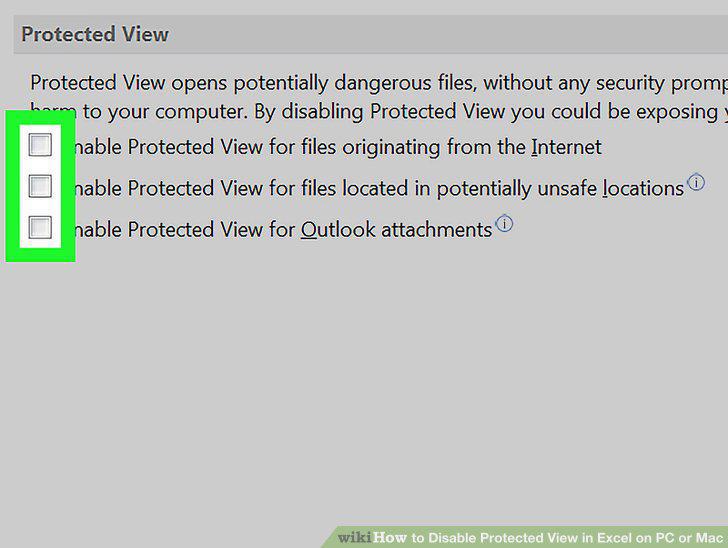
Uncheck all the options on the Protected View menu.
8
Click the OK button.
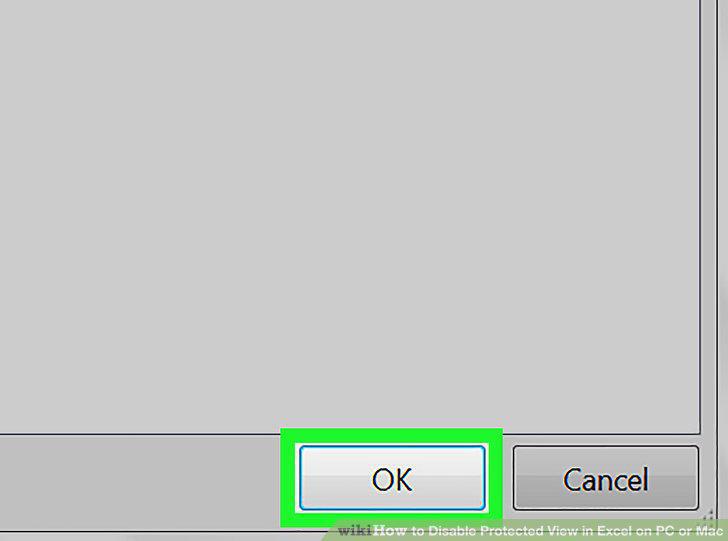
Click the OK button.
Comments (0)
No comments yet. Be the first to share your thoughts!