How to Post a Job Opening to LinkedIn
Simplify the job title to avoid confusion.. Detail the duties, expectations, and unique aspects of the job.. Emphasize the important "hows" and the "whys" of each task.
Steps
Simplify the job title to avoid confusion.
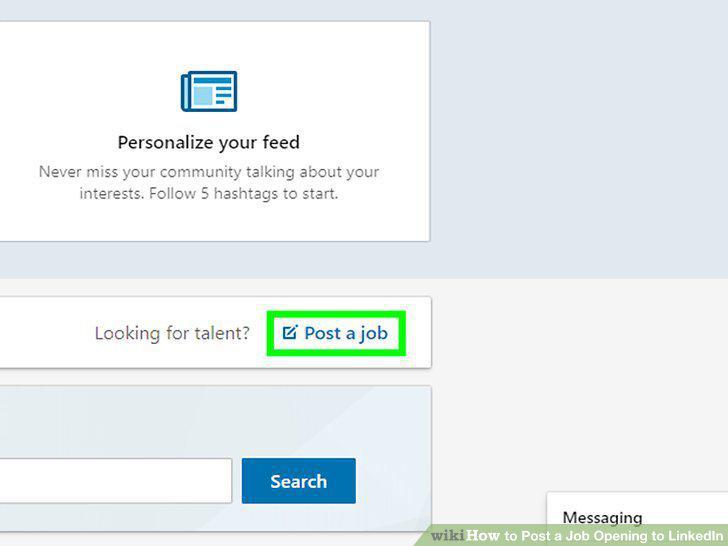
Simplify the job title to avoid confusion.
Detail the duties, expectations, and unique aspects of the job.
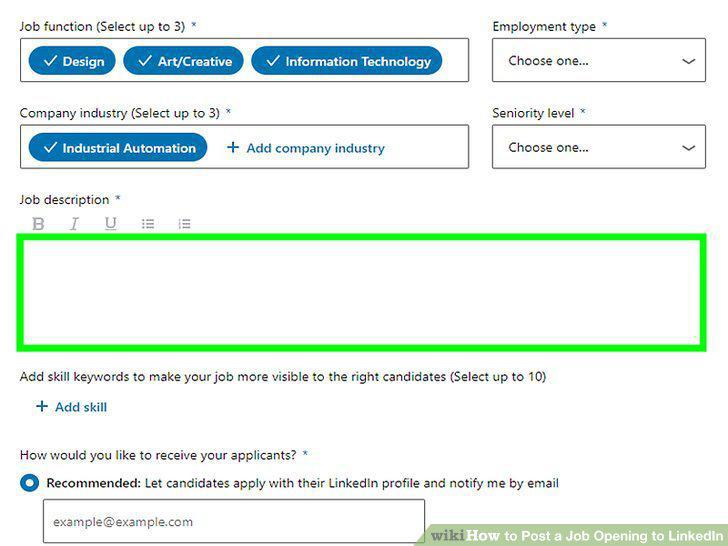
Detail the duties, expectations, and unique aspects of the job.
Emphasize the important "hows" and the "whys" of each task.
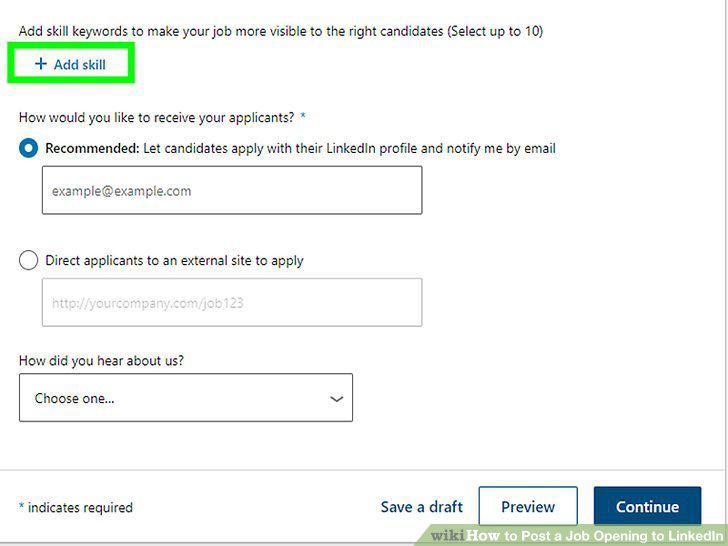
Emphasize the important "hows" and the "whys" of each task.
Capture attention by keeping your description short and sweet.
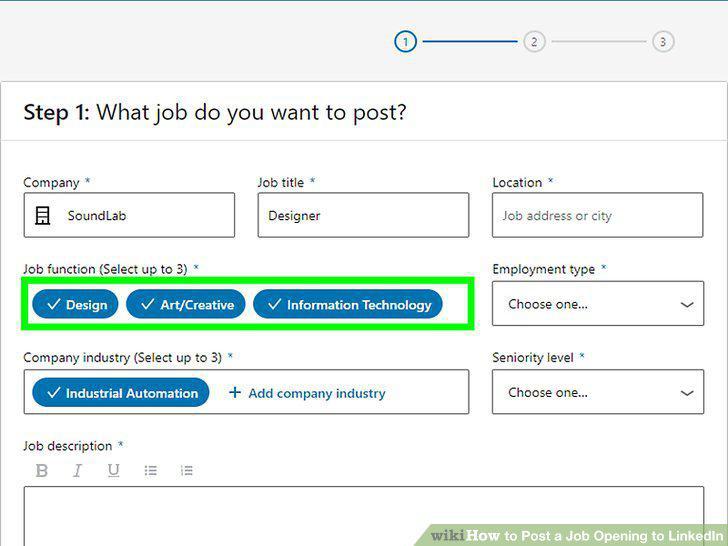
Capture attention by keeping your description short and sweet.
Click the "Work" icon, followed by "Post a Job.
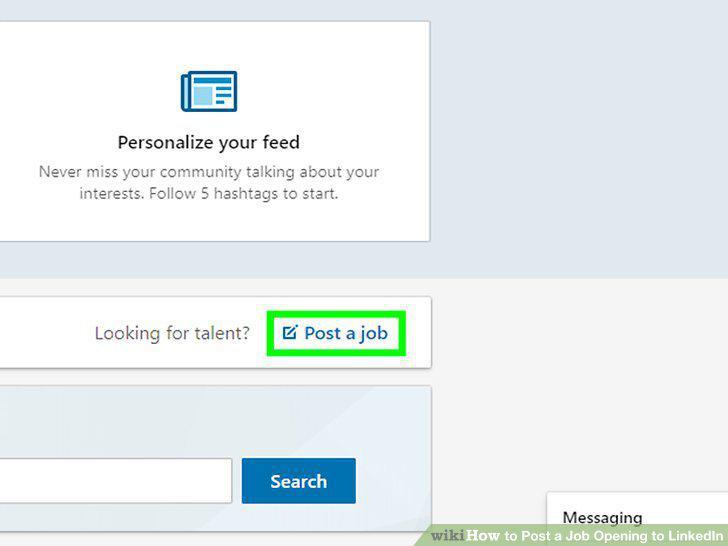
Click the "Work" icon, followed by "Post a Job.
Supply your company name and information.
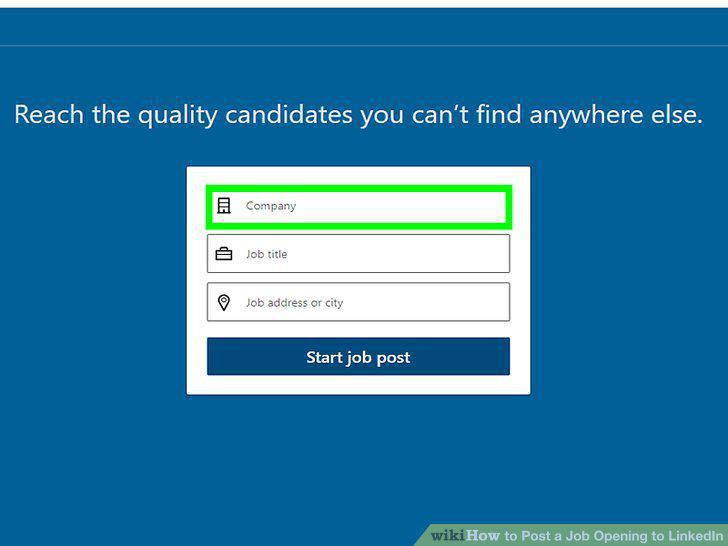
Supply your company name and information.
Input the title of your job and the location that you are hiring in.
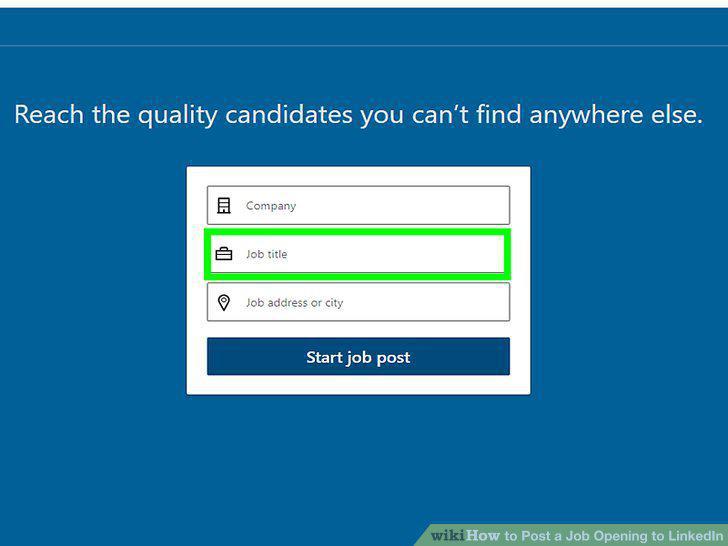
Input the title of your job and the location that you are hiring in.
Establish what the job will be doing and the industry it will serve.
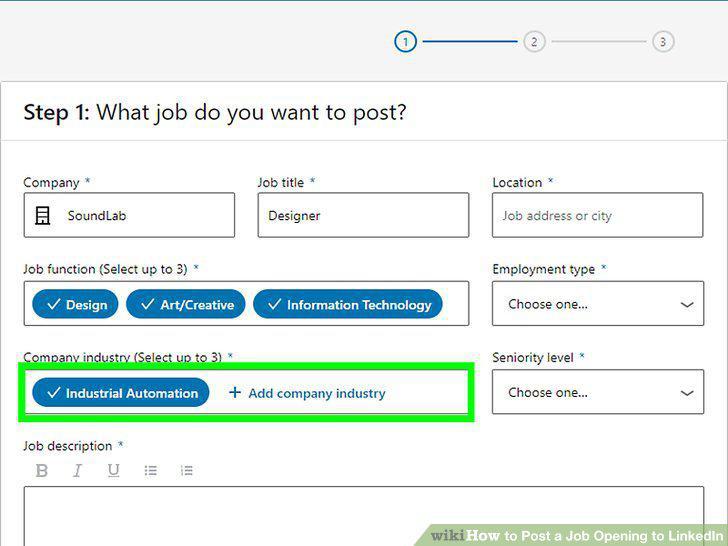
Establish what the job will be doing and the industry it will serve.
Detail your preferred application method.
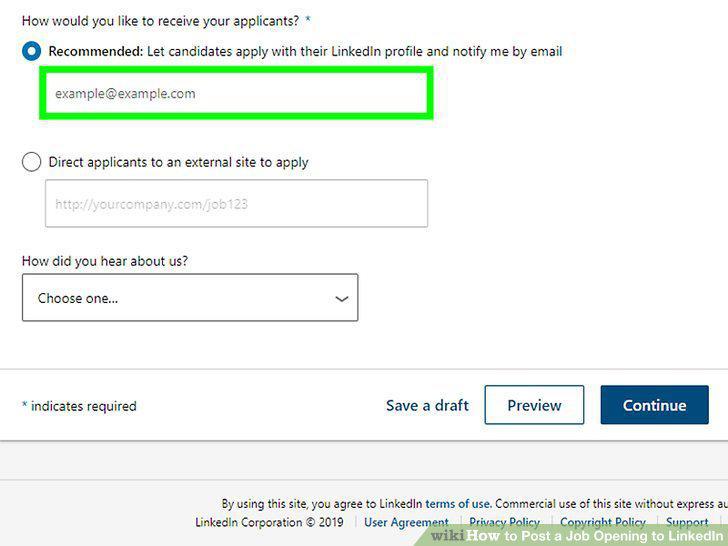
Detail your preferred application method.
Include any other important details that set your job apart.
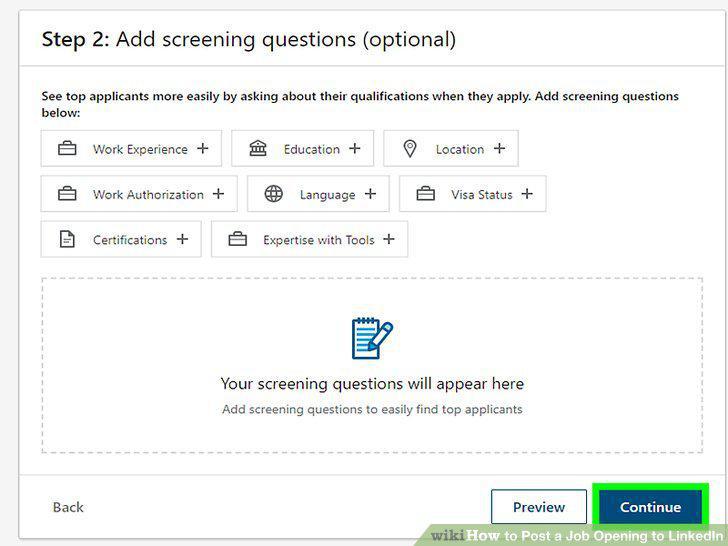
Include any other important details that set your job apart.
Determine your posting budget to optimize views.
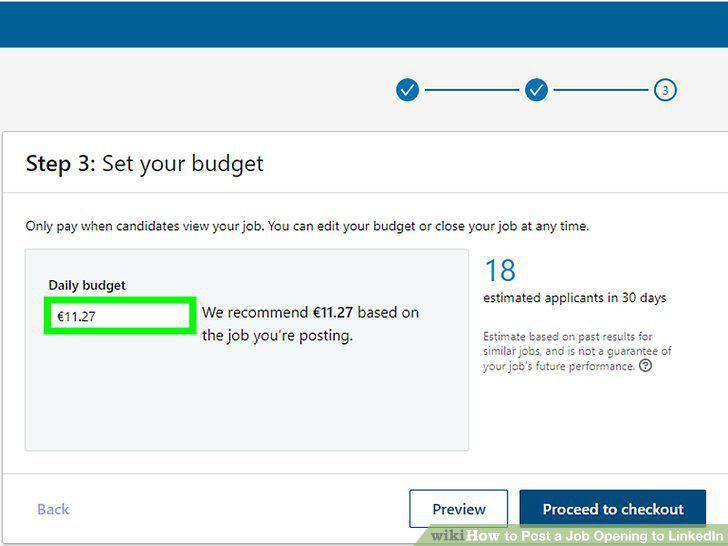
Determine your posting budget to optimize views.
Review and post your job.
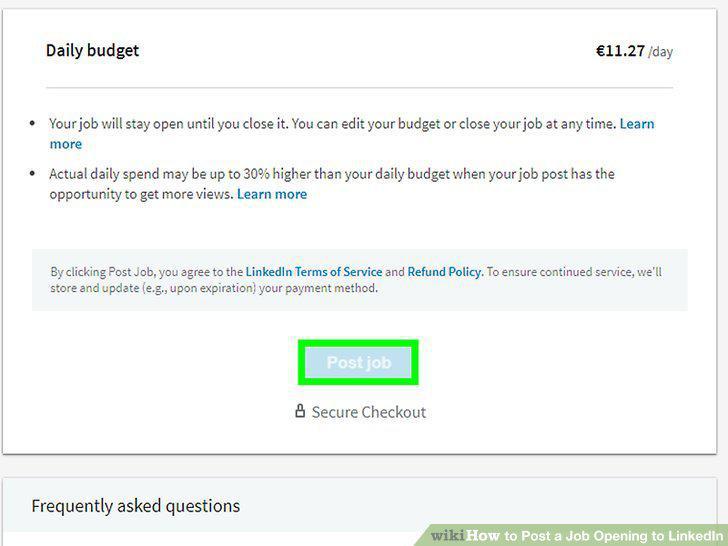
Review and post your job.
Comments (0)
No comments yet. Be the first to share your thoughts!