How to Install Telegram Themes on Android
Open Telegram on your Android.. Tap the white icon.. Type Themes in the Search bar.
Steps
1
Open Telegram on your Android.
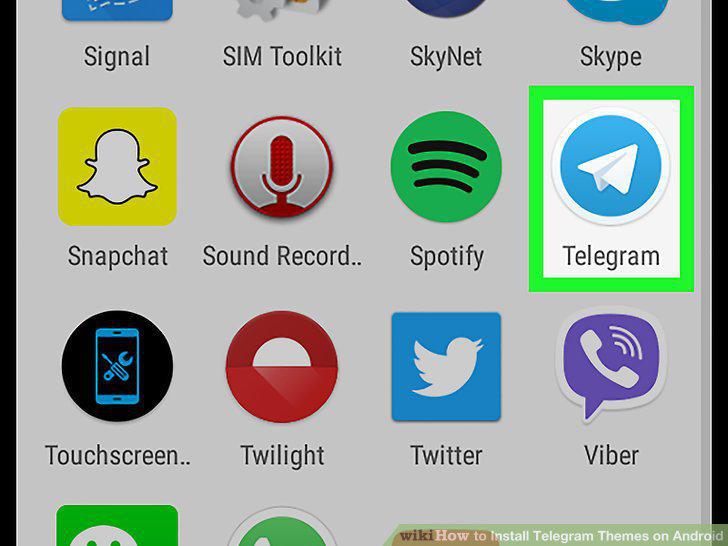
Open Telegram on your Android.
2
Tap the white icon.
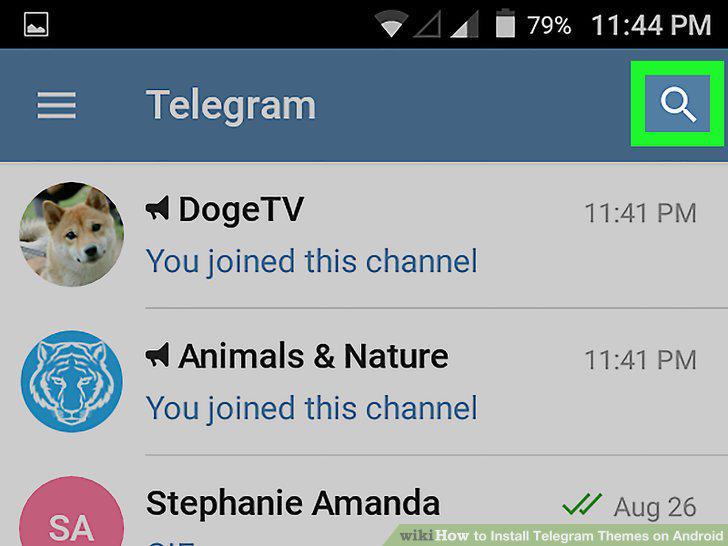
Tap the white icon.
3
Type Themes in the Search bar.
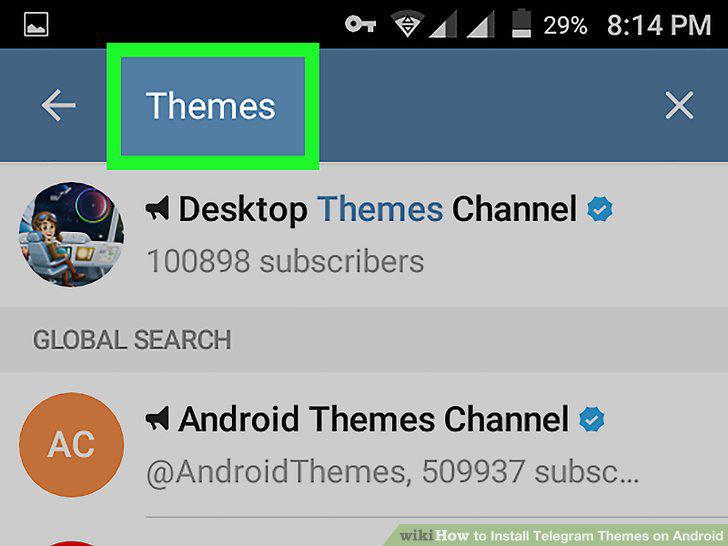
Type Themes in the Search bar.
4
Tap Desktop Themes Channel in the Search results.

Tap Desktop Themes Channel in the Search results.
5
Scroll up the channel and find a theme you like.
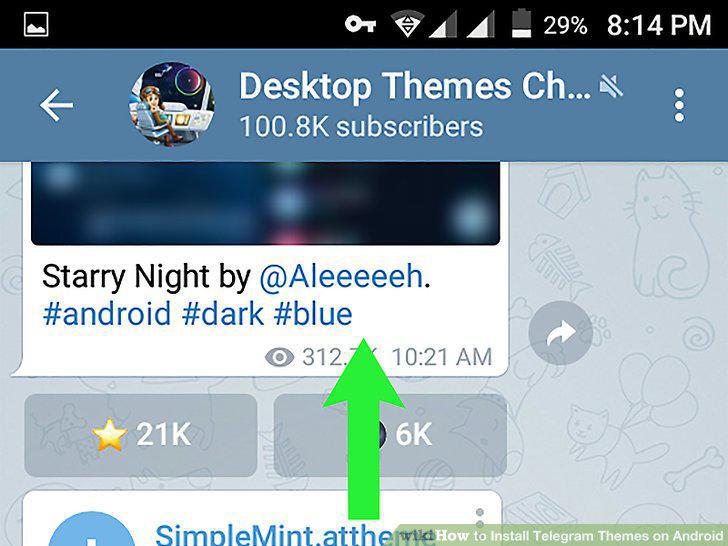
Scroll up the channel and find a theme you like.
6
Tap the downward arrow icon next to a theme.

Tap the downward arrow icon next to a theme.
7
Tap the document icon next to the downloaded theme.
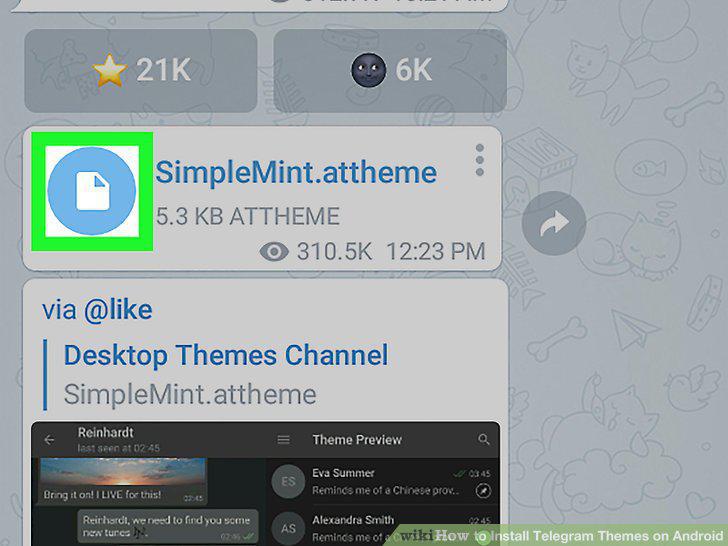
Tap the document icon next to the downloaded theme.
8
Tap APPLY.
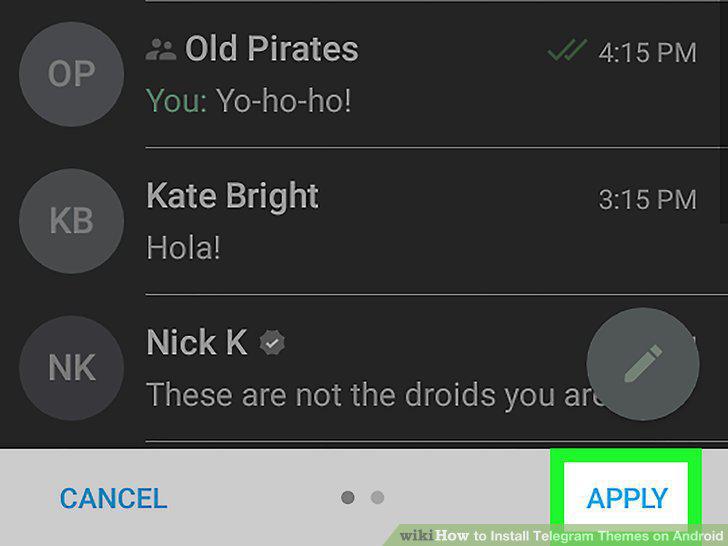
Tap APPLY.
Comments (0)
No comments yet. Be the first to share your thoughts!