How to Contact Hulu
Login to your Hulu account online.. Navigate to the phone contact page.. Select your issue using the dropdown menus.
Steps
Login to your Hulu account online.
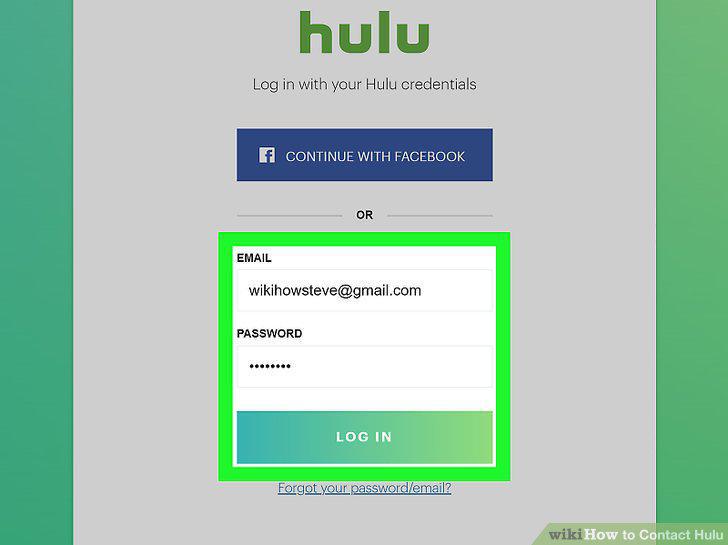
Login to your Hulu account online.
Navigate to the phone contact page.
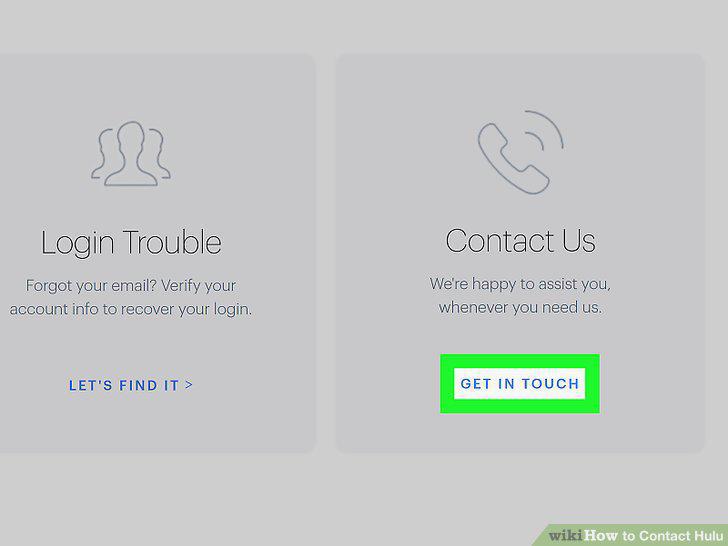
Navigate to the phone contact page.
Select your issue using the dropdown menus.
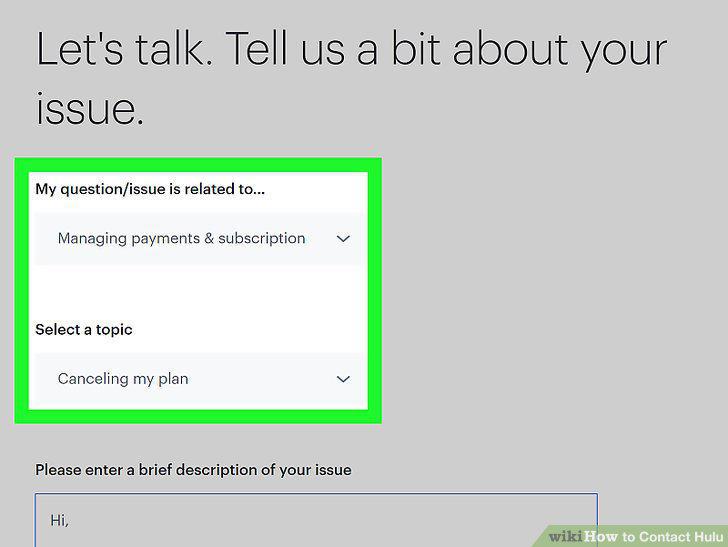
Select your issue using the dropdown menus.
Type out a brief description of your issue.
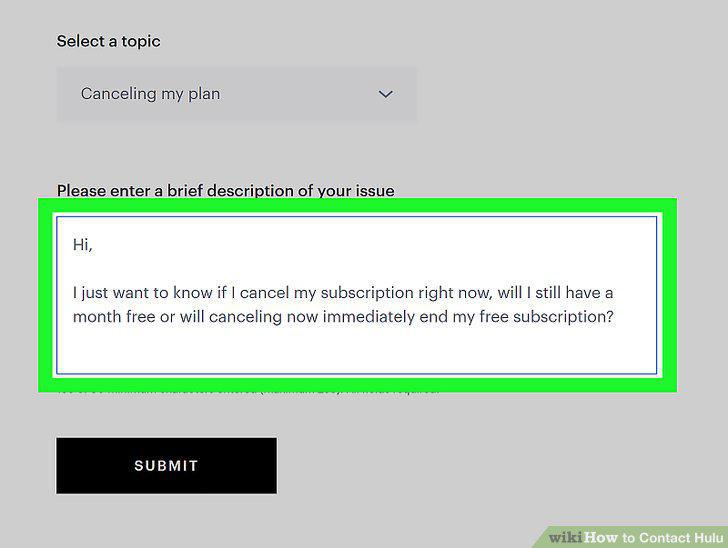
Type out a brief description of your issue.
Submit your response to view the phone number you should call.
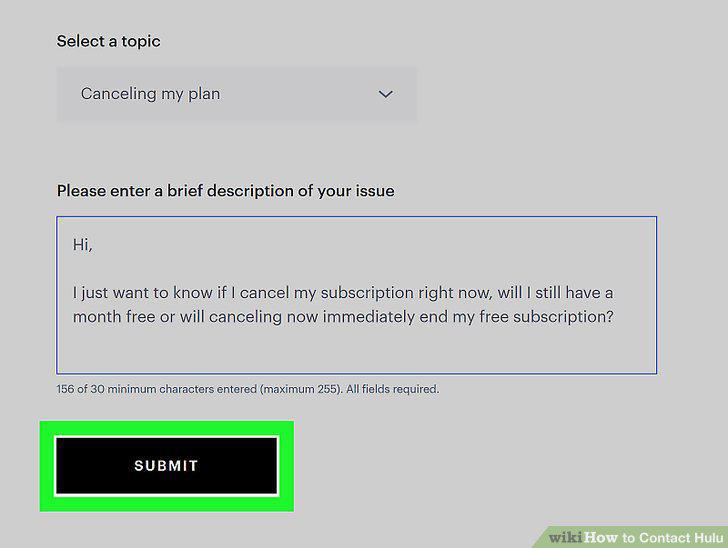
Submit your response to view the phone number you should call.
Enter your phone number if you'd prefer a call back instead of waiting on hold.
Enter your phone number if you'd prefer a call back instead of waiting on hold.
Login and navigate to the chat page within your account.
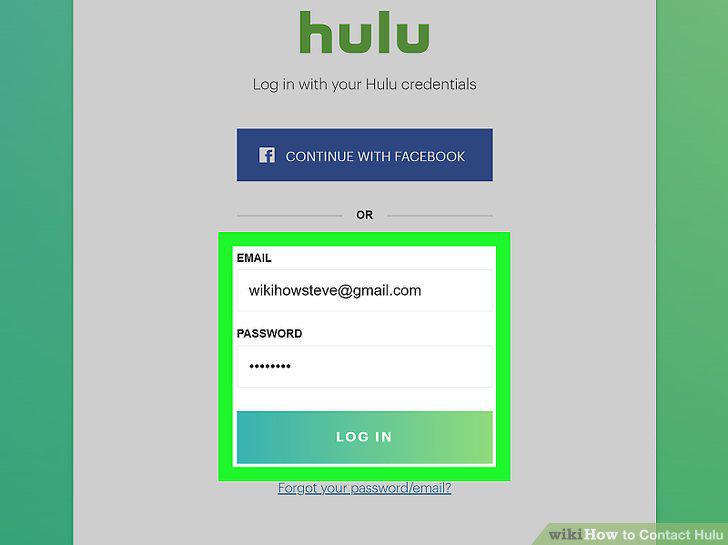
Login and navigate to the chat page within your account.
Choose options from the dropdown menus that describe your issue.
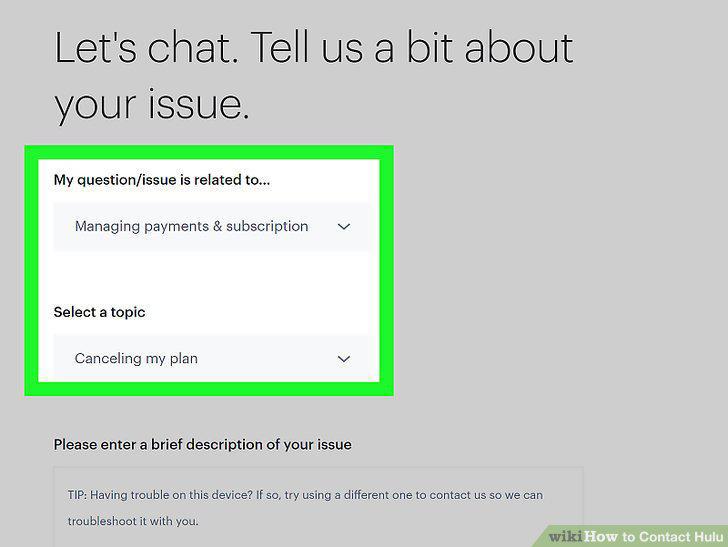
Choose options from the dropdown menus that describe your issue.
Write a brief description of your question in the text box.
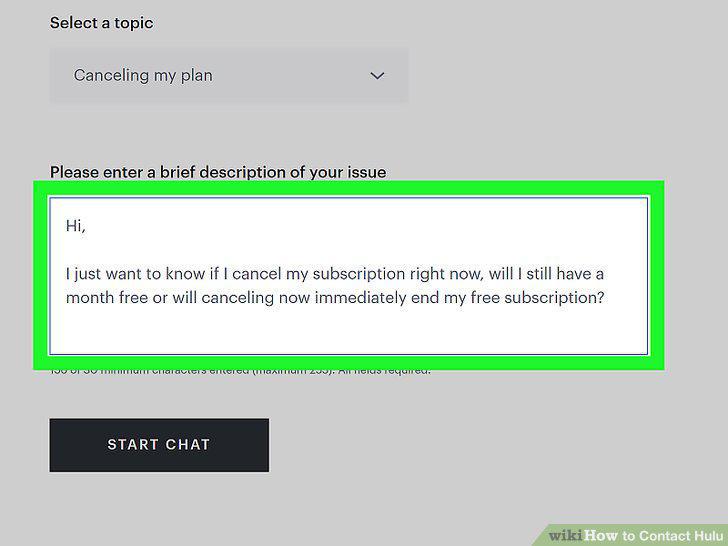
Write a brief description of your question in the text box.
Click the Chat Now button to open the live chat.
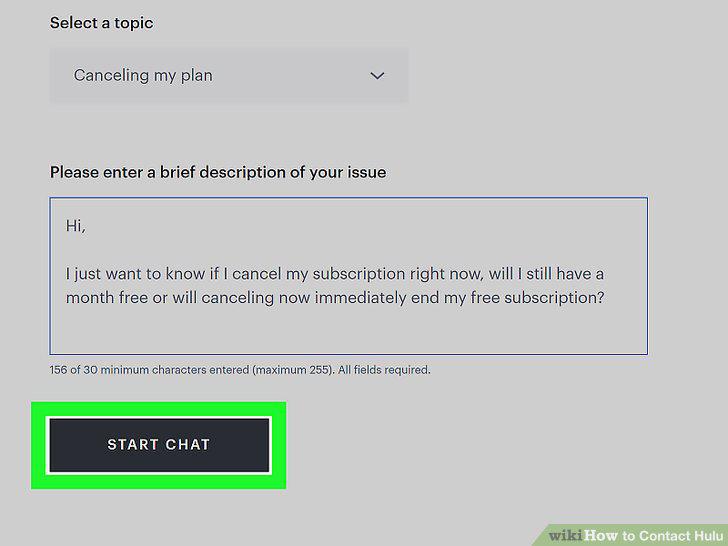
Click the Chat Now button to open the live chat.
Send a Tweet to @hulu_support.
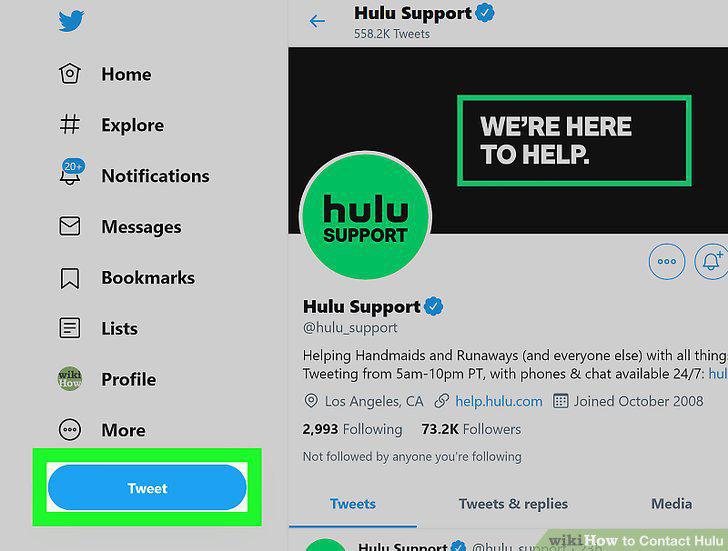
Send a Tweet to @hulu_support.
Email one of the teams at Hulu for department-specific matters.
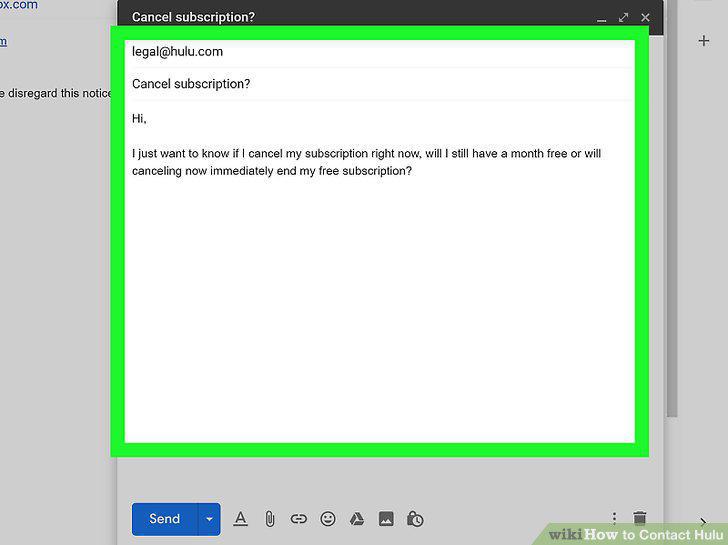
Email one of the teams at Hulu for department-specific matters.
Chat with the automated Hulubot for help with basic questions.
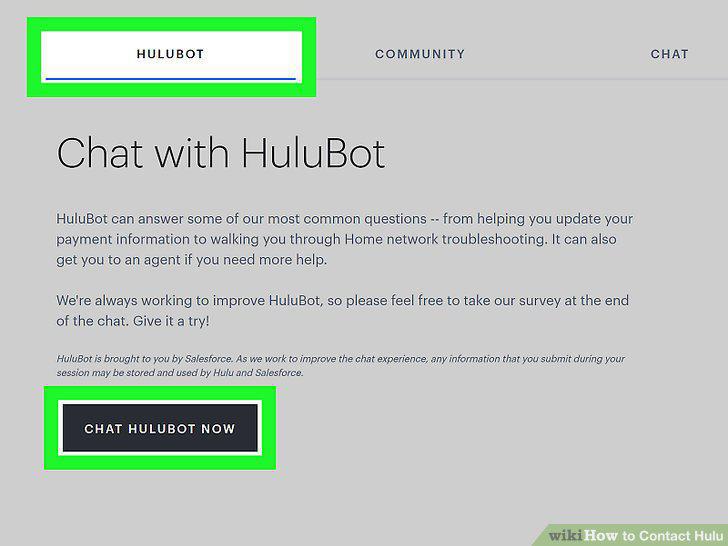
Chat with the automated Hulubot for help with basic questions.
Comments (0)
No comments yet. Be the first to share your thoughts!