How to Post 360 Degree Photos to Facebook on an iPhone
Open Facebook on your iPhone or iPad.. Tap the What's on your mind? box.. Scroll down and tap 360 Photo.
Steps
1
Open Facebook on your iPhone or iPad.

Open Facebook on your iPhone or iPad.
2
Tap the What's on your mind? box.

Tap the What's on your mind? box.
3
Scroll down and tap 360 Photo.
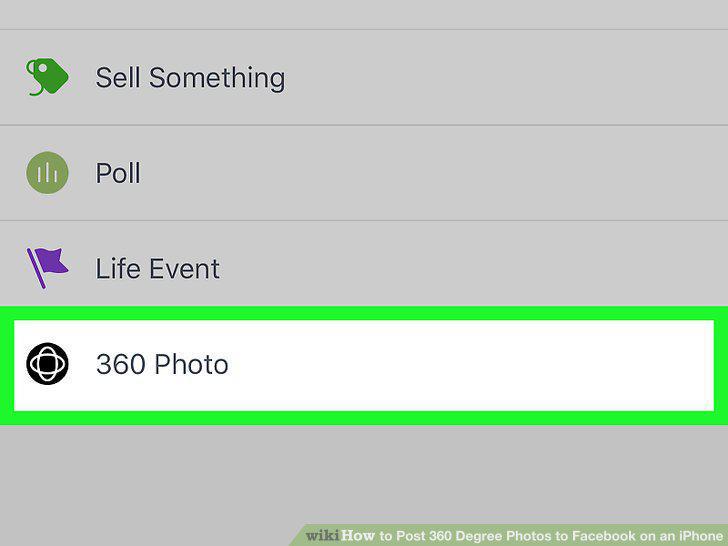
Scroll down and tap 360 Photo.
4
Tap OK.
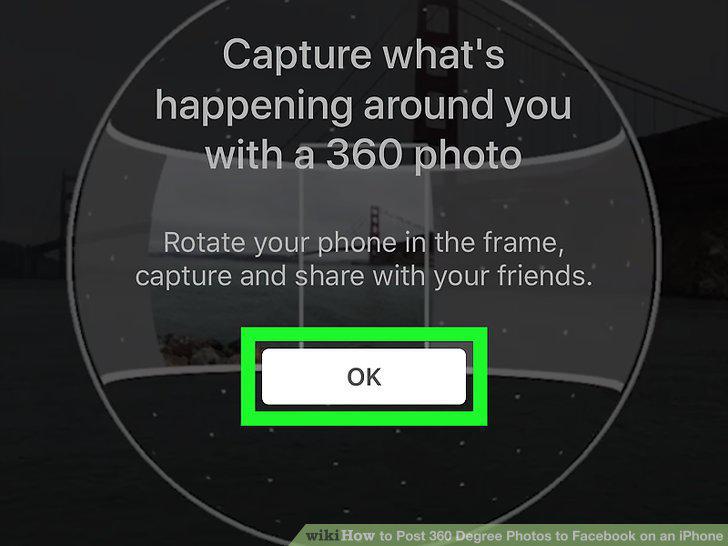
Tap OK.
5
Position yourself at the center of the area you want to photograph.
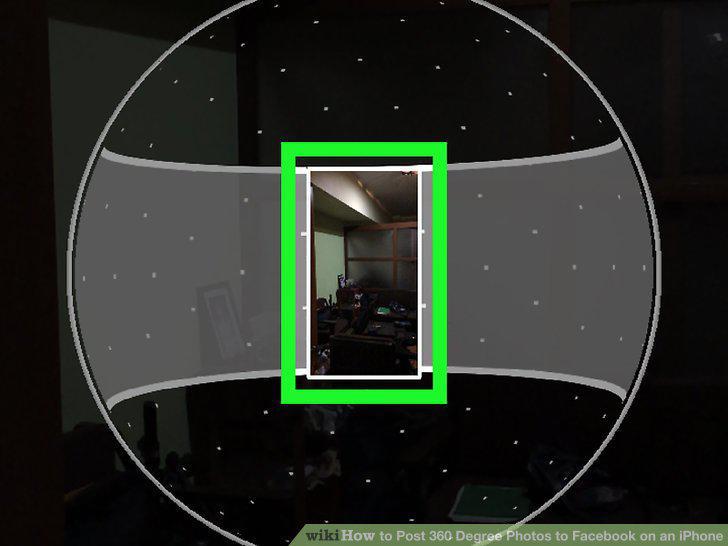
Position yourself at the center of the area you want to photograph.
6
Tap the white arrow in a blue circle.
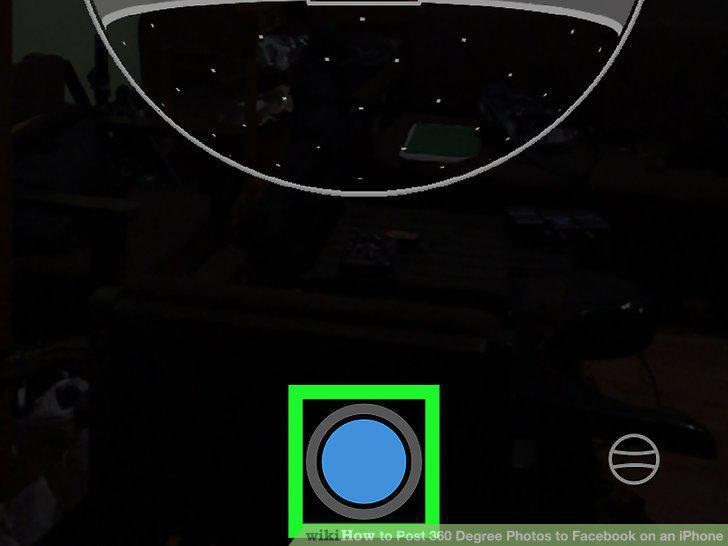
Tap the white arrow in a blue circle.
7
Tap the arrow repeatedly as you rotate slowly to the right or left.
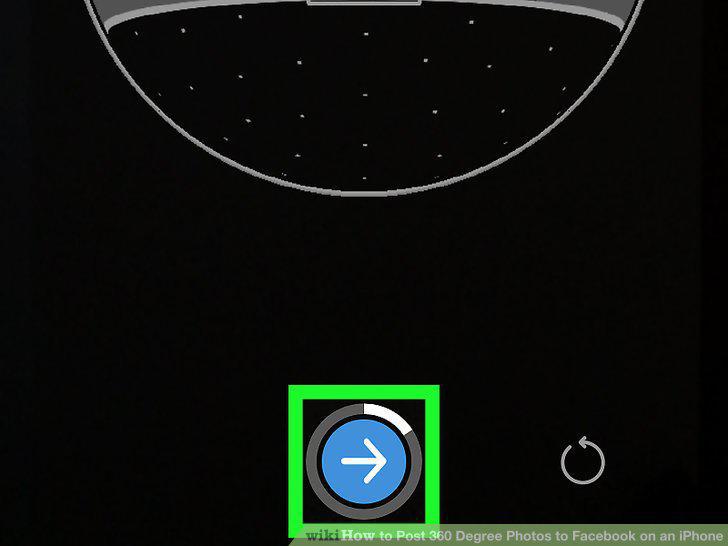
Tap the arrow repeatedly as you rotate slowly to the right or left.
8
Type your post.
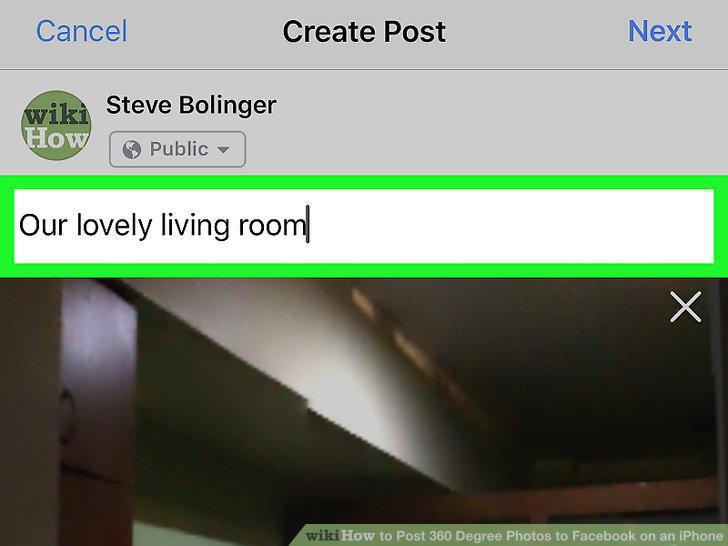
Type your post.
9
Tap Next.
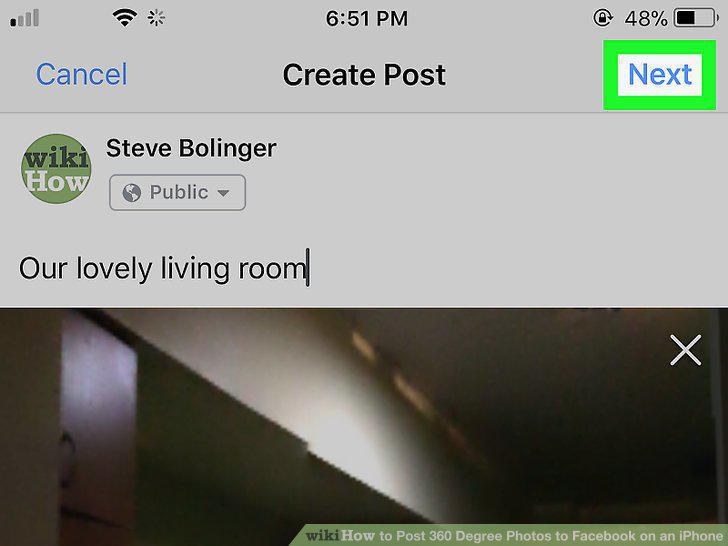
Tap Next.
10
Tap Post.
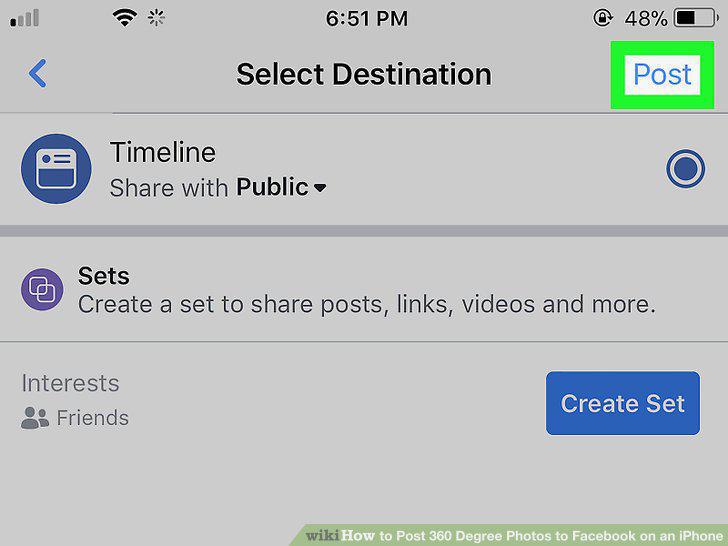
Tap Post.
Comments (0)
No comments yet. Be the first to share your thoughts!