How to Open Tabs from Other Devices on Chrome
Open Google Chrome on your computer.. Click the three vertical dots icon.. Click the blue SIGN IN TO CHROME button.
Steps
1
Open Google Chrome on your computer.
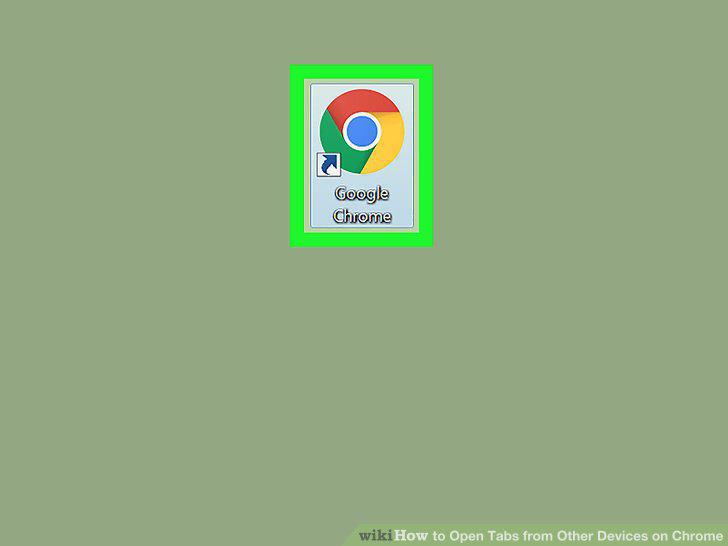
Open Google Chrome on your computer.
2
Click the three vertical dots icon.
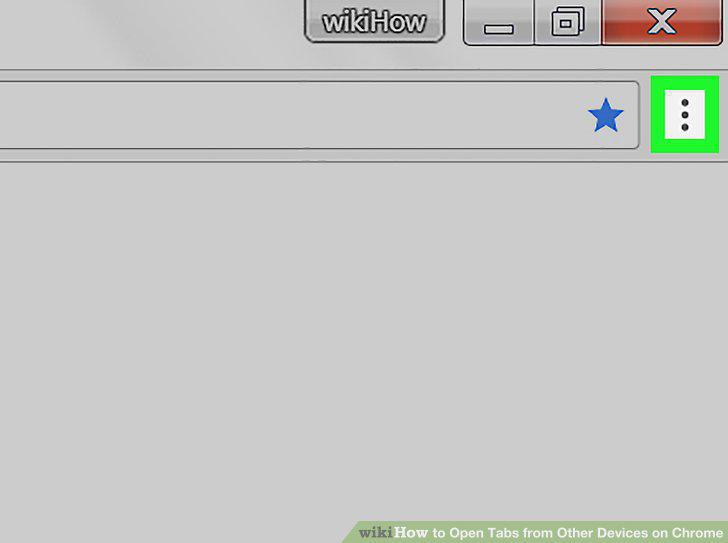
Click the three vertical dots icon.
3
Click the blue SIGN IN TO CHROME button.
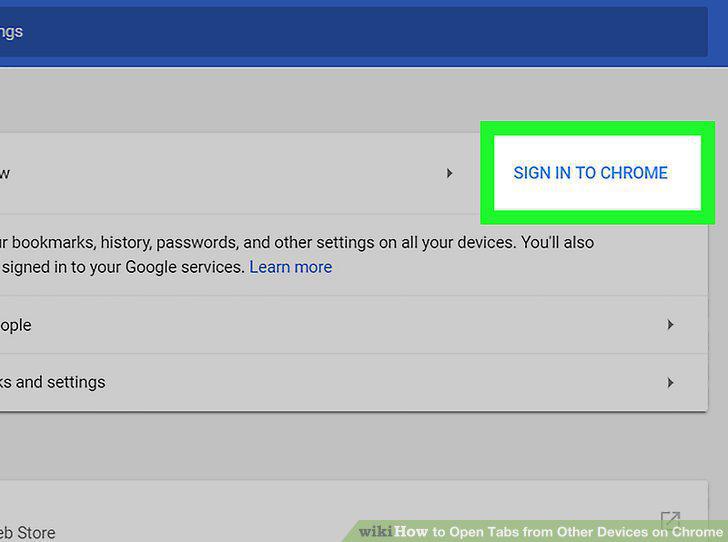
Click the blue SIGN IN TO CHROME button.
4
Sign in with your Google account.
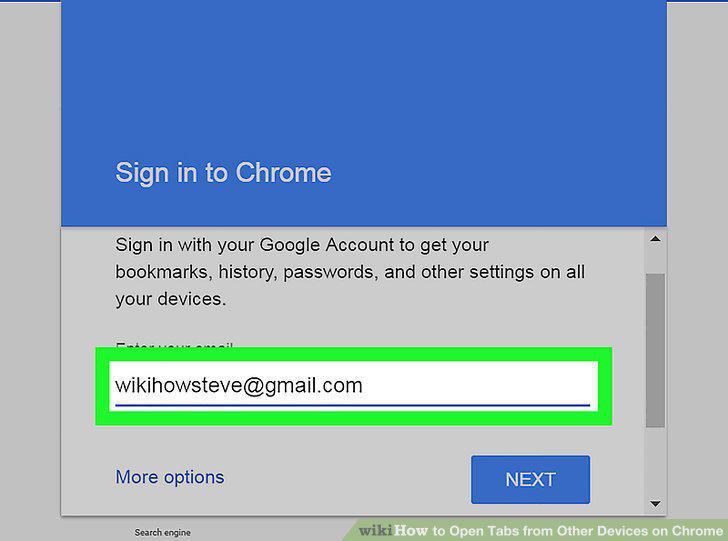
Sign in with your Google account.
5
Click Sync.
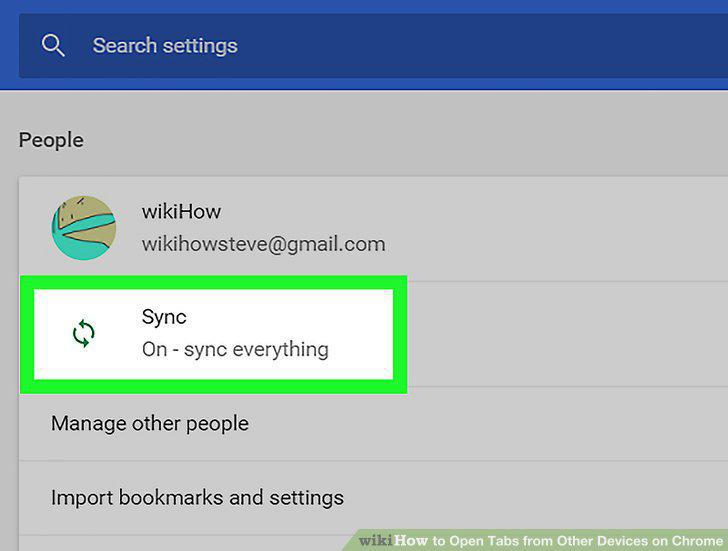
Click Sync.
6
Make sure the Sync everything switch is On.
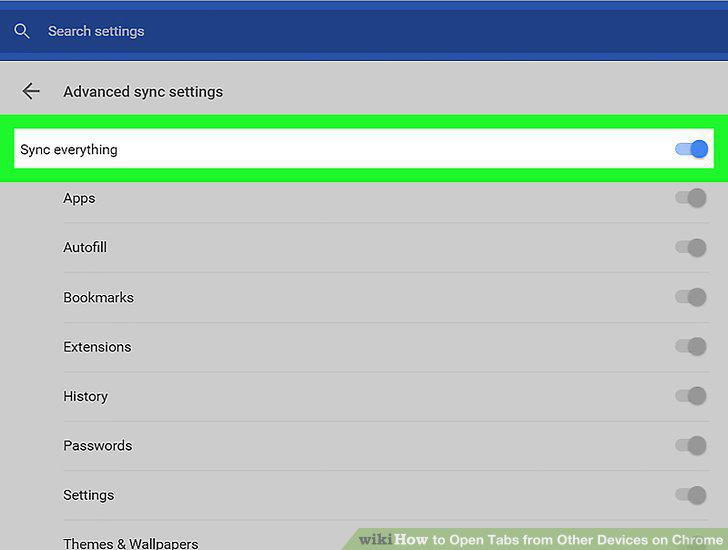
Make sure the Sync everything switch is On.
7
Click the three vertical dots icon.
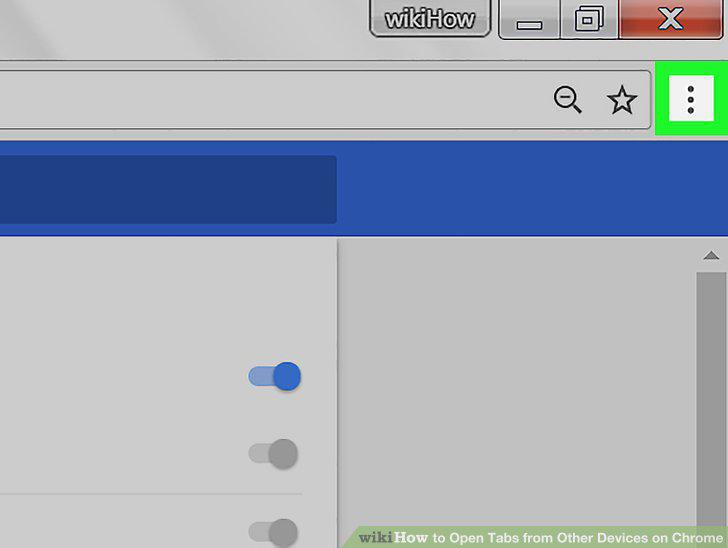
Click the three vertical dots icon.
8
Hover over History on the menu.
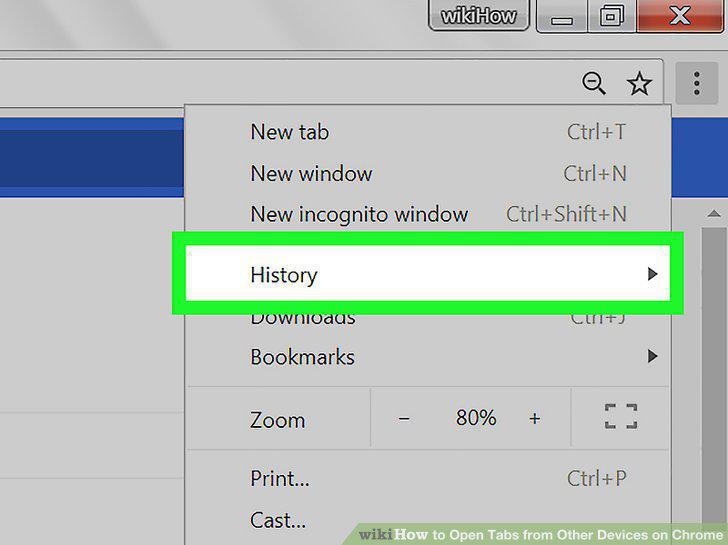
Hover over History on the menu.
9
Click the page you want to open.
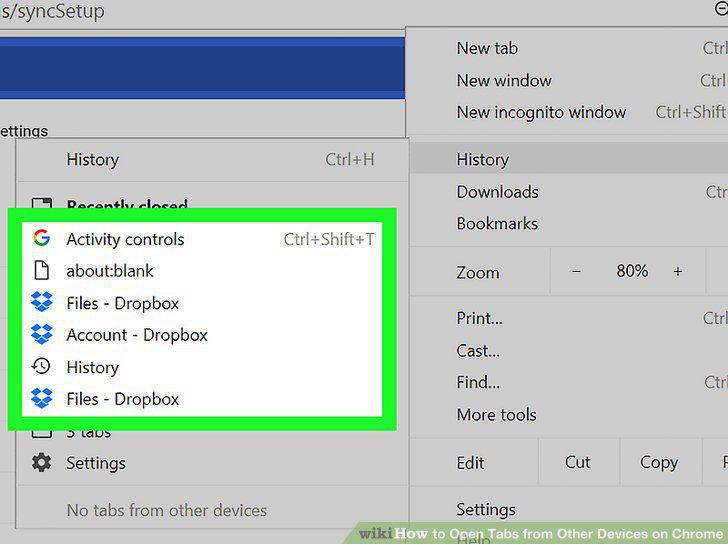
Click the page you want to open.
Comments (0)
No comments yet. Be the first to share your thoughts!