How to Block Mobile Phone Spam
Do not reply to spam messages.. Do not open any links or attachments.. Block repeat numbers on your phone.
Steps
1
Do not reply to spam messages.
Do not reply to spam messages.
2
Do not open any links or attachments.
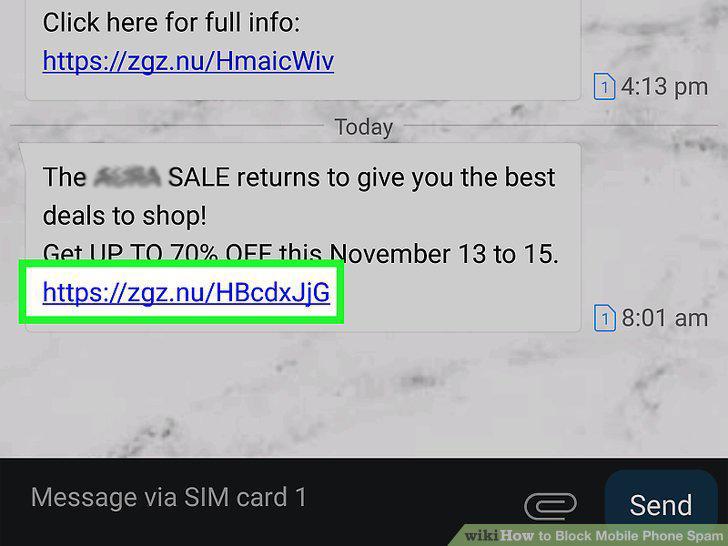
Do not open any links or attachments.
3
Block repeat numbers on your phone.
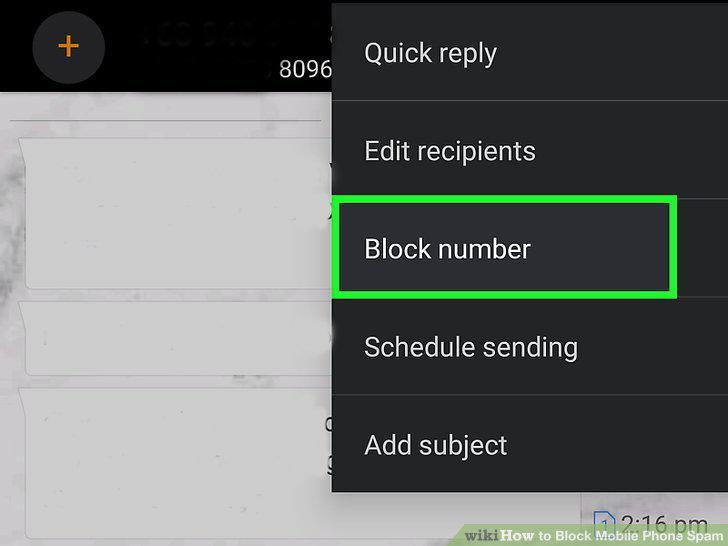
Block repeat numbers on your phone.
4
Forward spam messages to 7726 (SPAM) to report them.

Forward spam messages to 7726 (SPAM) to report them.
5
Enable Spam Protection (Android Only).
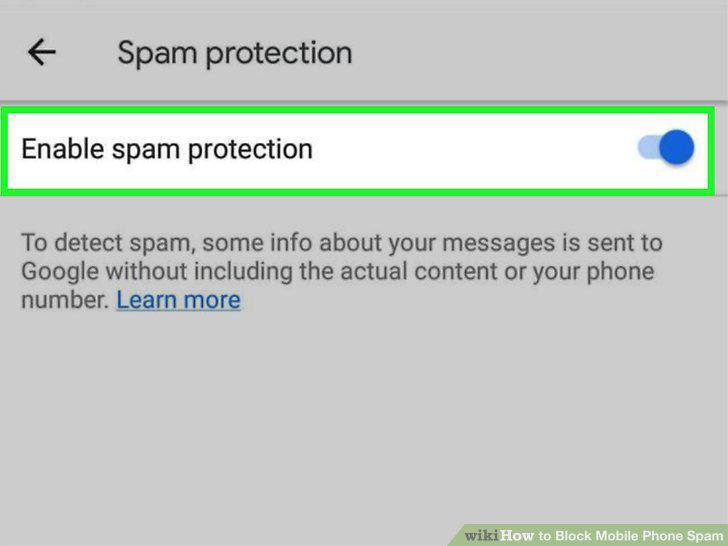
Enable Spam Protection (Android Only).
6
See if your mobile carrier offers a call-blocking service.
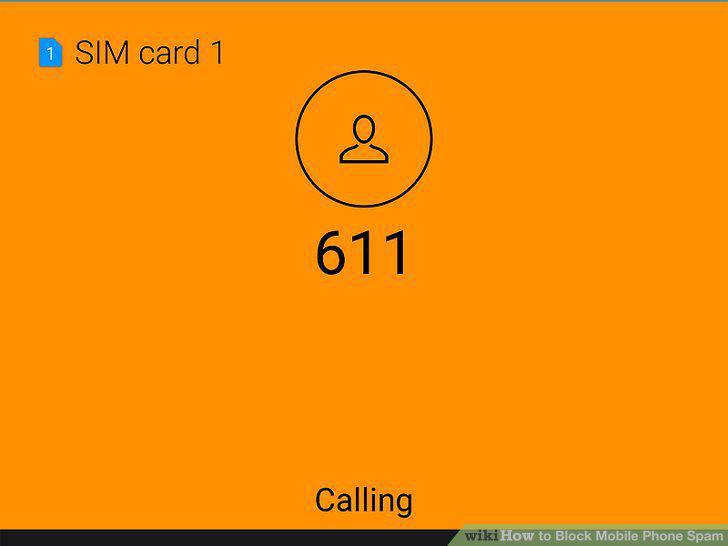
See if your mobile carrier offers a call-blocking service.
7
Use a third-party app to block spam messages.
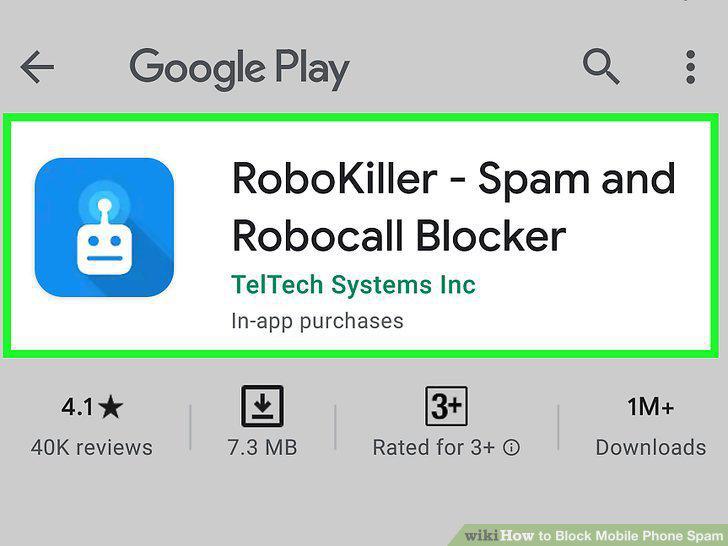
Use a third-party app to block spam messages.
8
Register your phone number on the Do Not Call list.
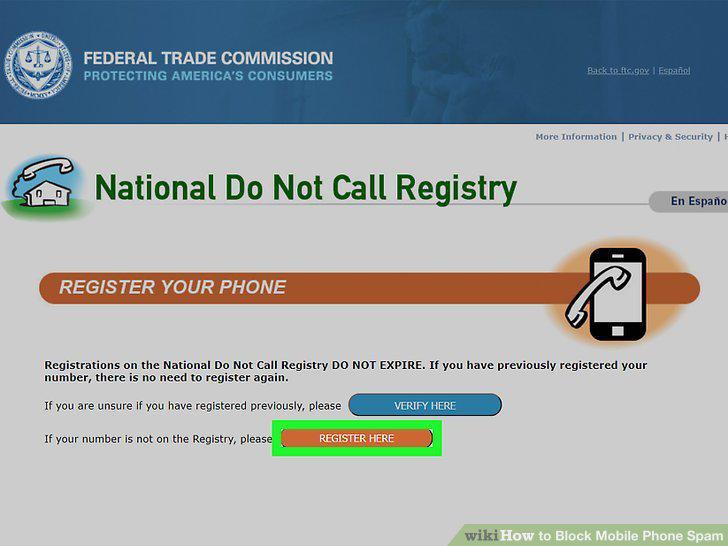
Register your phone number on the Do Not Call list.
9
Report unwanted calls and texts to the FCC.
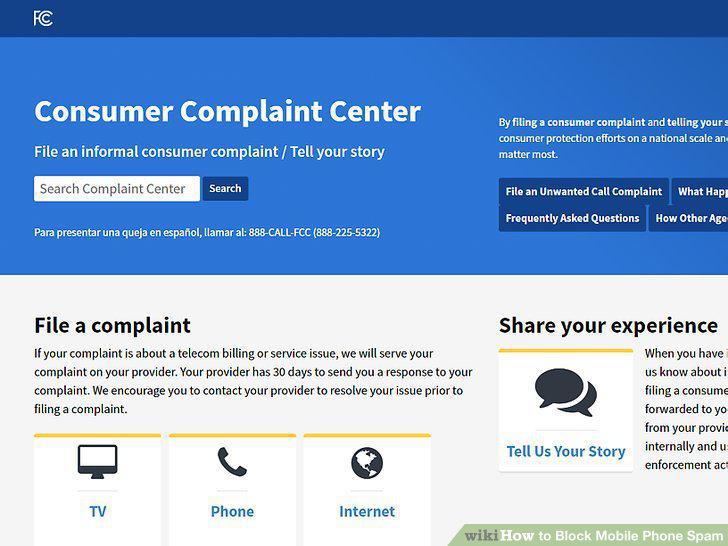
Report unwanted calls and texts to the FCC.
Comments (0)
No comments yet. Be the first to share your thoughts!