How to Retrieve a Deleted Document in Word
Go to https://onedrive.live.com/about/en-US/.. Log in.. Click or tap Recycle bin.
Steps
1
Go to https://onedrive.live.com/about/en-US/.
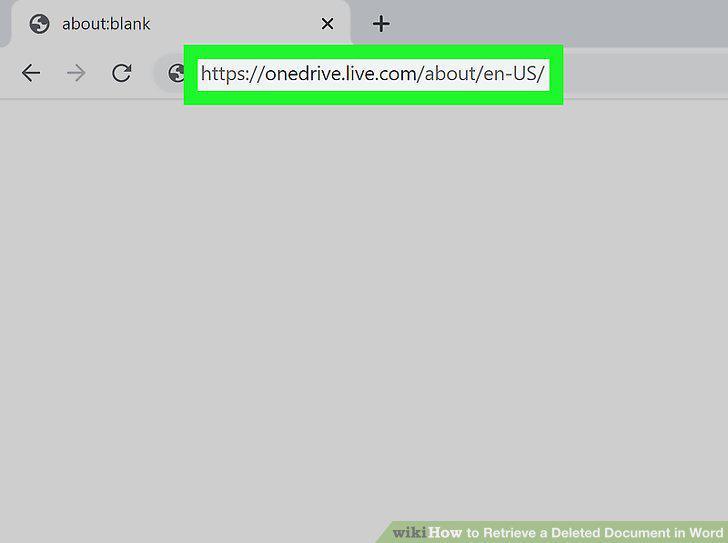
Go to https://onedrive.live.com/about/en-US/.
2
Log in.
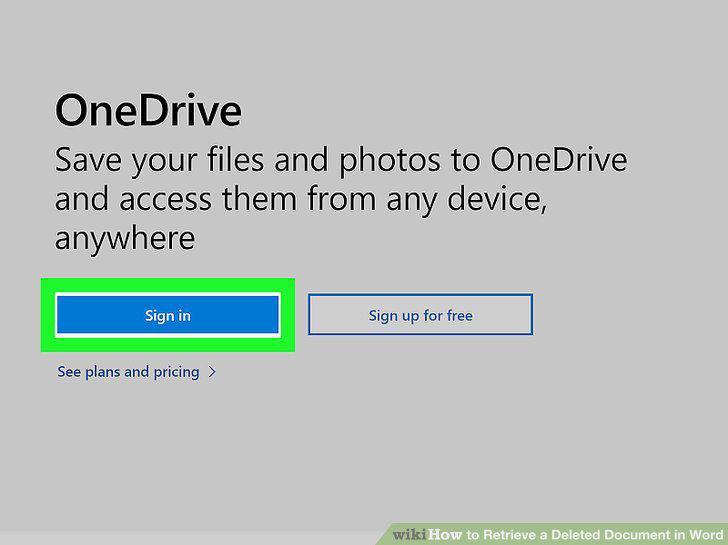
Log in.
3
Click or tap Recycle bin.
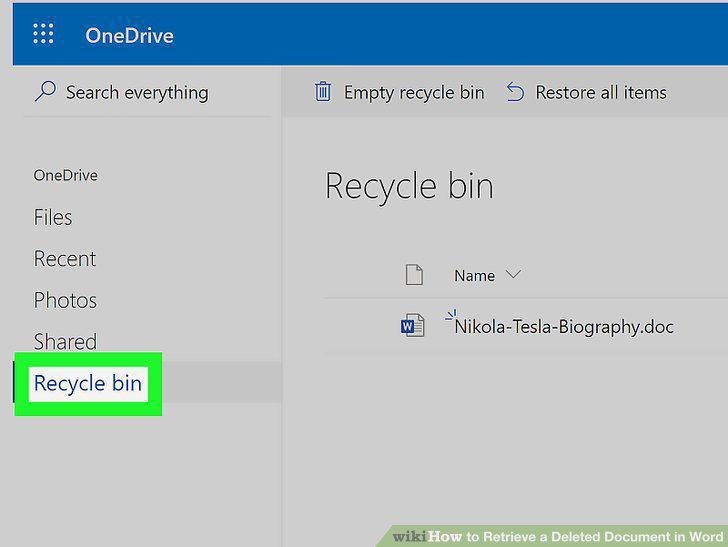
Click or tap Recycle bin.
4
Click or tap to select the file you want to recover.
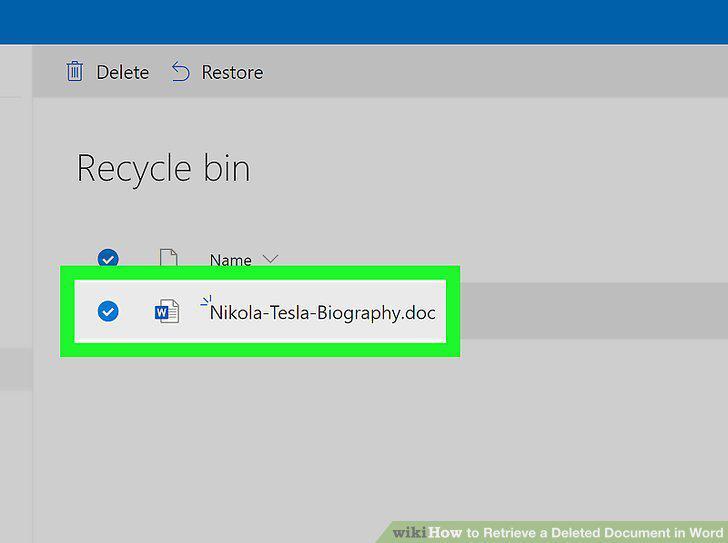
Click or tap to select the file you want to recover.
5
Click or tap Restore.
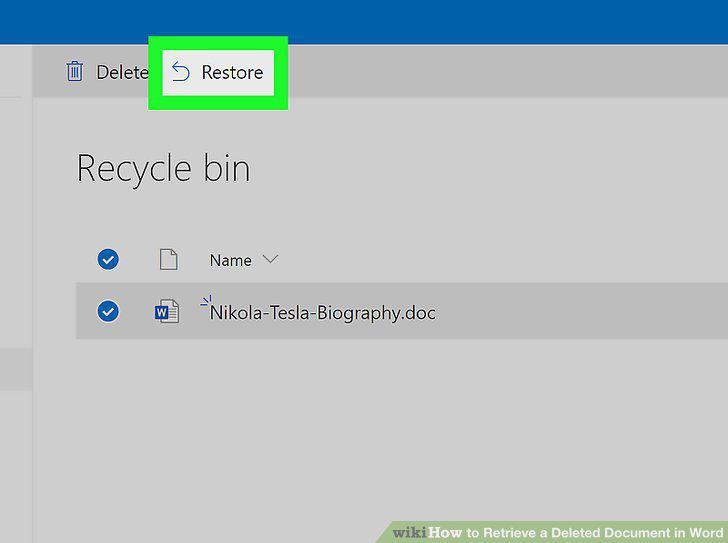
Click or tap Restore.
6
Search your files for your Word file name with the .asd file format.
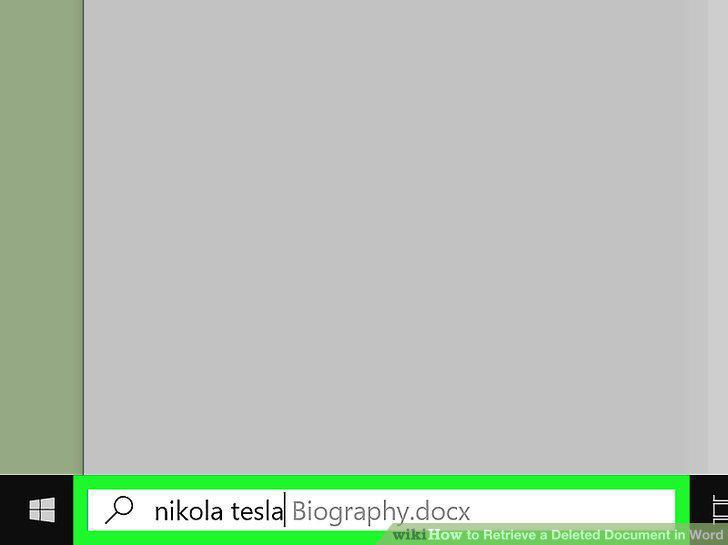
Search your files for your Word file name with the .asd file format.
7
Double-click the file (if it is listed).
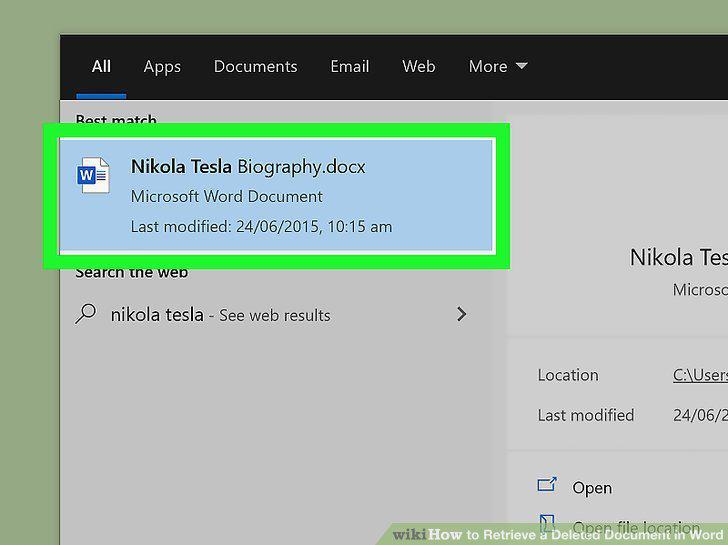
Double-click the file (if it is listed).
8
Search for your file name in a .wbk file format.
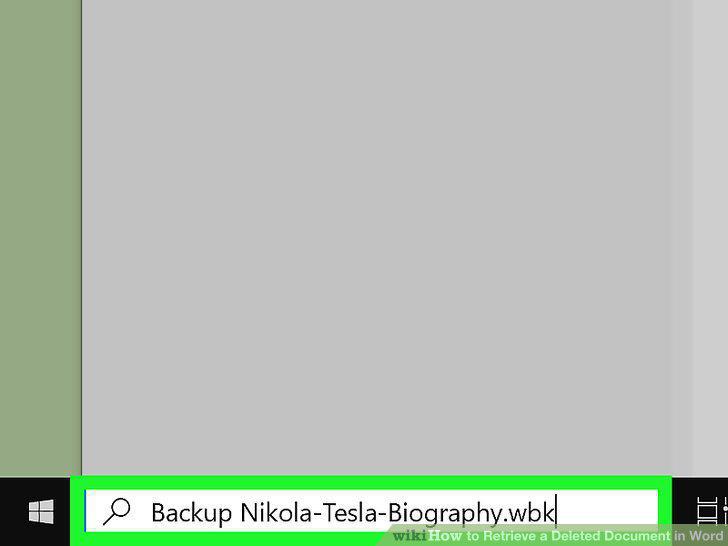
Search for your file name in a .wbk file format.
9
Double-click the file (if it is listed).
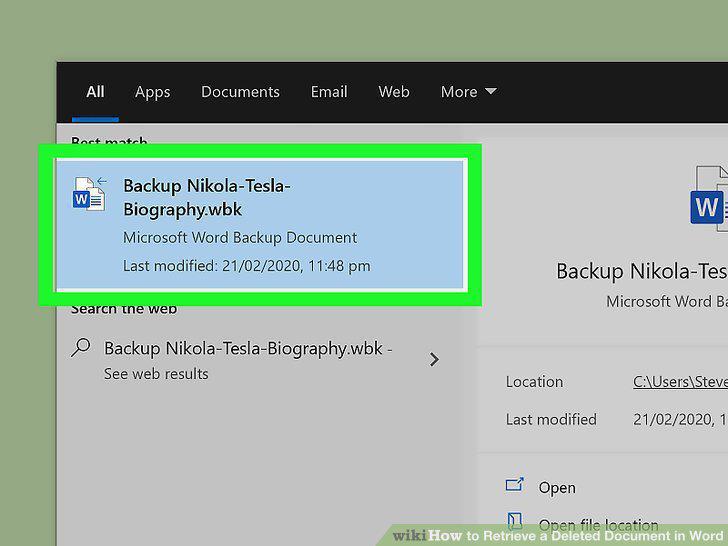
Double-click the file (if it is listed).
Comments (0)
No comments yet. Be the first to share your thoughts!