How to Follow Someone on Instagram
Open the Instagram app by tapping the icon on your phone.. Open the search tab by tapping the magnifying glass at the bottom of the screen.. In the search bar at the top of the screen, type the name of the person or organization you want to follow.
Steps
1
Open the Instagram app by tapping the icon on your phone.
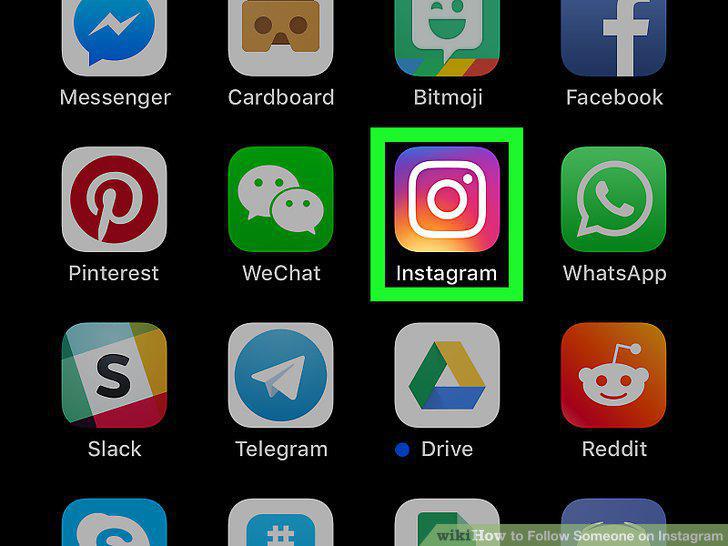
Open the Instagram app by tapping the icon on your phone.
2
Open the search tab by tapping the magnifying glass at the bottom of the screen.
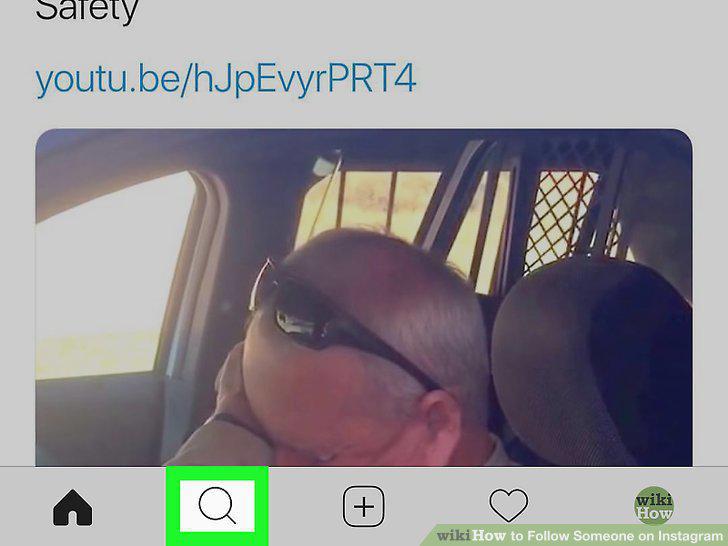
Open the search tab by tapping the magnifying glass at the bottom of the screen.
3
In the search bar at the top of the screen, type the name of the person or organ
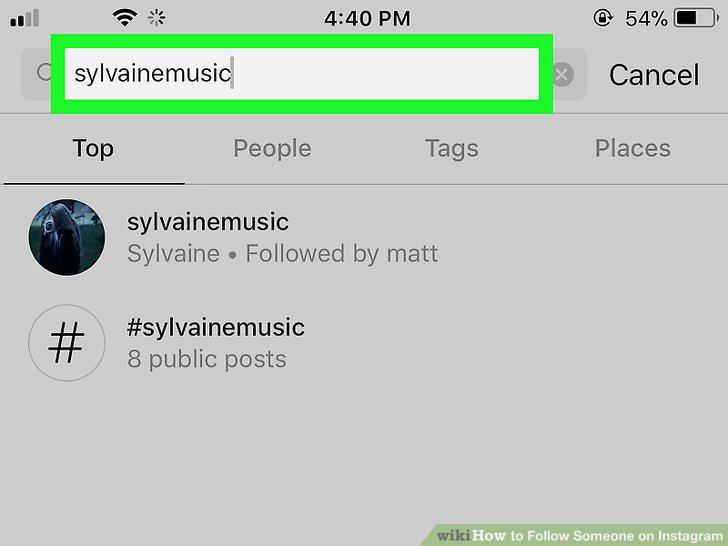
In the search bar at the top of the screen, type the name of the person or organization you want to follow.
4
Tap the name of the user you want to follow.
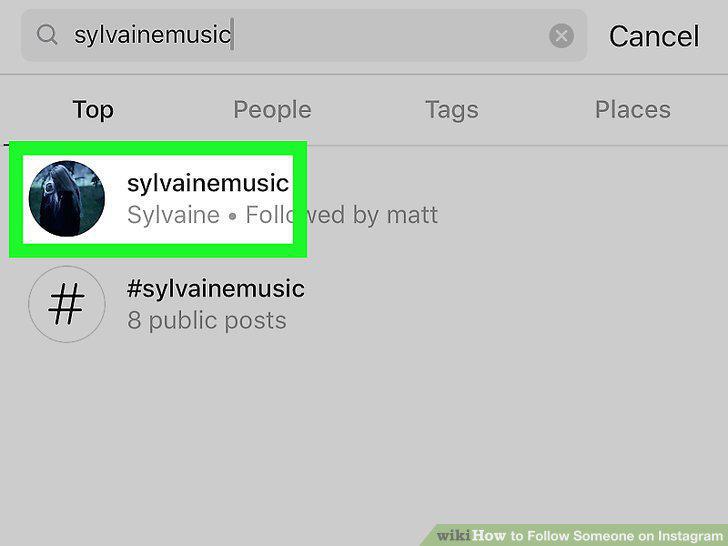
Tap the name of the user you want to follow.
5
Tap the "Follow" button at the top of the screen.
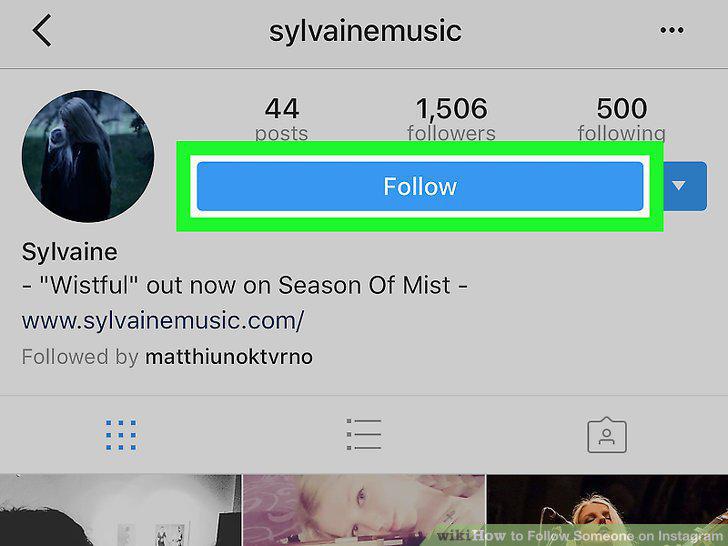
Tap the "Follow" button at the top of the screen.
6
Follow additional users on Instagram from your Facebook friends and Contacts.
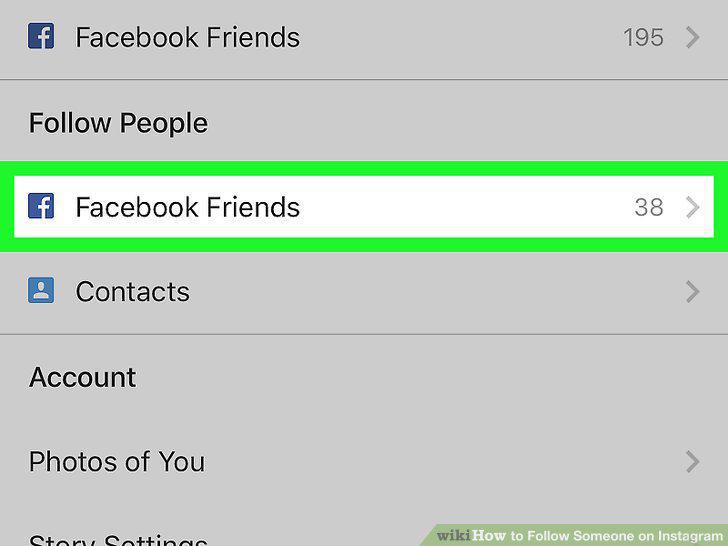
Follow additional users on Instagram from your Facebook friends and Contacts.
Comments (0)
No comments yet. Be the first to share your thoughts!