How to Change Audio Output on Windows
Click the Windows Start button.. Type Control Panel.. Click the Control Panel.
Steps
1
Click the Windows Start button.
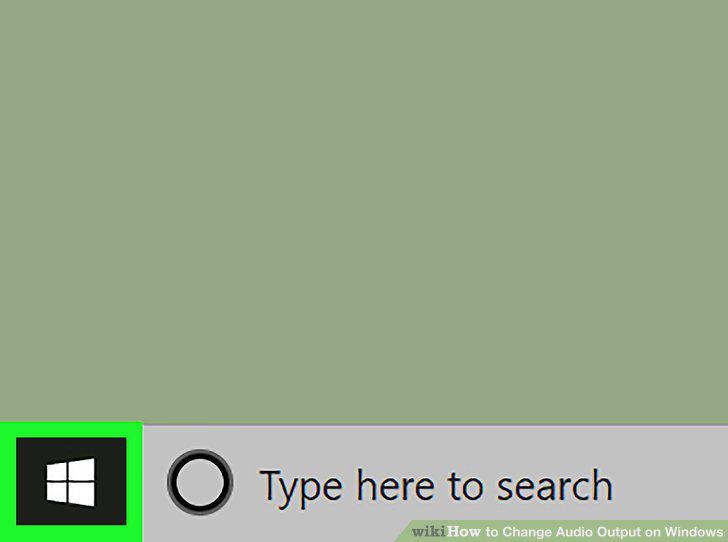
Click the Windows Start button.
2
Type Control Panel.
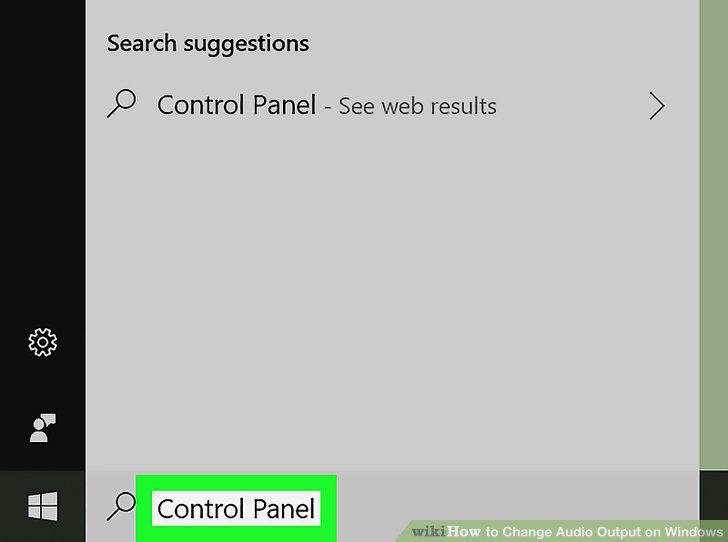
Type Control Panel.
3
Click the Control Panel.
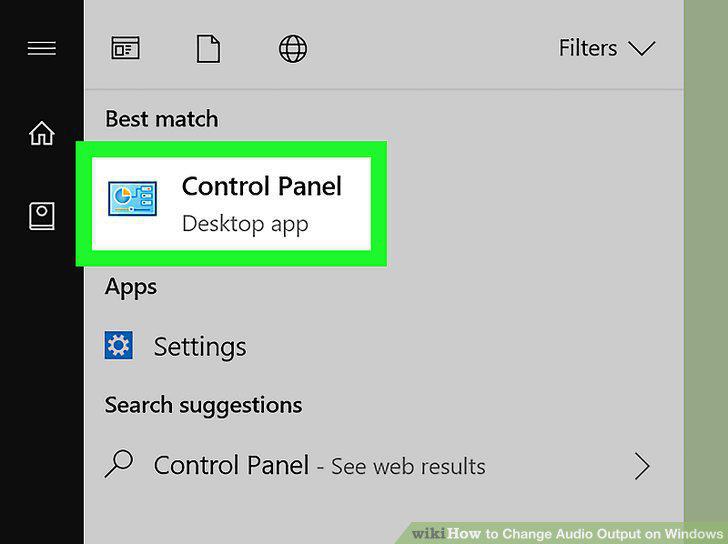
Click the Control Panel.
4
Click Hardware and Sound.
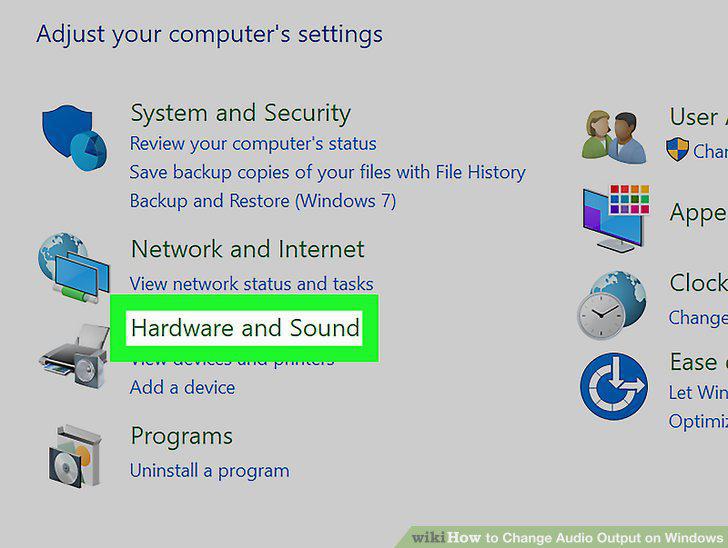
Click Hardware and Sound.
5
Click Sound.
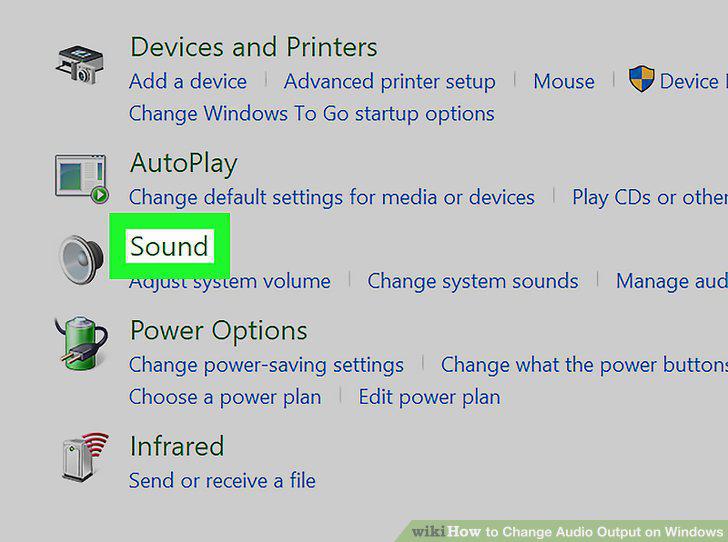
Click Sound.
6
Click the Playback tab.
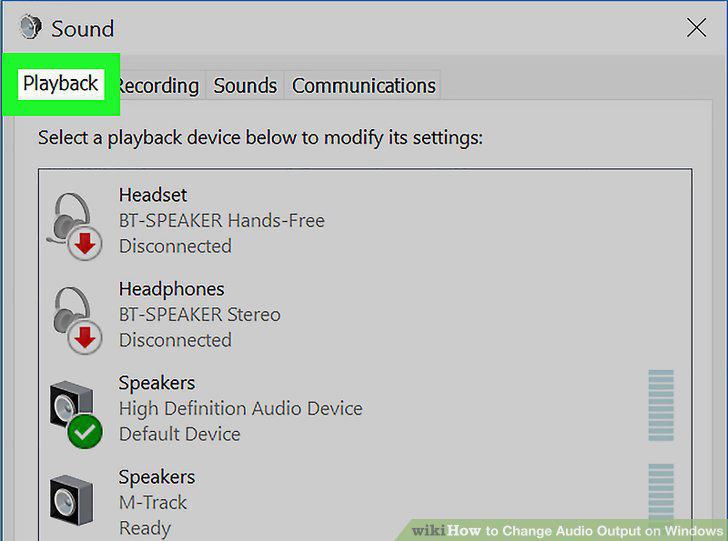
Click the Playback tab.
7
Click the audio device you want.
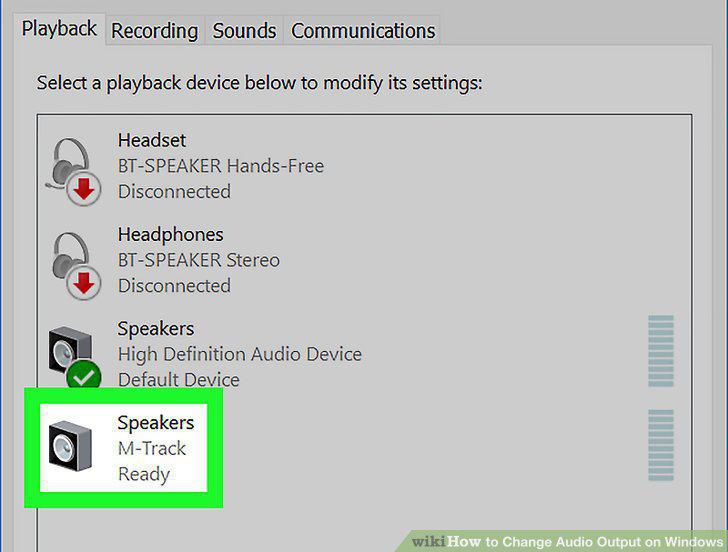
Click the audio device you want.
8
Click Set Default.
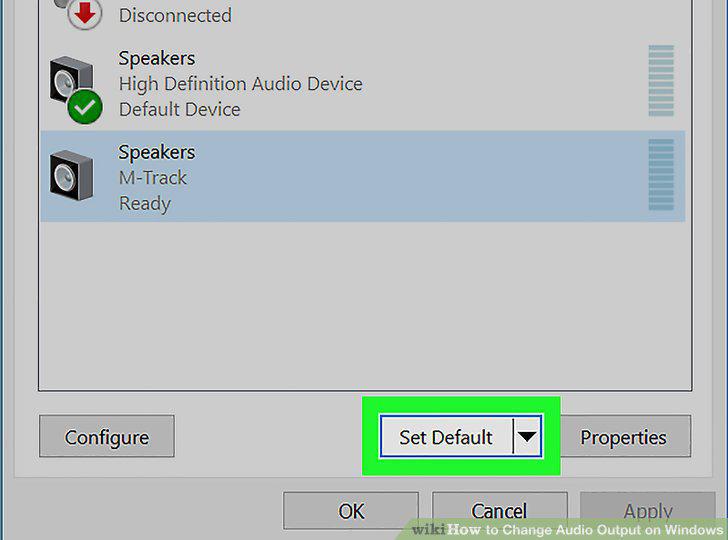
Click Set Default.
9
Click Ok.
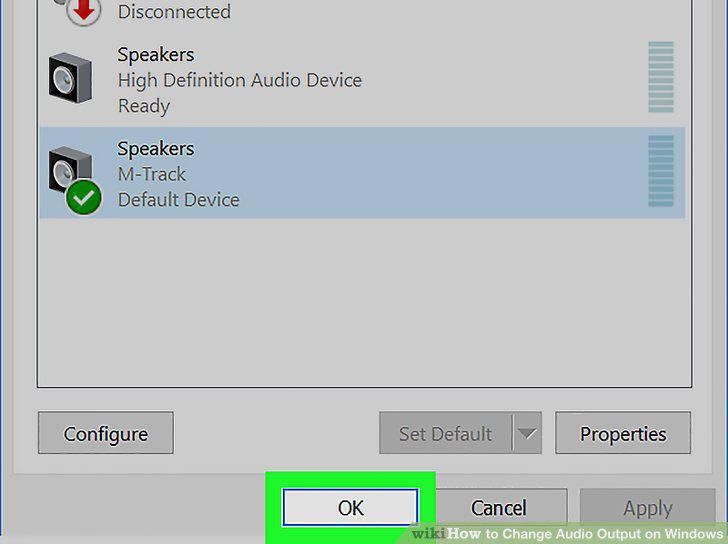
Click Ok.
Comments (0)
No comments yet. Be the first to share your thoughts!