How to Use the Cloud DVR on Hulu on Android
Open the Hulu app.. Sign up for a Live TV subscription.. Search for a show to record.
Steps
1
Open the Hulu app.
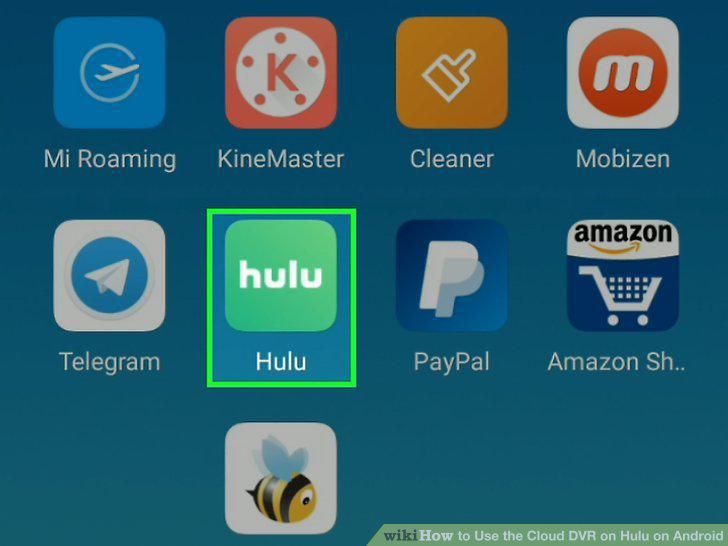
Open the Hulu app.
2
Sign up for a Live TV subscription.
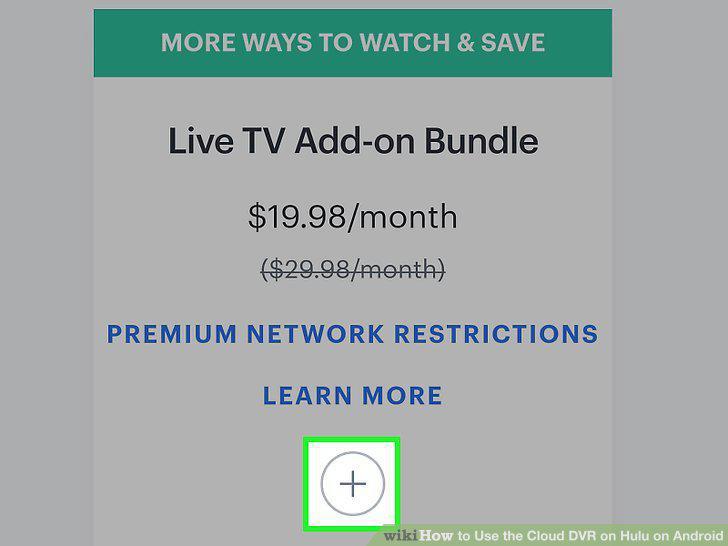
Sign up for a Live TV subscription.
3
Search for a show to record.
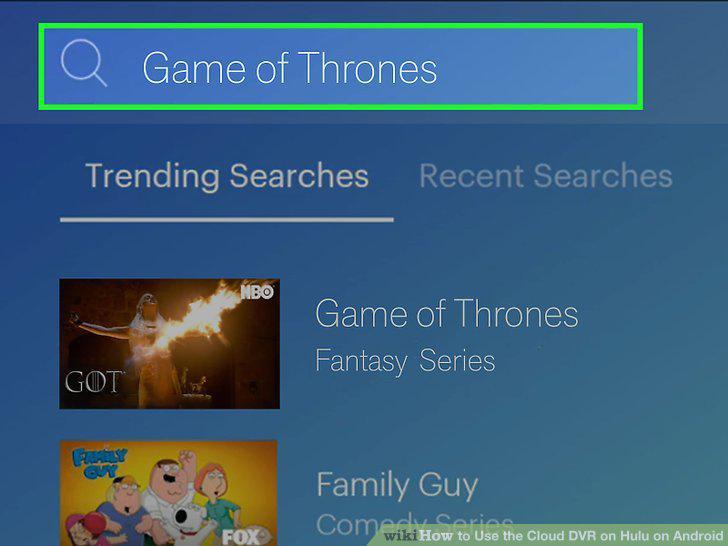
Search for a show to record.
4
Navigate to the show's details page.
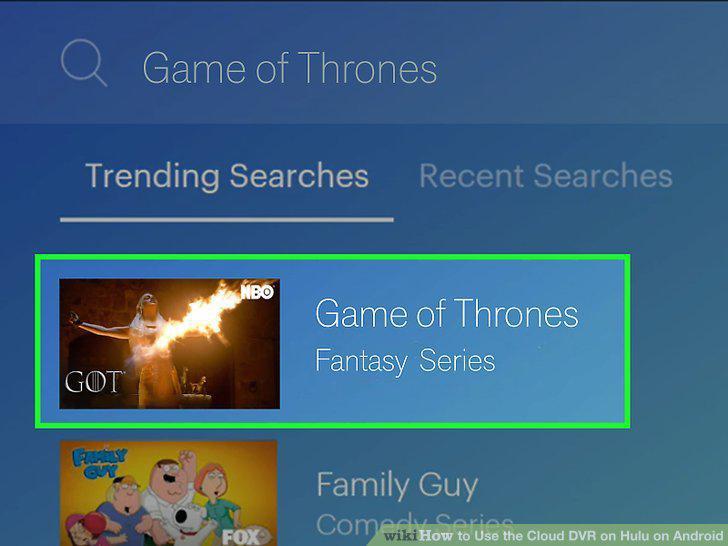
Navigate to the show's details page.
5
Tap the Add to My Stuff button.
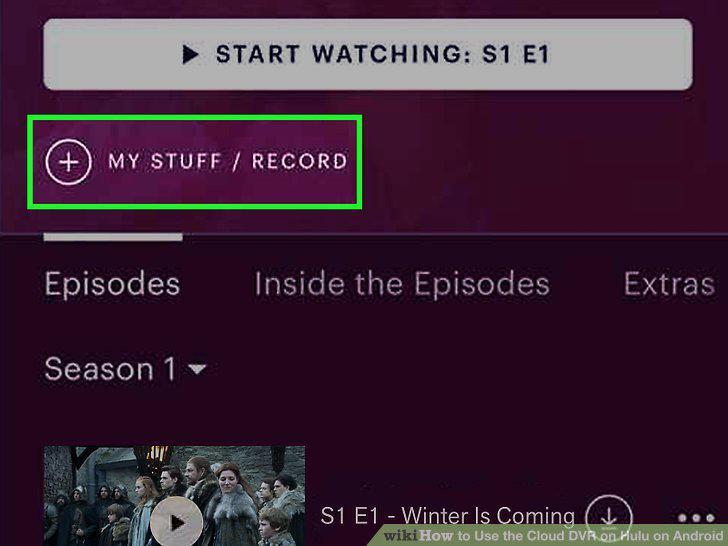
Tap the Add to My Stuff button.
Comments (0)
No comments yet. Be the first to share your thoughts!