How to Call Using Viber on iPhone or iPad
Open Viber on your iPhone or iPad.. Tap the Contacts icon at the bottom.. Tap the Viber tab at the top.
Steps
1
Open Viber on your iPhone or iPad.
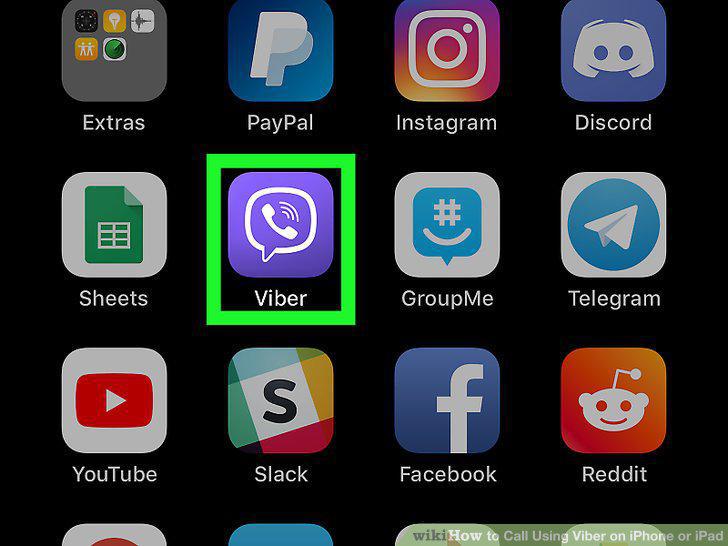
Open Viber on your iPhone or iPad.
2
Tap the Contacts icon at the bottom.
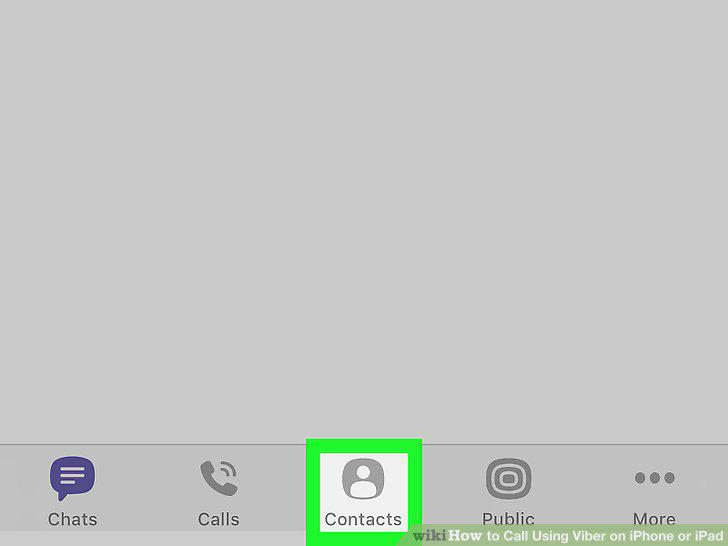
Tap the Contacts icon at the bottom.
3
Tap the Viber tab at the top.
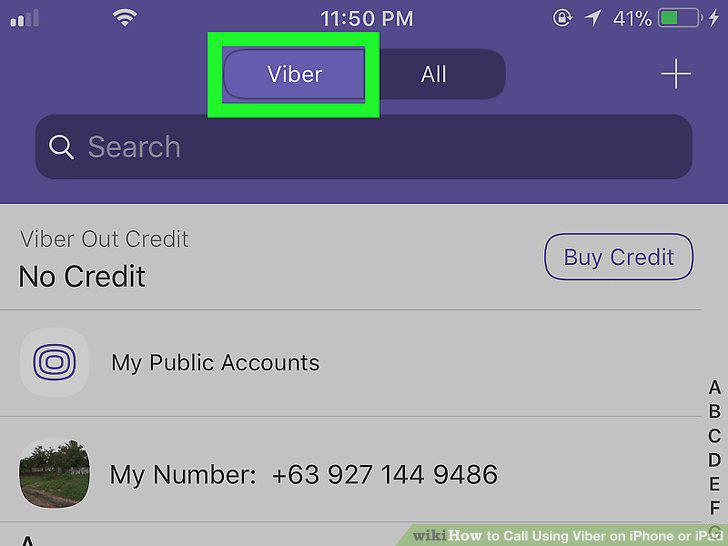
Tap the Viber tab at the top.
4
Tap a contact's name.
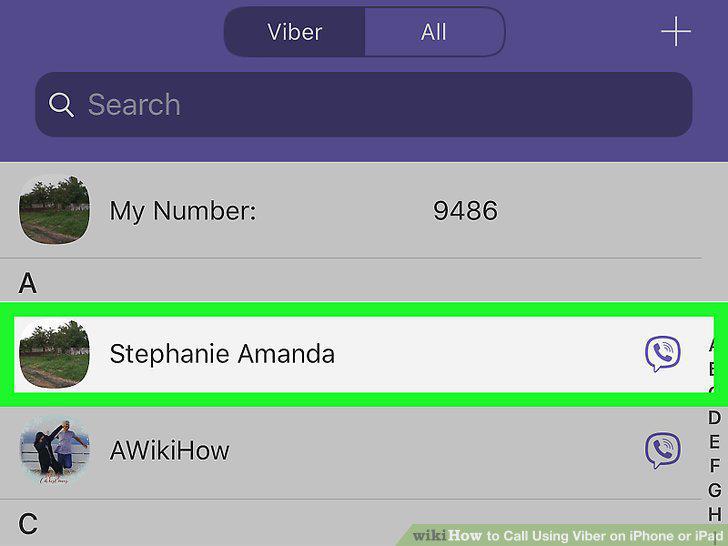
Tap a contact's name.
5
Select a call method on your contact's profile page.
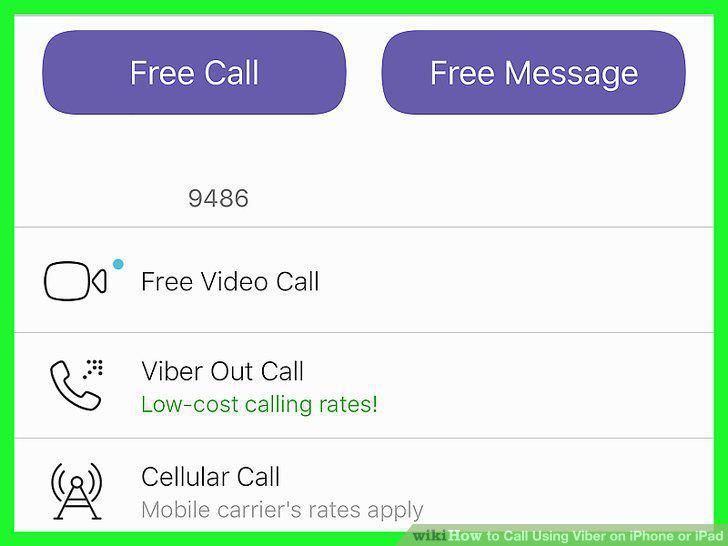
Select a call method on your contact's profile page.
Comments (0)
No comments yet. Be the first to share your thoughts!