How to Contact Kik
Visit the Kik Help Center webpage.. Click on one of the issue categories.. Select your issue on the list.
Steps
1
Visit the Kik Help Center webpage.
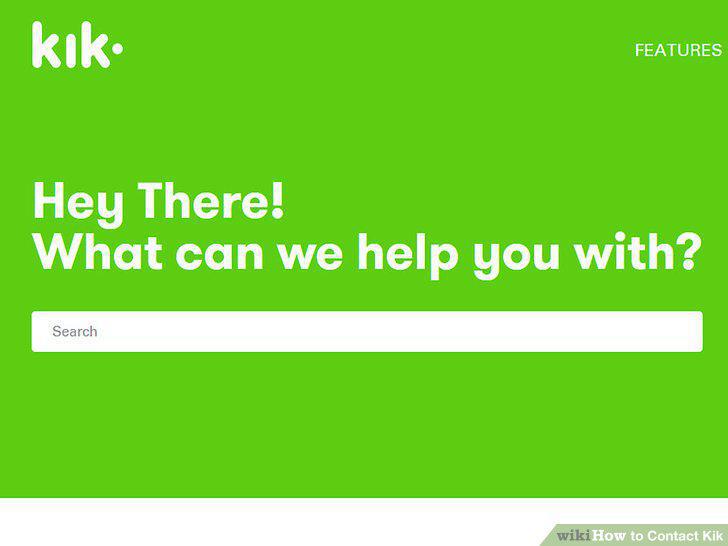
Visit the Kik Help Center webpage.
2
Click on one of the issue categories.
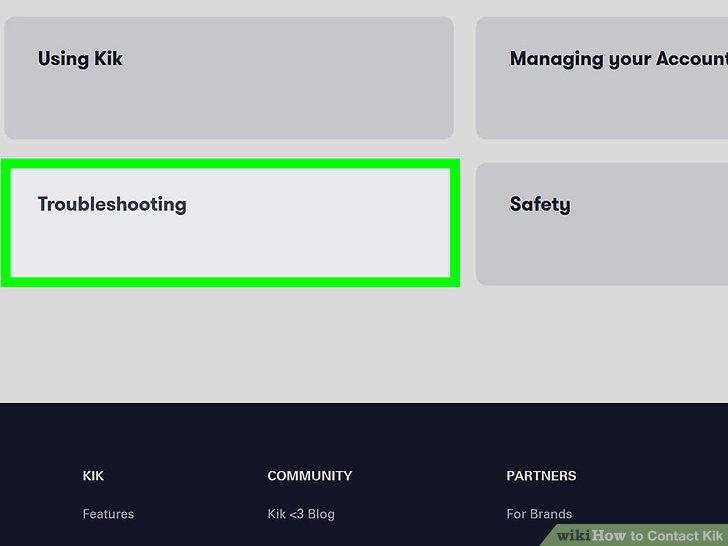
Click on one of the issue categories.
3
Select your issue on the list.
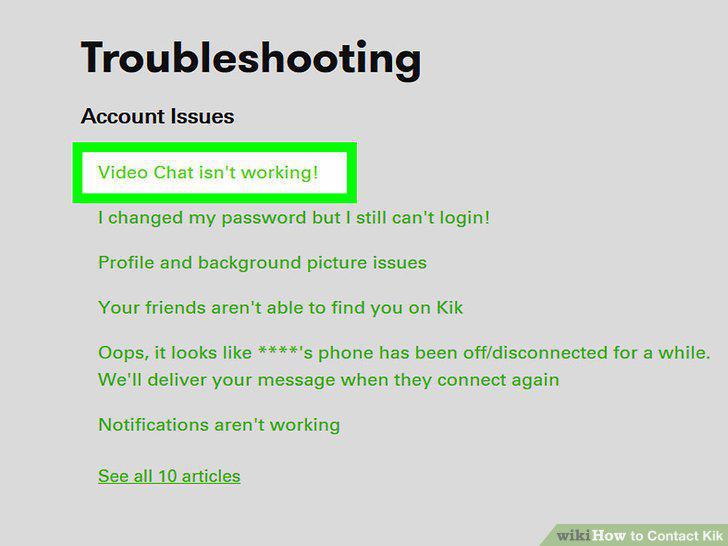
Select your issue on the list.
4
Follow the on-screen instructions after you click on your issue.
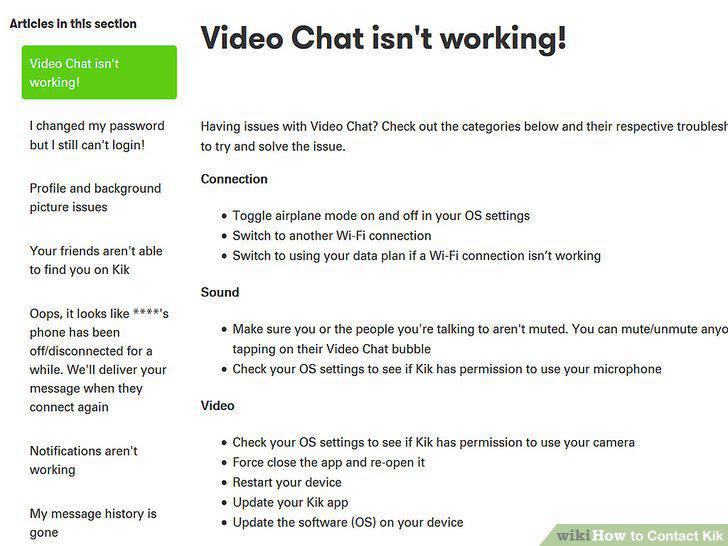
Follow the on-screen instructions after you click on your issue.
5
Start an email to support@kik.com for help with your question.
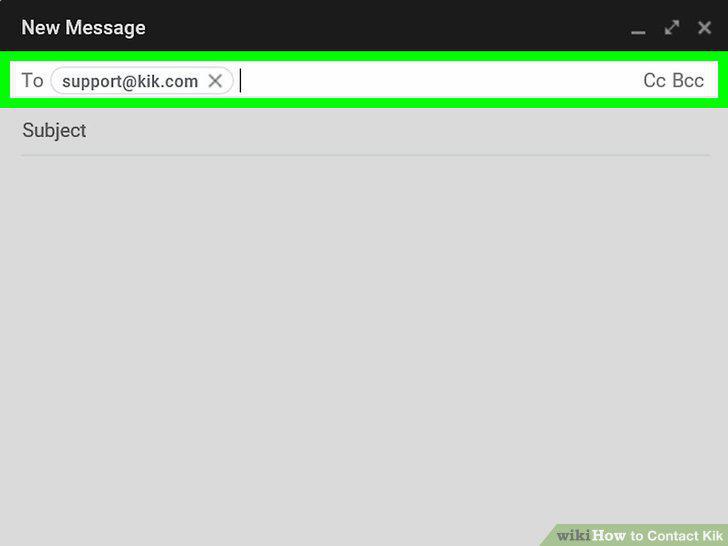
Start an email to support@kik.com for help with your question.
6
Type a keyword phrase in the subject line to sum up your issue.
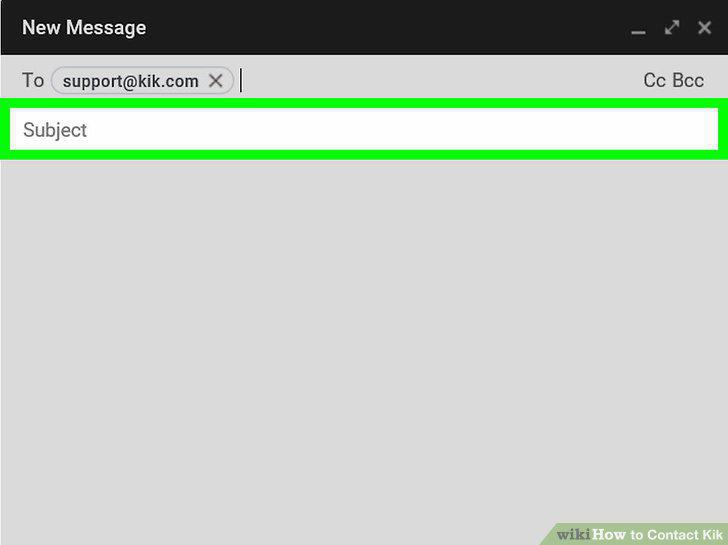
Type a keyword phrase in the subject line to sum up your issue.
7
Write out a clear email outlining your issue.
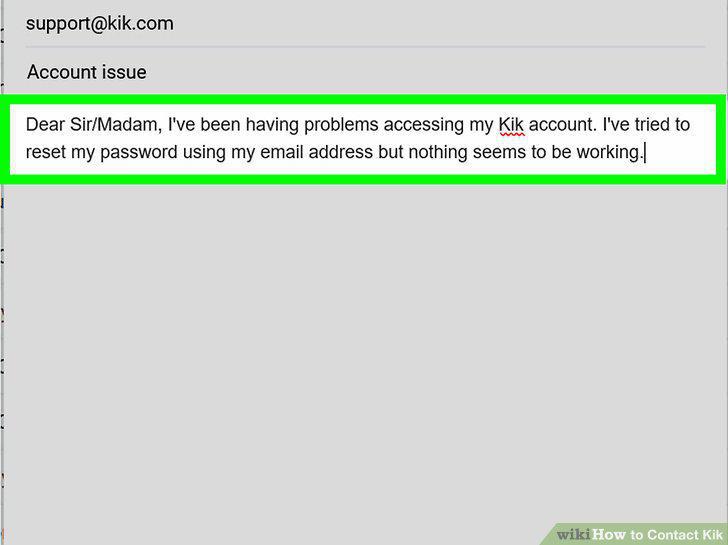
Write out a clear email outlining your issue.
8
Include your name, username, and phone number in the email.
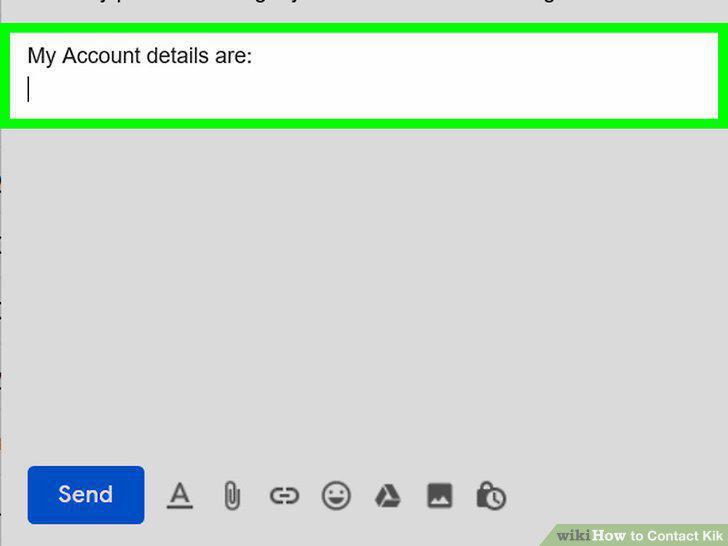
Include your name, username, and phone number in the email.
9
Read over the email and sign off at the end.
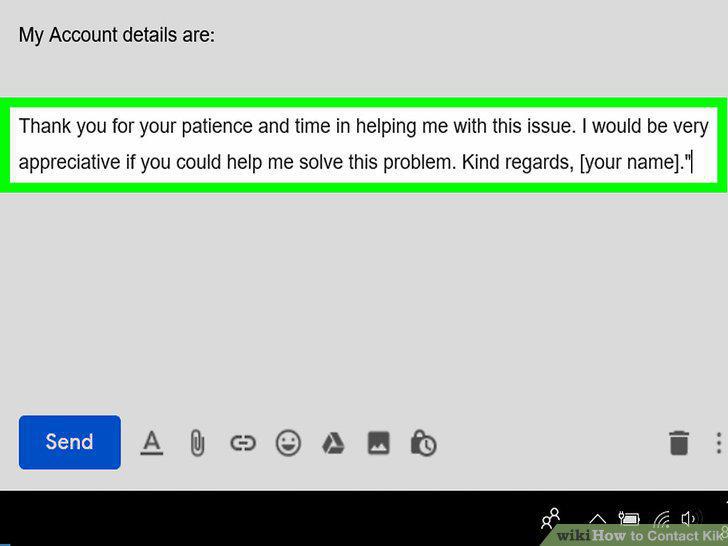
Read over the email and sign off at the end.
10
Wait for the Kik support team to reply to your email.
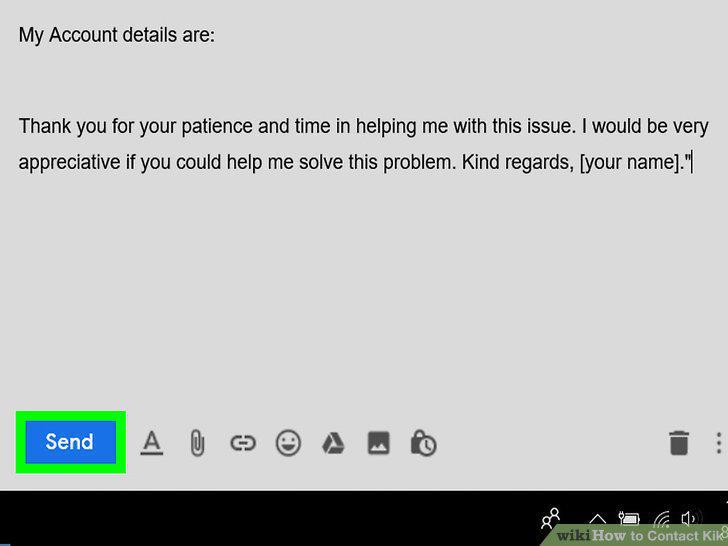
Wait for the Kik support team to reply to your email.
Comments (0)
No comments yet. Be the first to share your thoughts!