How to Change Axes in Excel
Open your project in Excel.. Right-click an axis.. Click Select Data.
Steps
1
Open your project in Excel.

Open your project in Excel.
2
Right-click an axis.
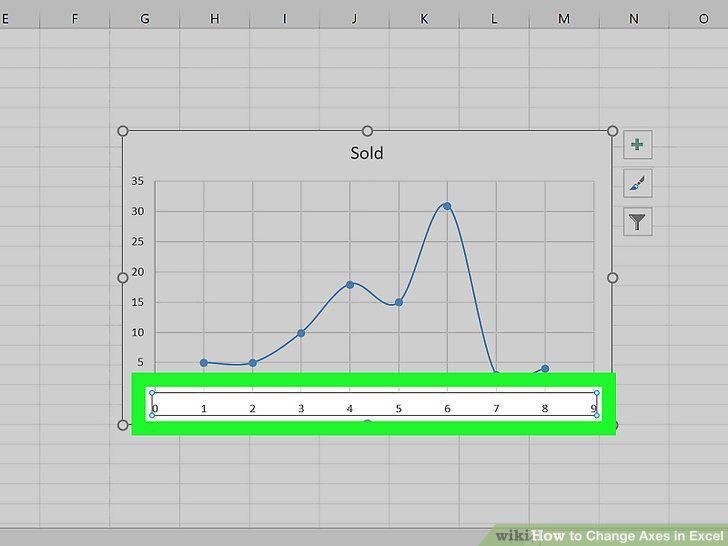
Right-click an axis.
3
Click Select Data.
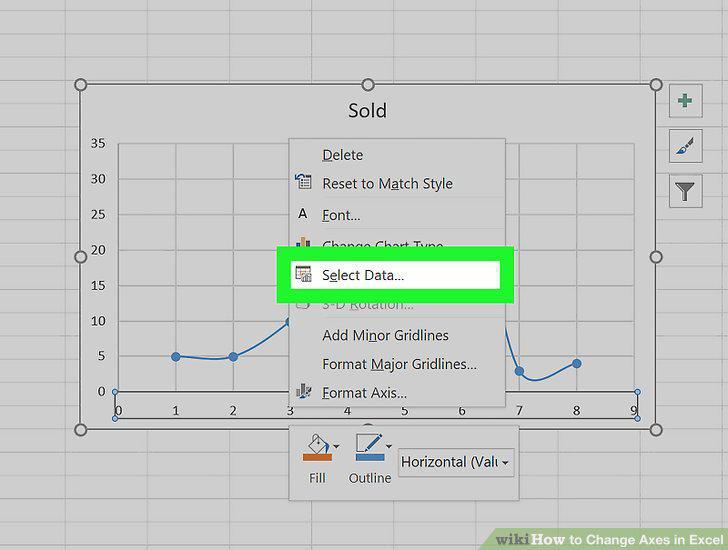
Click Select Data.
4
Click Edit.
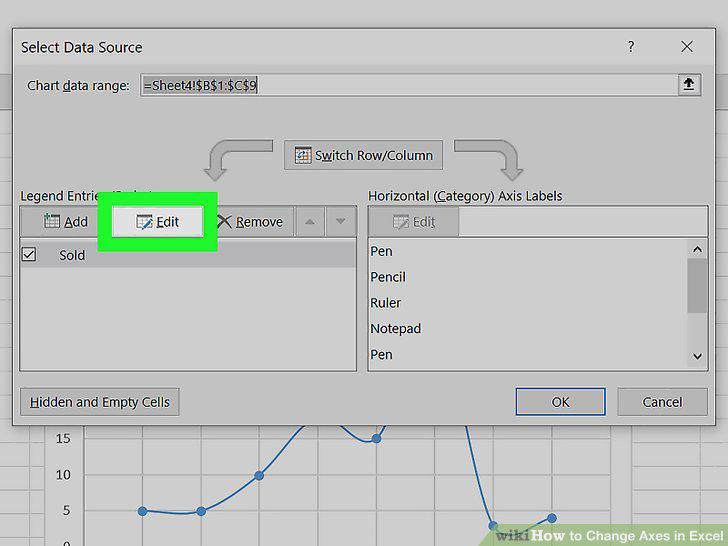
Click Edit.
5
Type the data currently in "Series Y Values" in the text field under "Series X V
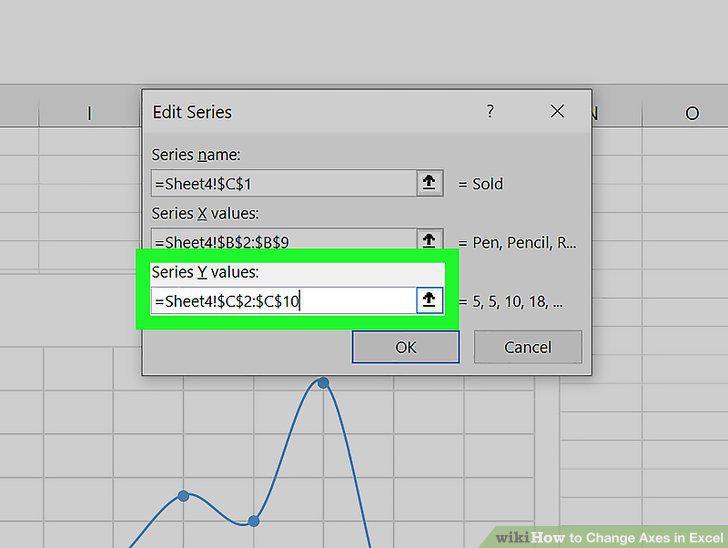
Type the data currently in "Series Y Values" in the text field under "Series X Values.
6
Type the data from "Series X Values" in the text field under "Series Y Values.
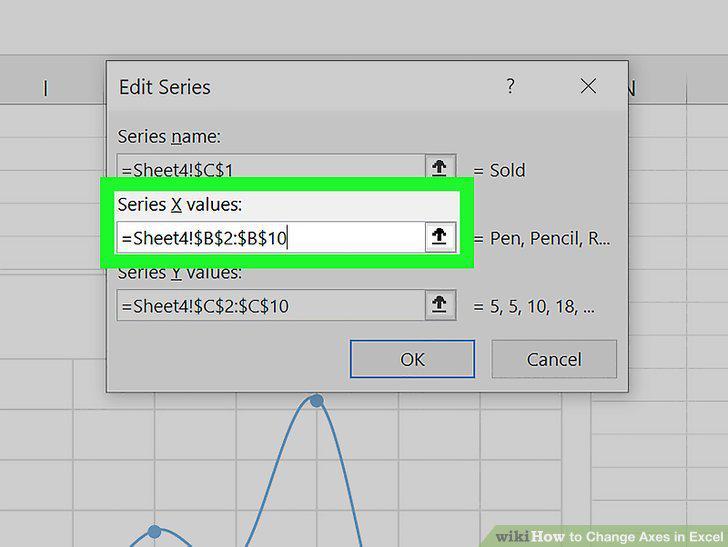
Type the data from "Series X Values" in the text field under "Series Y Values.
7
Click OK.
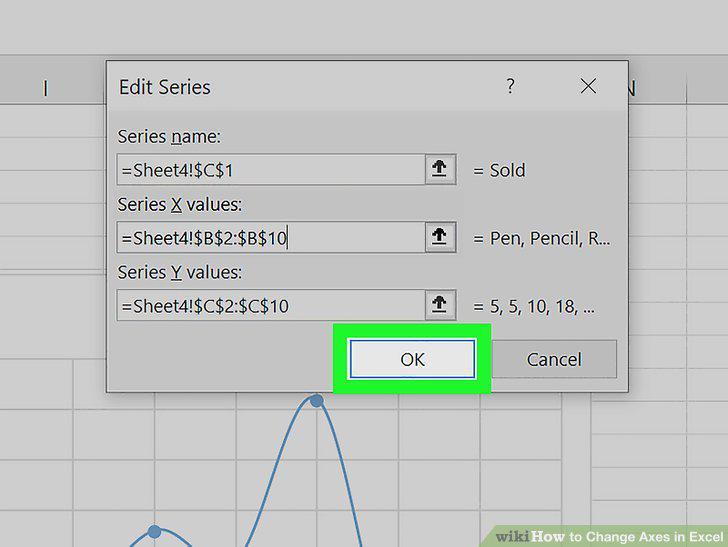
Click OK.
Comments (0)
No comments yet. Be the first to share your thoughts!