How to Hide or Delete Comments in Microsoft Word
Open the Microsoft Word document.. Make sure comments are displaying.. Find a comment to delete.
Steps
1
Open the Microsoft Word document.
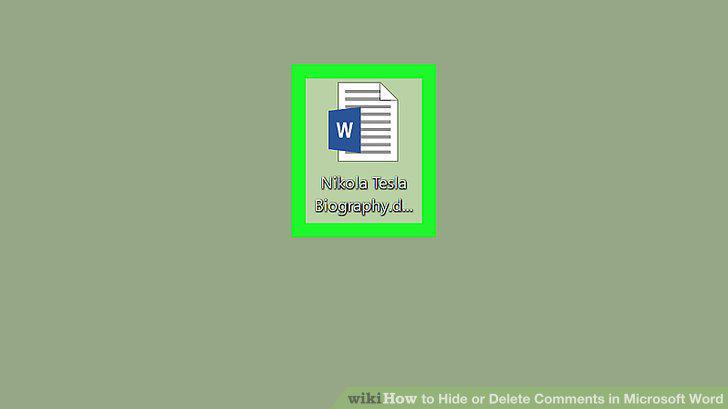
Open the Microsoft Word document.
2
Make sure comments are displaying.
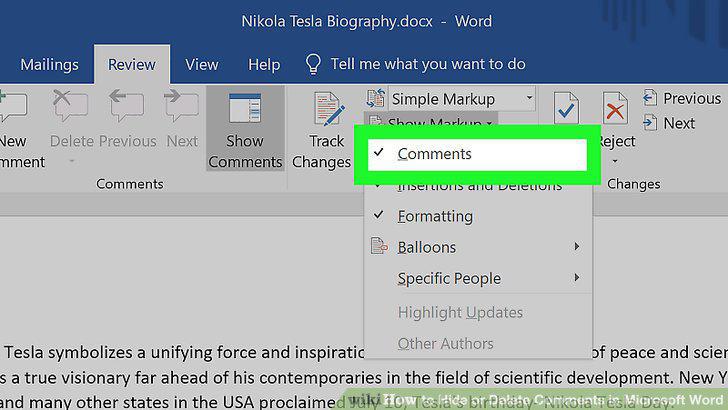
Make sure comments are displaying.
3
Find a comment to delete.
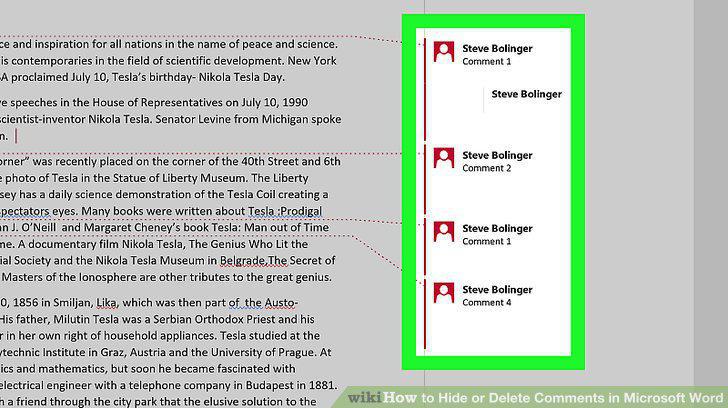
Find a comment to delete.
4
Right-click the comment.
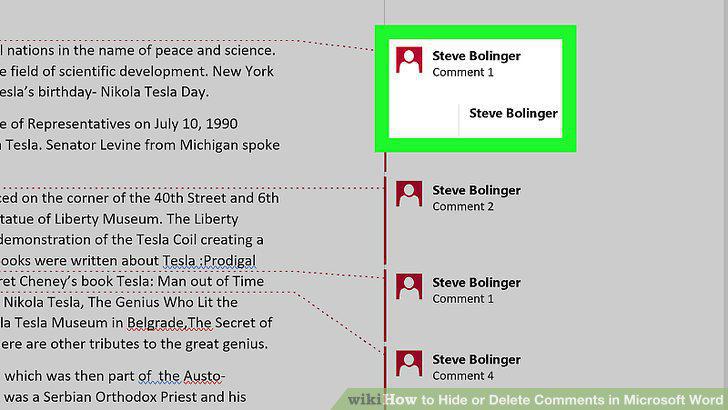
Right-click the comment.
5
Click Delete Comment.
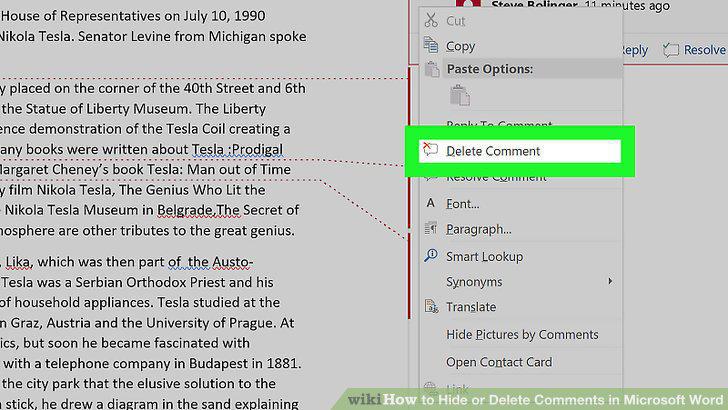
Click Delete Comment.
6
Delete all comments at once.
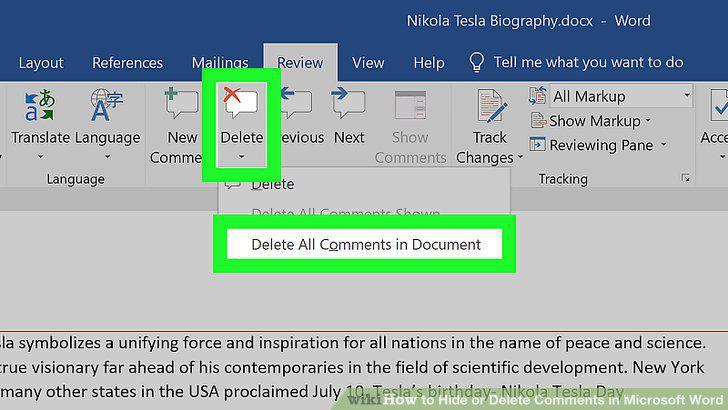
Delete all comments at once.
7
Open the Microsoft Word document and click the Review tab.
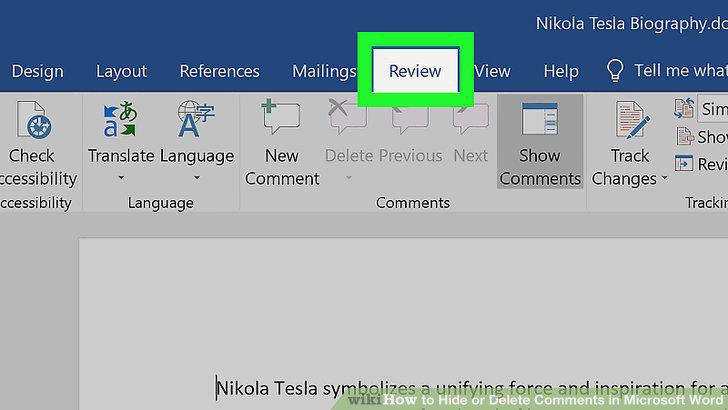
Open the Microsoft Word document and click the Review tab.
8
Click Show Markup.
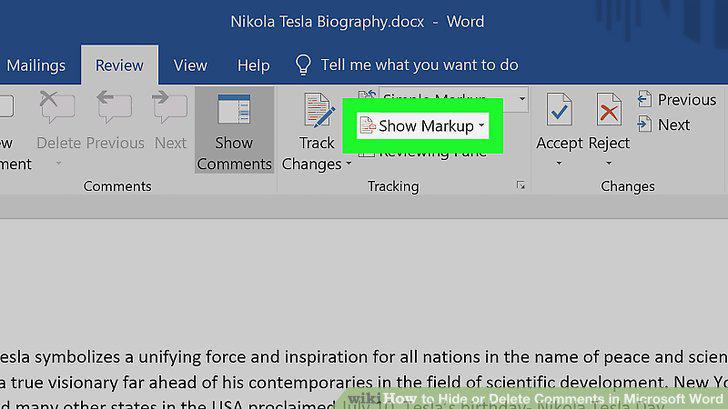
Click Show Markup.
9
Uncheck the Comments option.
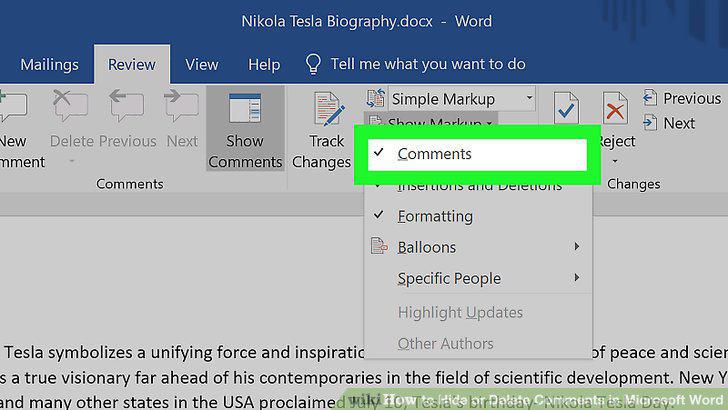
Uncheck the Comments option.
Comments (0)
No comments yet. Be the first to share your thoughts!