How to Stop a Download on Android
Open your mobile internet browser.. Find the file you want to download on your Android.. Start your file download.
Steps
1
Open your mobile internet browser.
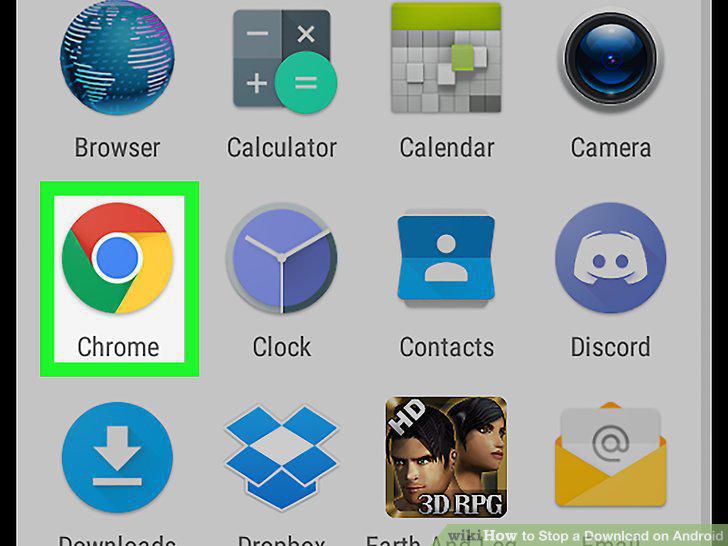
Open your mobile internet browser.
2
Find the file you want to download on your Android.

Find the file you want to download on your Android.
3
Start your file download.
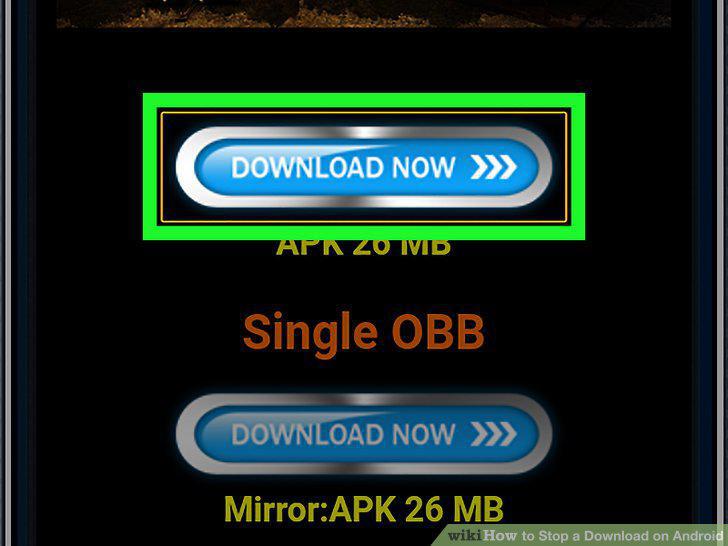
Start your file download.
4
Swipe down from the top of your screen.

Swipe down from the top of your screen.
5
Tap the Pause button.
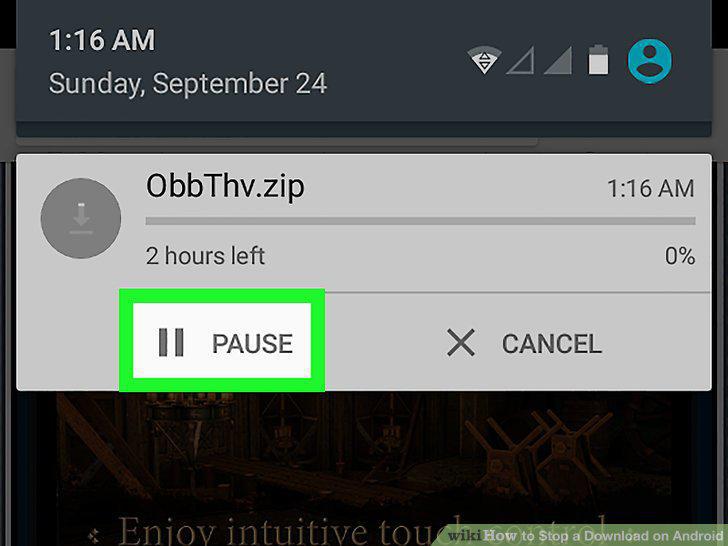
Tap the Pause button.
6
Tap the Cancel button.
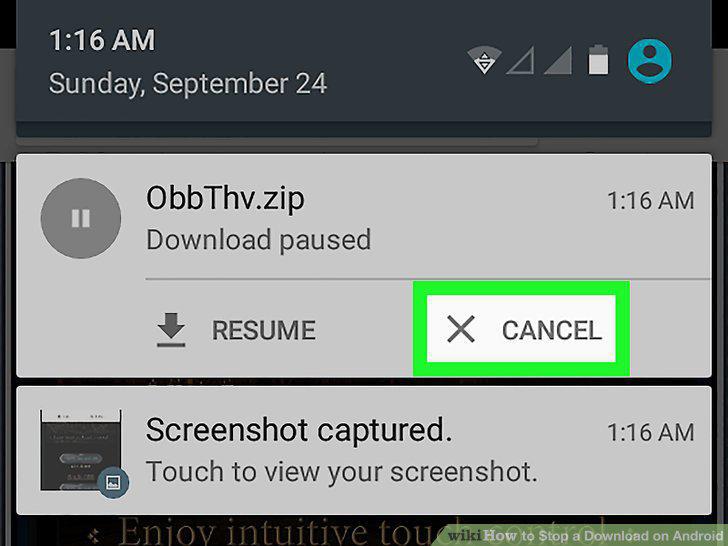
Tap the Cancel button.
7
Open the Play Store on your Android.
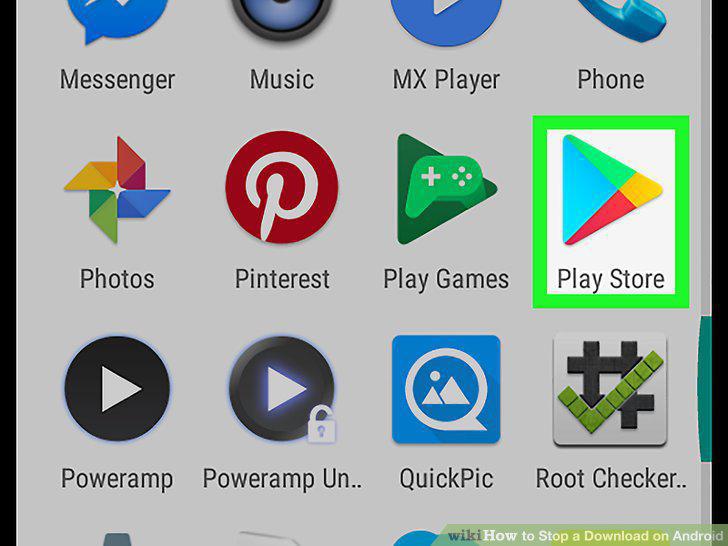
Open the Play Store on your Android.
8
Find and tap the app you want to download.
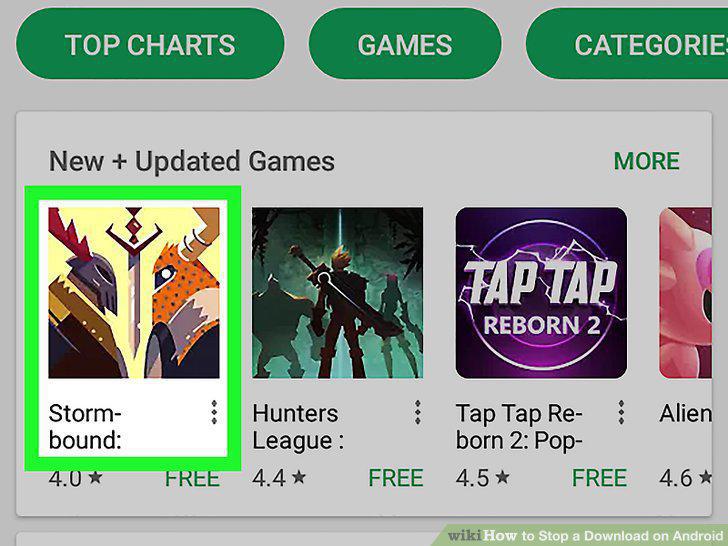
Find and tap the app you want to download.
9
Tap the green INSTALL button.
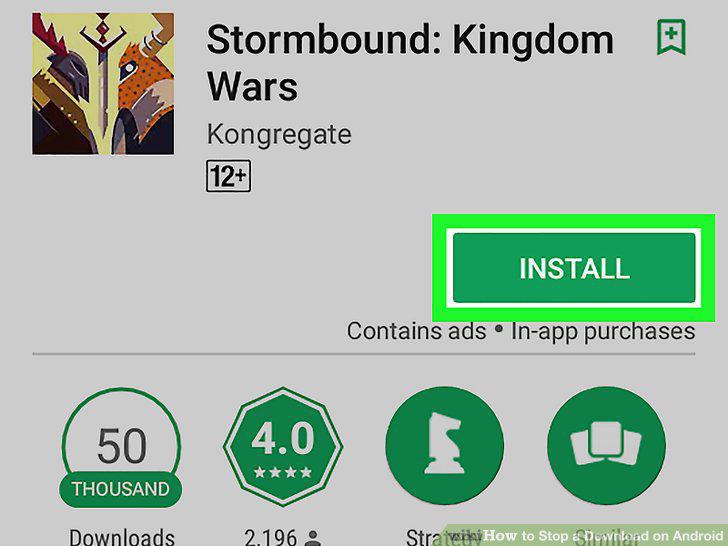
Tap the green INSTALL button.
10
Tap the "X" icon.
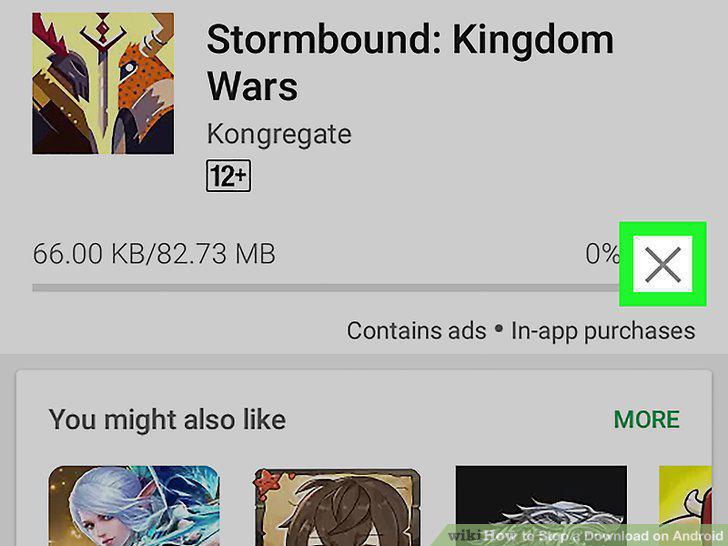
Tap the "X" icon.
Comments (0)
No comments yet. Be the first to share your thoughts!