How to Share an Excel Workbook Online
Go to https://office.com/launch/excel and log in if prompted.. Open your project or create a new one.. Click Share.
Steps
1
Go to https://office.com/launch/excel and log in if prompted.
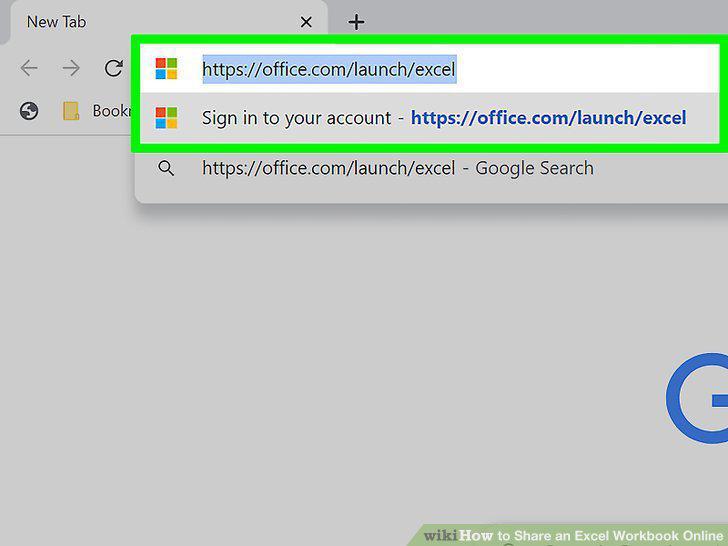
Go to https://office.com/launch/excel and log in if prompted.
2
Open your project or create a new one.
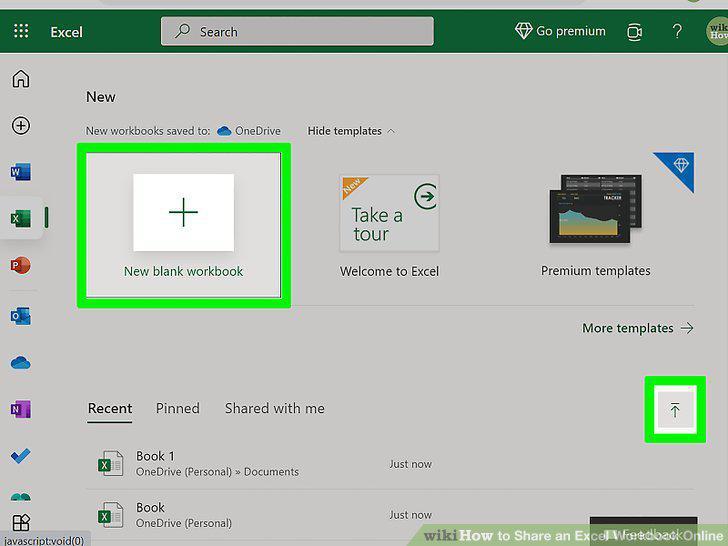
Open your project or create a new one.
3
Click Share.
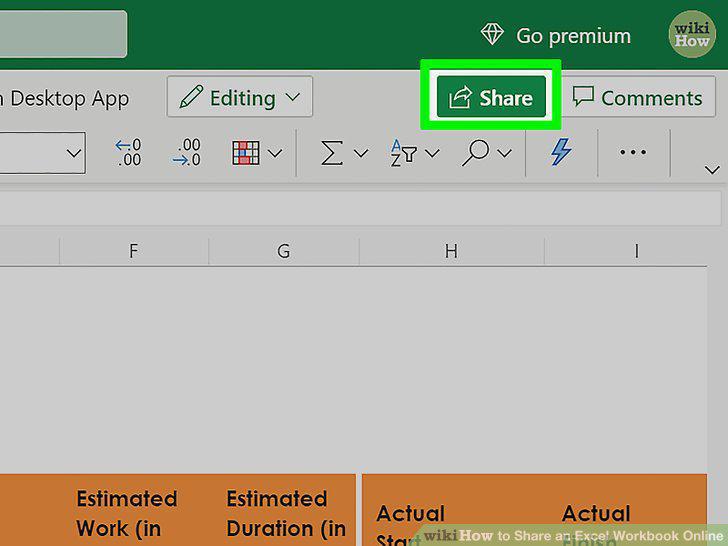
Click Share.
4
Set the permissions.
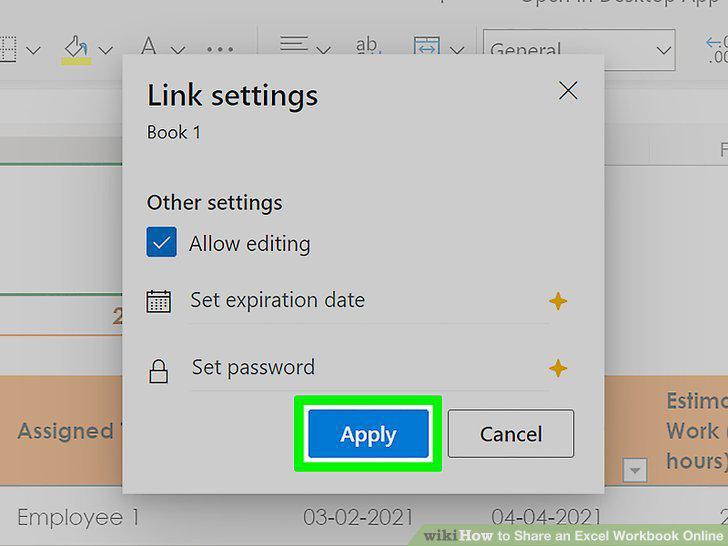
Set the permissions.
5
Enter the name, group, or email of who you want to share the workbook with.
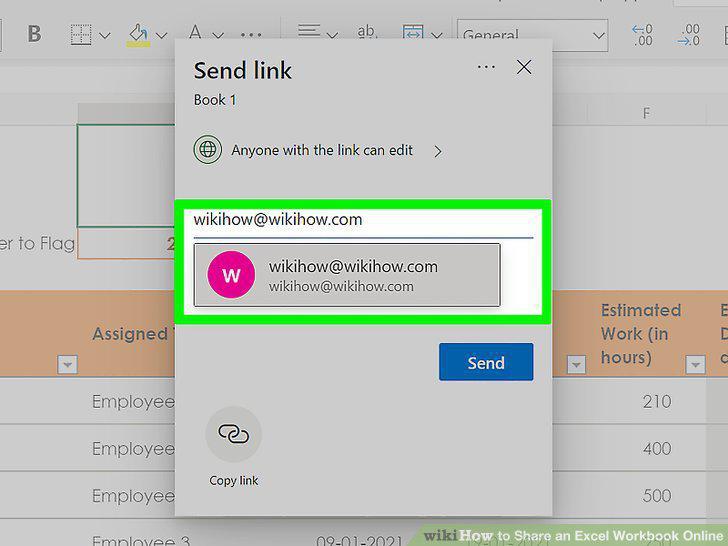
Enter the name, group, or email of who you want to share the workbook with.
6
Click Send.
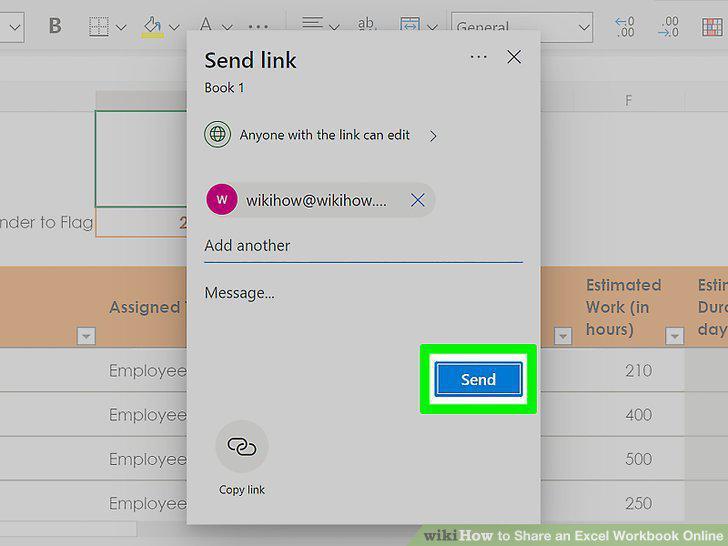
Click Send.
Comments (0)
No comments yet. Be the first to share your thoughts!