How to Add Salt to a Pool
Read your chlorine generator's instructions to find its target salt level.. Purchase a few bags of salt intended for use in swimming pools.. Test the salinity of your pool
Steps
Read your chlorine generator's instructions to find its target salt level.
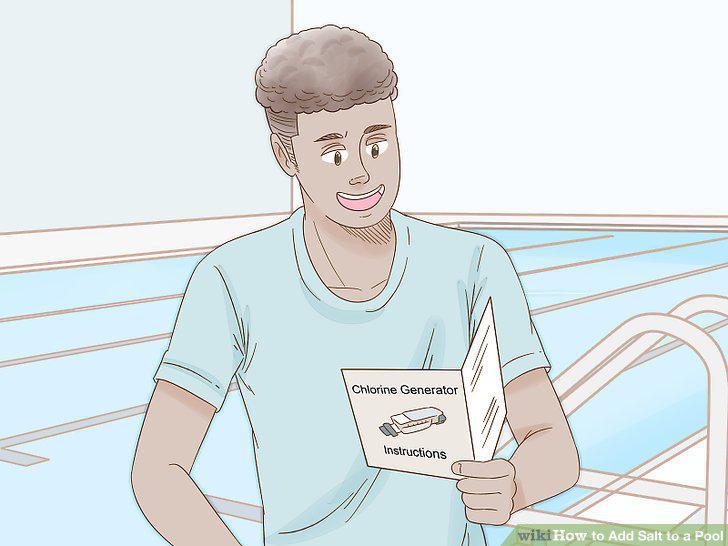
Read your chlorine generator's instructions to find its target salt level.
Purchase a few bags of salt intended for use in swimming pools.
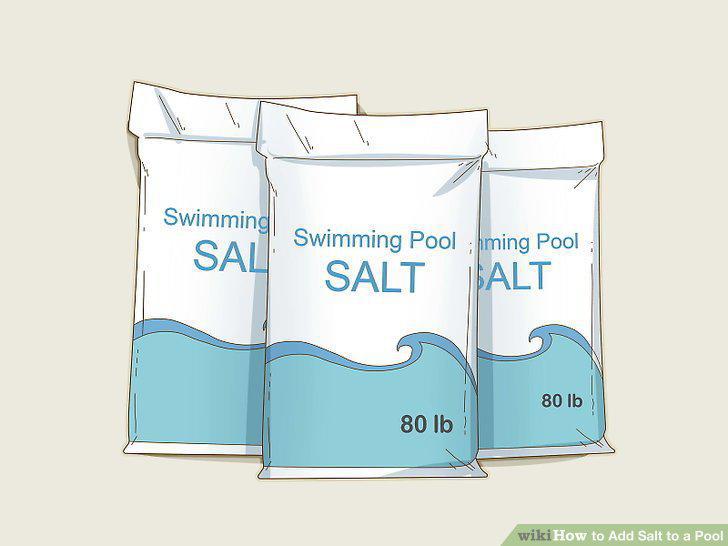
Purchase a few bags of salt intended for use in swimming pools.
Test the salinity of your pool
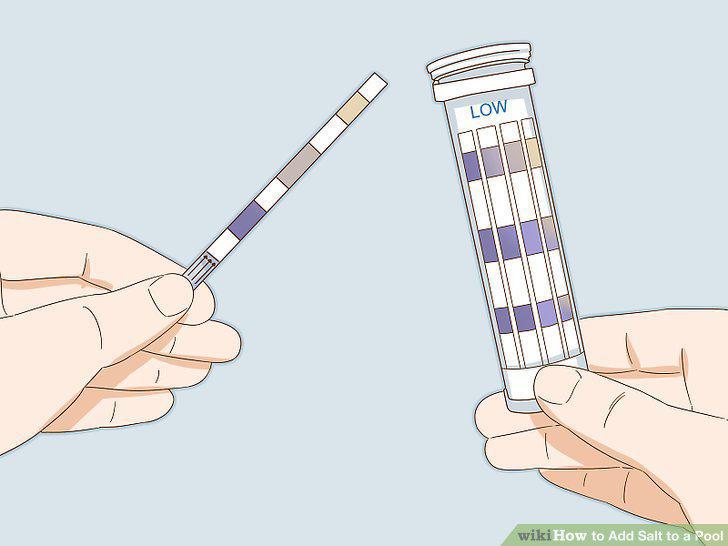
Test the salinity of your pool
Look up a salt table to find out exactly how much salt to add.
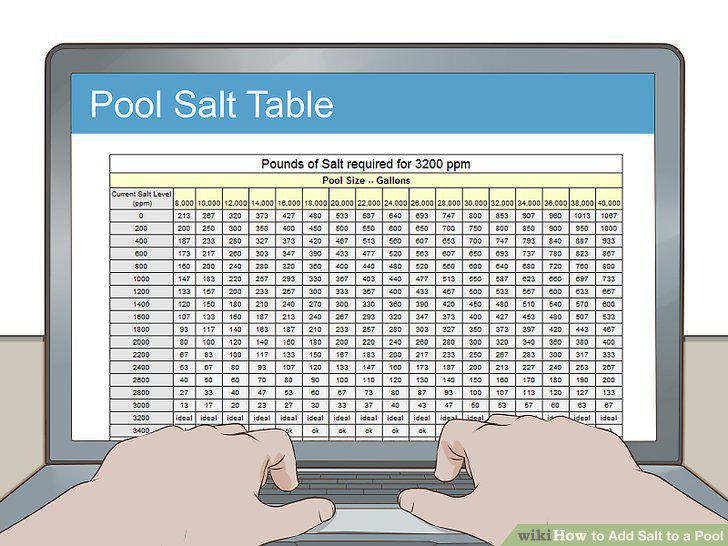
Look up a salt table to find out exactly how much salt to add.
Turn off your pool's salt chlorine generator before adding the salt.
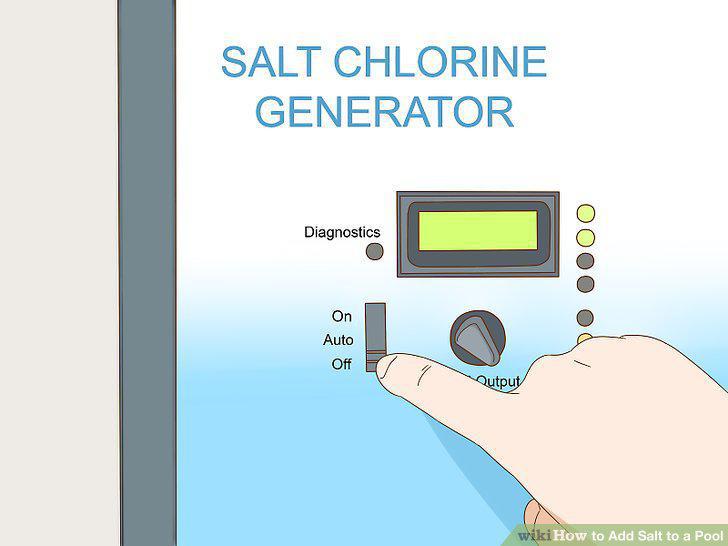
Turn off your pool's salt chlorine generator before adding the salt.
Walk around the pool pouring in the salt a little at a time.
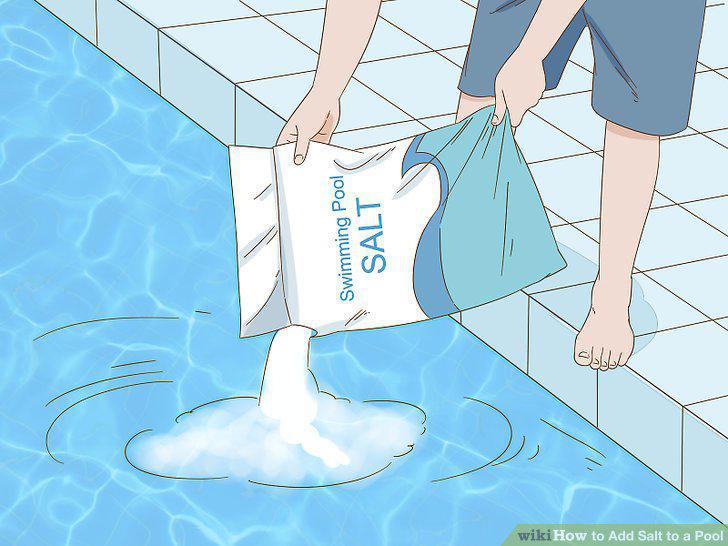
Walk around the pool pouring in the salt a little at a time.
Use a brush to disperse salt that's settled at the bottom of the pool.
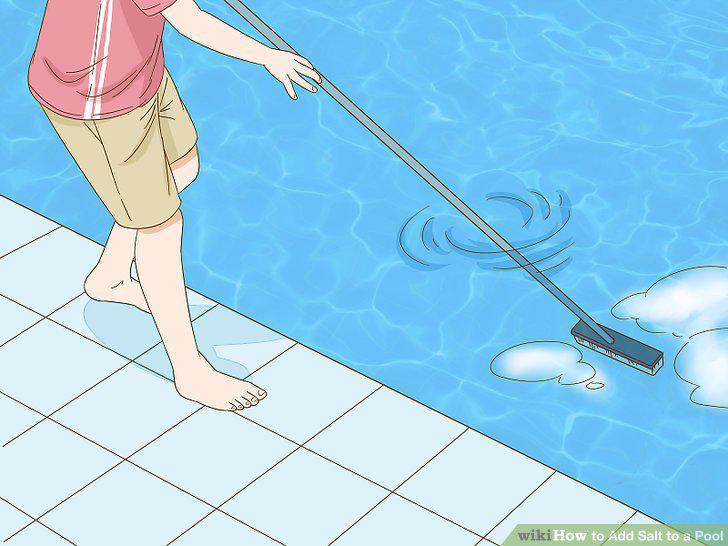
Use a brush to disperse salt that's settled at the bottom of the pool.
Continue running your pool's filter until the salt dissolves completely.
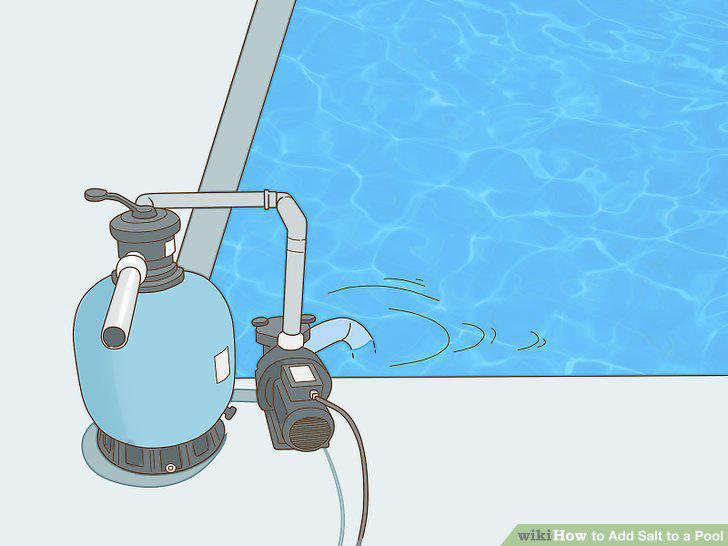
Continue running your pool's filter until the salt dissolves completely.
Check your salt levels again to see if they're within the targeted range.
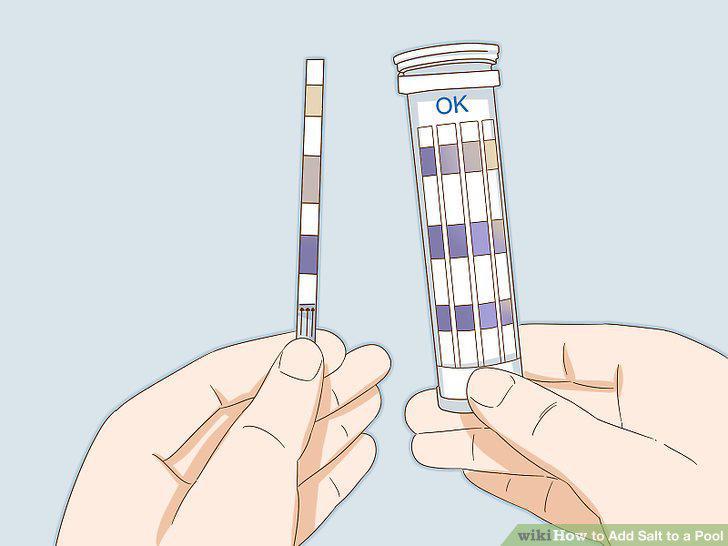
Check your salt levels again to see if they're within the targeted range.
Dilute your pool with fresh water to correct over-salination.
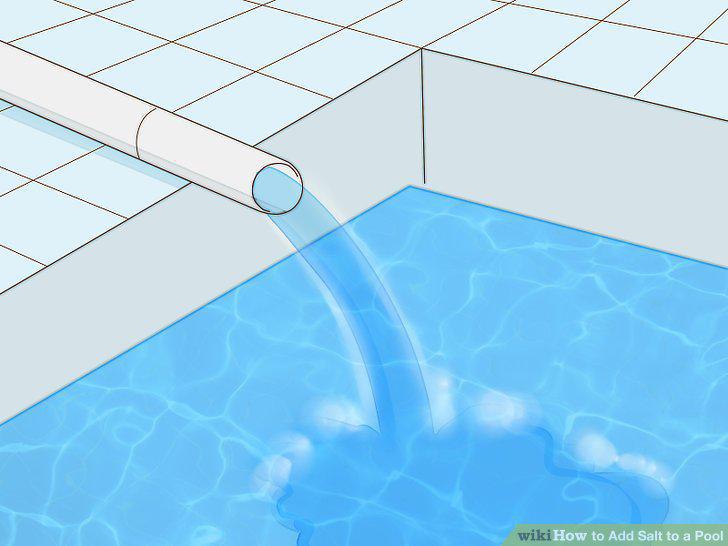
Dilute your pool with fresh water to correct over-salination.
Turn your generator back on when you're finished making adjustments.
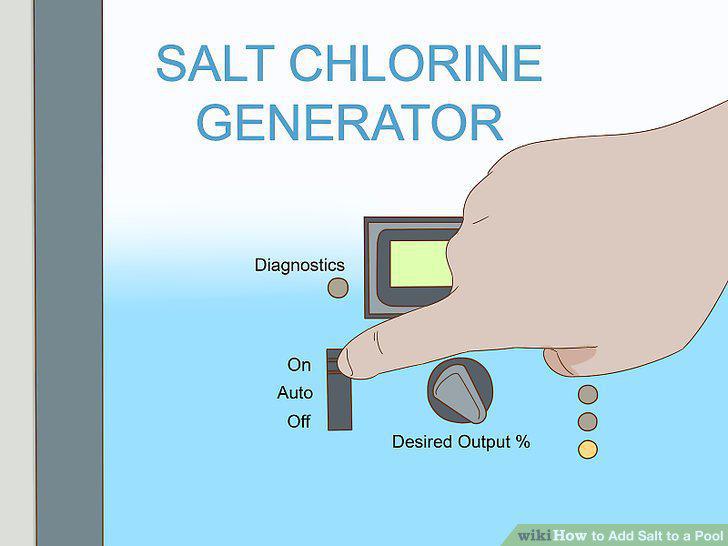
Turn your generator back on when you're finished making adjustments.
Comments (0)
No comments yet. Be the first to share your thoughts!