How to Add Your Resume to LinkedIn on Android
Open the LinkedIn app on your Android.. Tap the Jobs tab.. Tap a job on the Jobs page.
Steps
1
Open the LinkedIn app on your Android.
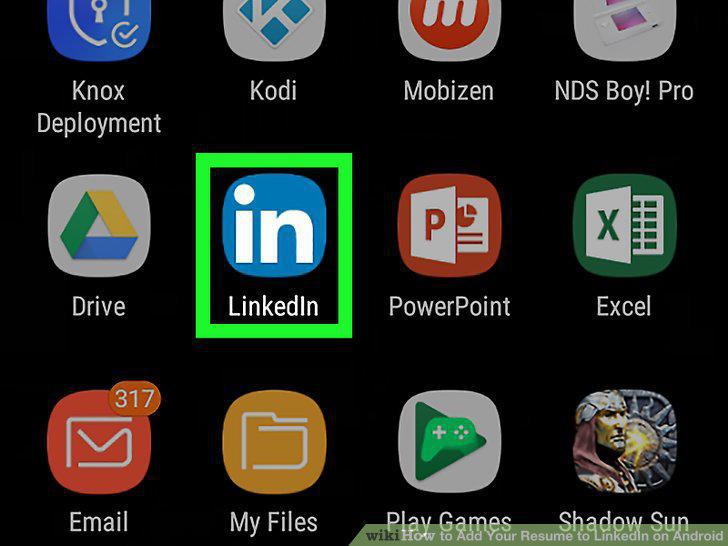
Open the LinkedIn app on your Android.
2
Tap the Jobs tab.

Tap the Jobs tab.
3
Tap a job on the Jobs page.

Tap a job on the Jobs page.
4
Tap the blue EASY APPLY button.

Tap the blue EASY APPLY button.
5
Tap the UPLOAD button.
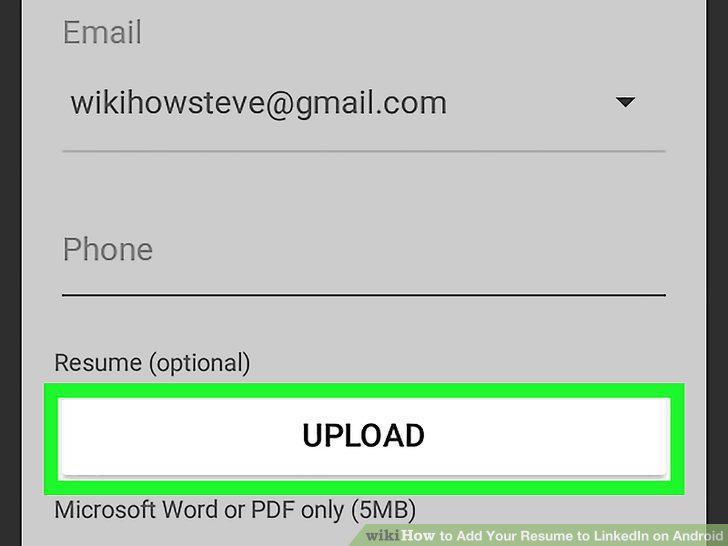
Tap the UPLOAD button.
6
Select the folder where your resume is saved.
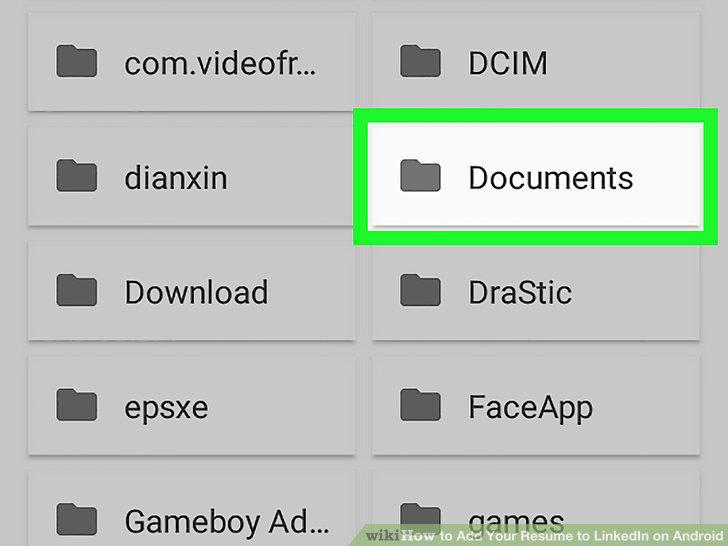
Select the folder where your resume is saved.
7
Tap the resume you want to upload.
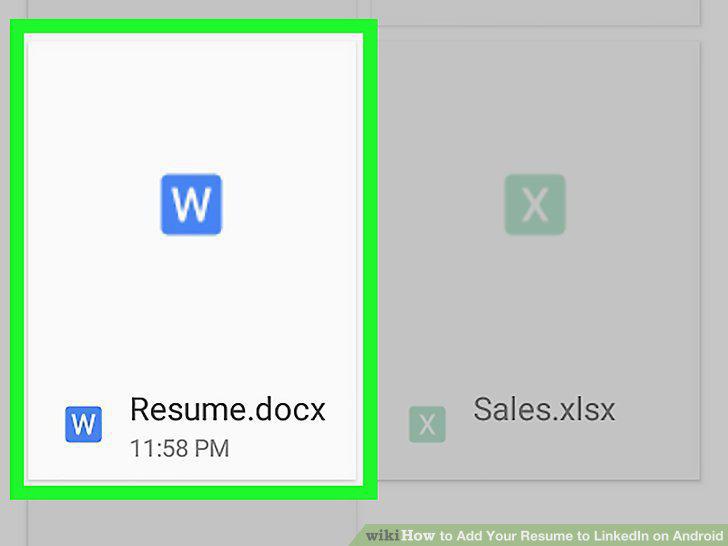
Tap the resume you want to upload.
8
Complete your application.
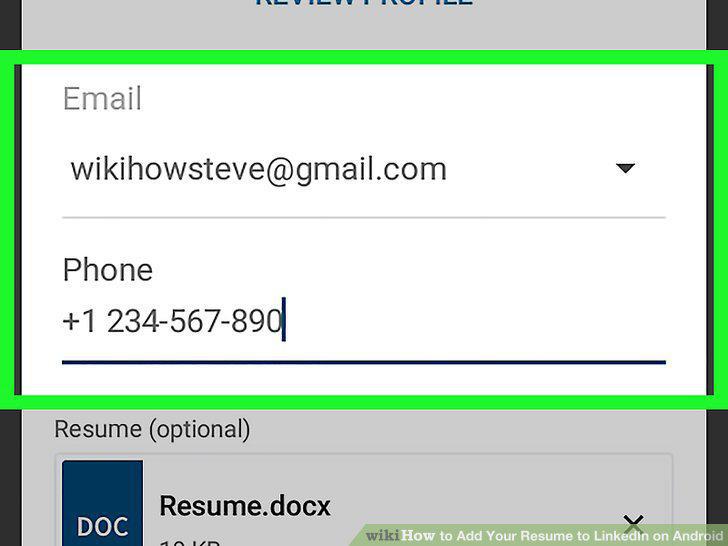
Complete your application.
9
Tap SUBMIT APPLICATION.
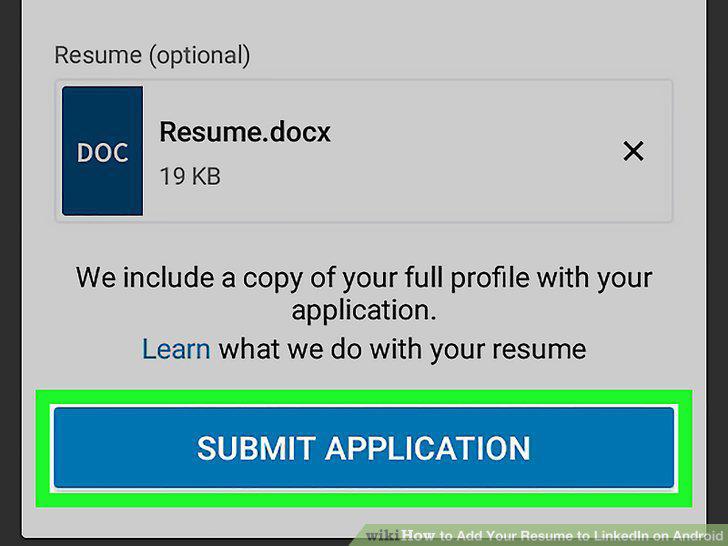
Tap SUBMIT APPLICATION.
Comments (0)
No comments yet. Be the first to share your thoughts!