How to Close iPad Apps
Double-tap the Home button.. Find the app you want to close.. Swipe up on the app that you want to close.
Steps
1
Double-tap the Home button.
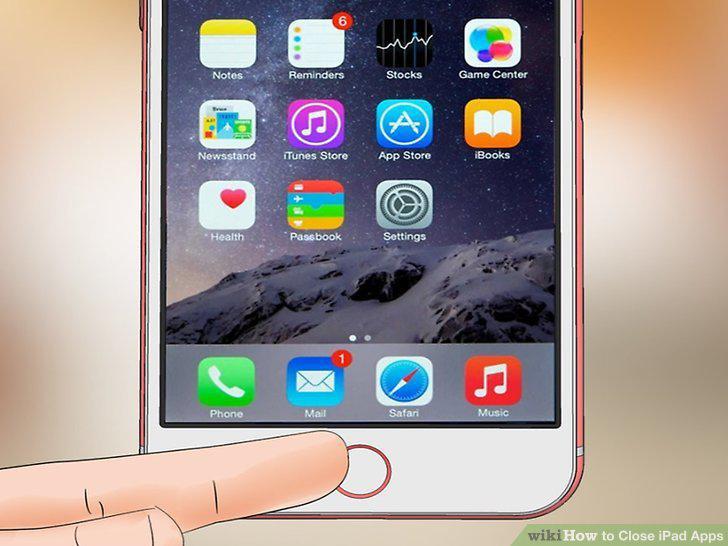
Double-tap the Home button.
2
Find the app you want to close.

Find the app you want to close.
3
Swipe up on the app that you want to close.

Swipe up on the app that you want to close.
4
Press the Home button when finished.
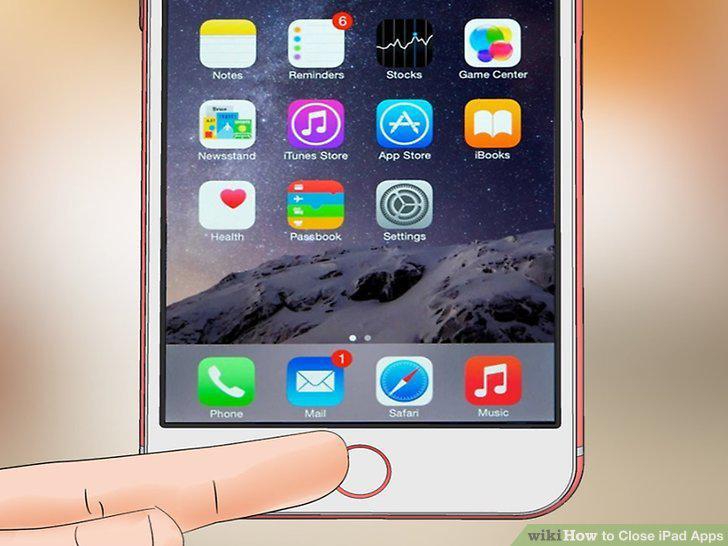
Press the Home button when finished.
5
Press and hold the Sleep/Wake and Home buttons.
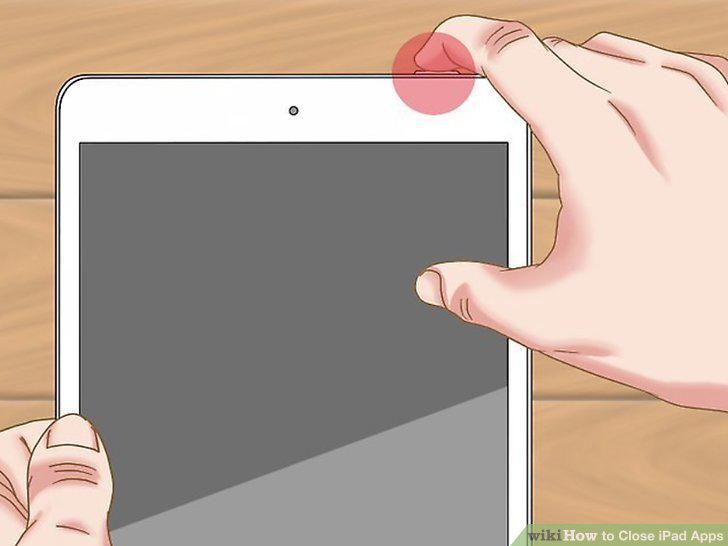
Press and hold the Sleep/Wake and Home buttons.
6
Hold both buttons until you see the Apple logo.
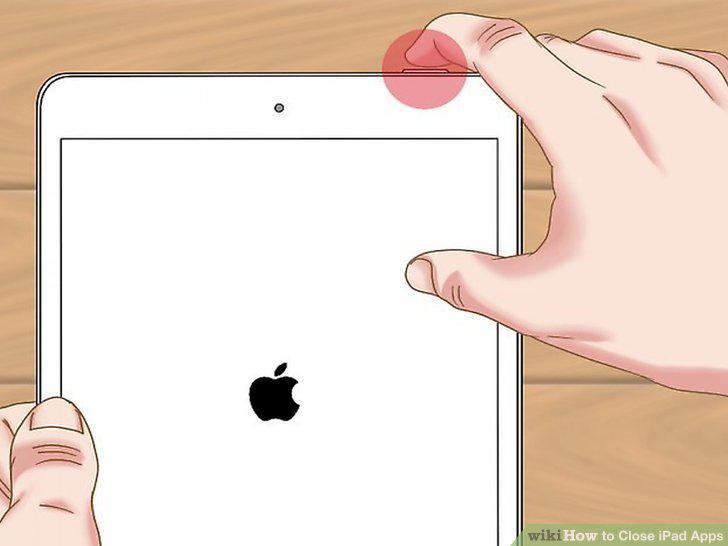
Hold both buttons until you see the Apple logo.
7
Wait while your iPad finishes booting.
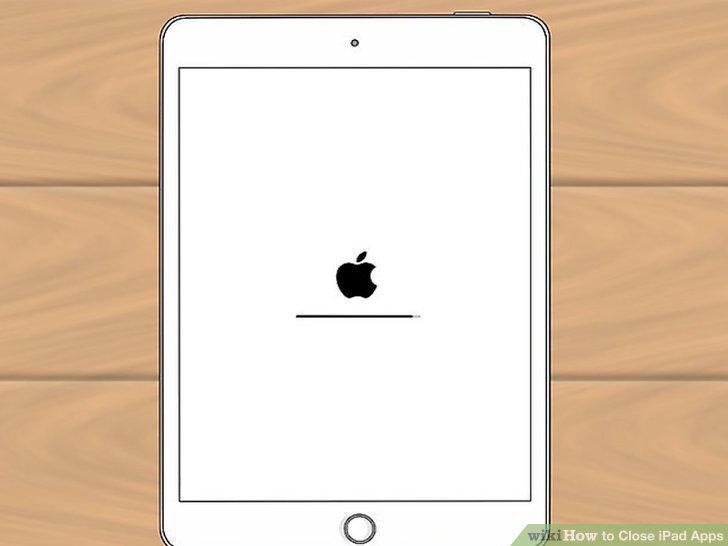
Wait while your iPad finishes booting.
8
Press and hold any app on your Home screen.
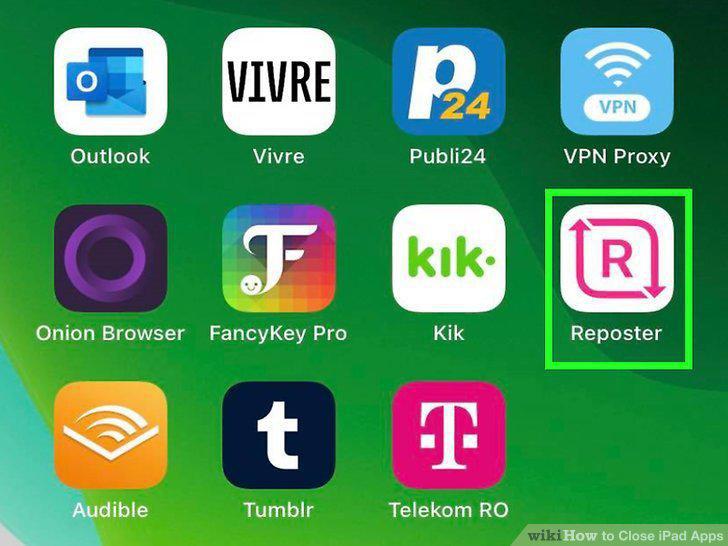
Press and hold any app on your Home screen.
9
Find the app you want to delete.
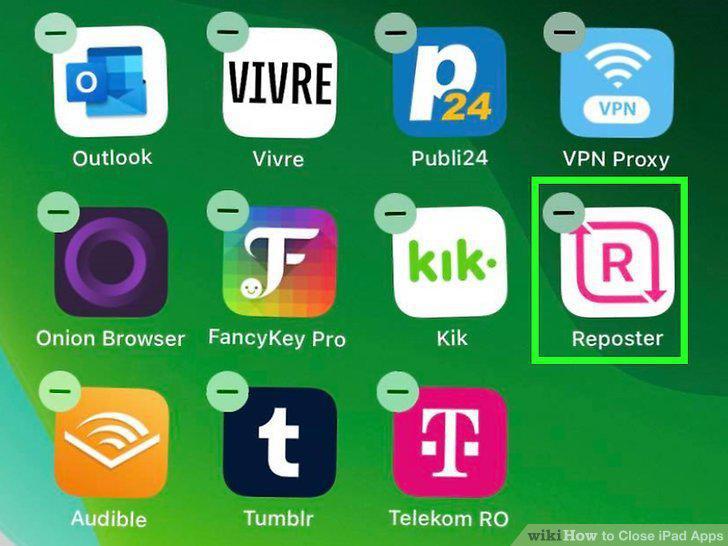
Find the app you want to delete.
10
Tap the "X" in the corner of the app you want to delete.
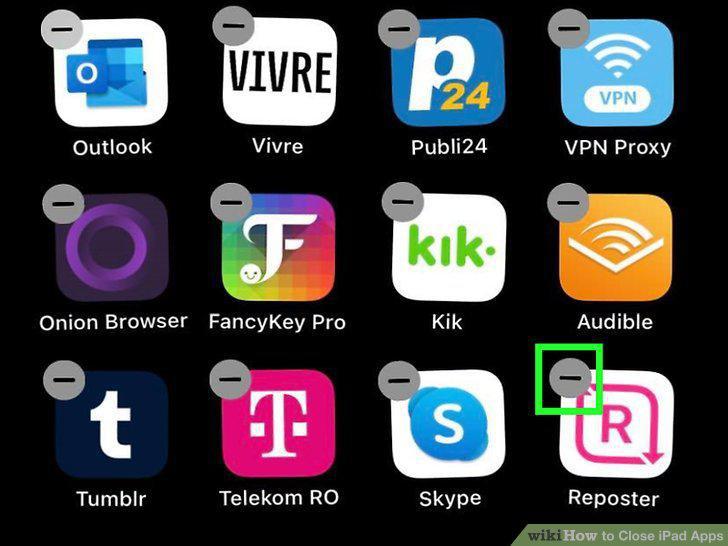
Tap the "X" in the corner of the app you want to delete.
11
Tap "Delete" when prompted.
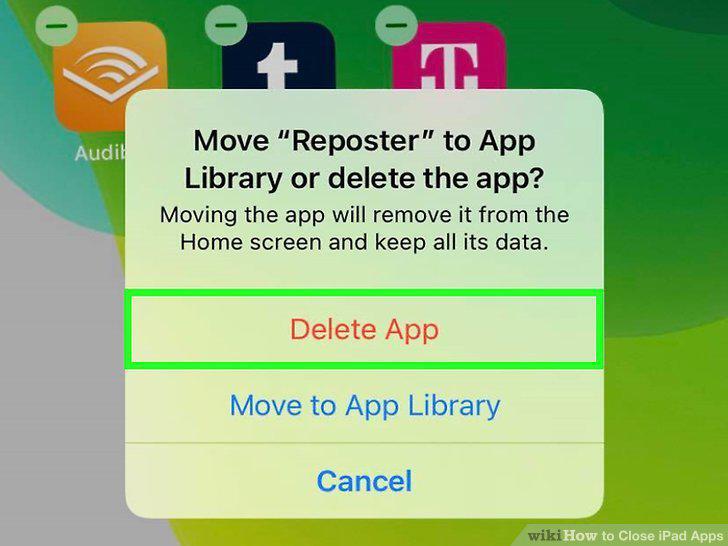
Tap "Delete" when prompted.
Comments (0)
No comments yet. Be the first to share your thoughts!