How to Recover a Lyft Password
Open your text messaging app and start a new message.. Address the text to 46080 (US only).. Write "START" in the text message and tap the Send button.
Steps
1
Open your text messaging app and start a new message.
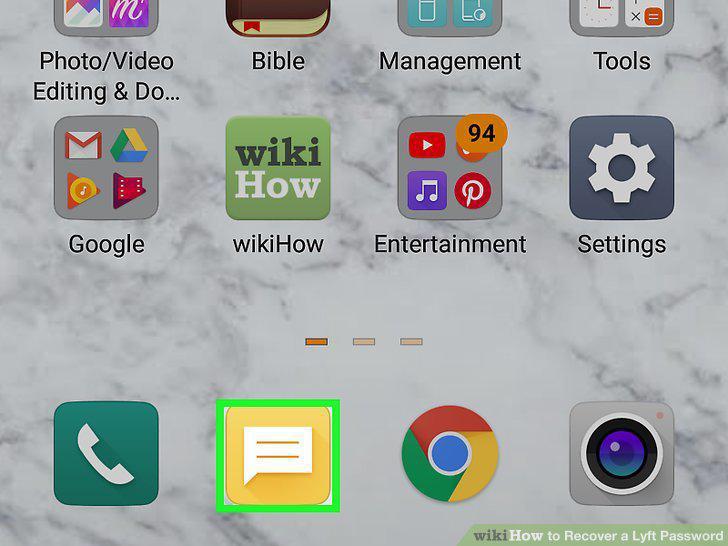
Open your text messaging app and start a new message.
2
Address the text to 46080 (US only).
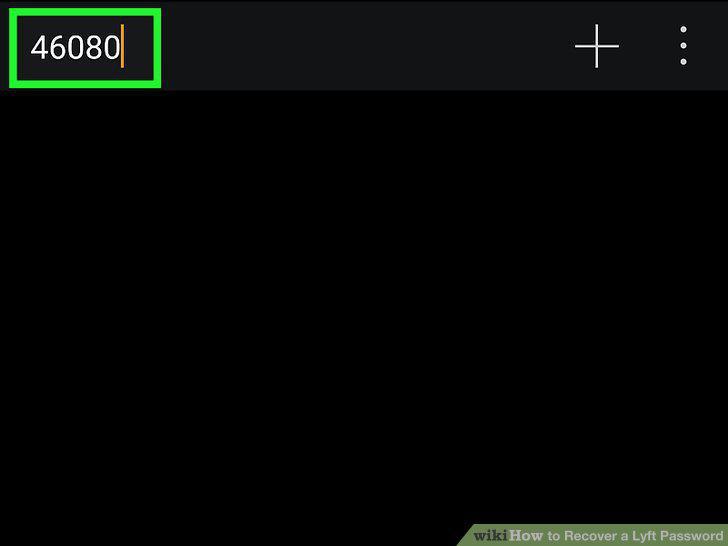
Address the text to 46080 (US only).
3
Write "START" in the text message and tap the Send button.
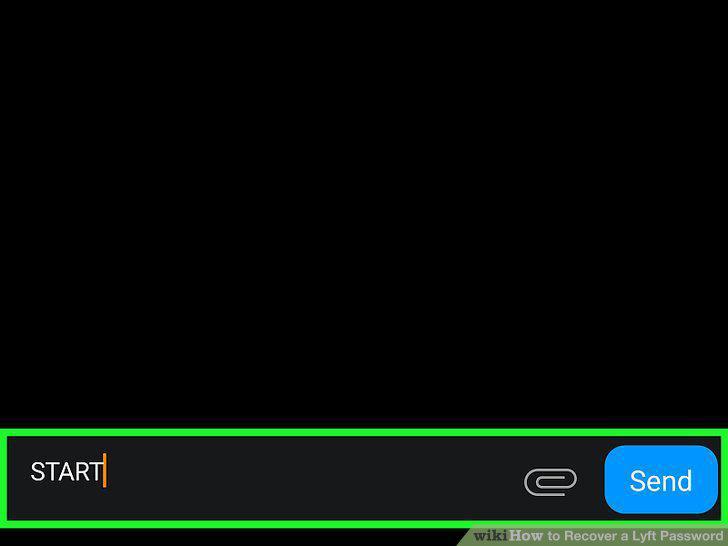
Write "START" in the text message and tap the Send button.
4
Open the Lyft mobile app.
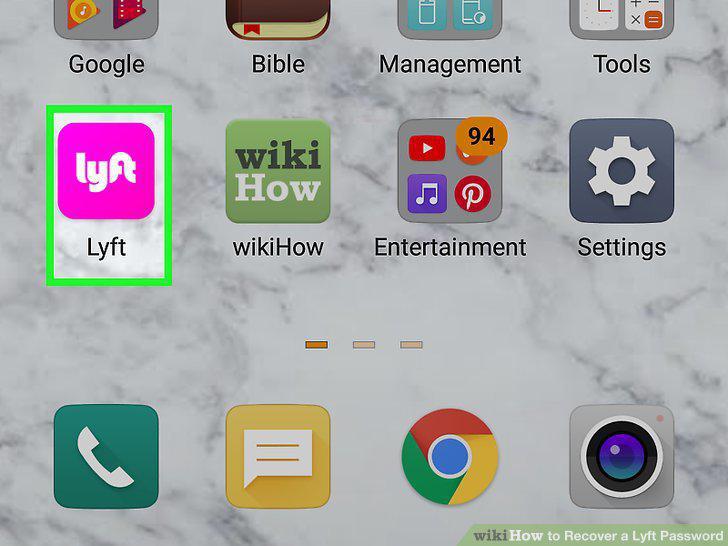
Open the Lyft mobile app.
5
Tap Log in.
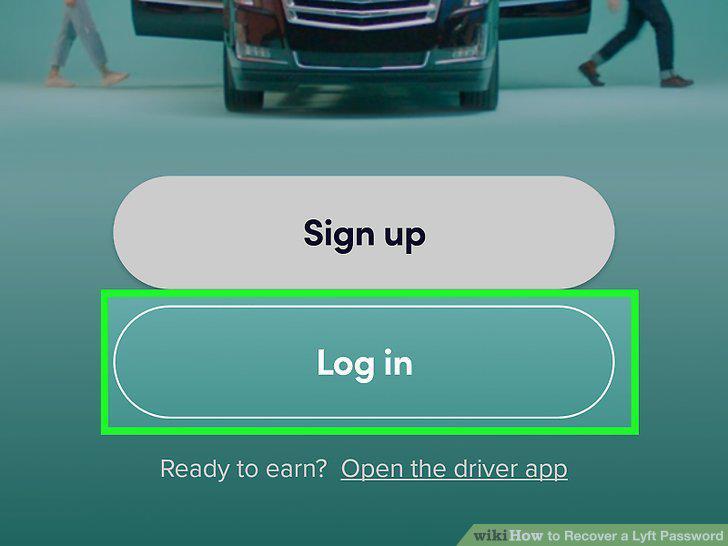
Tap Log in.
6
Enter the code from the text message to verify your account.
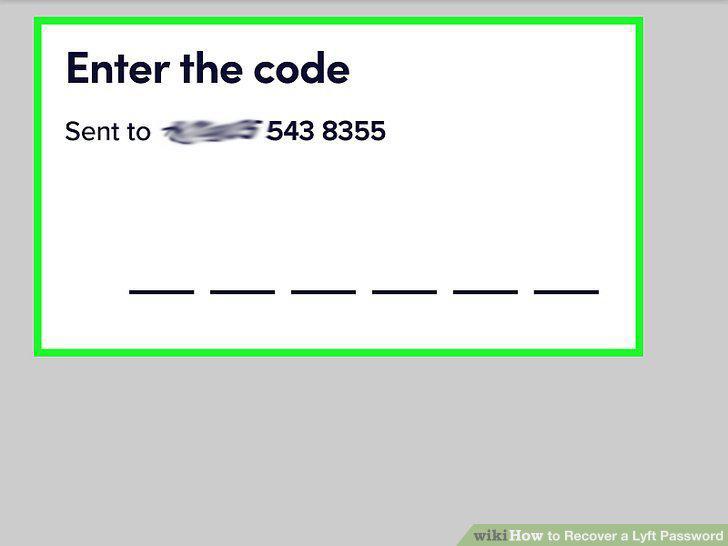
Enter the code from the text message to verify your account.
Comments (0)
No comments yet. Be the first to share your thoughts!