How to Unforward Calls on Android
Open the Phone app on your Android.. Tap the three vertical dots icon.. Tap Settings.
Steps
1
Open the Phone app on your Android.
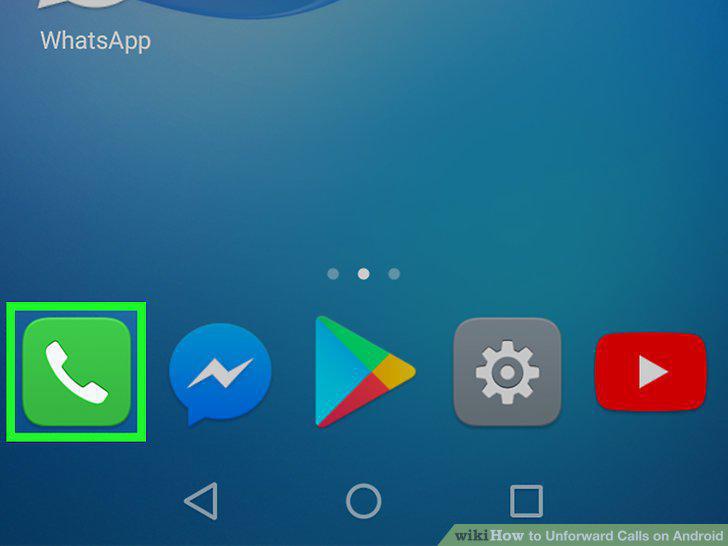
Open the Phone app on your Android.
2
Tap the three vertical dots icon.

Tap the three vertical dots icon.
3
Tap Settings.
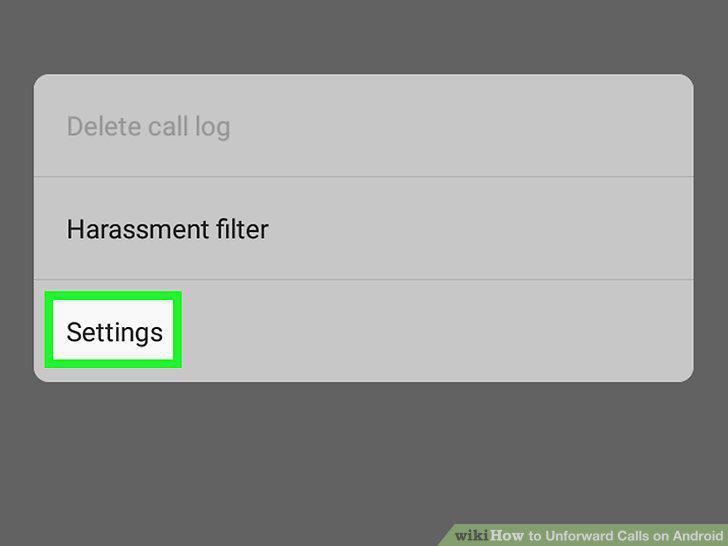
Tap Settings.
4
Tap Calls on the menu.
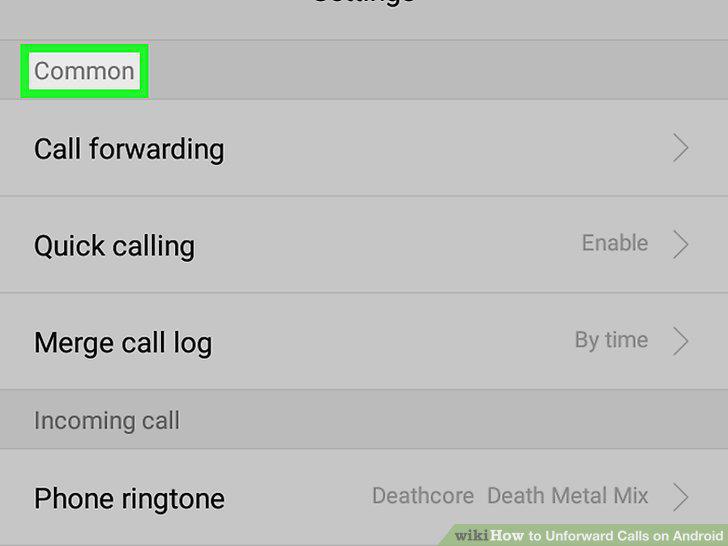
Tap Calls on the menu.
5
Tap Call forwarding.
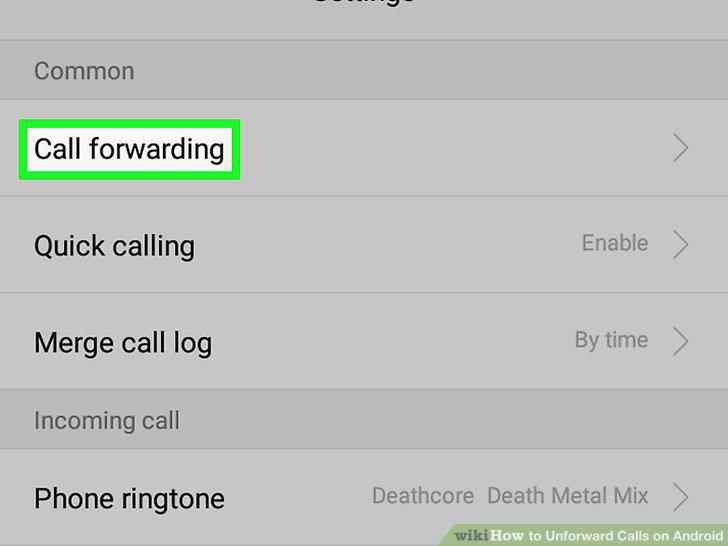
Tap Call forwarding.
6
Tap the forwarding option you're currently using.
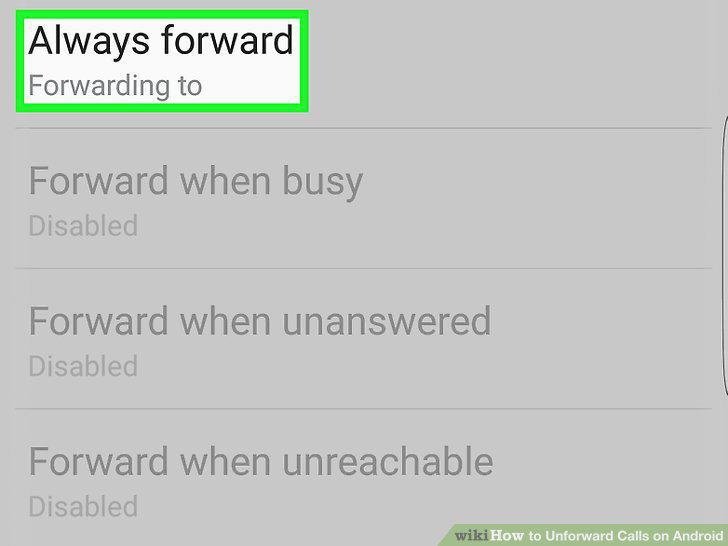
Tap the forwarding option you're currently using.
7
Tap TURN OFF in the pop-up window.
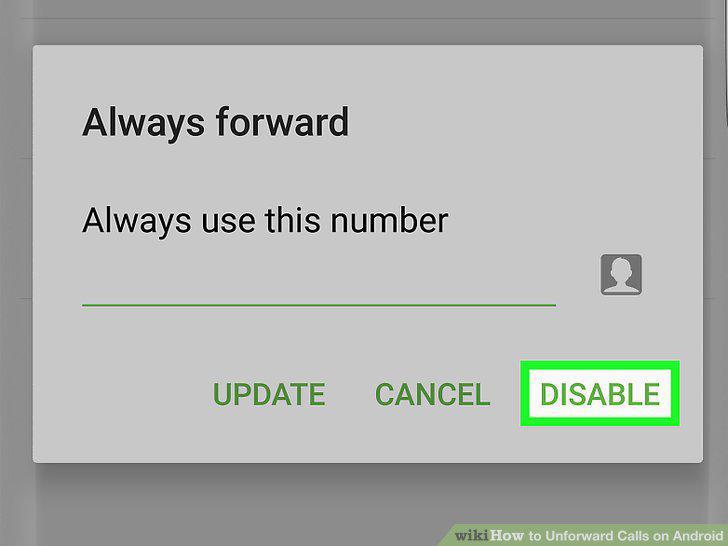
Tap TURN OFF in the pop-up window.
Comments (0)
No comments yet. Be the first to share your thoughts!