How to Disable Two Factor Authentication on Android
Open your Android's Settings.. Find and tap Google.. Select Google Account.
Steps
1
Open your Android's Settings.
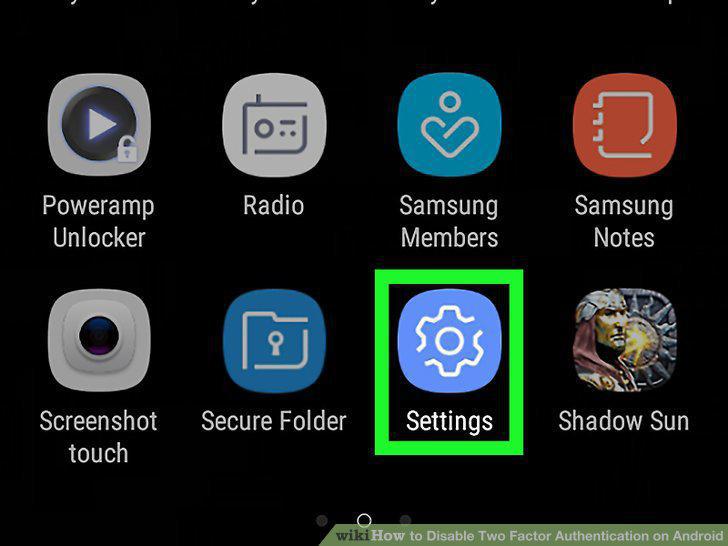
Open your Android's Settings.
2
Find and tap Google.
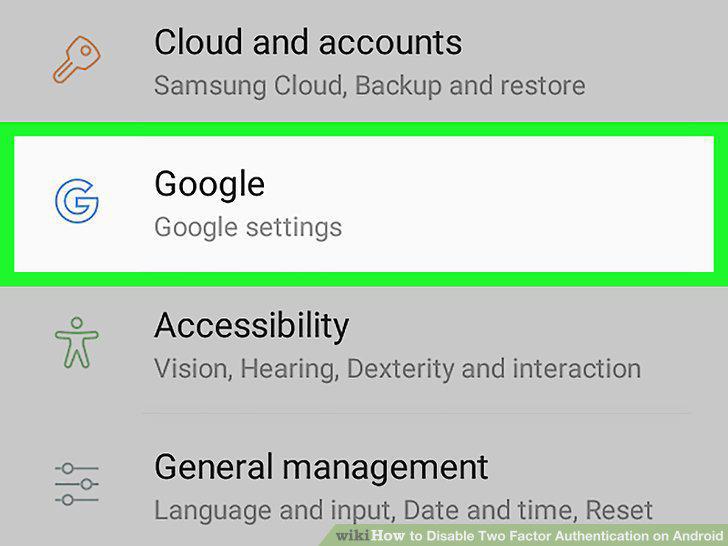
Find and tap Google.
3
Select Google Account.
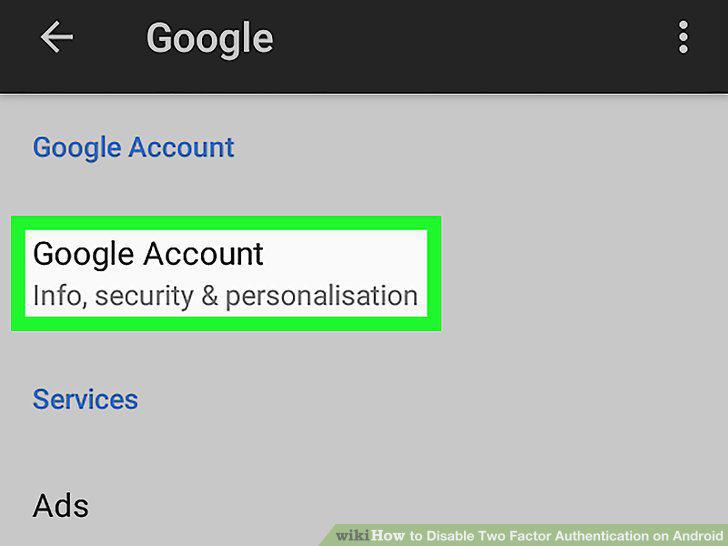
Select Google Account.
4
Tap the Security tab below your name.

Tap the Security tab below your name.
5
Tap 2-Step Verification on the Security page.
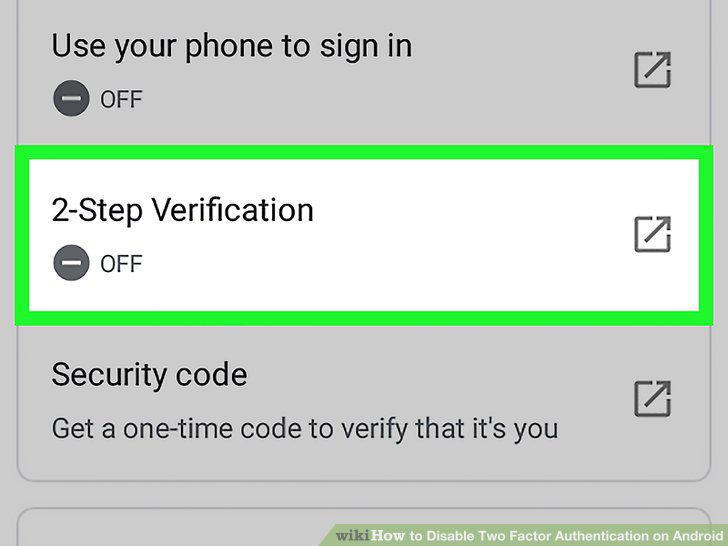
Tap 2-Step Verification on the Security page.
6
Sign in to your Google account.

Sign in to your Google account.
7
Verify your device with 2-Step Verification.
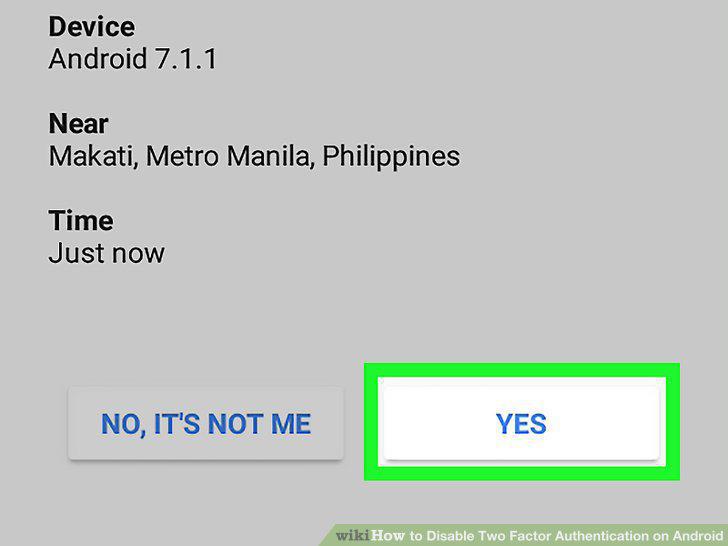
Verify your device with 2-Step Verification.
8
Tap the TURN OFF button at the top.
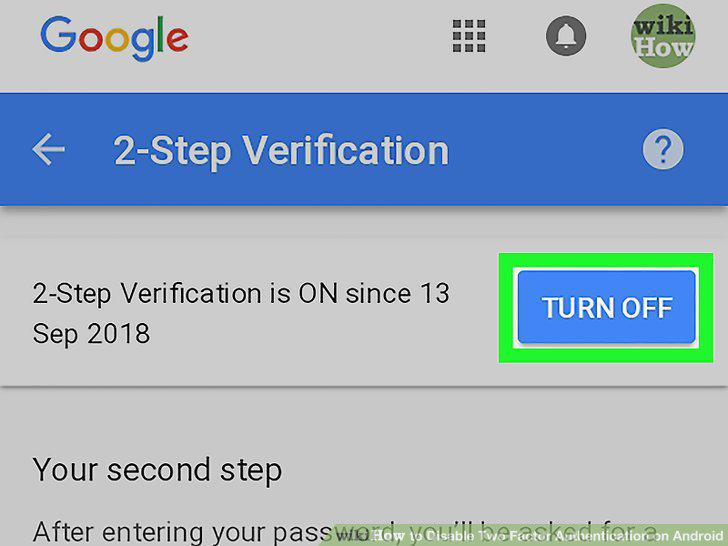
Tap the TURN OFF button at the top.
9
Tap TURN OFF in the confirmation pop-up.
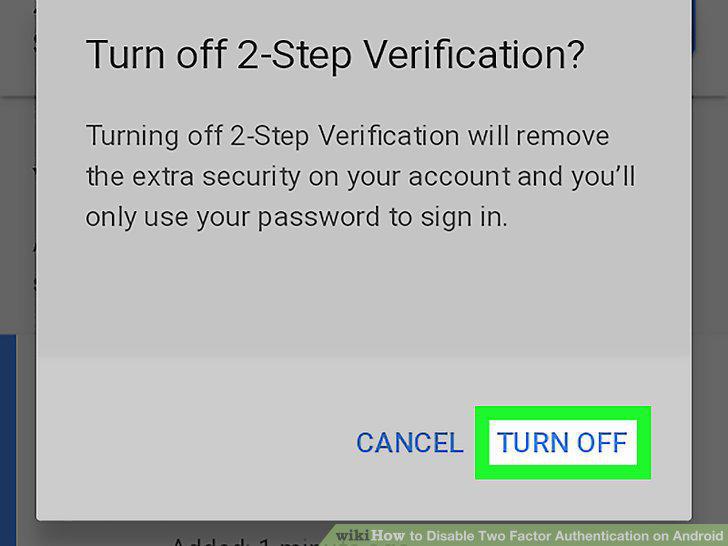
Tap TURN OFF in the confirmation pop-up.
Comments (0)
No comments yet. Be the first to share your thoughts!