How to Find Friends on VSCO on iPhone or iPad
Open the VSCO app.. Tap the Feed icon.. Tap the Friends icon in the top left.
Steps
Open the VSCO app.
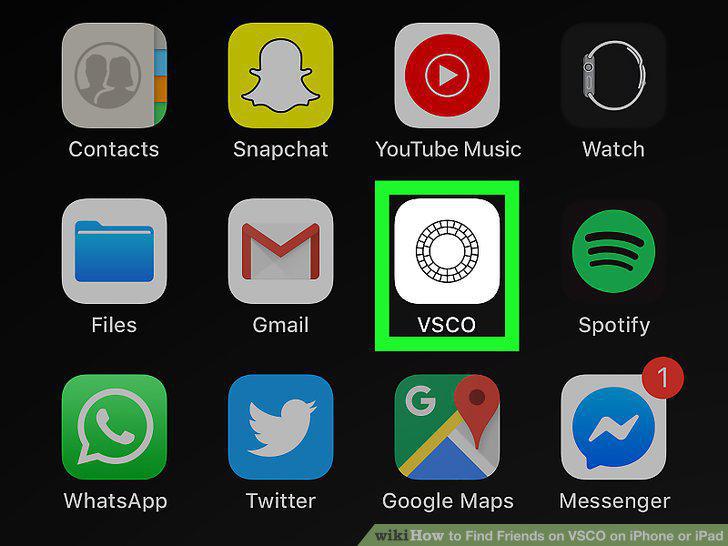
Open the VSCO app.
Tap the Feed icon.

Tap the Feed icon.
Tap the Friends icon in the top left.
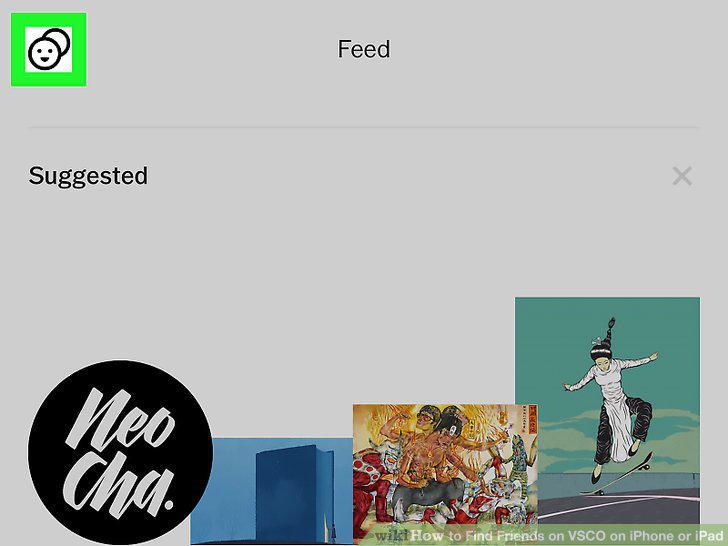
Tap the Friends icon in the top left.
Tap the Contacts tab.
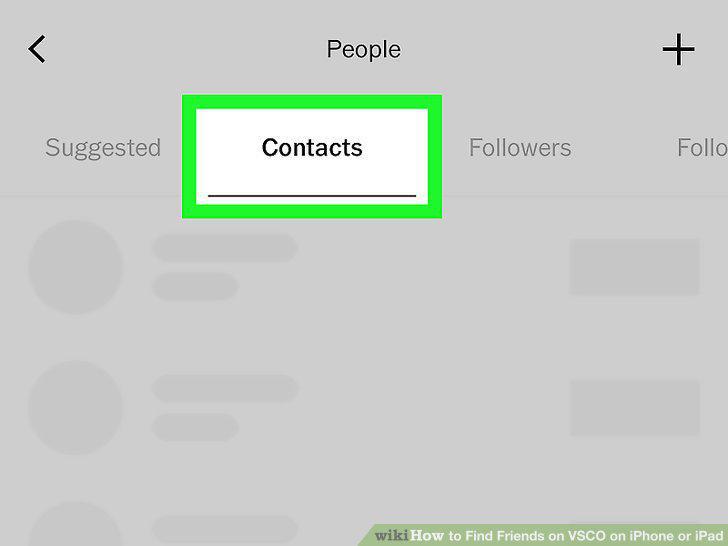
Tap the Contacts tab.
Tap the Add from contacts button.

Tap the Add from contacts button.
Tap Allow in the pop-up.

Tap Allow in the pop-up.
Tap Follow next to the person you want to add.
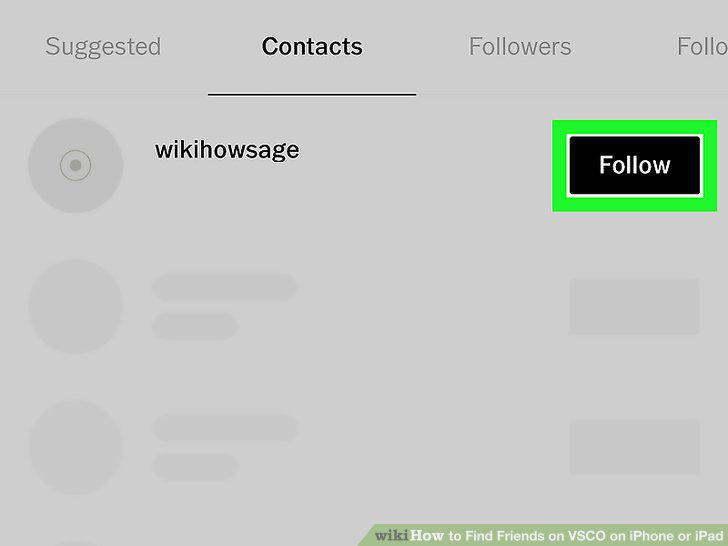
Tap Follow next to the person you want to add.
Open the VSCO app.
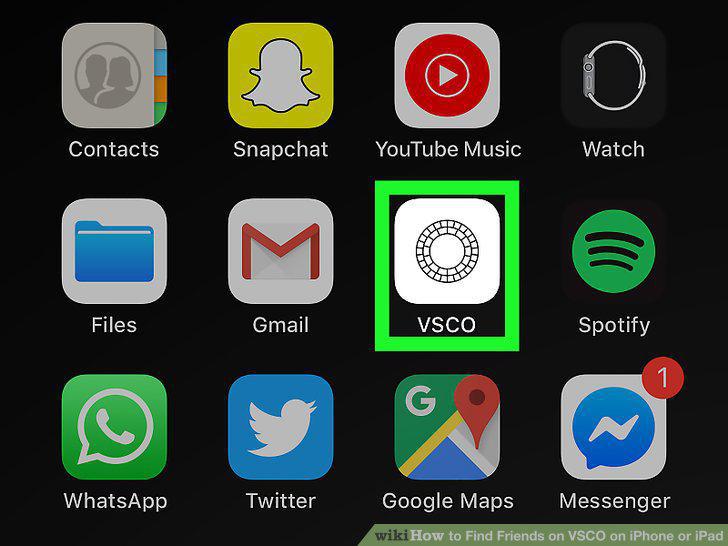
Open the VSCO app.
Tap the Feed icon.

Tap the Feed icon.
Tap the Friends icon on the top-left.
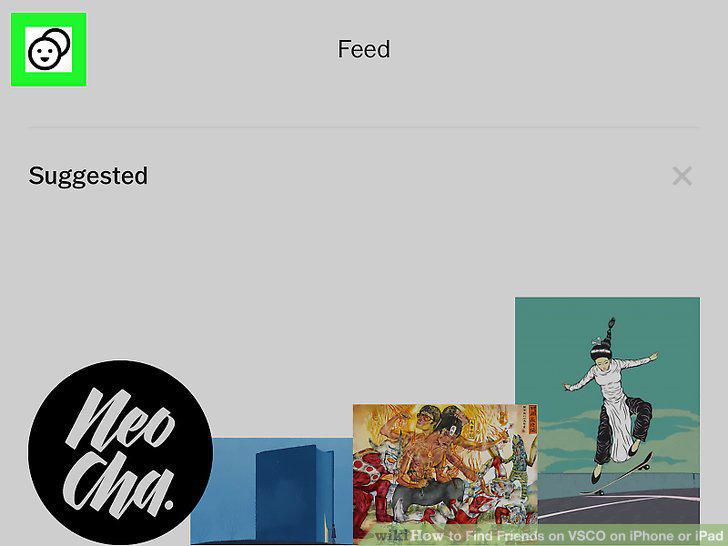
Tap the Friends icon on the top-left.
Tap + on the top-right.
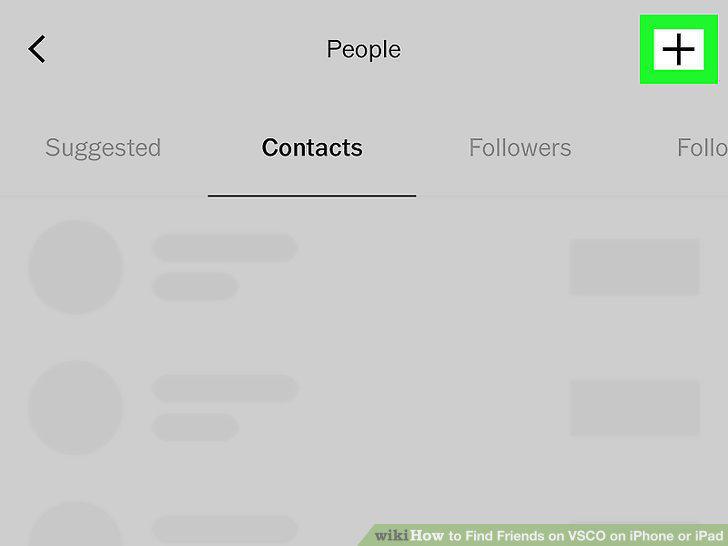
Tap + on the top-right.
Tap Add by Profile Name.
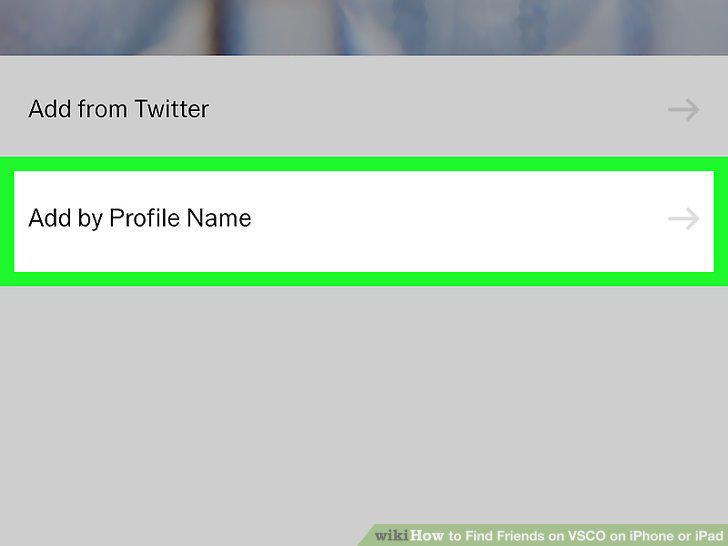
Tap Add by Profile Name.
Type a name into the search bar.
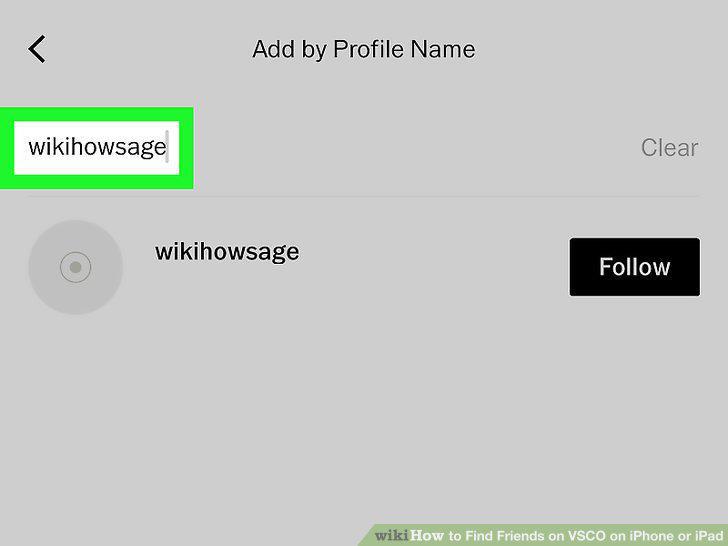
Type a name into the search bar.
Tap Follow next to the person you want to add.
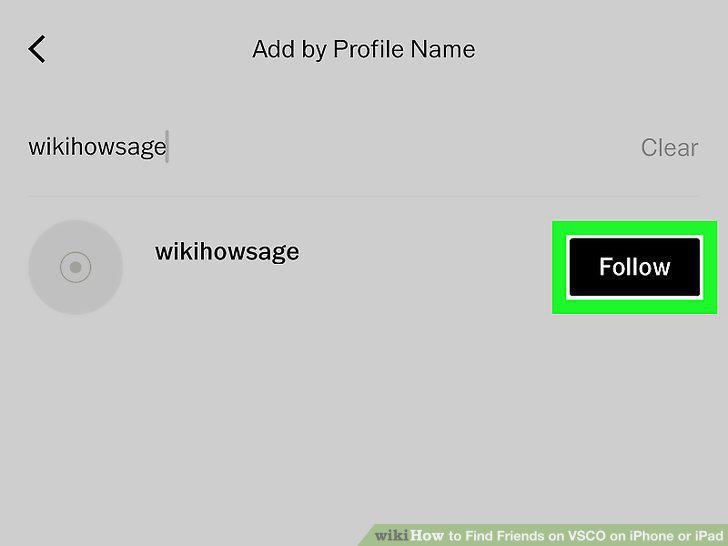
Tap Follow next to the person you want to add.
Open the VSCO app.
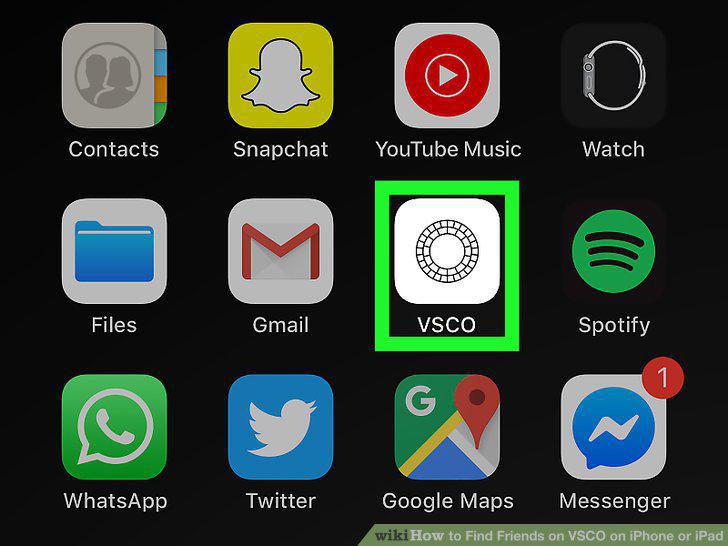
Open the VSCO app.
Tap the Feed icon in the bottom-left.

Tap the Feed icon in the bottom-left.
Tap the Friends icon in the top left.
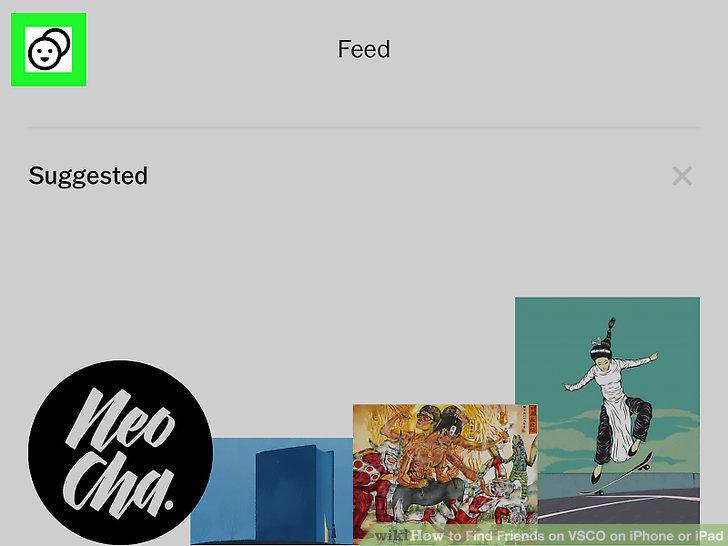
Tap the Friends icon in the top left.
Tap the + in the top-right corner.
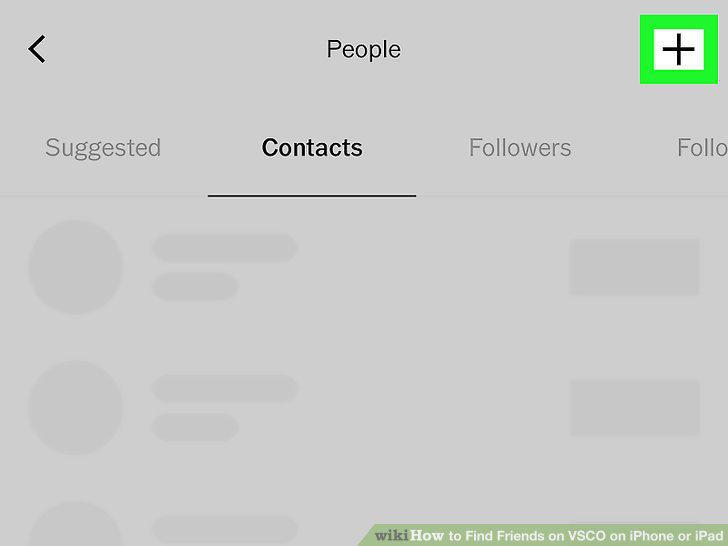
Tap the + in the top-right corner.
Tap Add from Twitter.
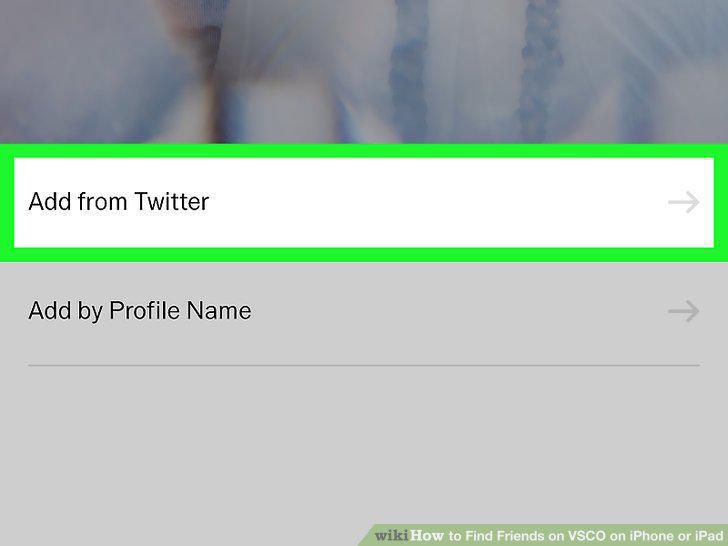
Tap Add from Twitter.
Tap the black Continue button.

Tap the black Continue button.
Log in to Twitter with your username and password.
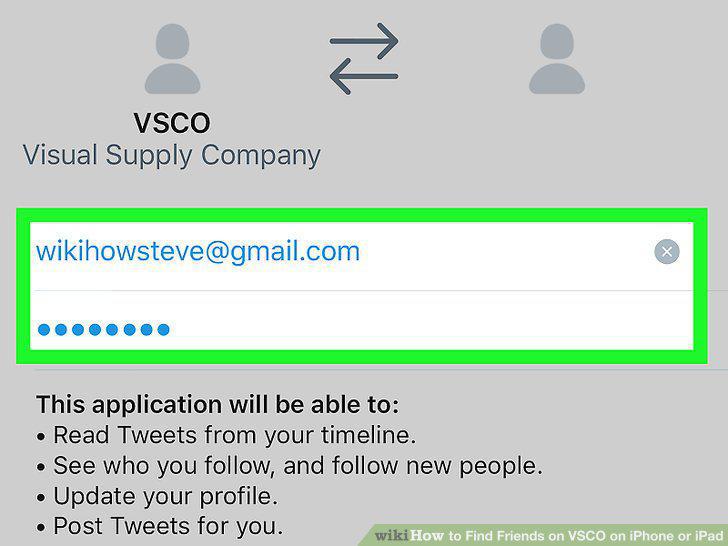
Log in to Twitter with your username and password.
Tap Connect.
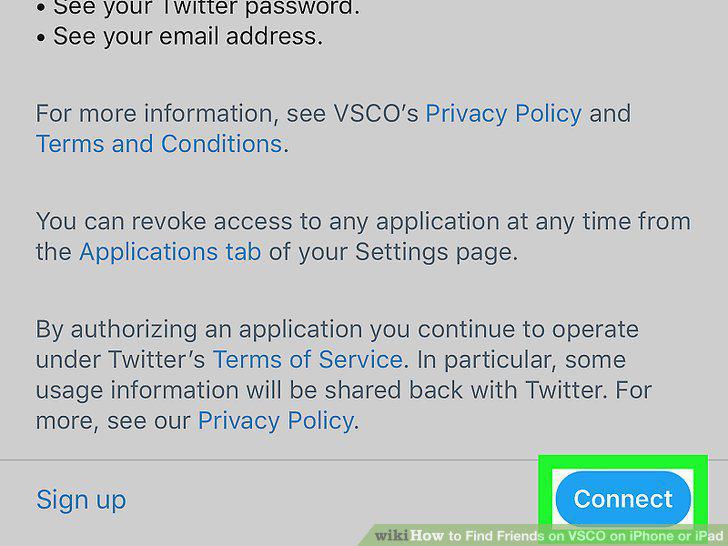
Tap Connect.
Tap Follow next to the person you want to add.
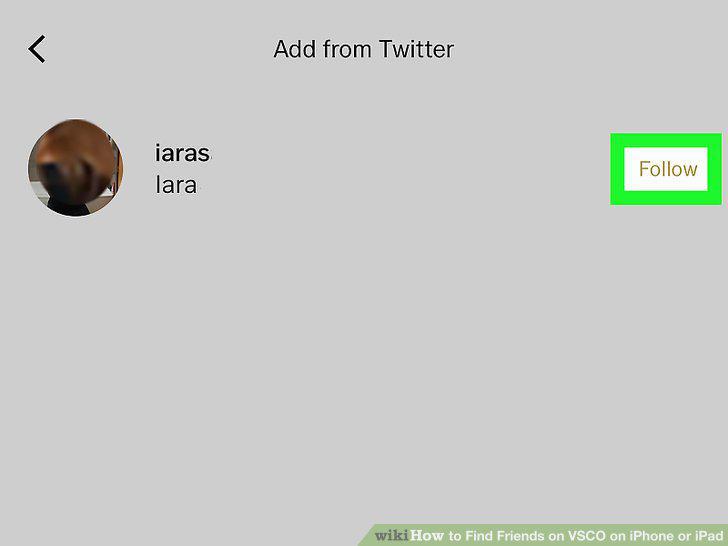
Tap Follow next to the person you want to add.
Comments (0)
No comments yet. Be the first to share your thoughts!