How to Sync a Fitbit Charge
Make sure Bluetooth is turned on for your phone, tablet or computer.. Open the Fitbit app.. Select the Today tab.
Steps
1
Make sure Bluetooth is turned on for your phone, tablet or computer.
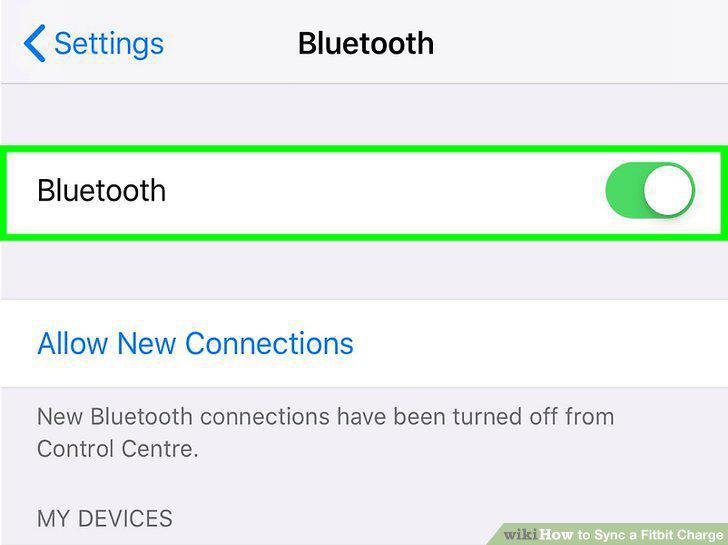
Make sure Bluetooth is turned on for your phone, tablet or computer.
2
Open the Fitbit app.
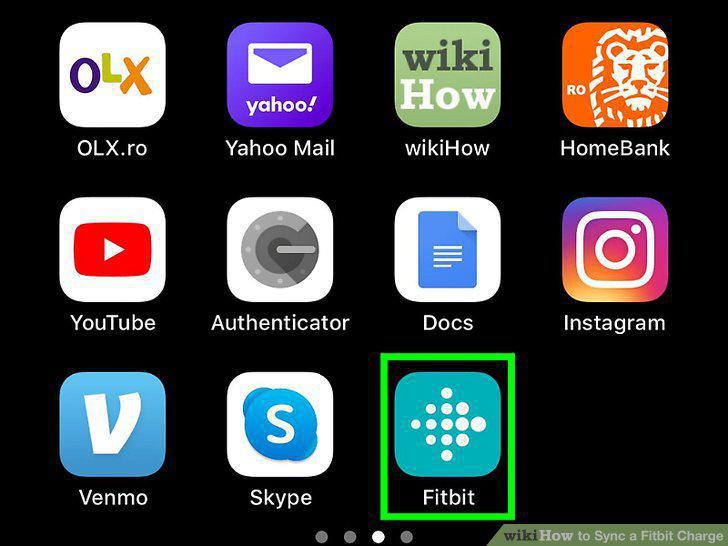
Open the Fitbit app.
3
Select the Today tab.
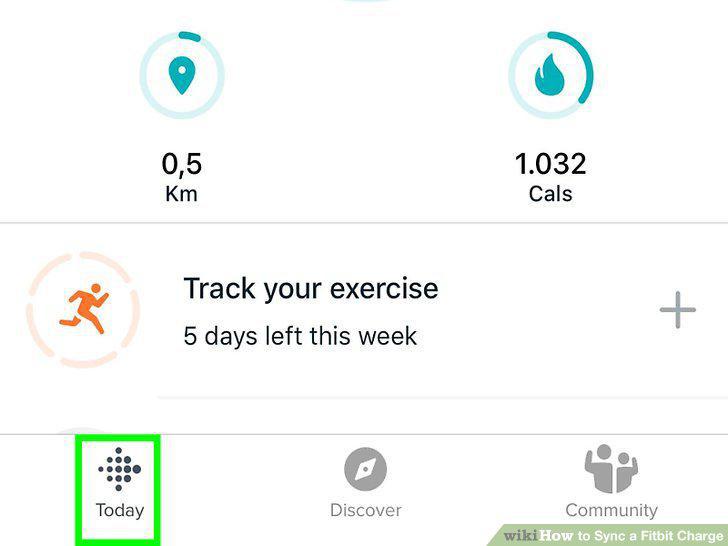
Select the Today tab.
4
Tap your profile picture.
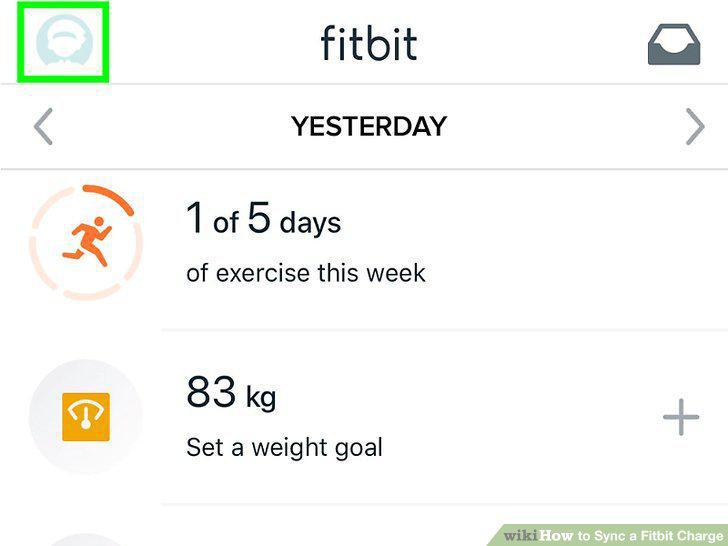
Tap your profile picture.
5
Select your Fitbit Charge.
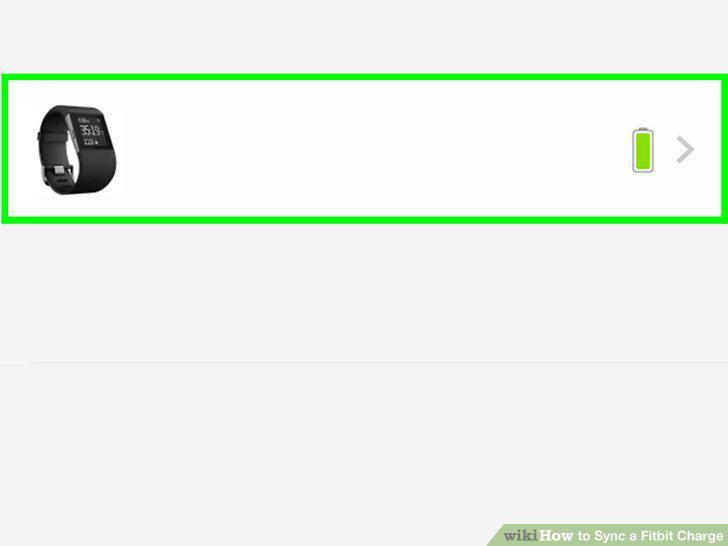
Select your Fitbit Charge.
6
Tap or click the arrows next to "Sync Now".
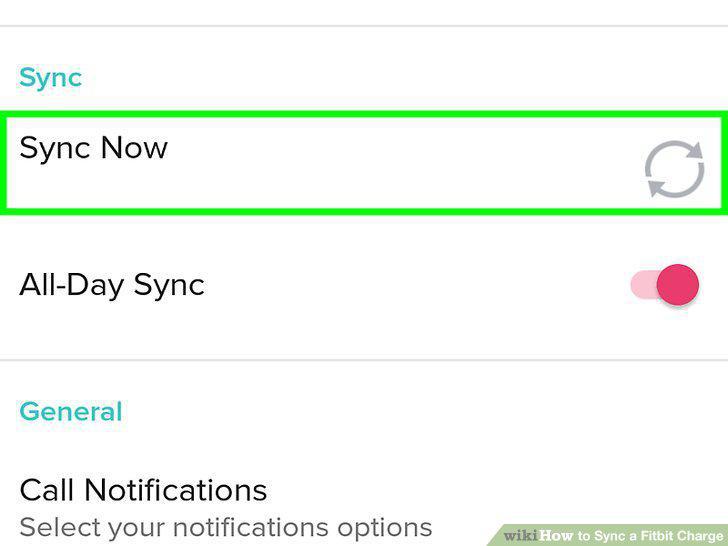
Tap or click the arrows next to "Sync Now".
7
Plug in the dongle that came with your Fitbit into your Windows 10 computer.
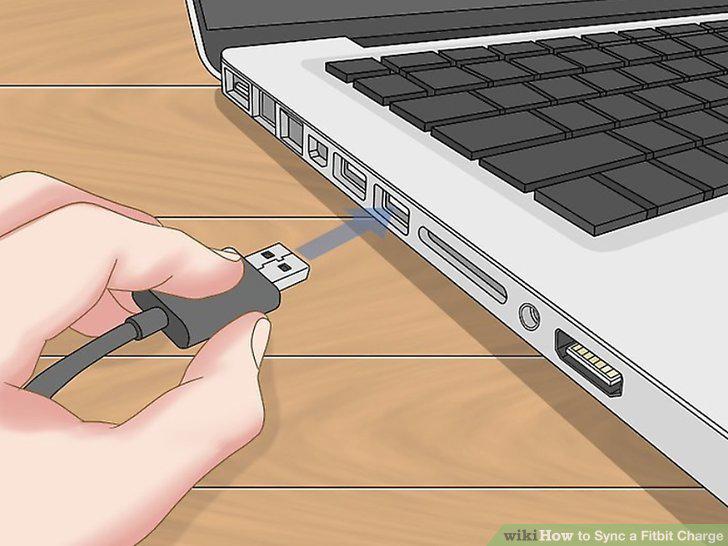
Plug in the dongle that came with your Fitbit into your Windows 10 computer.
8
Open the Fitbit app on your computer.
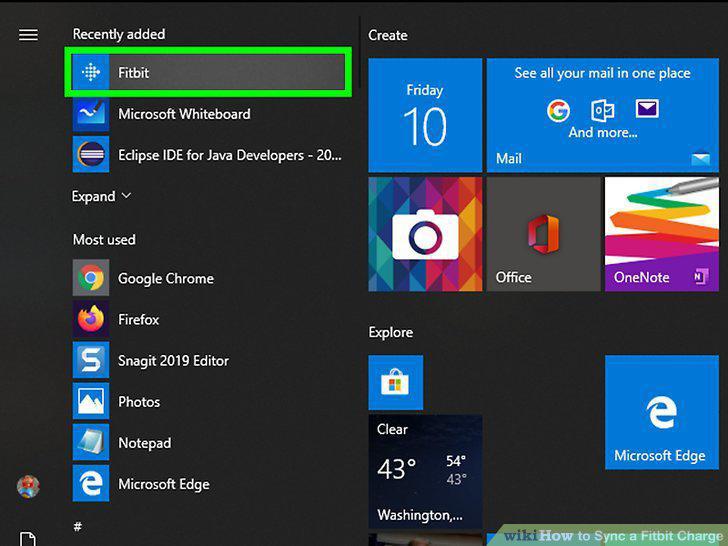
Open the Fitbit app on your computer.
9
Click the Today tab and select your profile picture.
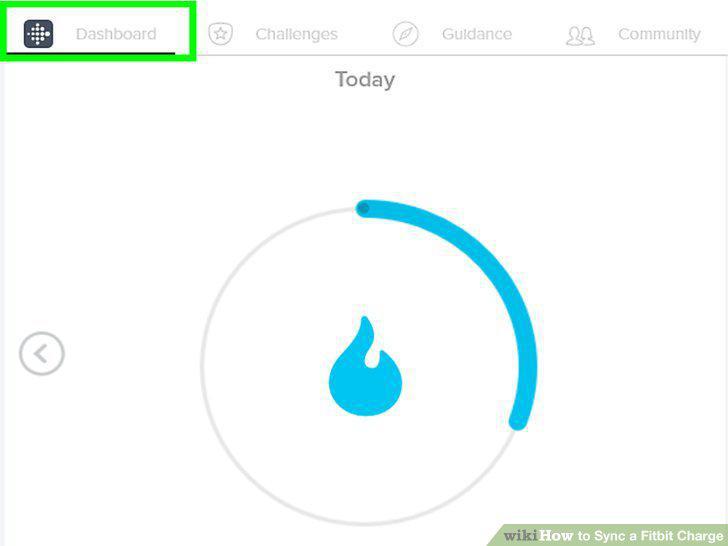
Click the Today tab and select your profile picture.
10
Tap Advanced Settings.
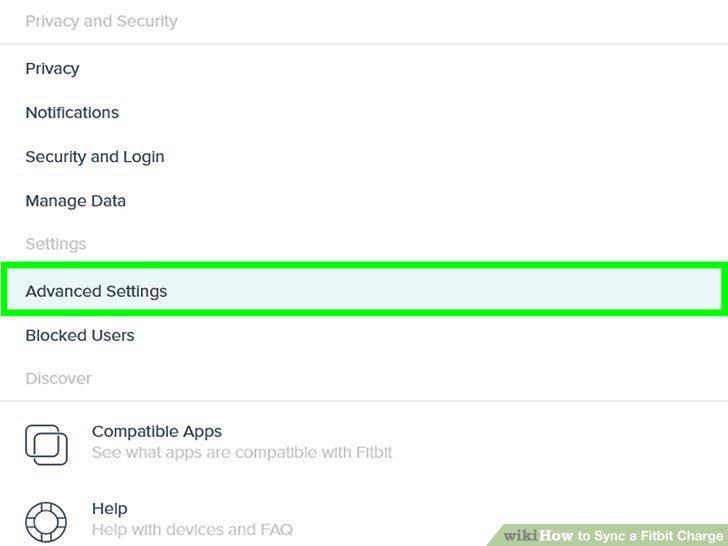
Tap Advanced Settings.
11
Tap the switch next to Fitbit Connect Classic Mode to turn it on.
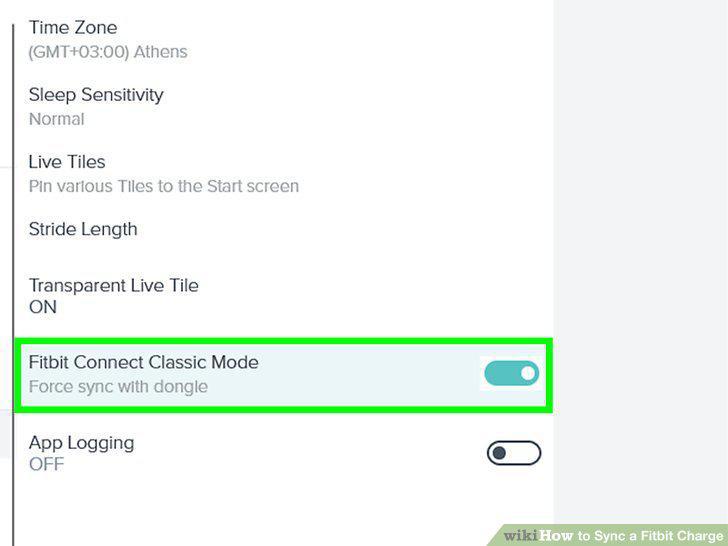
Tap the switch next to Fitbit Connect Classic Mode to turn it on.
Comments (0)
No comments yet. Be the first to share your thoughts!