How to Delete an AOL Screen Name
Visit the AOL account management site.. Log in with your master screen name.. Answer your security question.
Steps
1
Visit the AOL account management site.
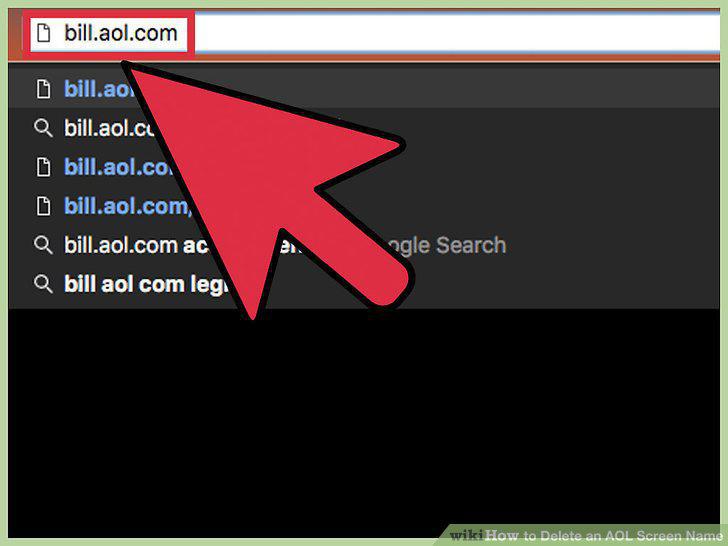
Visit the AOL account management site.
2
Log in with your master screen name.
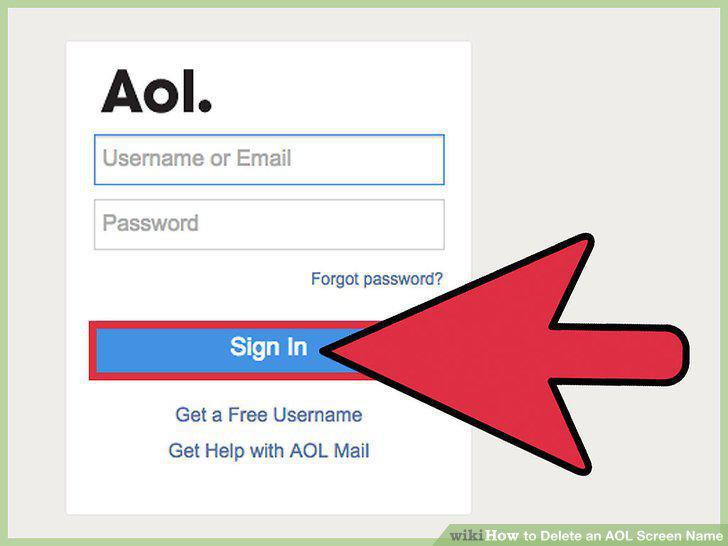
Log in with your master screen name.
3
Answer your security question.
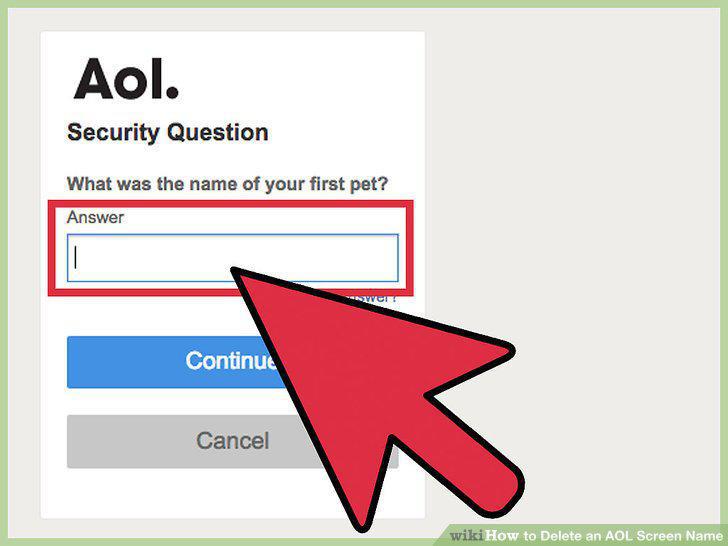
Answer your security question.
4
Click "Manage My Subscriptions."

Click "Manage My Subscriptions."
5
Find the service you want to cancel.
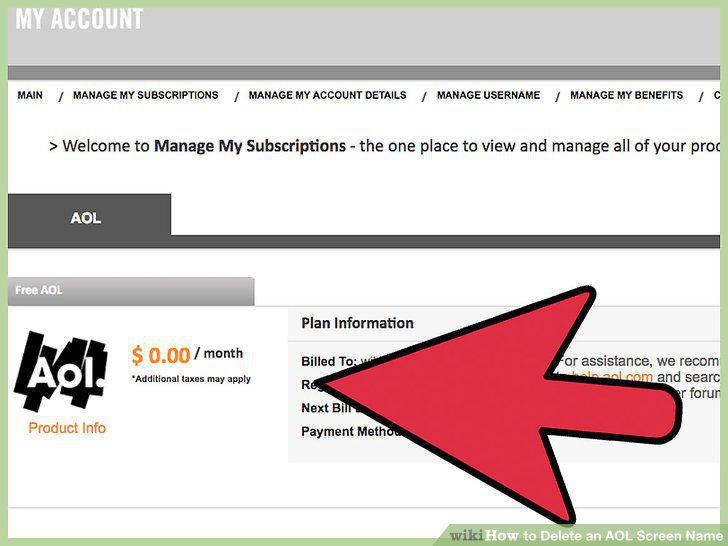
Find the service you want to cancel.
6
Click the "Cancel" link to end a subscription.
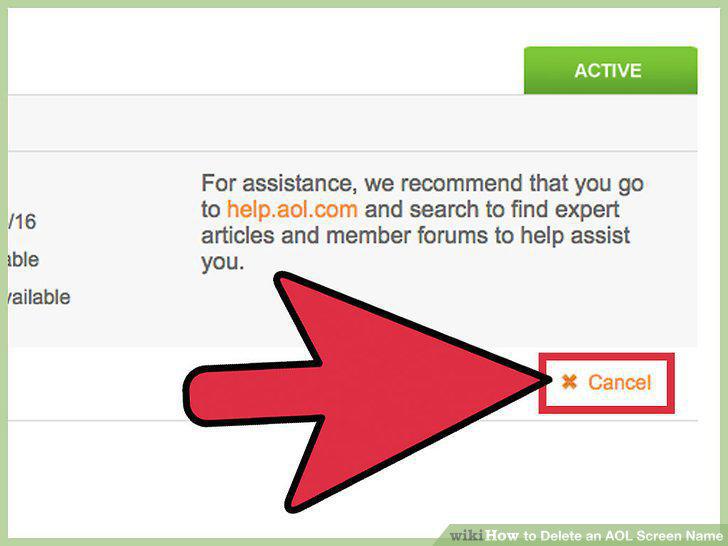
Click the "Cancel" link to end a subscription.
7
Click the "Manage My Usernames" menu option.
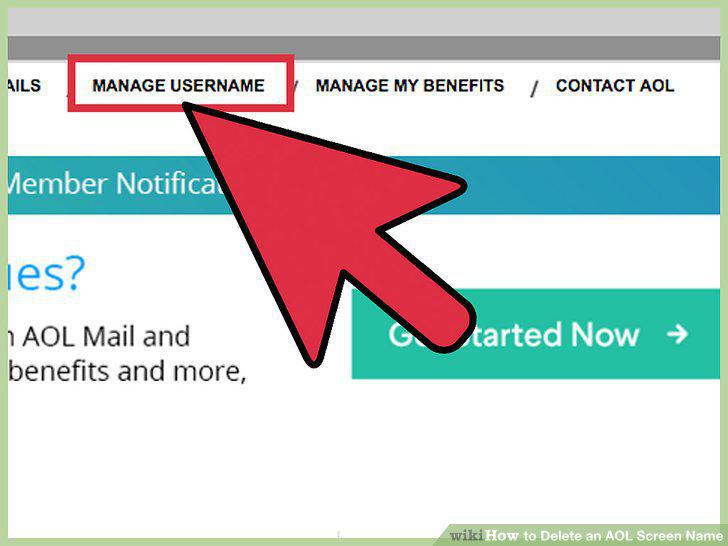
Click the "Manage My Usernames" menu option.
8
Find the username you want to delete.
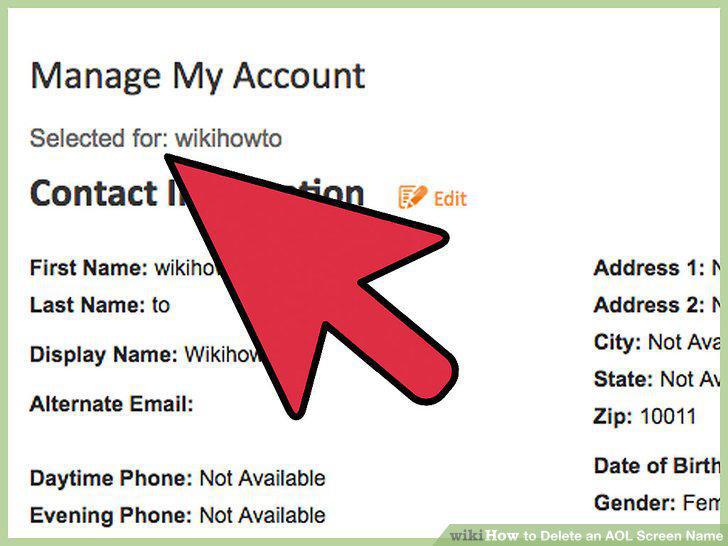
Find the username you want to delete.
9
Click the "Delete" link for the username you want to delete.
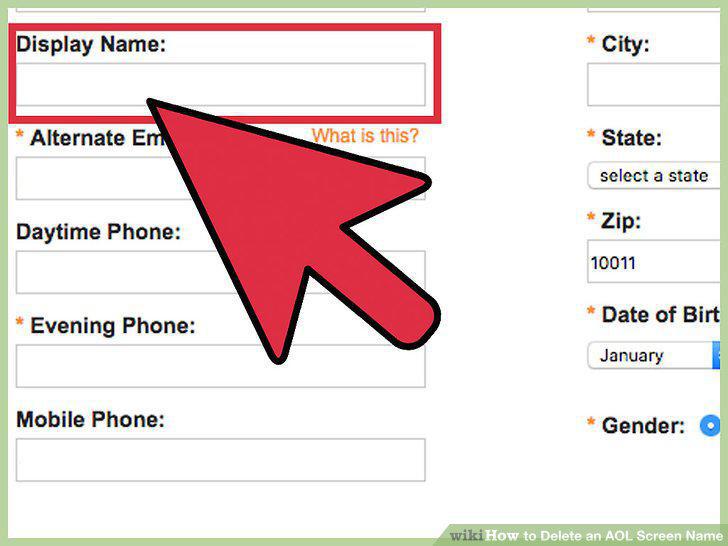
Click the "Delete" link for the username you want to delete.
10
Log into the AOL account management site.
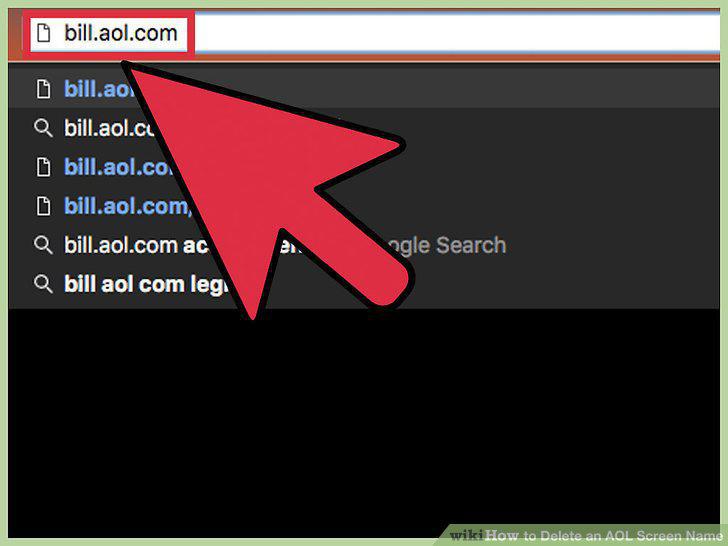
Log into the AOL account management site.
11
Click the "Manage My Subscriptions" link.

Click the "Manage My Subscriptions" link.
12
Click the "Change Plan" button next to your AOL subscription.
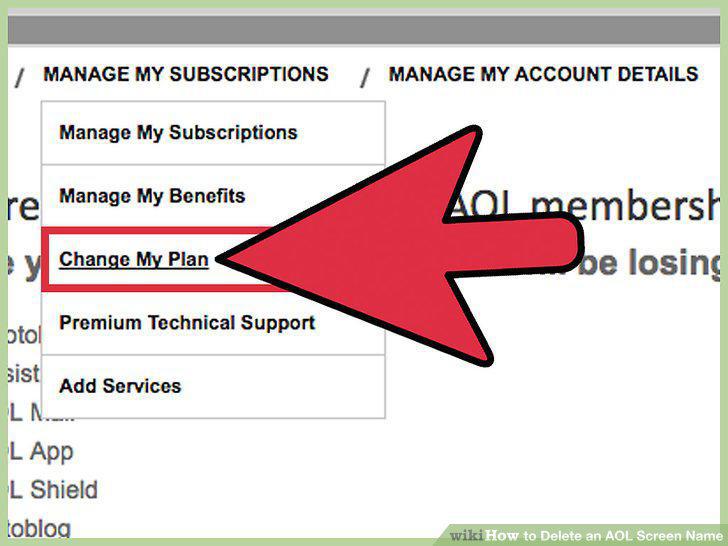
Click the "Change Plan" button next to your AOL subscription.
13
Click the "CANCEL AOL" button.
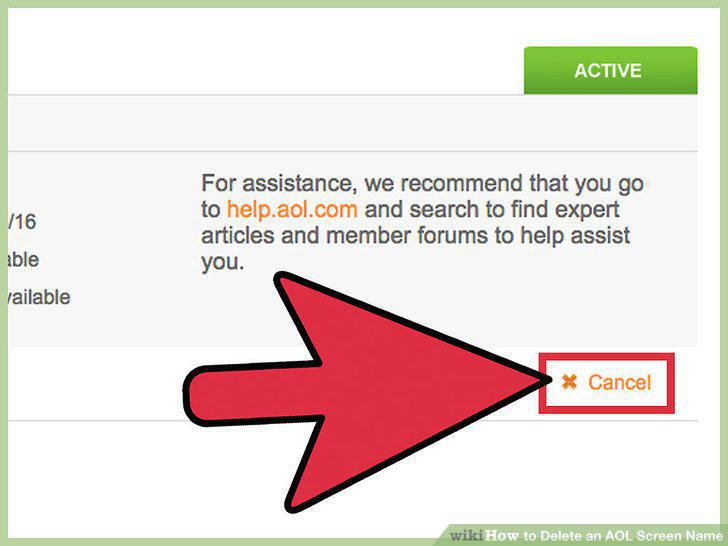
Click the "CANCEL AOL" button.
14
Cancel your free account.
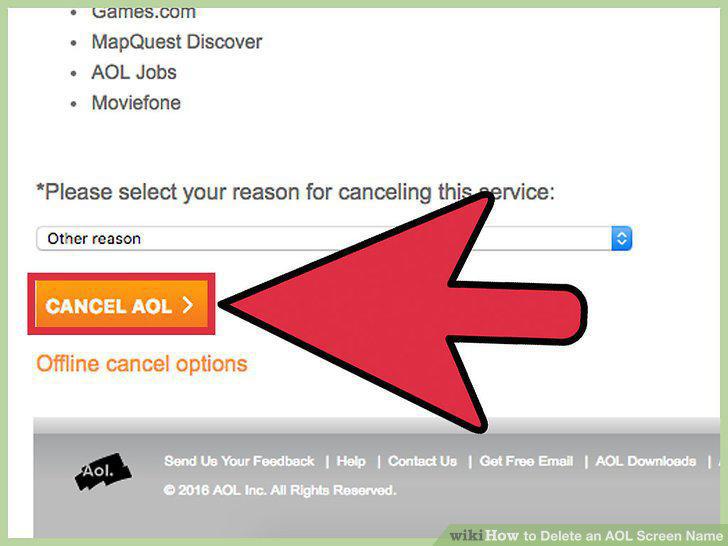
Cancel your free account.
Comments (0)
No comments yet. Be the first to share your thoughts!