How to See Stories on Facebook
Go to https://facebook.com and log in.. Click the Home tab if you aren't on your News Feed.. Click a story to view it.
Steps
1
Go to https://facebook.com and log in.
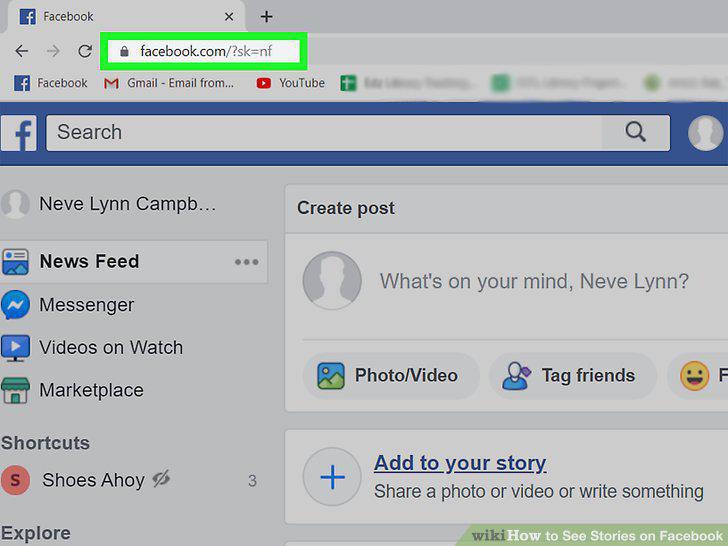
Go to https://facebook.com and log in.
2
Click the Home tab if you aren't on your News Feed.
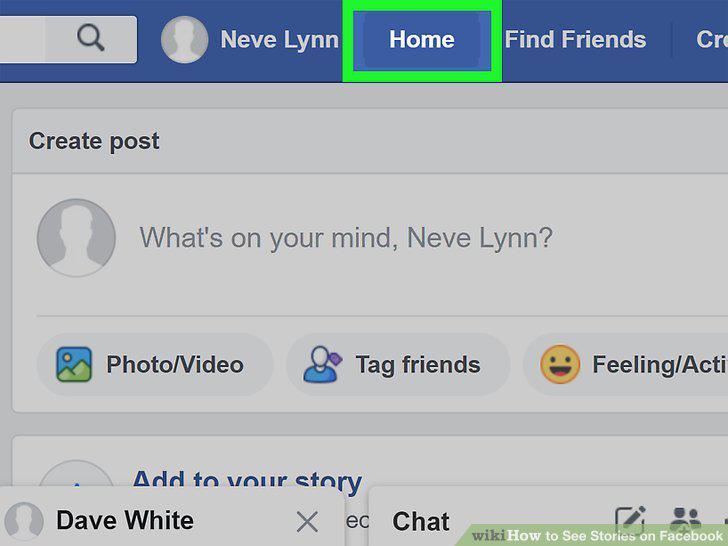
Click the Home tab if you aren't on your News Feed.
3
Click a story to view it.
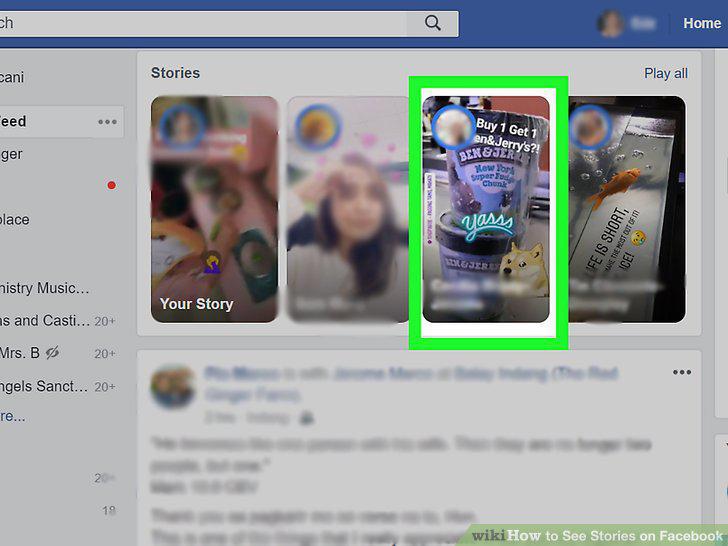
Click a story to view it.
4
Click the play or pause icons to control playback.
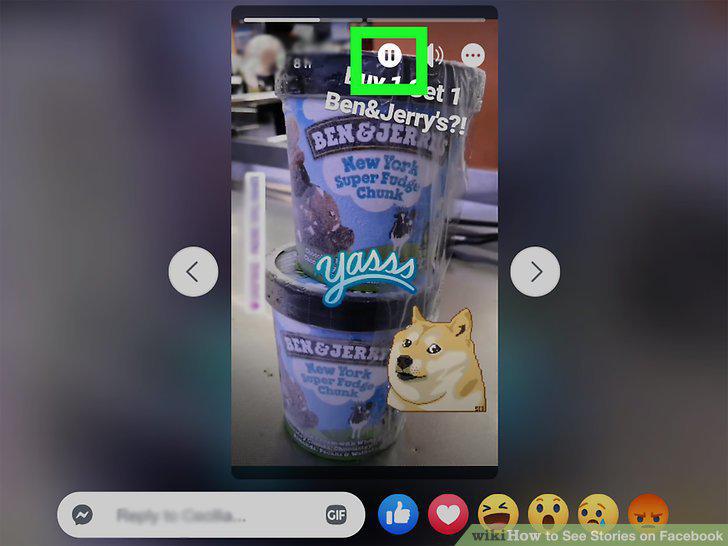
Click the play or pause icons to control playback.
5
Open Facebook.
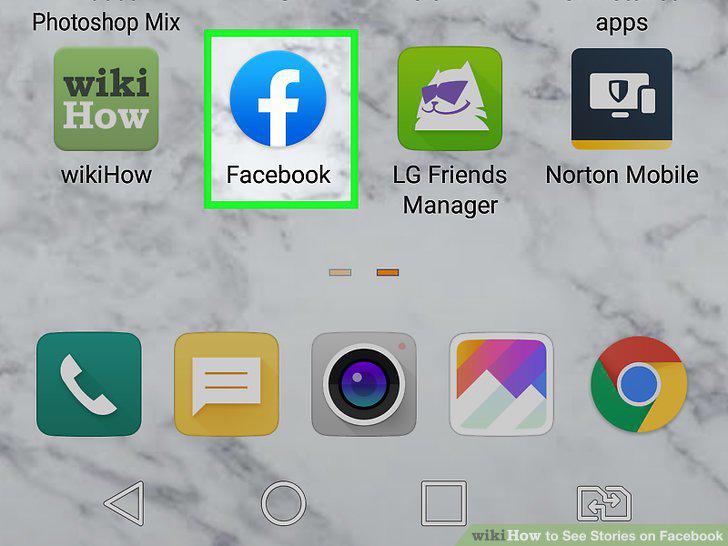
Open Facebook.
6
Tap a story to view it.
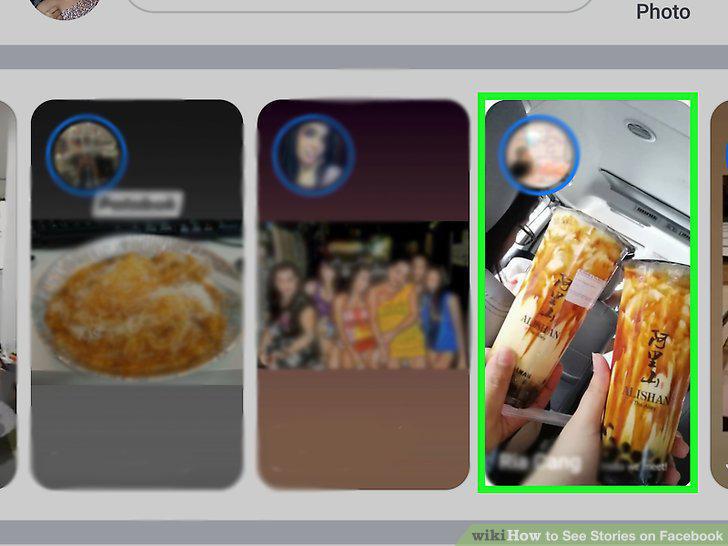
Tap a story to view it.
7
Tap the "x" in the top right corner to stop the story.
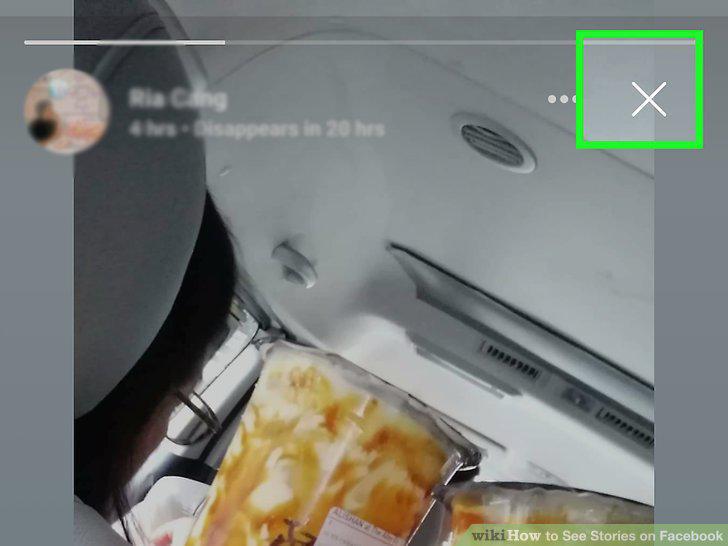
Tap the "x" in the top right corner to stop the story.
Comments (0)
No comments yet. Be the first to share your thoughts!