How to Transfer Your Number to a New iPhone
Power off your old phone.. Locate the SIM tray on your old phone.. Place SIM extraction tool in the pinhole.
Steps
1
Power off your old phone.
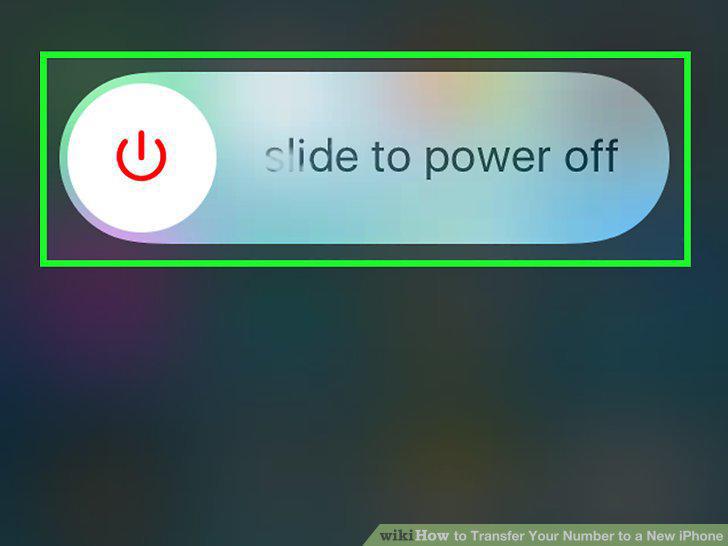
Power off your old phone.
2
Locate the SIM tray on your old phone.
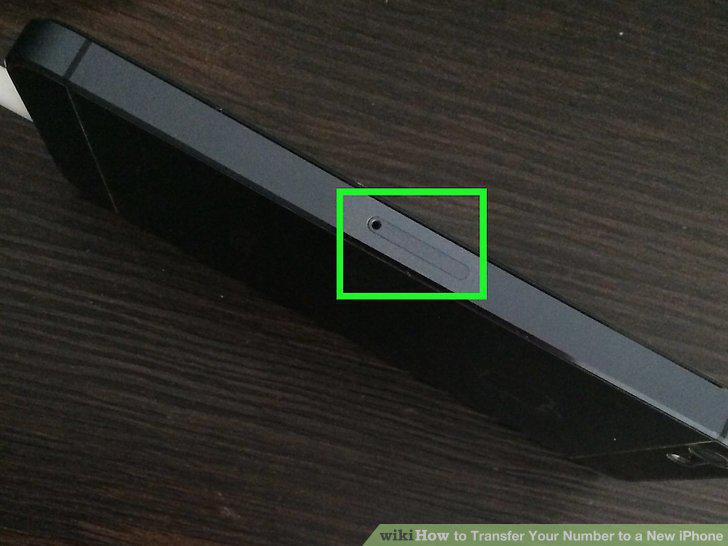
Locate the SIM tray on your old phone.
3
Place SIM extraction tool in the pinhole.
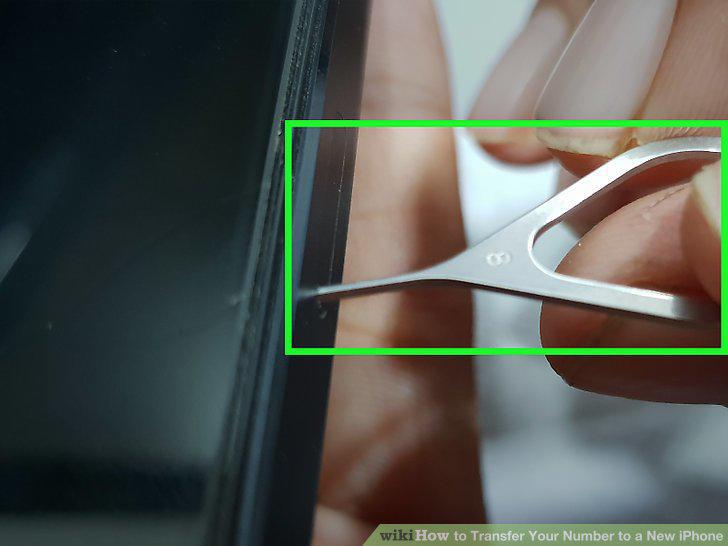
Place SIM extraction tool in the pinhole.
4
Press down on SIM extraction tool.
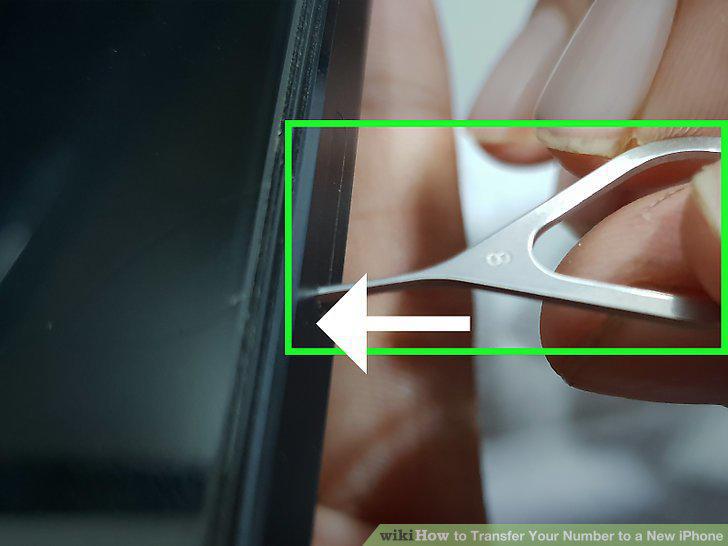
Press down on SIM extraction tool.
5
Eject SIM tray on the new iPhone.
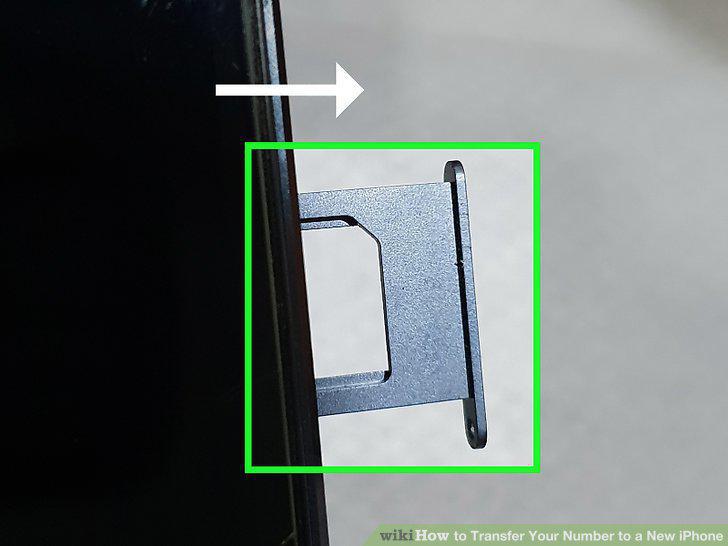
Eject SIM tray on the new iPhone.
6
Remove SIM card from the old SIM tray.
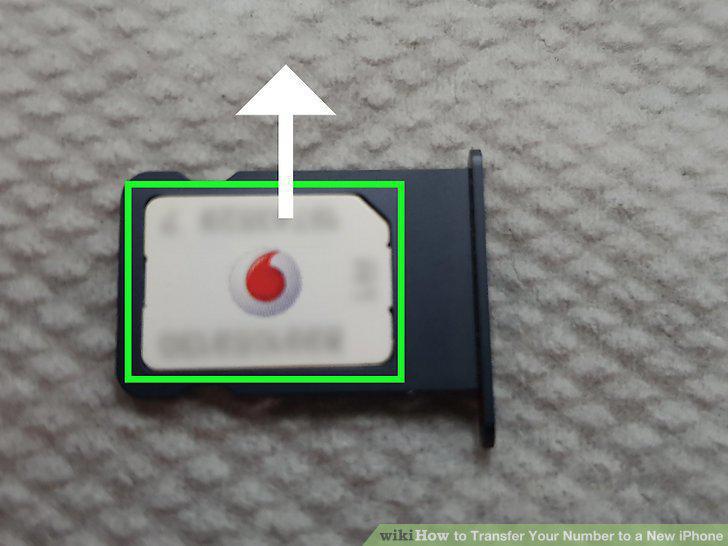
Remove SIM card from the old SIM tray.
7
Place SIM card in the new iPhone SIM tray.
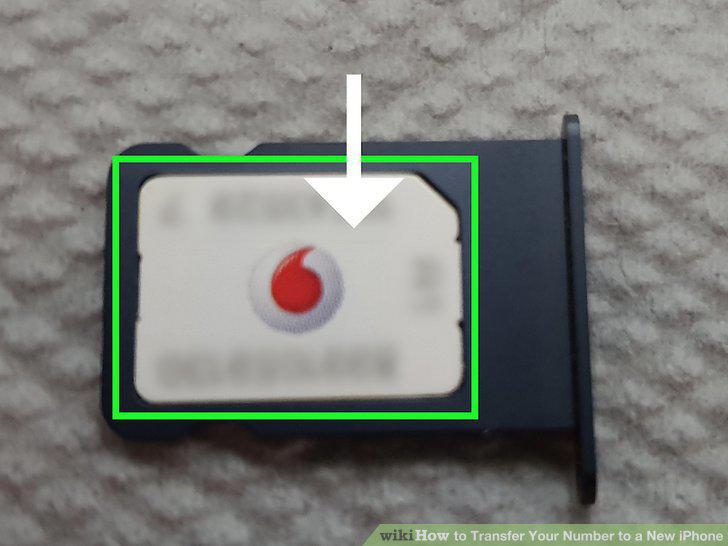
Place SIM card in the new iPhone SIM tray.
8
Place the new iPhone SIM tray back in the phone.
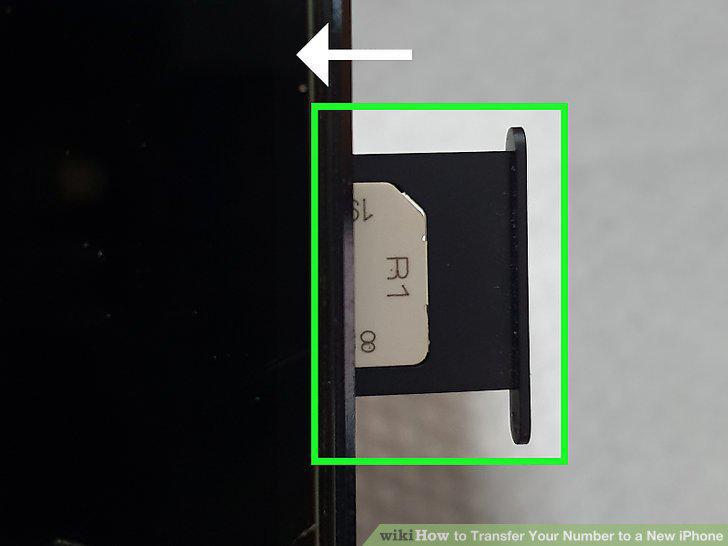
Place the new iPhone SIM tray back in the phone.
9
Check your current service contract.
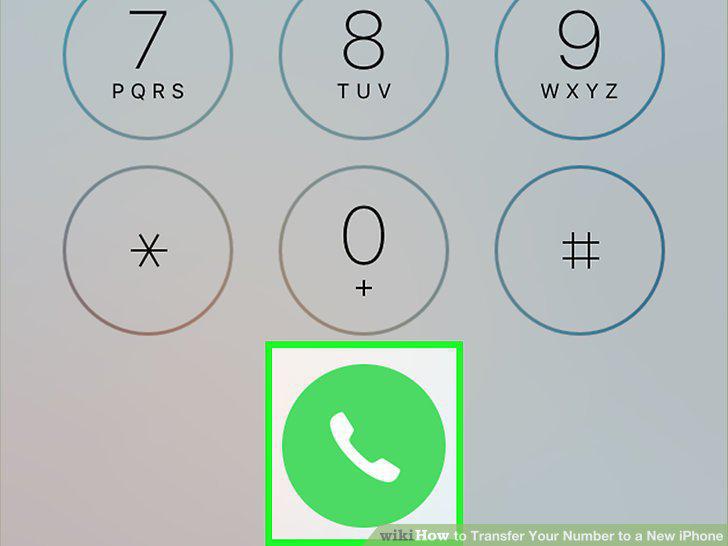
Check your current service contract.
10
Check your number's porting eligibility.

Check your number's porting eligibility.
11
Contact the new mobile service provider.

Contact the new mobile service provider.
12
Place the new SIM card in the new iPhone.
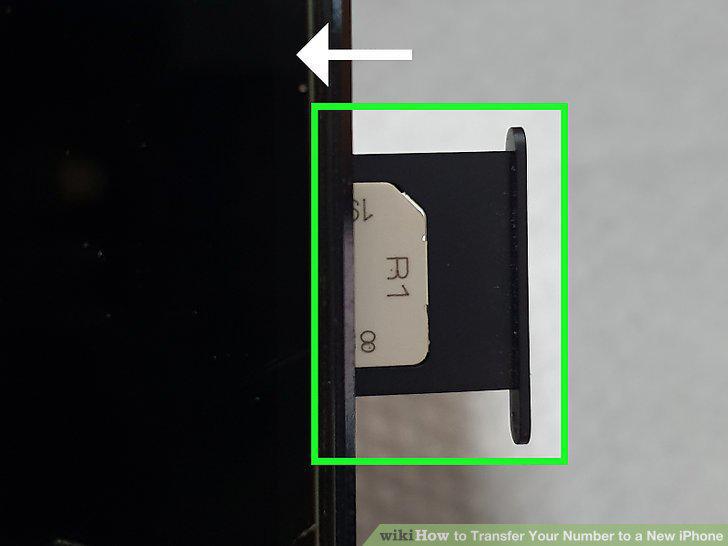
Place the new SIM card in the new iPhone.
13
Contact the old service provider.
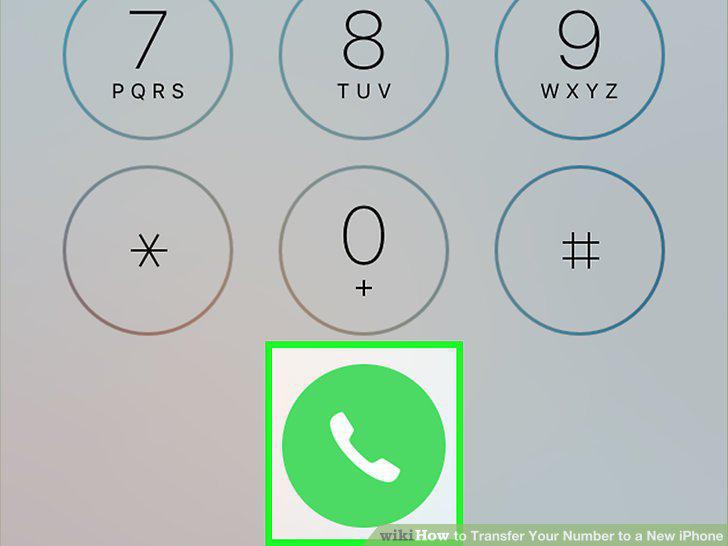
Contact the old service provider.
Comments (0)
No comments yet. Be the first to share your thoughts!