How to Spot Misinformation Online
Pause and be skeptical about new information.. Verify the source and date of the information.. Check to see if you can tell who the original author is.
Steps
Pause and be skeptical about new information.
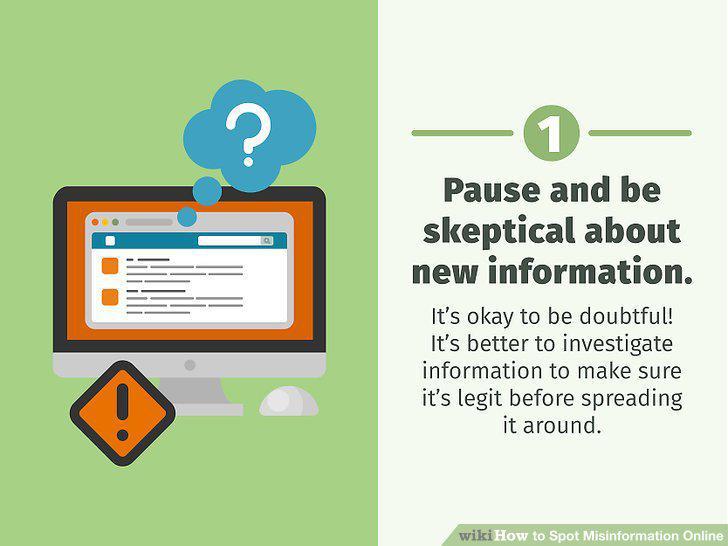
Pause and be skeptical about new information.
Verify the source and date of the information.
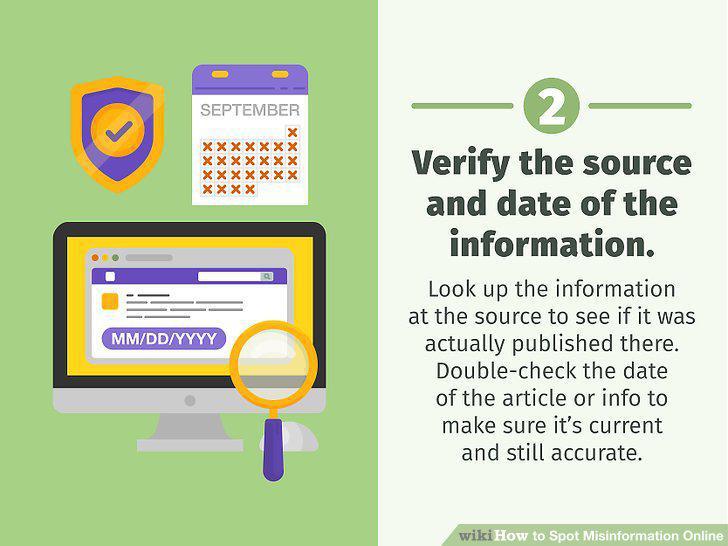
Verify the source and date of the information.
Check to see if you can tell who the original author is.
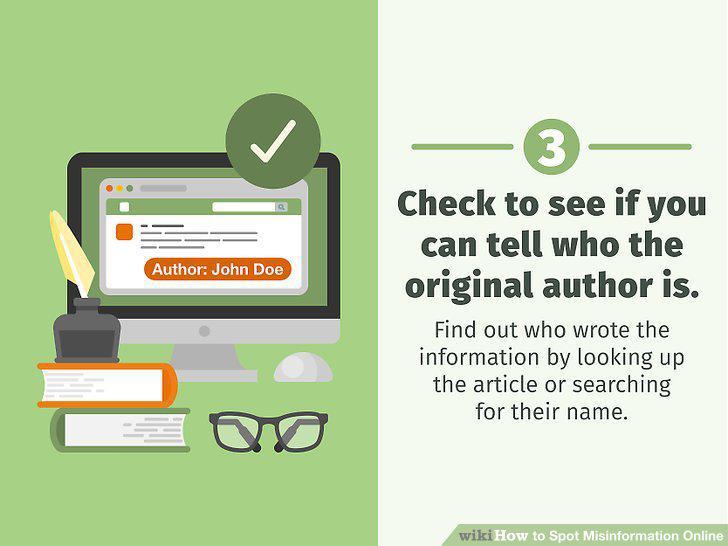
Check to see if you can tell who the original author is.
Search online for the information in other sources.
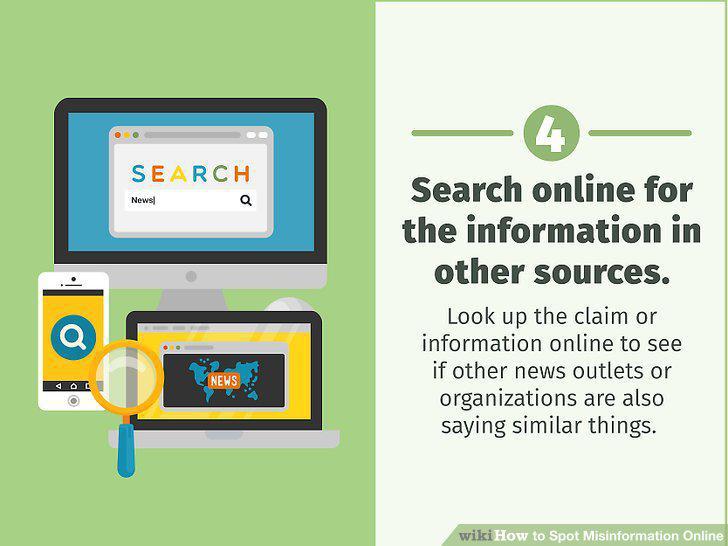
Search online for the information in other sources.
Watch out for info that triggers a strong emotional response.
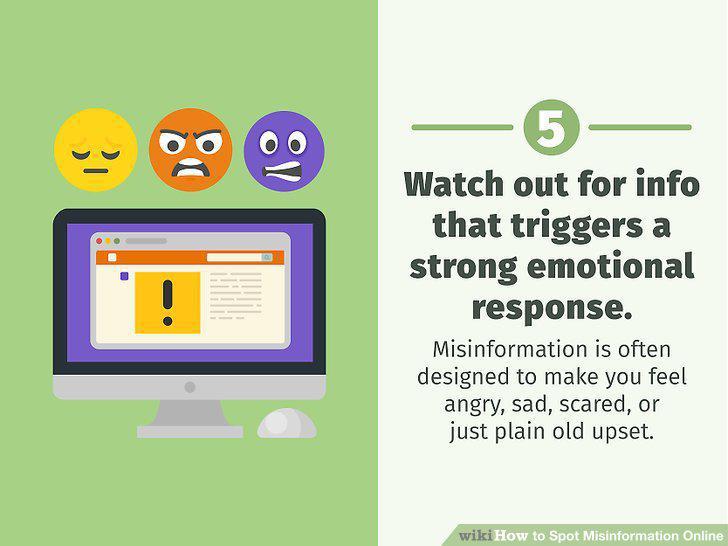
Watch out for info that triggers a strong emotional response.
Read the text for sensational language or loaded terms.
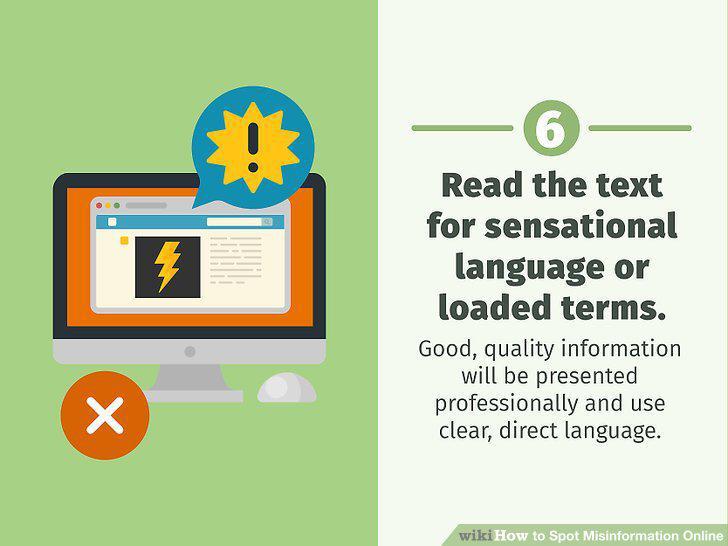
Read the text for sensational language or loaded terms.
Double-check any quotes to see if they're accurate.
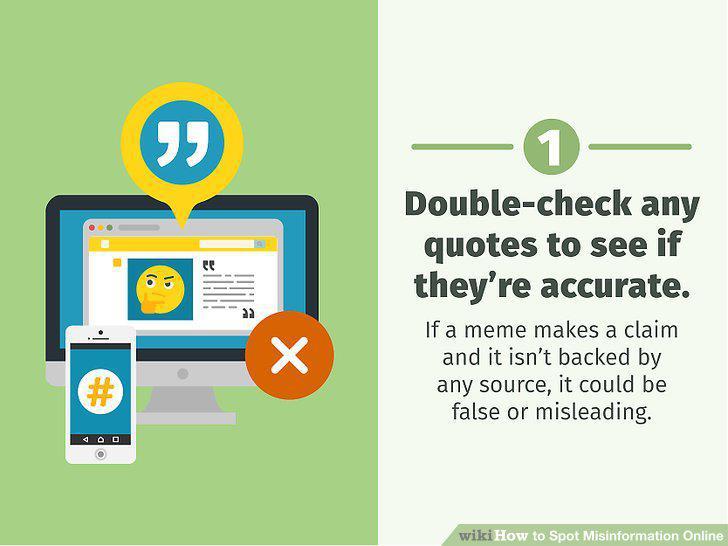
Double-check any quotes to see if they're accurate.
Look up the claim on a fact-checker site.
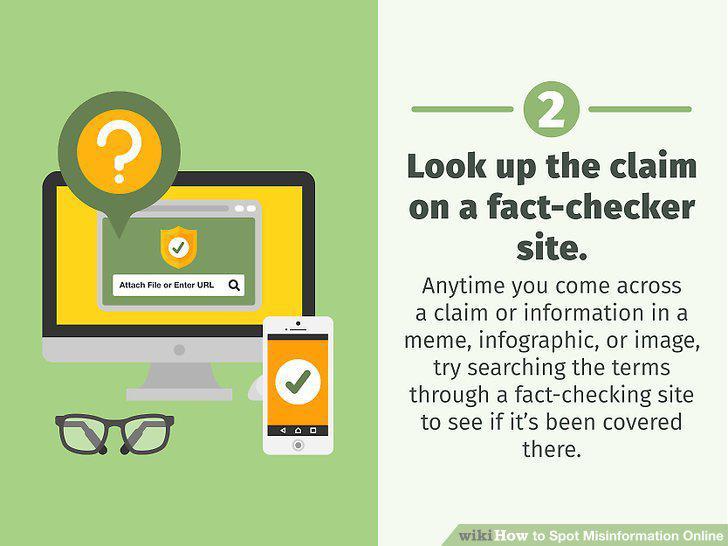
Look up the claim on a fact-checker site.
Zoom into an image for hints about the actual location.
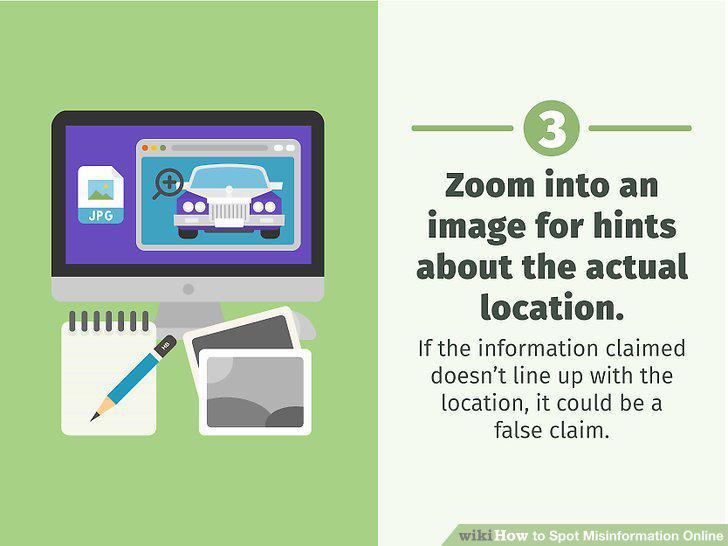
Zoom into an image for hints about the actual location.
Do a reverse image search to find out when it first appeared on the web.
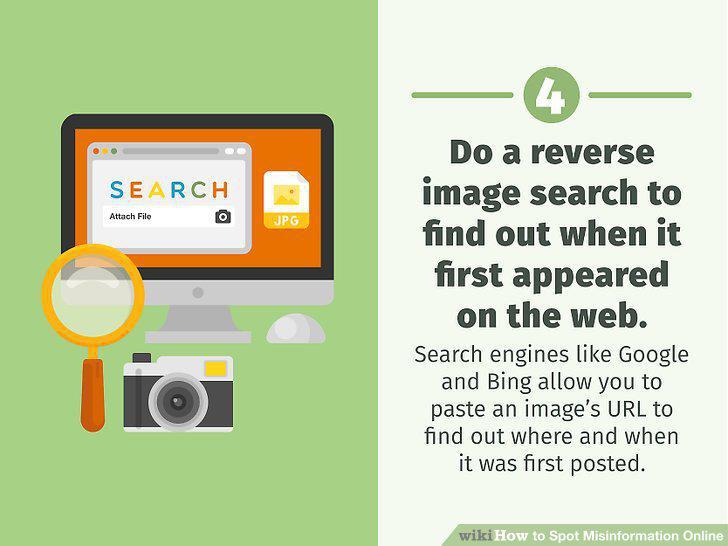
Do a reverse image search to find out when it first appeared on the web.
Check an account's username for random letters and numbers.
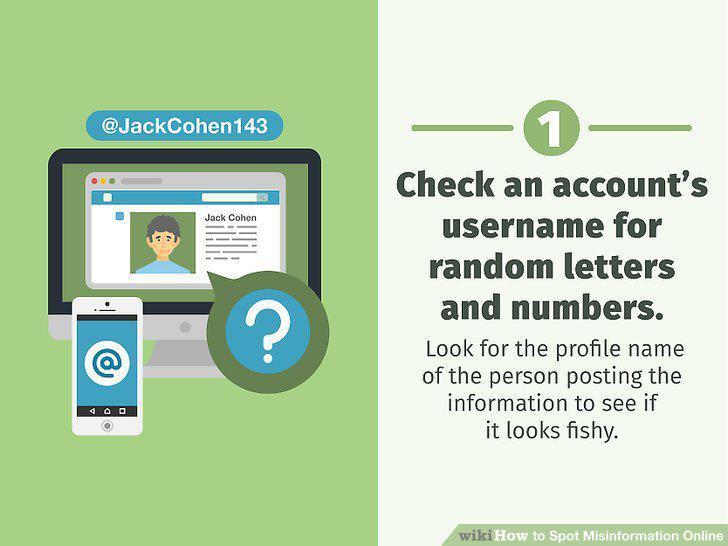
Check an account's username for random letters and numbers.
Read the account bio to see if it matches the user's activity.
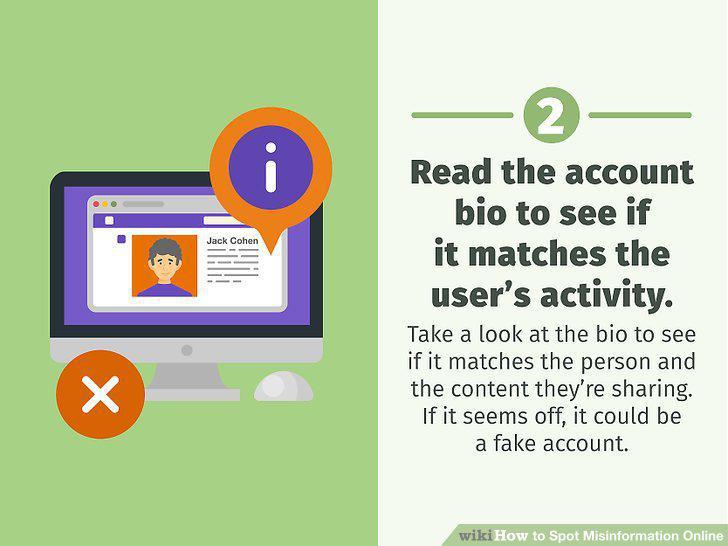
Read the account bio to see if it matches the user's activity.
Find out when the account was created if you can.
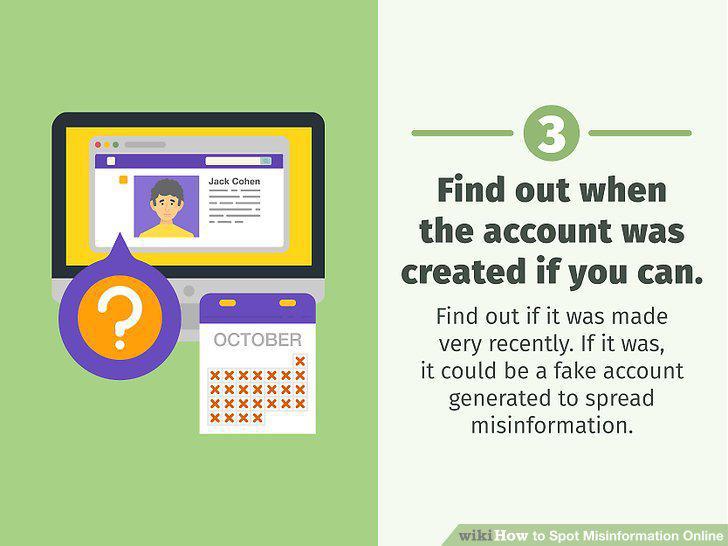
Find out when the account was created if you can.
Do a reverse-image search on the profile pic to see if it's fake.
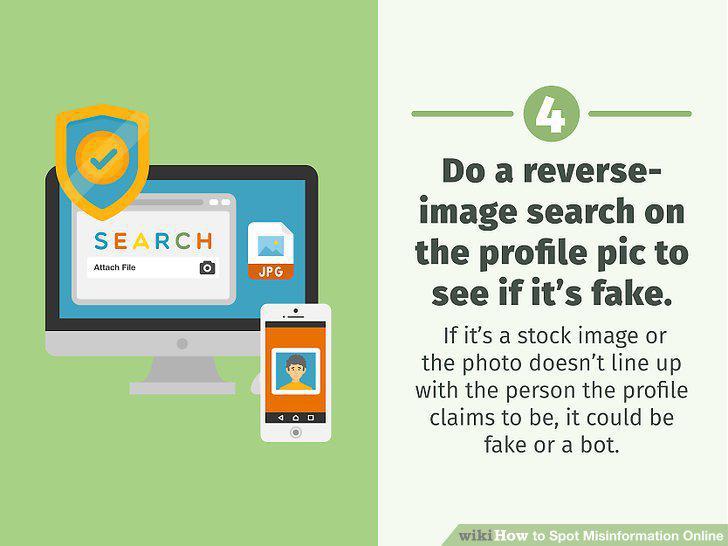
Do a reverse-image search on the profile pic to see if it's fake.
Look at the user's activity to see if it's suspicious.
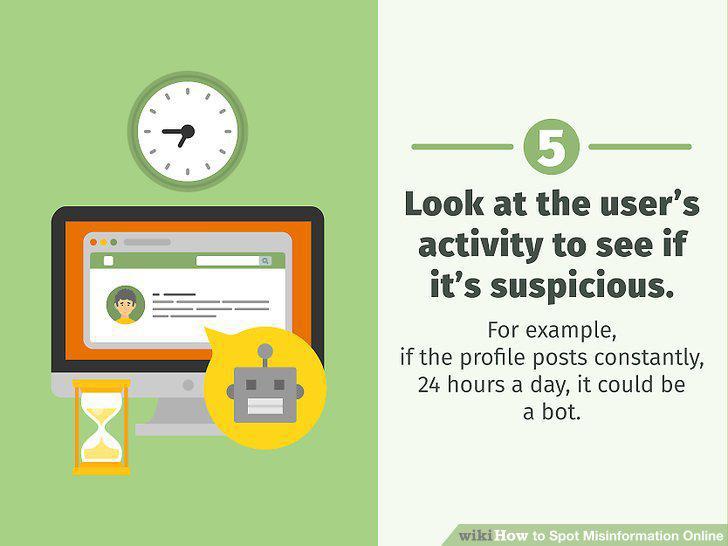
Look at the user's activity to see if it's suspicious.
Comments (0)
No comments yet. Be the first to share your thoughts!