How to Find People on Snapchat
Open the Snapchat app.. Swipe down on the camera screen.. Tap My Friends.
Steps
Open the Snapchat app.
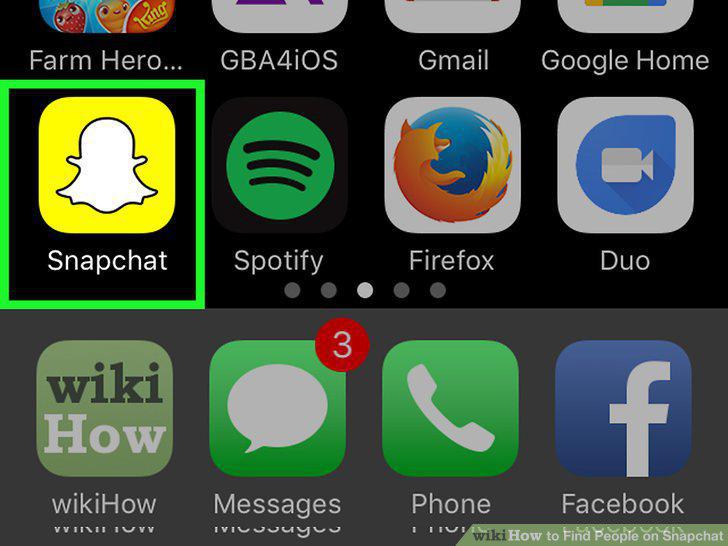
Open the Snapchat app.
Swipe down on the camera screen.

Swipe down on the camera screen.
Tap My Friends.
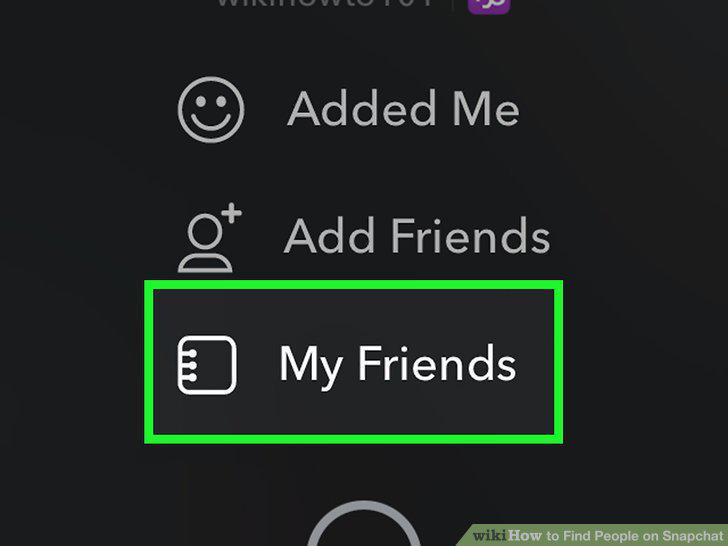
Tap My Friends.
Tap Contacts.

Tap Contacts.
Scroll to the person you wish to add.
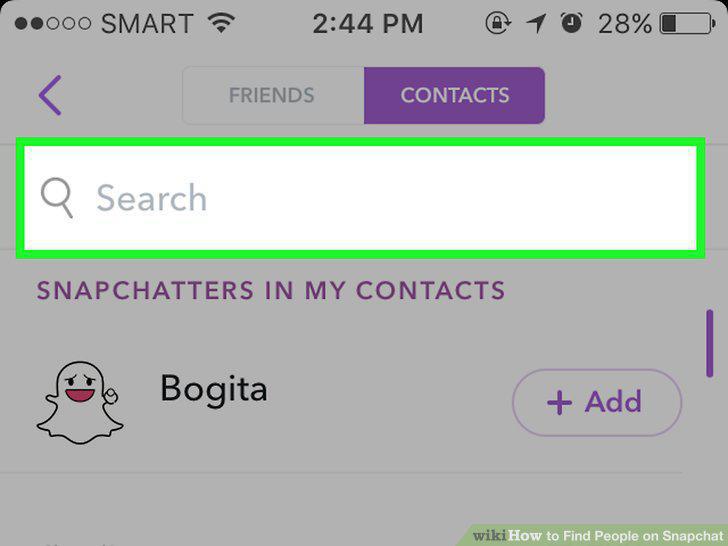
Scroll to the person you wish to add.
Tap + Add to the right of a contact's name.
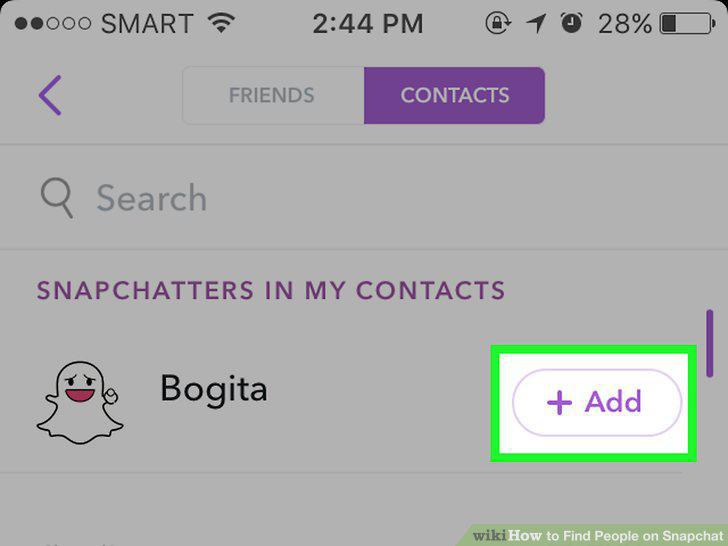
Tap + Add to the right of a contact's name.
Confirm that this person has been added to your Friends list.
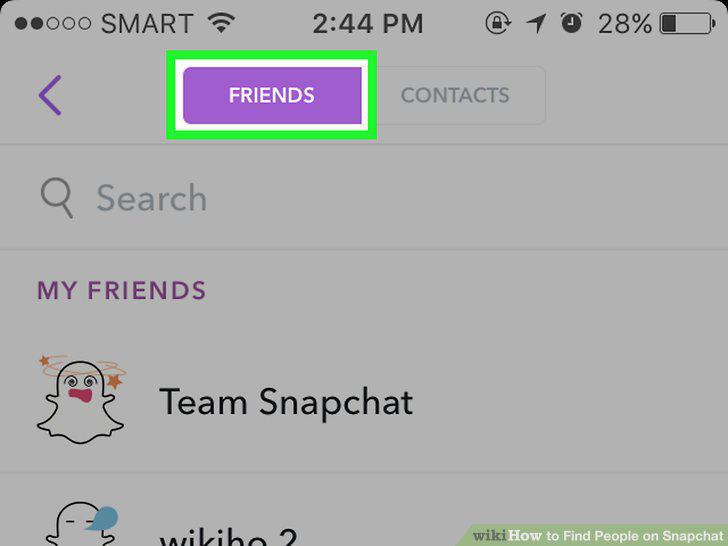
Confirm that this person has been added to your Friends list.
Open the Snapchat app.
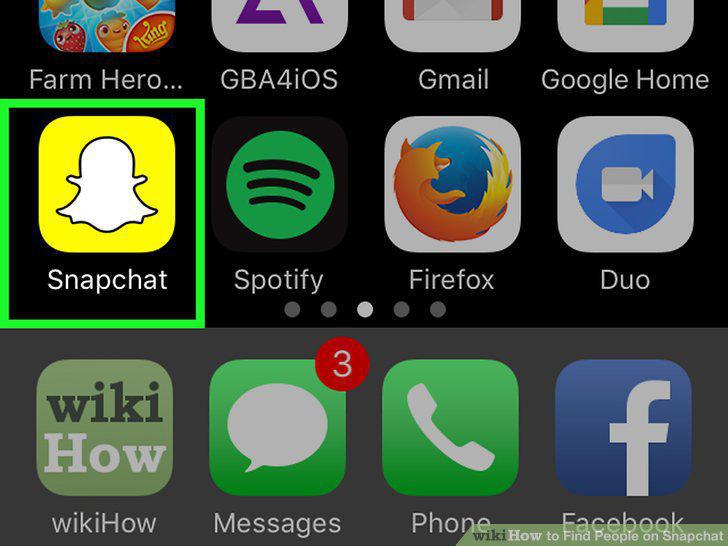
Open the Snapchat app.
Swipe down on the camera screen.

Swipe down on the camera screen.
Tap Add Friends.
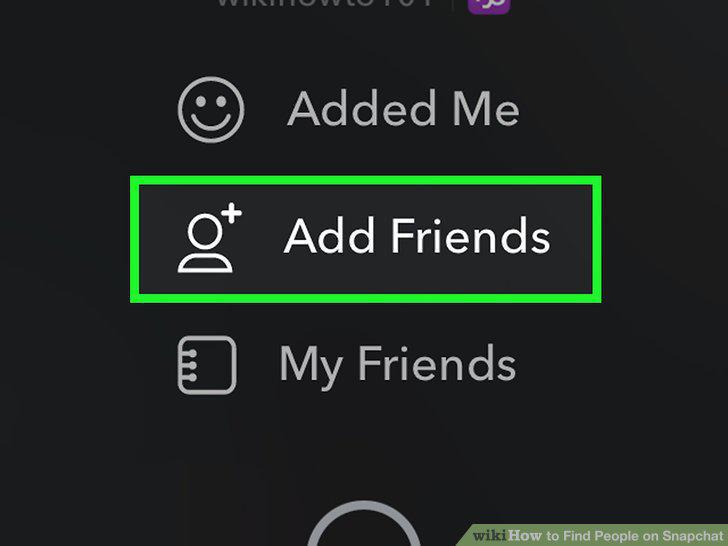
Tap Add Friends.
Tap Add by Username.
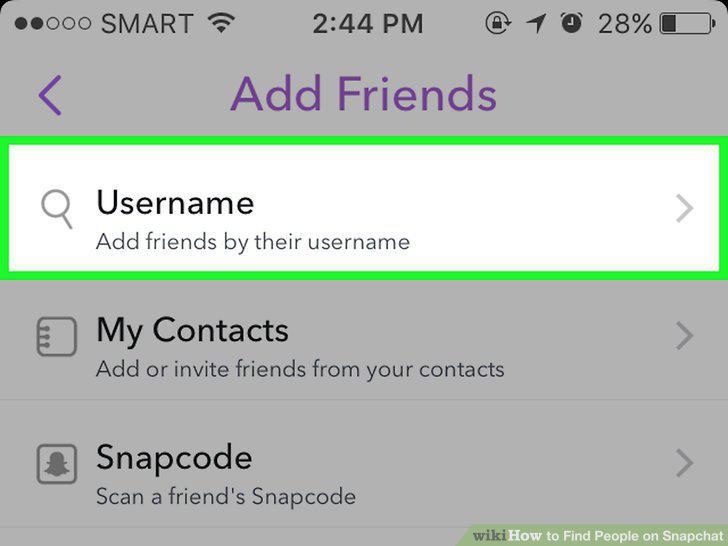
Tap Add by Username.
Type a friend's username into the search bar.
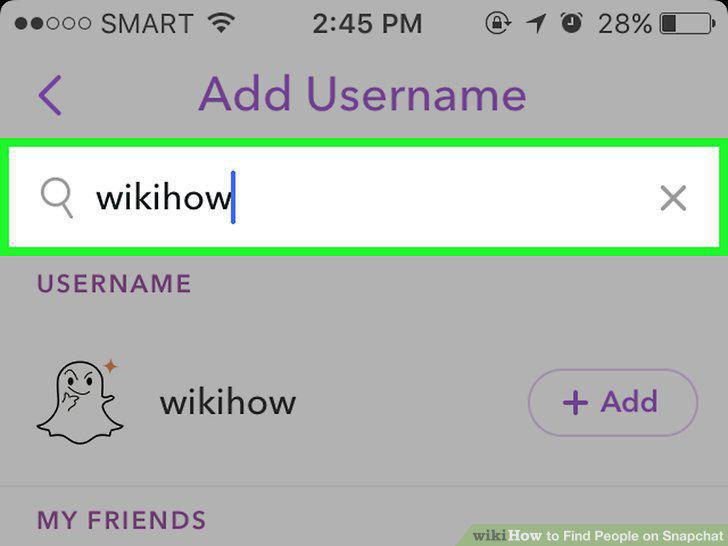
Type a friend's username into the search bar.
Tap + Add.
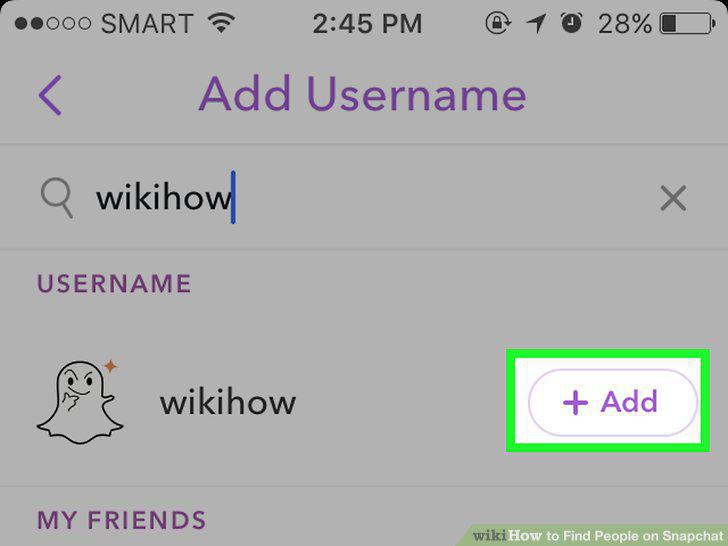
Tap + Add.
Open the Snapchat app.
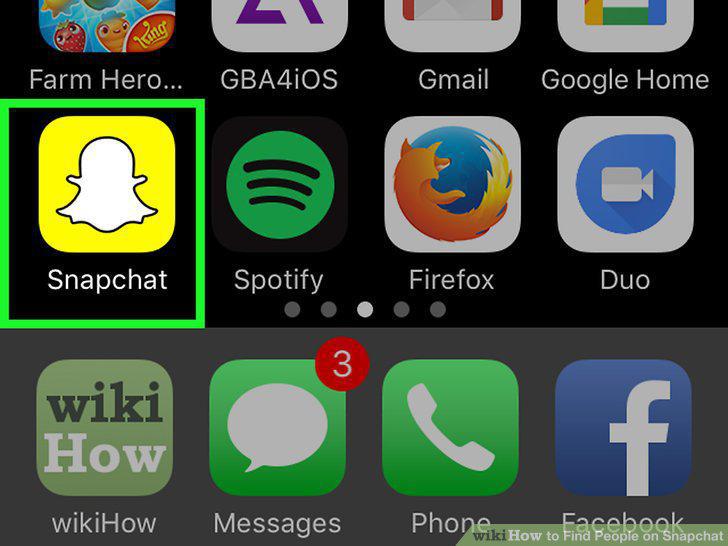
Open the Snapchat app.
Have your friend swipe down on their camera screen.

Have your friend swipe down on their camera screen.
Center the snapcode box in your screen.
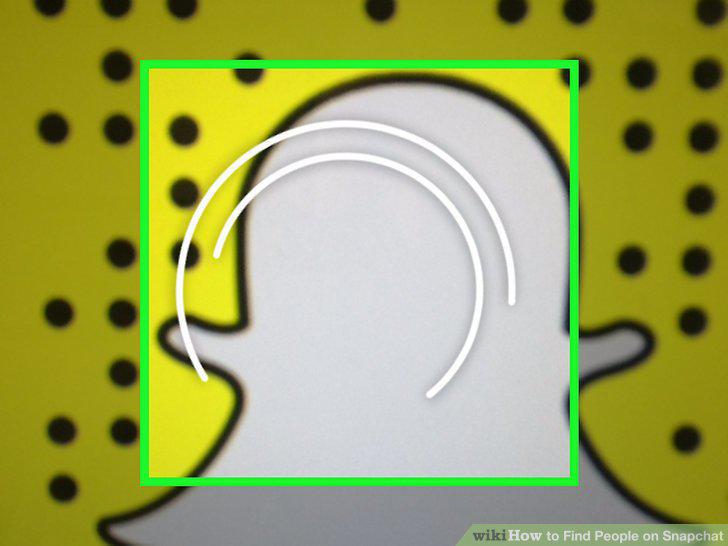
Center the snapcode box in your screen.
Tap and hold the snapcode box on your screen.
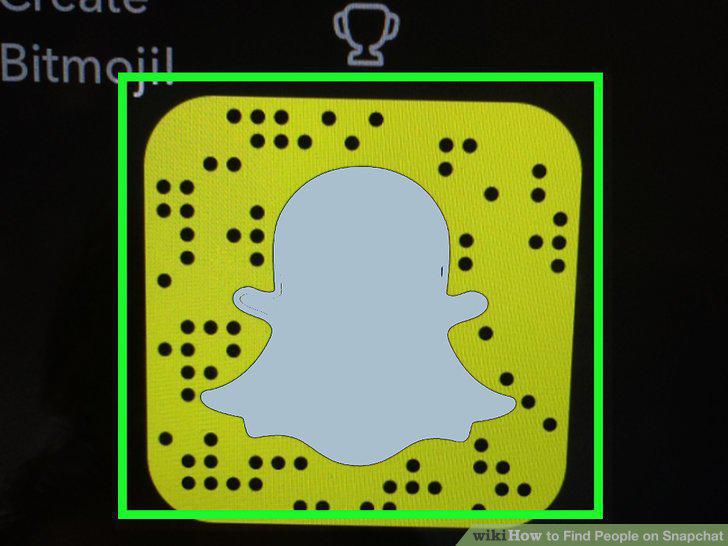
Tap and hold the snapcode box on your screen.
Tap Add Friend.

Tap Add Friend.
Open the Snapchat app.
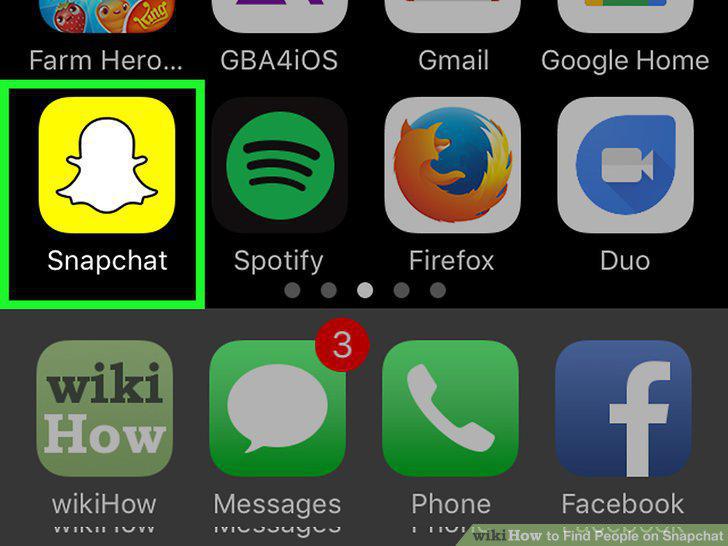
Open the Snapchat app.
Swipe down on the camera screen.

Swipe down on the camera screen.
Tap Add Friends.
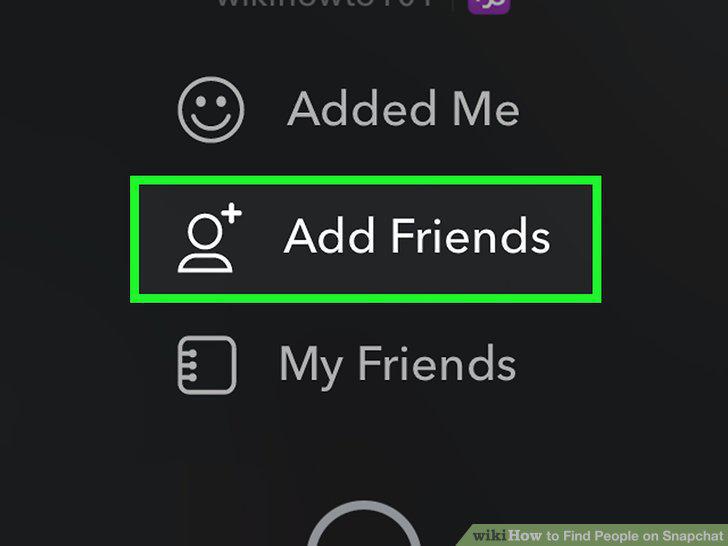
Tap Add Friends.
Tap Add Nearby.
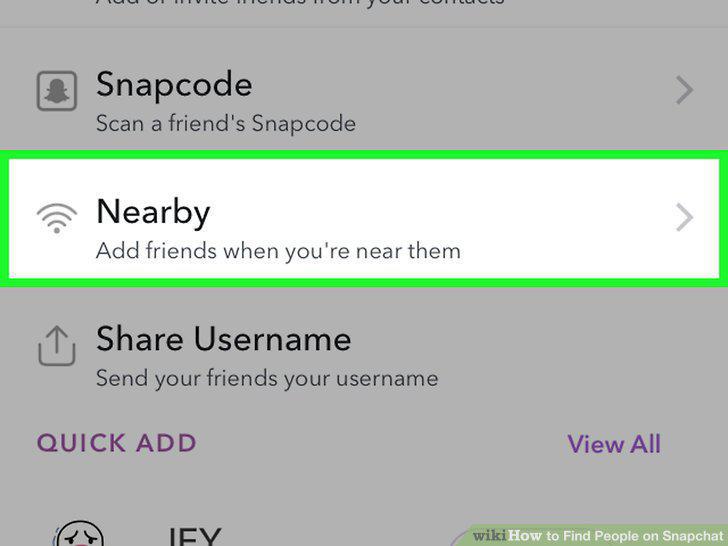
Tap Add Nearby.
Make sure your friend also has Add Nearby turned on.
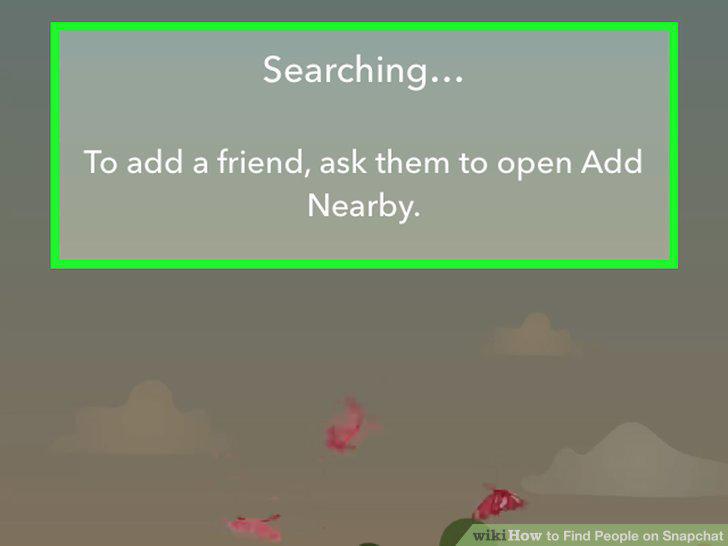
Make sure your friend also has Add Nearby turned on.
Tap + Add.
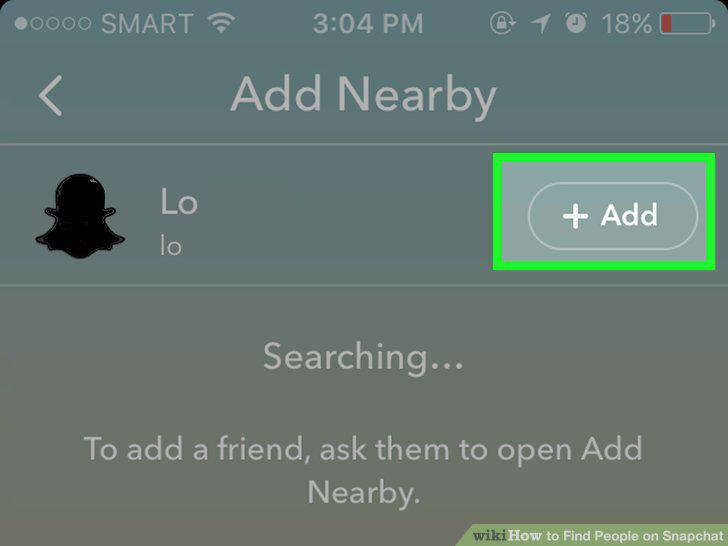
Tap + Add.
Comments (0)
No comments yet. Be the first to share your thoughts!