How to Fill Color on Indesign
Open your project in InDesign.. Select the object you want to fill with color.. Click the colored square.
Steps
1
Open your project in InDesign.
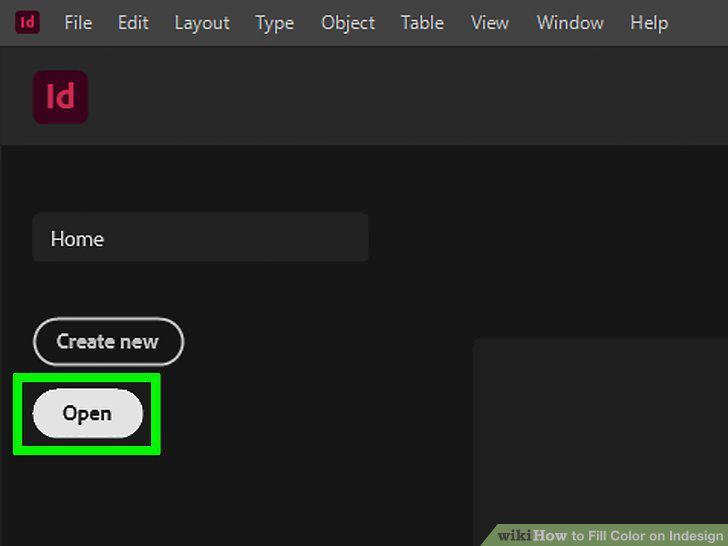
Open your project in InDesign.
2
Select the object you want to fill with color.
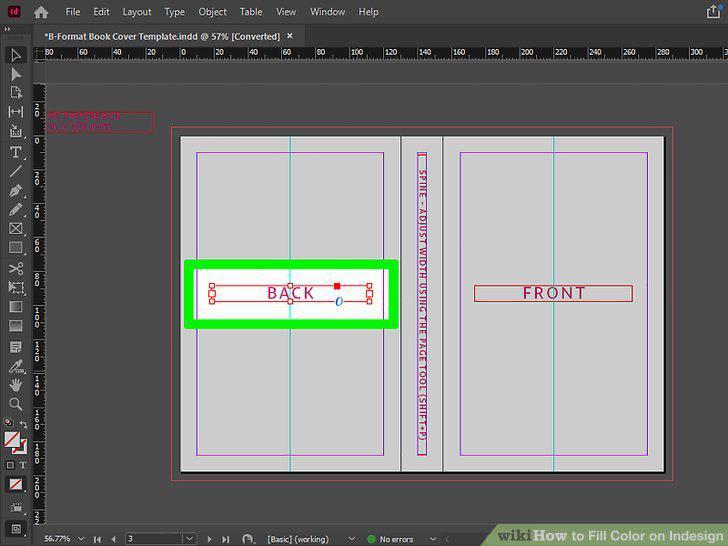
Select the object you want to fill with color.
3
Click the colored square.
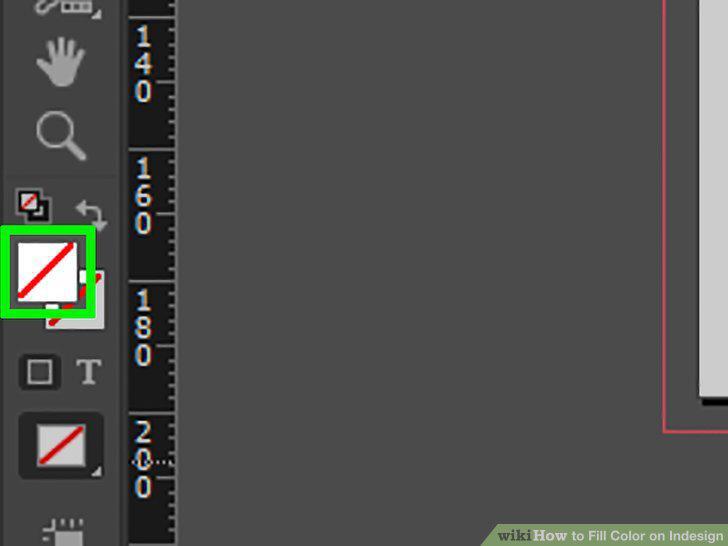
Click the colored square.
4
Click the color you want to fill the object with.
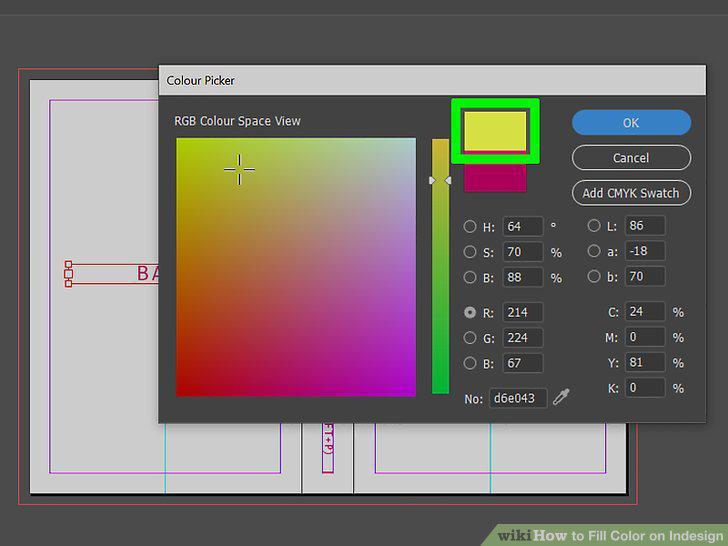
Click the color you want to fill the object with.
Comments (0)
No comments yet. Be the first to share your thoughts!